

Capturing the perfect shot involves more than just pressing the shutter button. There are so many elements that go into enhancing image quality and delivering the exact shot you saw before your eyes!

In such a case, presets have emerged as powerful tools to streamline the process. Read on for a complete Lightroom presets guide on how presets can help enhance your image quality across various photography styles.
Table of contents
Understanding Lightroom Presets
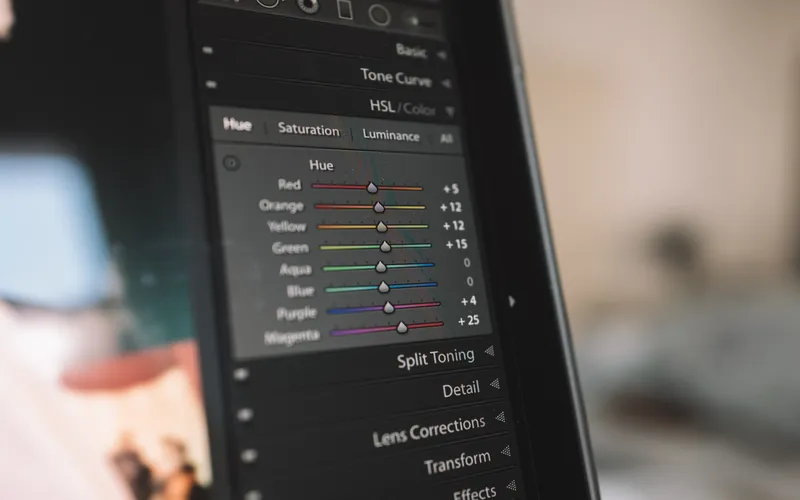
Let’s begin this Lightroom presets guide with the basics. What are presets? Presets are adjustments applied to photographs during post-processing, usually in software like Adobe Lightroom. They consist of adjustments to exposure, contrast, color balance, saturation, and more. They offer several advantages:
Efficiency
Presets allow photographers to achieve consistent results with minimal effort. With a single click, you can apply a preset to multiple images, ensuring a uniform look and feel.
Creativity
Many presets are designed to provide a particular look or style, allowing photographers to experiment with different aesthetics without extensive manual adjustments.
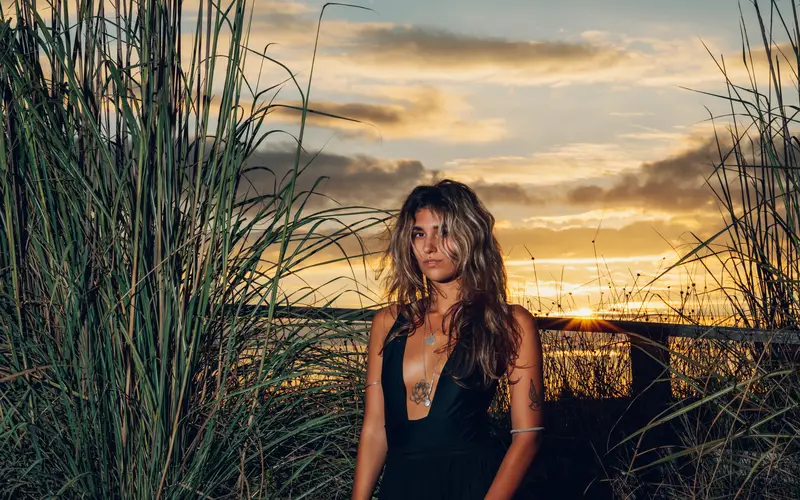
Time-Saving
Presets can significantly reduce the time spent on post-processing, freeing up photographers to focus on shooting more and editing less.
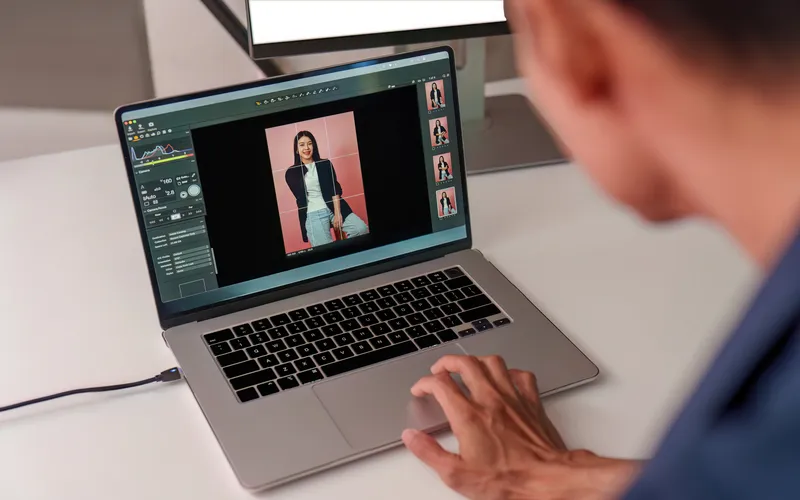
Now, let’s explore how presets can be tailored to enhance image quality in various photography styles and niches. This can help us understand this lightroom presets guide better.
Fashion Photography
Our Lightroom presets guide would be incomplete without this key style. Fashion photography is all about capturing the essence of style and glamor. To enhance image quality in this genre, presets are essential for creating a cohesive and visually appealing portfolio. Here’s how presets can help:
Color Grading
Lightroom presets can be customized to emphasize certain color palettes, enhancing the vibrancy of clothing and accessories. Imagine you are a fashion photographer working on a summer-themed photoshoot featuring a model in a beachwear collection.
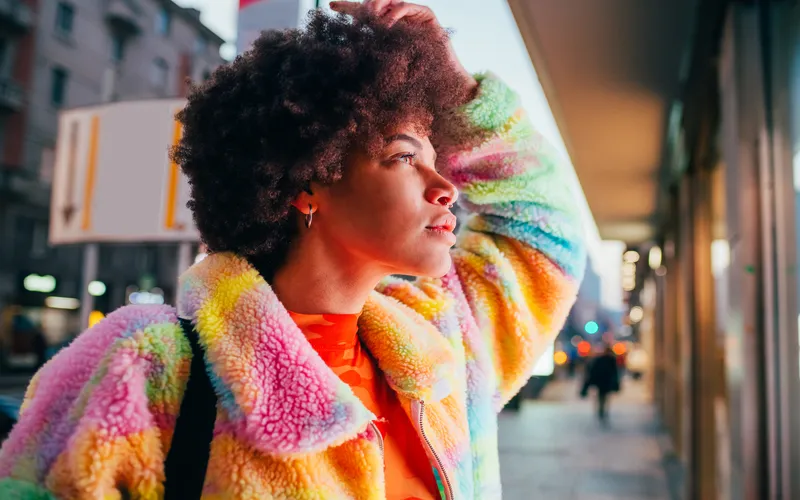
To enhance the vibrancy and evoke a sun-kissed look, you can apply a custom preset that accentuates warm tones. As a result, the clothing and accessories in the images will appear more vibrant, giving the overall look a sunny and inviting feel.
Check Out: 50 Pro Color Grading Styles for Capture One
Skin Retouching
Presets can include skin retouching settings to achieve flawless and radiant skin for models. This involves adjustments to clarity, texture, and color balance to maintain a natural appearance.
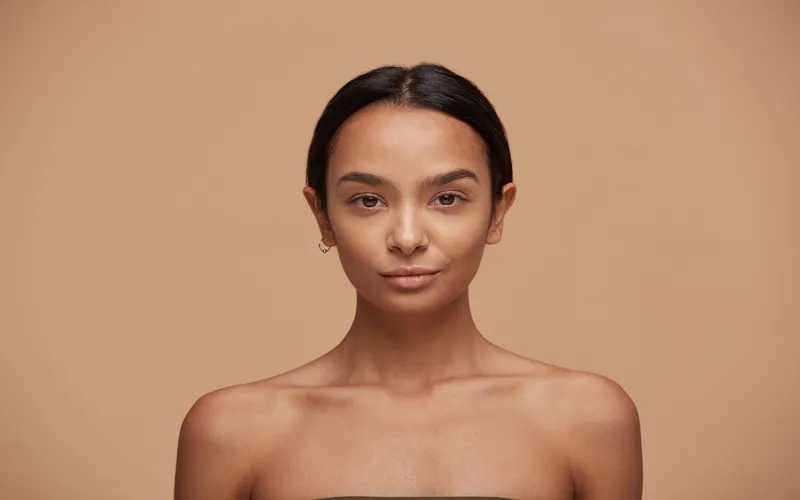
You can apply a skin retouching preset that smoothens the skin, reduces blemishes, and evens out the texture while preserving the model’s natural features. This adjusts clarity to maintain the skin’s texture, tweaks color balance to ensure lifelike skin tones, and enhances details like the eyes and lips.
Contrast and Highlights
Fashion photos often require high contrast and sharp highlights to emphasize textures and fabrics. For a fashion shoot featuring high-end leather products, like jackets and accessories, you want to emphasize the textures and fabrics to showcase their quality.
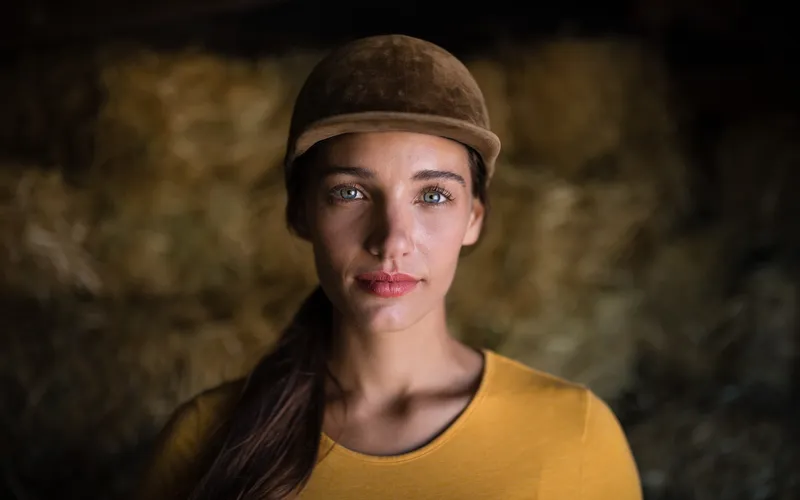
Applying a preset that enhances contrast and sharp highlights can achieve this effect. Increase contrast to make the blacks darker and whites brighter, while also boosting the highlights to create a more dramatic look. As a result, the leather textures will pop, and the fashion items will exude a sense of luxury and sophistication.
Vignettes and Blurs
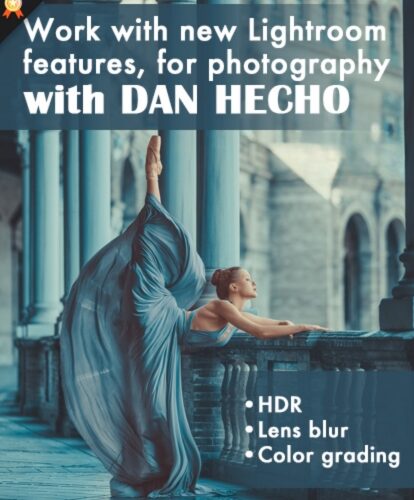
Some presets incorporate vignettes or blurs to draw attention to the subject, adding depth and focus to the image. Suppose you are working on a fashion campaign featuring a model in a gown. To draw attention to the elegant attire and create a sense of depth, you can apply a preset that incorporates a subtle vignette and a slight blur.
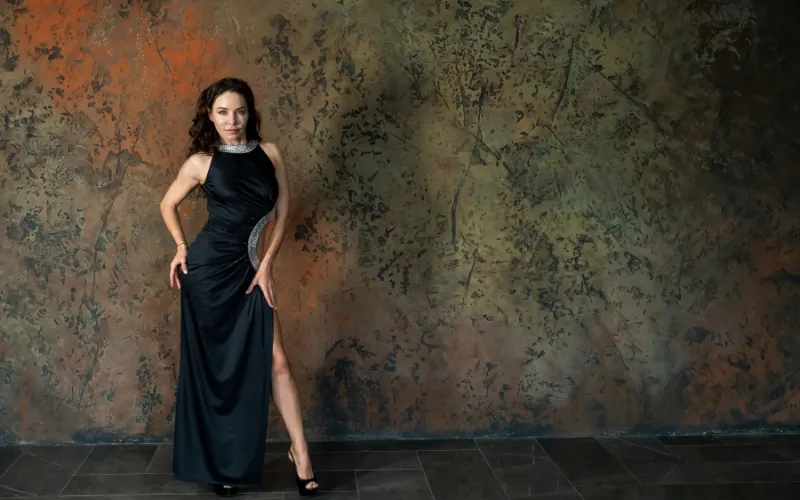
The vignette darkens the edges of the frame, guiding the viewer’s gaze towards the center, where the model and the gown are the sharpest. Meanwhile, the gentle blur in the background adds an element of glamor and sophistication, making the subject stand out.
Food Photography
In food photography, the goal is to make viewers crave the dishes captured in the images. Presets can make food look more appetizing:
Color Enhancement
Presets can enhance the natural colors of food, making it appear more vibrant and enticing. Imagine you’re a food photographer capturing a bowl of vibrant mixed berries for a dessert menu.
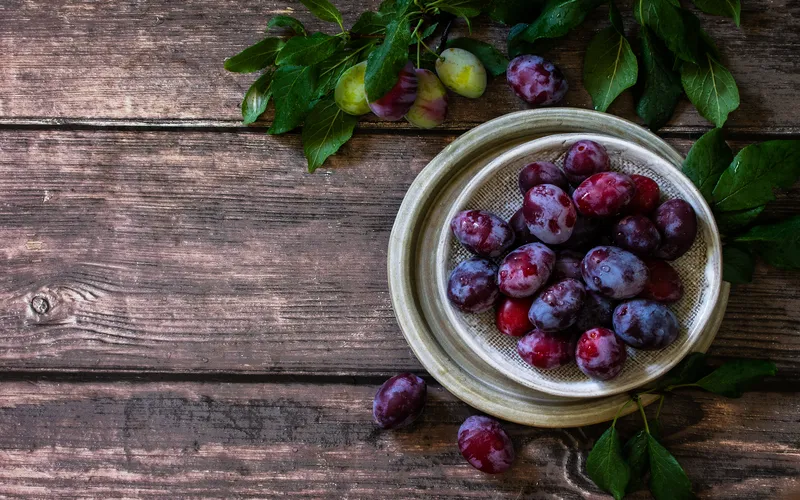
To enhance the natural colors, you can apply a custom preset that intensifies the reds and purples of the berries while maintaining the authenticity of their hues. Increase saturation, fine-tune the color balance, and add a touch of vibrancy, making the berries look so vivid that viewers can almost taste them.
Check Out: 1000+ Extravagant Lightroom Presets Bundle
Texture Enhancement
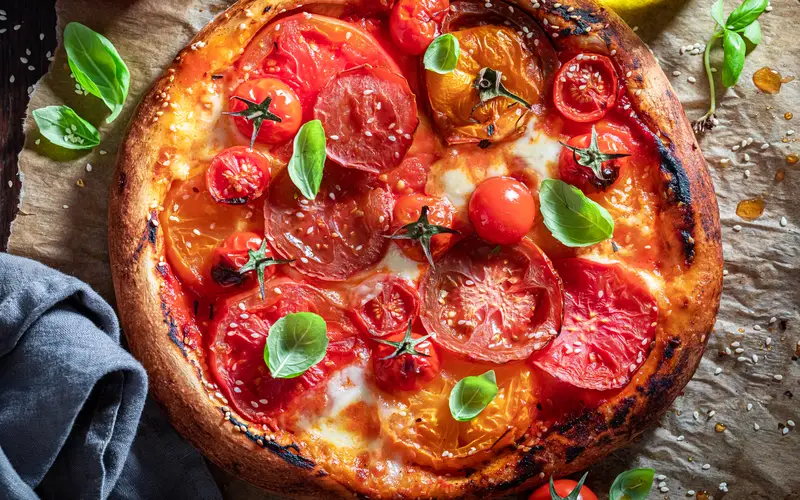
Food presets can emphasize textures, such as the crispy crust of a pizza or the gooeyness of melted cheese. Adjustments to clarity and sharpness can be part of these presets. Try adjusting the clarity and sharpness to bring out the details of the crust’s texture while making the cheese appear deliciously melty.
White Balance
Presets can correct any color temperature issues, ensuring that the whites in the image appear true to life, which is crucial for food photography. Let’s say you’re photographing a plate of sushi, and the lighting has created a slight color cast that’s affecting the whites of the rice.

Applying a white balance correction preset can neutralize the color temperature issues, ensuring that the rice looks pristine and inviting. Any Lightroom presets guide would tell you how much this can enhance the overall presentation of the dish.
Selective Focus
Some presets for Lightroom can be designed to create selective focus effects, blurring the background while keeping the dish sharp, and directing the viewer’s attention to the main subject. To create an artistic and pleasing image, you can apply a preset designed for selective focus.
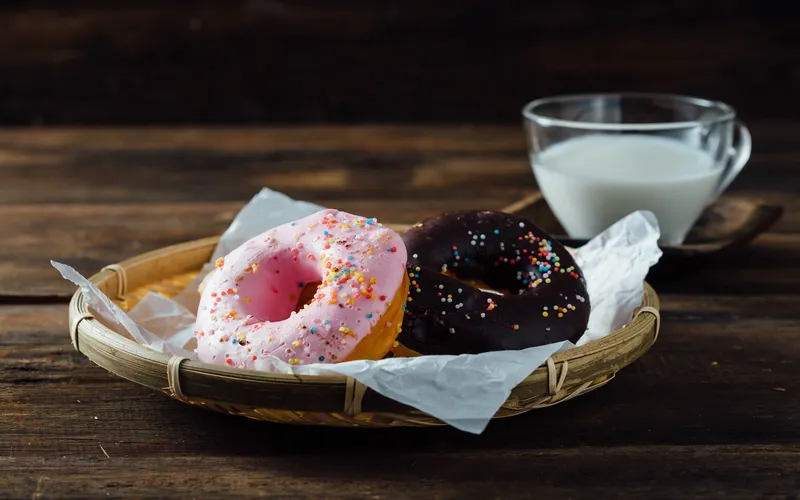
It will blur the background while keeping the dessert sharp and in focus. By doing this, you draw the viewer’s attention directly to the dessert, making it the star of the shot and creating a sense of depth and sophistication in the image.
Looking to save time in post-processing? Explore our Lightroom Workflow Learning Path.
Wildlife Photography
Wildlife photography requires a different set of skills and woodland presets to bring out the beauty of animals in their natural habitats:
Natural Tones
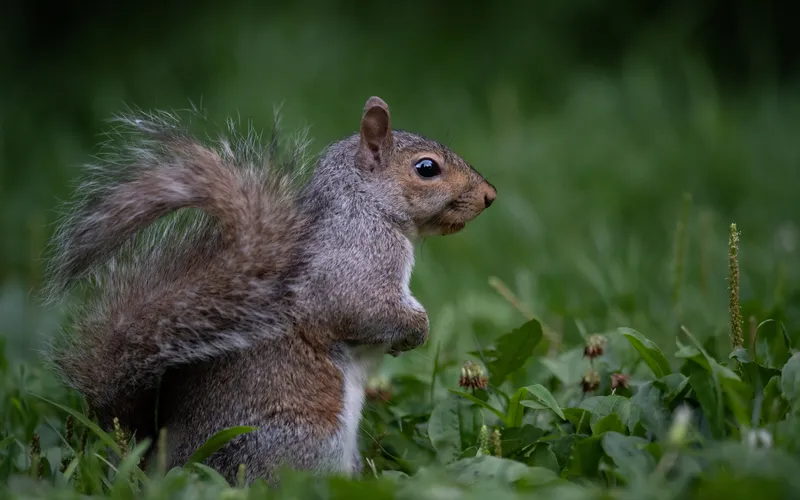
Wildlife presets often focus on maintaining natural colors and tones, ensuring that the animal’s appearance remains authentic. Applying a wildlife preset that focuses on natural tones ensures that something like a lion’s fur appears true to life, with the warm and rich colors of its natural habitat.
Check Out: 2 eBooks To Improve Your Nature Photography Skills
Noise Reduction
In low-light conditions, noise can be a challenge. Wildlife photographers often face low-light conditions, especially during dawn or dusk. These conditions can introduce noise into the images, making them appear grainy.
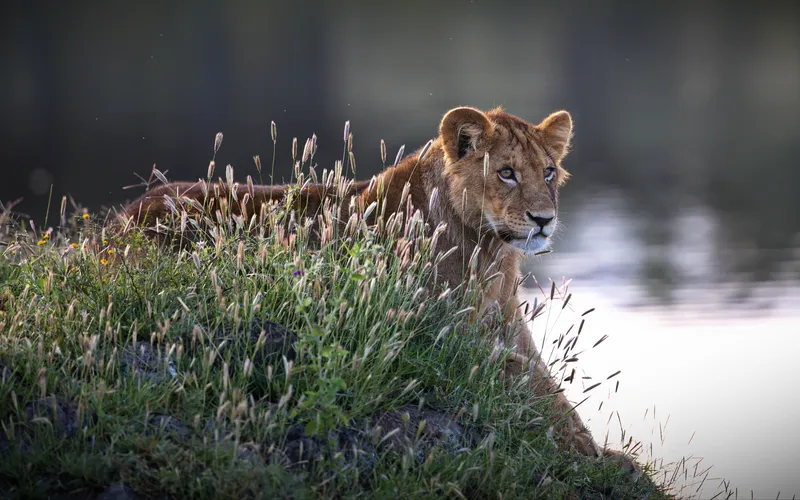
To counter this, you can use woodland presets that include noise reduction settings. This preset will smooth out the noise while retaining the essential details.
Framing and Composition
Some wildlife presets offer framing and composition adjustments to guide the viewer’s eye towards the subject. Suppose you’re photographing a group of elephants in the wild jungle and want to frame them uniformly.
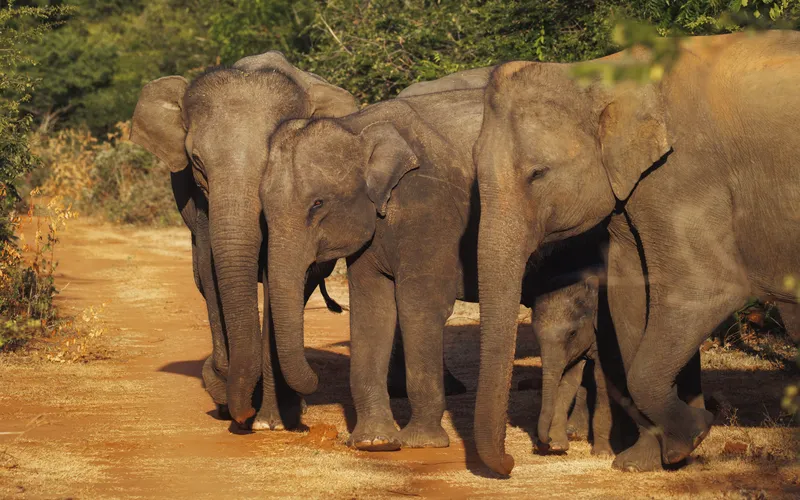
You can apply a wildlife preset that offers framing and composition adjustments. Add a subtle vignette to darken the edges of the frame, drawing the viewer’s attention to the center where the elephants are.
Check Out: 350+ Drag & Drop Animal Cutouts
Landscape Photography
Landscape photography is about capturing the beauty of the natural world. Presets for landscape photography can help enhance image quality in several ways:
Dynamic Range
Imagine you’re a landscape photographer capturing a sunrise scene with the sun rising behind a mountain range. To ensure a well-exposed image that retains detail in both the shadows of the foreground and the highlights of the sky, you can apply a preset designed to expand the dynamic range.
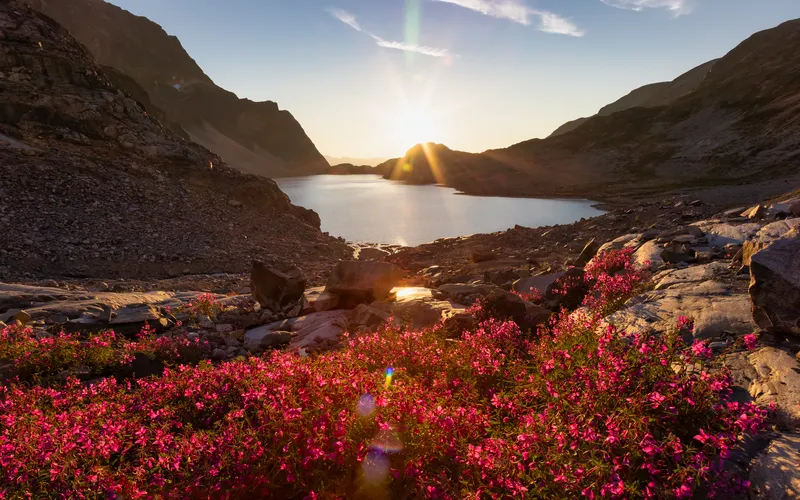
These Lightroom presets can adjust exposure, shadows, and highlights, allowing you to capture the full beauty of the landscape in a single shot without losing essential details.
Check Out: 3 eBooks Bundle On Landscape Photography
Color Grading
For landscape shots, color grading is a must to exactly replicate the beauty you see in front of you. You can use a preset to emphasize the natural colors of landscapes, thereby enhancing the tones of various aspects.
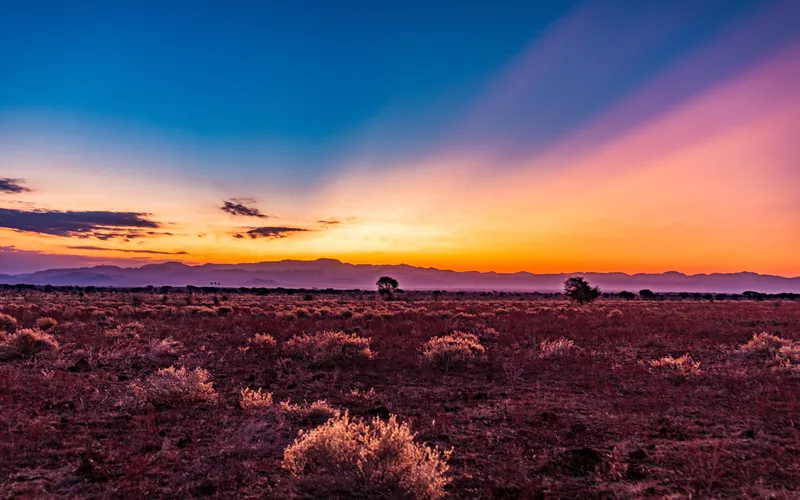
This means retaining the blue of the sky, the green of the grass, and the orange of the sunset. Notice how each color stands for itself and contributes to the image without bleeding into one another. It will help you reflect the beauty of the natural colors and capture the essence of the landscape.
Saturation and Vibrance
Presets can adjust the saturation and vibrance to make the landscape’s colors pop and create a visually striking image. In a landscape photograph featuring a field of colorful wildflowers, you can apply a preset to make the colors pop and create a visually striking image.
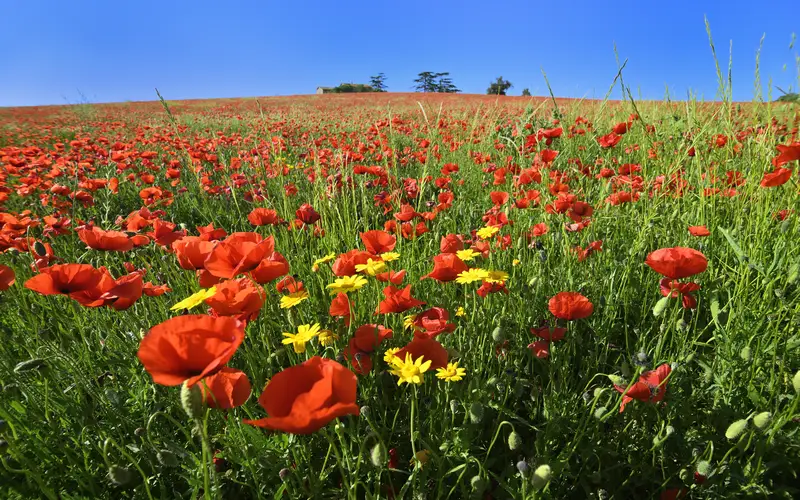
This woodland preset will adjust the saturation and vibrance settings, intensifying the reds, blues, and yellows of the wildflowers. It will also maintain the natural look of the landscape. The result is a vivid photograph that draws viewers into the scene.
Check Out: Portrait Photography Vs. Landscape Photography: Which Is More Captivating?
Portrait Lightroom Presets
Portrait photography focuses on capturing the essence and personality of the subject. Presets tailored for portraits can enhance image quality in several ways:
Eye Enhancement
Presets can make the eyes of your subject more vibrant and captivating, emphasizing their beauty and expression. For a portrait emphasizing the subject’s eyes, apply a preset that makes this particular part more vibrant and in focus.
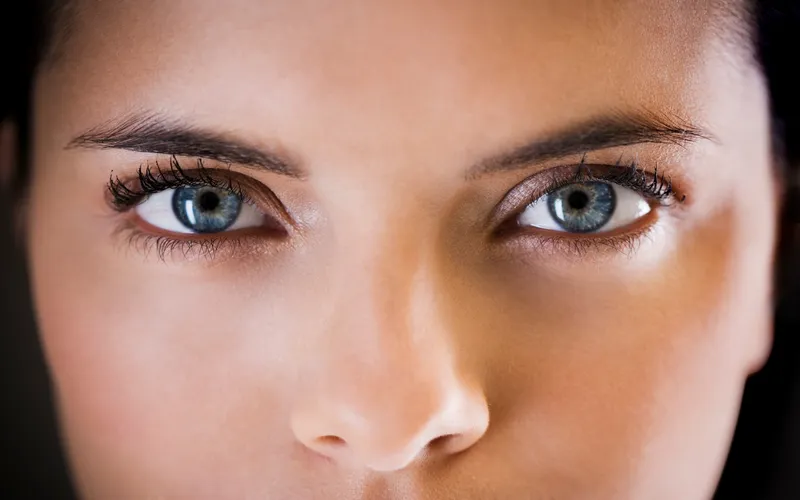
The preset can enhance the sharpness and clarity of the eyes, intensify the color of the iris, and add a sparkle or catchlight to make the eyes more expressive. The eyes become a focal point of the portrait, drawing the viewer’s attention and conveying the subject’s personality.
Color Correction
Portrait presets can correct color balance issues, ensuring that skin tones appear accurate and pleasing. In portrait photography, achieving accurate and pleasing skin tones is essential. Let’s say you’re photographing a model with varying skin tones under mixed lighting conditions.
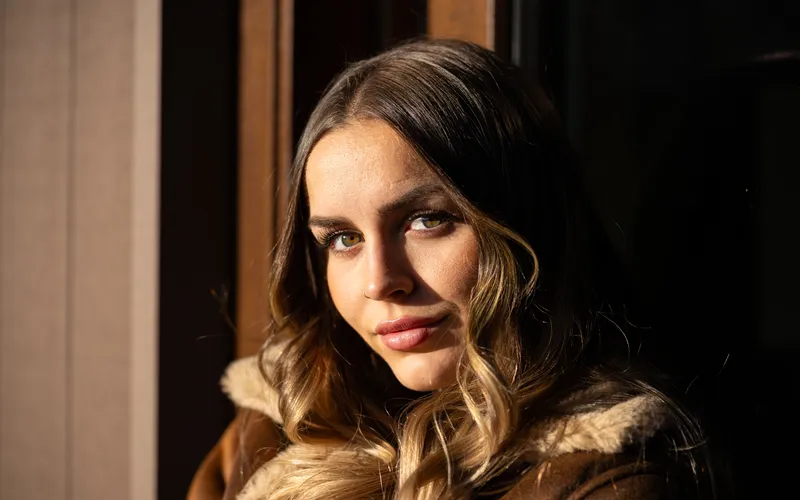
You can use portrait presets to correct color balance issues. This preset will adjust the color temperature and tint to ensure that the skin tones appear natural and flattering, regardless of the lighting conditions during the shoot.
Check out: 40+ Enhancing Jewelry Photo Presets
Background Blur
You may be trying to separate the subject from your background without things looking artificial or obviously edited. In such a case, you need to isolate the subject from the distracting background.
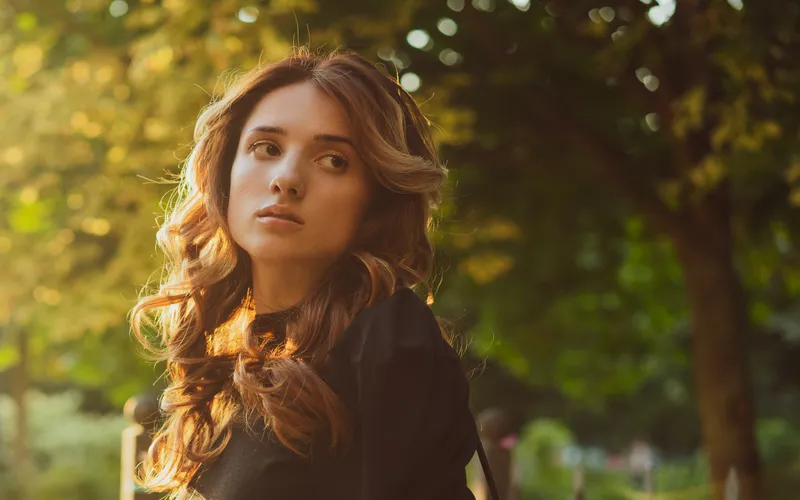
You can apply a preset that adds a pleasing background blur, also known as bokeh. This preset creates a shallow depth of field, making the background appear beautifully blurred while keeping the subject sharp and in focus.
Check Out: Portrait Photography Course
Conclusion
Whether you’re a food photographer aiming for stylized shots or a wildlife photographer capturing nature’s wonders, presets can elevate your work to new heights. So, don’t hesitate to explore more Lightroom presets guide and transform your photography.
Knowing lightroom presets can really enhance not only your photography but also the overall look of your photos. Going through this guide can really help you boost your skills to the next level.
So, start learning and start creating today!
And for more of such great content, check out our BLOG PAGE!
Frequently Asked Questions
1. Which Lightroom preset is best?
There is no single “best” Lightroom preset because the right choice depends entirely on your photography style, lighting, and subject. However, top-rated professional options include Noble Presets for bright and airy wedding looks, G-Presets for moody cinematic depth, and classic film emulations like Mastin Labs.
2. What are the top 10 Lightroom presets?
The top 10 industry-standard Lightroom preset brands and styles include professional film emulators like Mastin Labs and RNI (Really Nice Images), versatile creative options from VSCO, and specialized cinematic collections like WithLuke and Tribe Archipelago. Opinions on creator packs are mixed, but classic aesthetic styles dominate the top spots.
3. Do professionals use Lightroom presets?
Yes, professional photographers use Lightroom presets, but they use them as a fast starting point rather than a final, one-click fix. Pros often build their own custom presets or tweak purchased ones to match their unique style.
4. What are some good Lightroom presets for photography?
A Lightroom photo preset is a saved set of editing choices that lets you change the look of a picture with just one click. You can use built-in options or make your own style.
5. Can ChatGPT create Lightroom presets?
Yes, ChatGPT can help you create Lightroom presets by generating downloadable .xmp files or giving you exact slider values based on text descriptions or reference images.
6. What presets do professional photographers use?
Professional photographers use industry-standard Adobe Lightroom and Photoshop presets tailored to their specific niche. Popular choices include Mastin Labs and Really Nice Images (RNI) for classic film emulation, DVLOP for cross-camera color consistency, and lifestyle collections from creators like Phil Chester or Tribe Archipelago. Many pros also build custom presets or use AI engines like Imagen to match their personal style.