New Lightroom Features Workflow By Dan Hecho
Photography Masterclasses

New Lightroom Features Workflow By Dan Hecho

A practical Adobe Lightroom course designed to help you edit faster, smarter, and more creatively using the latest Lightroom features.
1.3 hours
3 Lessons
Practice Files

Access ALL masterclasses with PhotoWhoa PLUS

What You'll Be Able To Create

Create visually stunning, professional-quality edits using advanced tools from this Adobe Lightroom course

High-Impact HDR Images

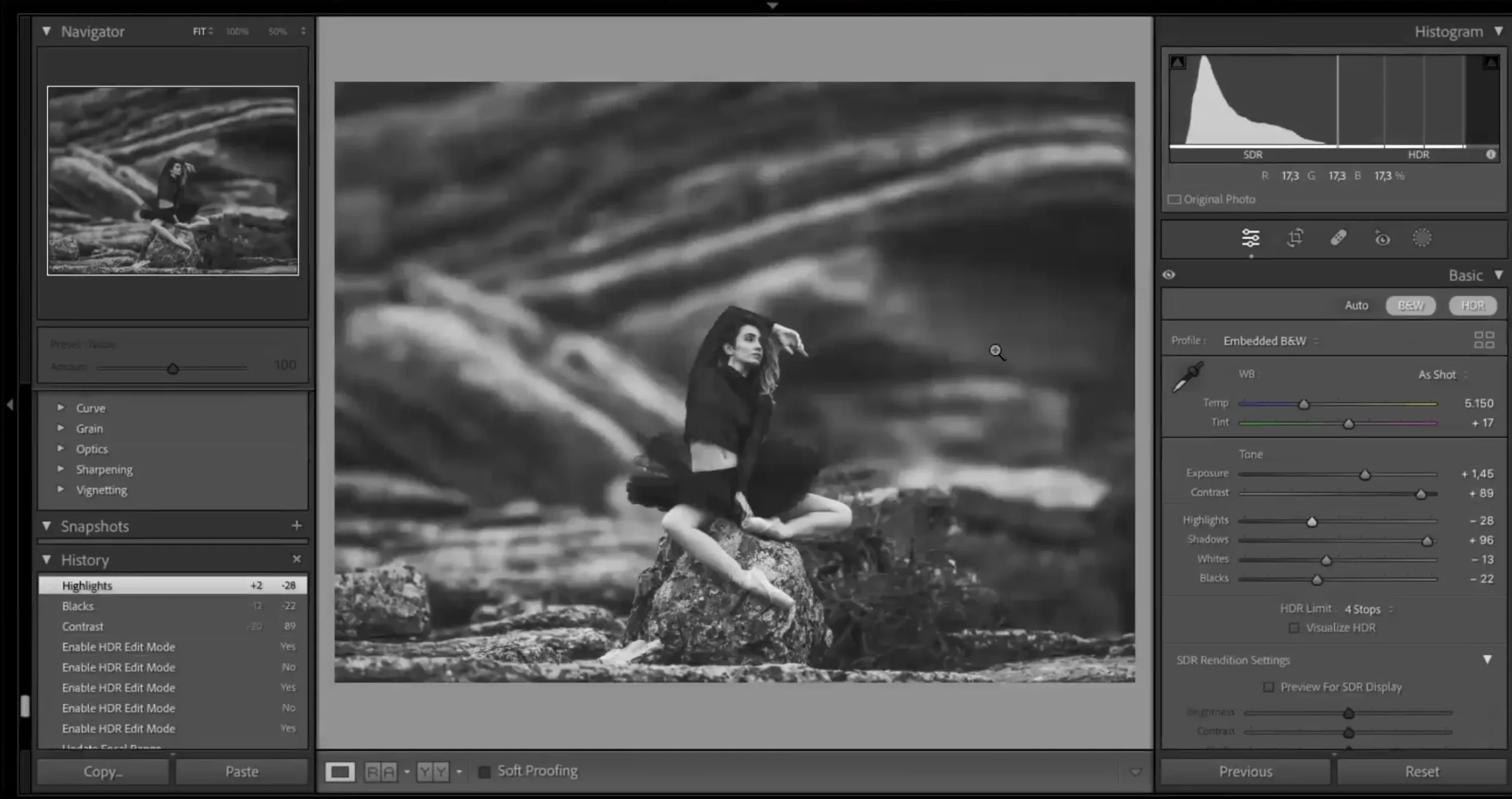
Use HDR Lightroom techniques to create balanced, dynamic images

Depth-Driven Portraits

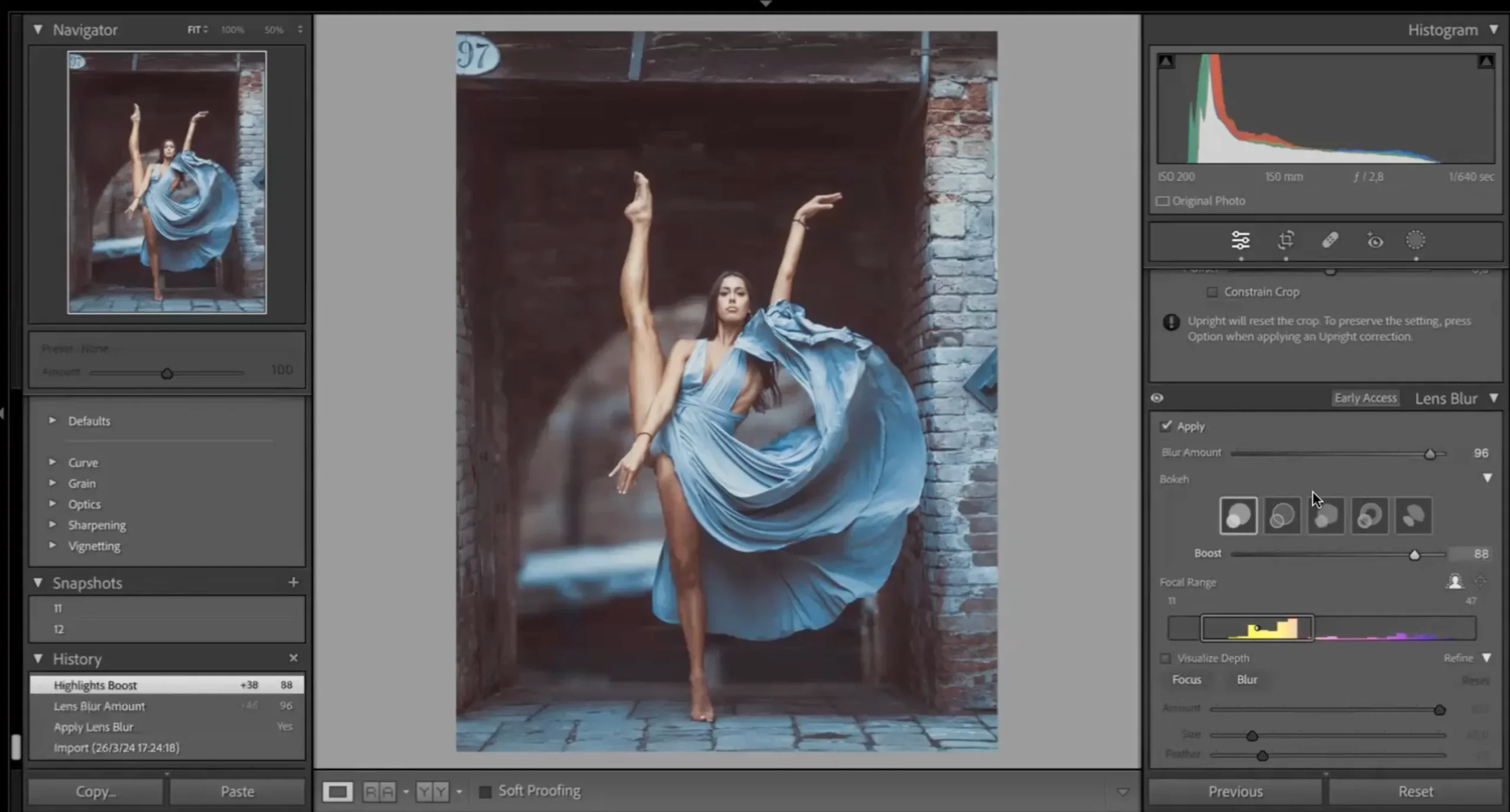
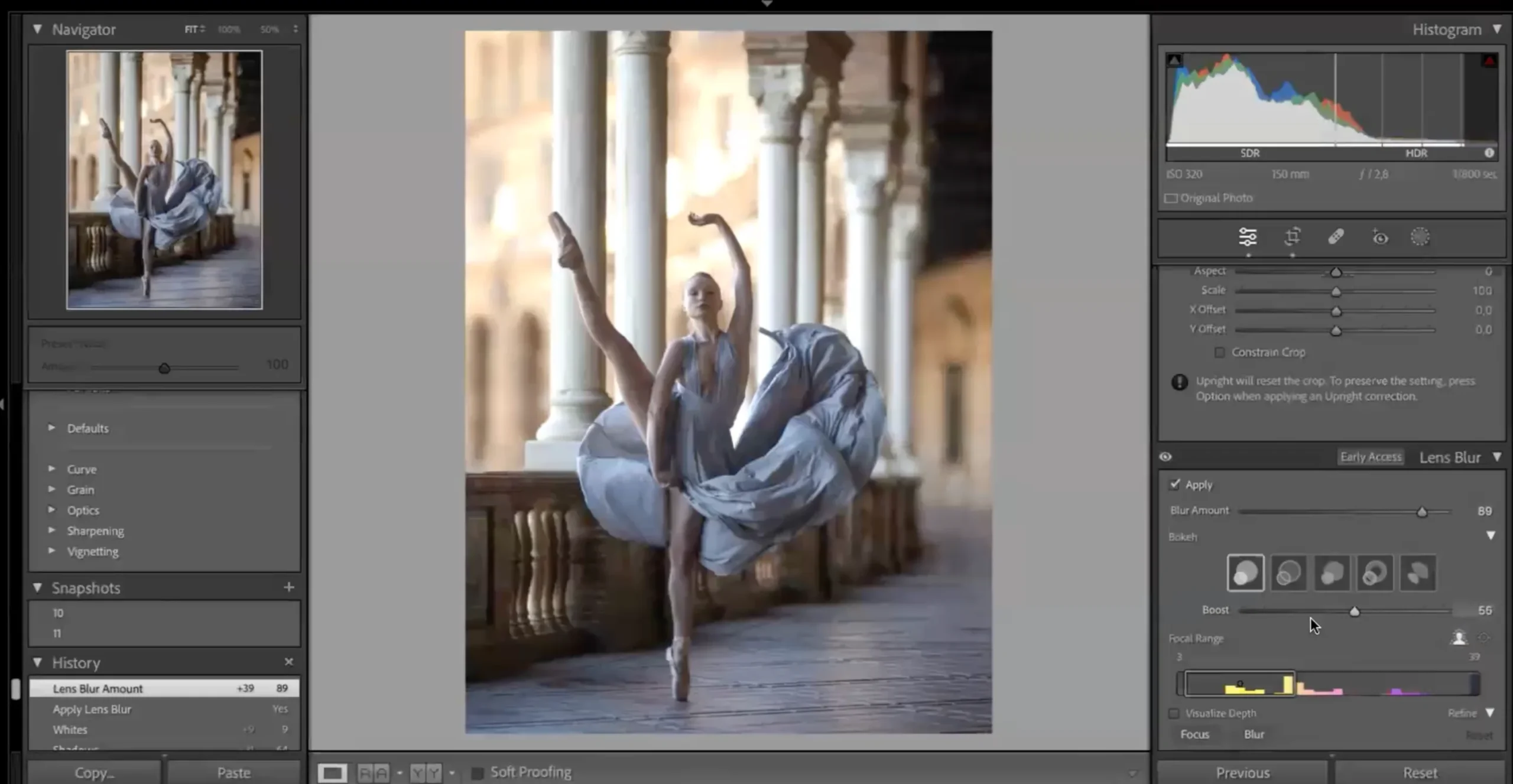
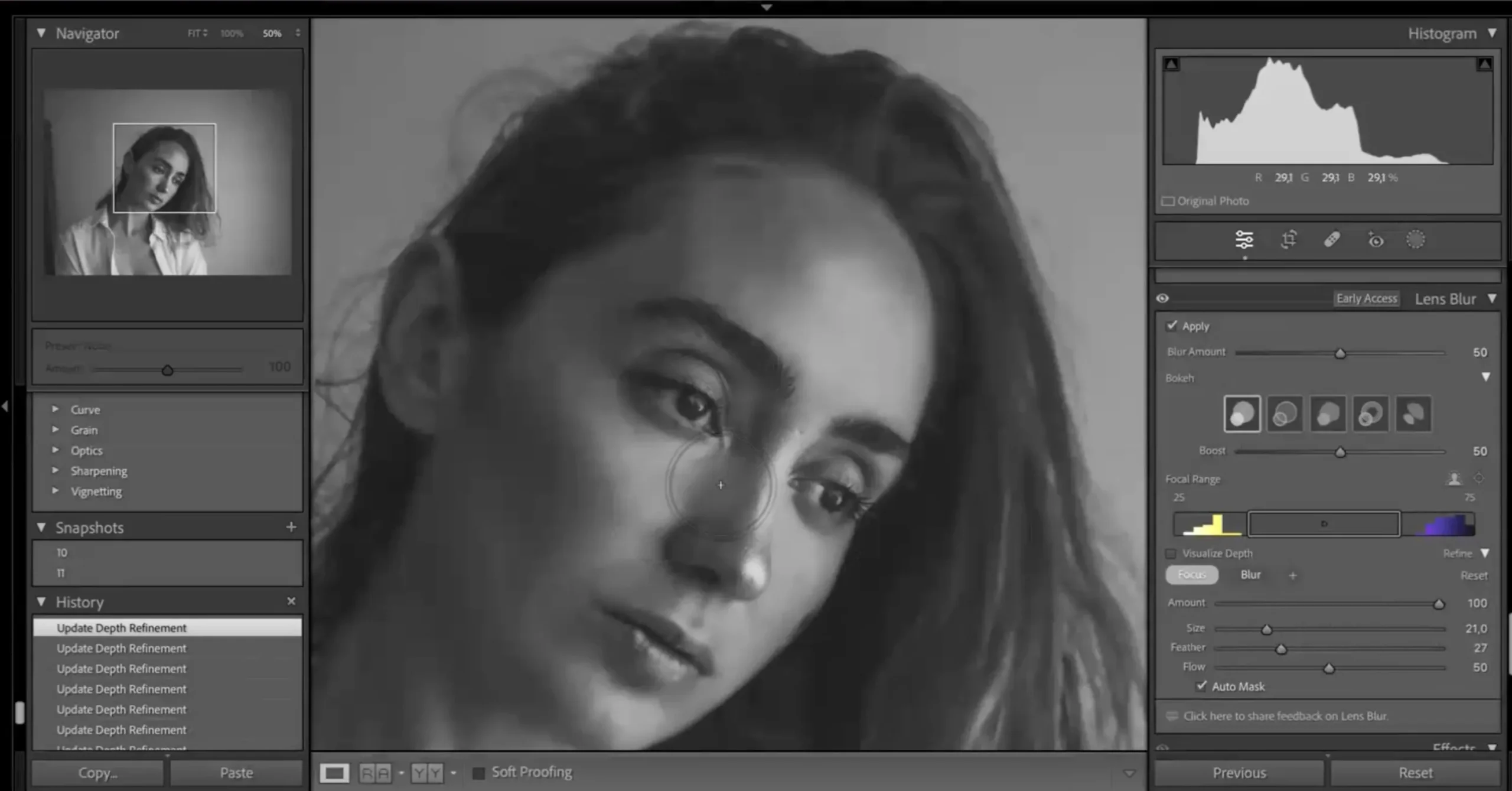
Apply Lens Blur Lightroom to create cinematic background separation

Cinematic Color-Graded Photos

Master color grading Lightroom using RGB curves for rich tones

Spectacular Results You'll Be Able To Achieve

This Adobe Lightroom course upgrades your entire editing workflow from flat images to stunning edits.
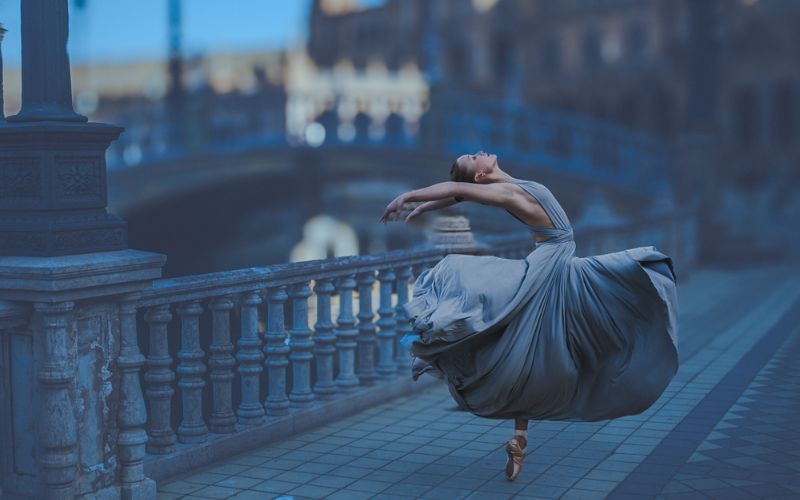
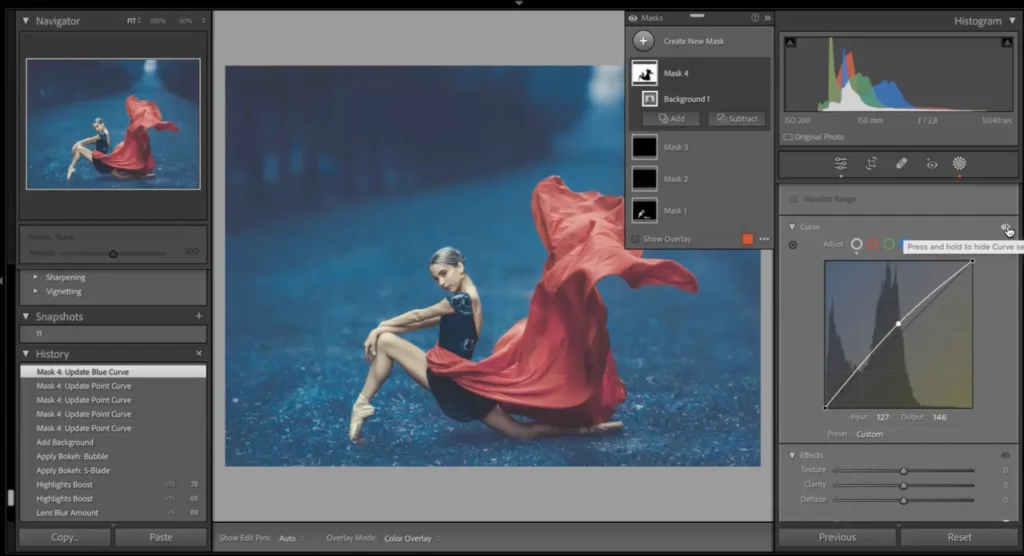
lens blur Lightroom effect creating background depth
step-by-step how to use Lightroom to edit photos interface
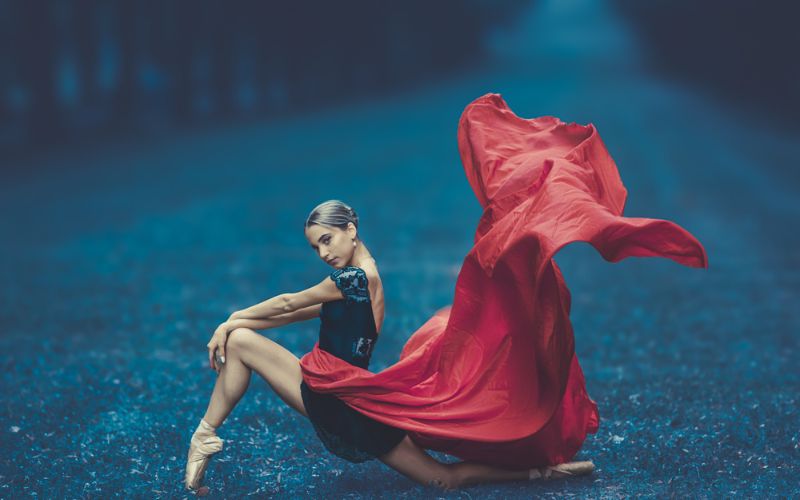
portrait edited using HDR Lightroom and color grading Lightroom
lens blur Lightroom feature applied to subject background
Lightroom masterclass editing panel with color grading tools
professional results from Lightroom editing course demonstration

What This Adobe Lightroom Course Is All About

In this Adobe Lightroom course, you’ll learn how to:

  • Use powerful new tools like HDR Lightroom and Lens Blur Lightroom
  • Apply advanced color grading Lightroom techniques
  • Build a faster, more efficient editing workflow

This is not just another tutorial, it’s a practical Lightroom masterclass designed to help you edit smarter. If you’ve been wondering how to use Lightroom to edit photos professionally, this course gives you the exact system.

What You’ll Learn In This Adobe Lightroom Course

Learn how to edit photos faster and achieve professional results using this Lightroom editing course
HDR Lightroom before and after photo editing comparison
How to use HDR Lightroom for balanced and dynamic images
Master Lens Blur Lightroom to create depth and focus
Apply advanced color grading Lightroom using RGB curves
Learn how to use Lightroom to edit photos step-by-step
Build a professional Lightroom editing course workflow
Create consistent color styles across your portfolio
Understand real-world editing through 30+ image examples

Lesson Breakdown

Focused lessons designed for practical application. Each lesson builds on the previous, taking you from fundamentals to advanced techniques.
lesson 1

Workflow Of New Lightroom Features By Dan Hecho Lesson 1

36m 14s
lesson 2

Workflow Of New Lightroom Features By Dan Hecho Lesson 2

18m 14s
lesson 3

Workflow Of New Lightroom Features By Dan Hecho Lesson 3

25m 27s

Continue Your Learning Journey With Guided Path

This masterclass is part of the Master Lightroom Editing & Workflow Learning Path, a guided step-by-step journey designed to help photographers build stronger editing, color correction, and workflow skills.

Foundations

Core Techniques

Creative Mastery

Advanced Workflows

Explore the full learning path to improve your editing speed, organization process, and professional Lightroom techniques.

Who Is This Adobe Lightroom Course For?

  • Lightroom Users – Improve your workflow with this Lightroom masterclass
  • Photographers – Learn how to use Lightroom to edit photos professionally
  • Intermediate Editors – Master advanced tools like HDR Lightroom & Lens Blur Lightroom
  • Artists & Creators – Build a unique style using color grading Lightroom techniques
  • Photographers Exploring New Features – Stay ahead with modern Lightroom tools
  • Editors Wanting Faster Workflow – Optimize your process with this Lightroom editing course
Dan Hecho

Expert Instructor

Dan Hecho

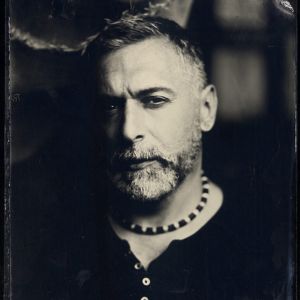
Dan Hecho is a highly respected photographer known for his captivating fine art and portrait photography. With a distinctive style that combines elegance and emotion, Dan's work often features ethereal lighting, soft color palettes, and meticulously composed scenes.Dan Hecho photography captures the beauty of human expression and the natural world, making his images both timeless and evocative. He also offers workshops and tutorials, sharing his expertise with aspiring photographers who seek to refine their skills and develop a unique artistic vision. Check out Dan's upcoming physical workshops here.

View instructor’s classes

Frequently Asked Questions

This Lightroom editing course teaches how to use HDR Lightroom to merge exposures and create balanced, high dynamic range images with more detail.

Yes. The masterclass includes a dedicated lesson on the HDR Lightroom feature, showing how to enhance dynamic range, recover highlights and shadows, and create natural-looking HDR edits.

The Lens Blur Lightroom feature allows you to create realistic background blur and depth-of-field effects. This course explains how to use it correctly for portraits and creative edits without making images look artificial.

Yes. The course is suitable for beginners and intermediate users. Dan Hecho breaks down each feature step by step, making it easy to understand even if you’re new to advanced Lightroom tools.

You’ll need a recent version of Adobe Lightroom that supports HDR, Lens Blur, and RGB Curves features. The course is designed around the latest Lightroom updates.

This is a hands-on Lightroom editing course. The focus is on practical workflows, real image demos, and actionable techniques rather than heavy theory.

The course teaches a structured workflow, helping you understand how to use Lightroom to edit photos efficiently and consistently.

Yes, the techniques taught in this Lightroom editing course can be applied to portraits, landscapes, and fine art photography.

This Lightroom masterclass focuses on new Lightroom features like HDR, lens blur, and RGB curves with real image demos for practical learning.

Absolutely. This Lightroom editing course helps you build a faster, more efficient workflow using modern tools and techniques.

Get PhotoWhoa PLUS

Unlock this masterclass and 70+ more for one low annual price

What's included:

$99

/year

Price locked once you subscribe. Cancel anytime.

Get instant access to ALL masterclasses with PhotoWhoa PLUS

In-Depth Classes
1 +
Hours of Practical Training
1 +
Expert Instructors
1 +

Join photographers worldwide improving their skills with PhotoWhoa PLUS

Become a PhotoWhoa Charter Plus Member

Access With Plus