


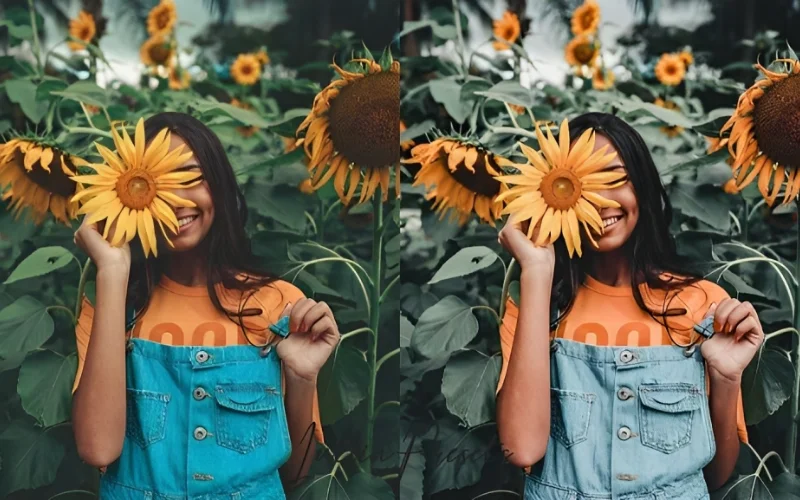
There’s no need for a high price tag when it comes to beautiful photo edits. Find the best free Affinity Photo bundles which allow you to experiment with professional-quality effects, improve your images, and unlock all sorts of new creative possibilities.
At a Glance: What’s in This Guide
- Affinity Photo is now 100% free (Canva made it free in August 2026) — no more $69.99 price tag
- 7 hand-picked free preset and LUT bundles to pair with it, covering wedding, landscape, black-and-white, and cinematic styles
- Presets apply directly inside Affinity Photo for one-click color and tone adjustments; LUTs work across both photos and video
- All the picks available here can be downloaded free of charge, and licensing information is provided so that you know which ones are suitable for use in client projects and commercial work.
- You won’t need any paid software or previous experience in editing—just Affinity Photo (which is free) and five minutes to import a preset.
Is Affinity Photo Free?
For August 2026, the answer is yes. Affinity is now completely free to use. Since Canva acquired Serif, the parent company of Affinity, in 2024, it has combined Affinity Photo, Designer and Publisher into one free application which provides facilities for photo editing, vector design and page layout. The price that previously was $69.99 per app (or $164.99 for the full universal licence) is now zero, the only requirement being a free Canva account in order to download it.
The only condition is that the AI features in Canva within Affinity—such as generative fill and background removal—require a paid Canva subscription. However, the main photo editing tools that you need for regular use are completely free, with no conditions attached.
Therefore, if you’ve been putting off getting Affinity Photo because of the cost, there’s no longer a good reason to delay. And after you’ve installed it, the free preset and LUT bundles listed below are the quickest method of achieving professional-quality results without having to spend any additional money.
Table of contents
1. 30 Free Affinity Presets Bundle
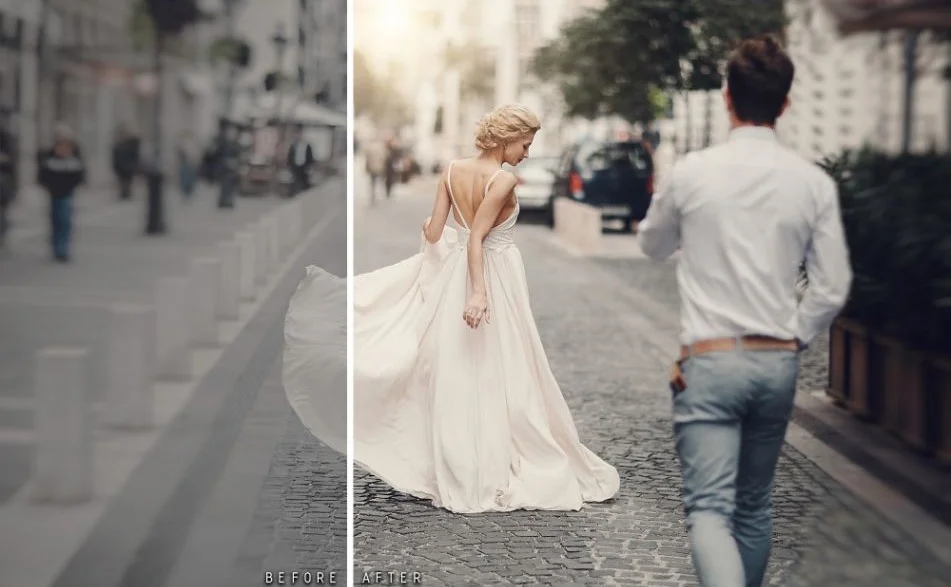
If you’re after some free presets that will enable you to turn your images into spectacular and attractive photos, then this Affinity Photo free bundle is exactly what you need. It includes affinity presets in six different categories, for example Movie FX, vintage, Black and White, Wedding, Landscape, etc.
The free bundle offered has something to suit all users. And if you want to begin your career anew and aren’t planning to spend a lot of money on software at the moment, then this really should be your best choice since it doesn’t place a heavy burden on your wallet.
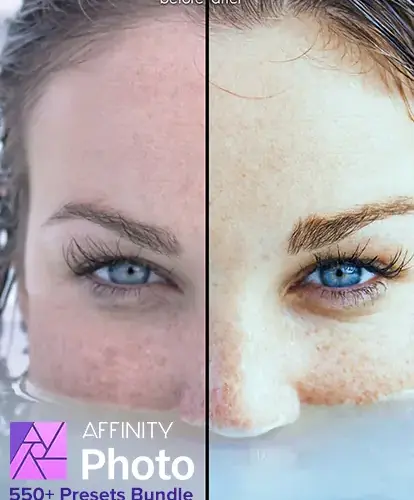
Using the bundle of 30 Free Affinity Photo presets, you can easily add depth and vibrancy to your images.
Each preset is intended to improve your images and trigger emotions, giving your work that extra touch of magic which distinguishes it.
This free bundle not only cuts down on the time and effort you need to spend but also gives your work a more professional appearance. You can impress your clients, friends, and followers with visuals that are different from those of everyone else.
Gain more insight about the Affinity Photo software in this Affinity Photo review.
2. 54 Free Affinity Photo Presets
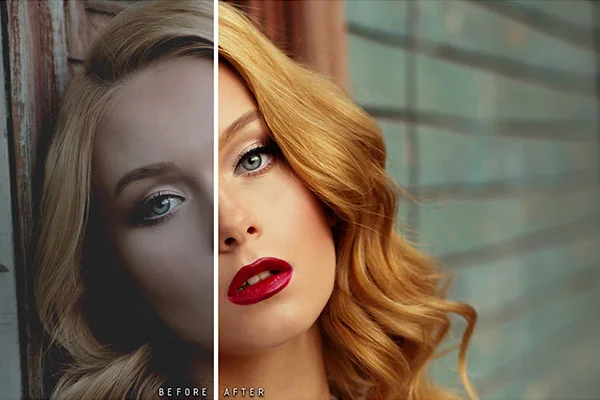
Have you just started in the field of photo editing? Presets from Affinity Photo can really take your pictures to the next level. Take a look at this excellent free bundle of Affinity Photo presets from PhotoWhoa.com.
The package, which is easy to use, is suitable for both beginners and professionals as well. It provides just the right variety so that you can experiment with a wide range of effects without having to make any initial time or money commitment.
The presets can be easily downloaded and are accessible anywhere; it’s a user-friendly package available across 11 categories so that you can take a look at them.
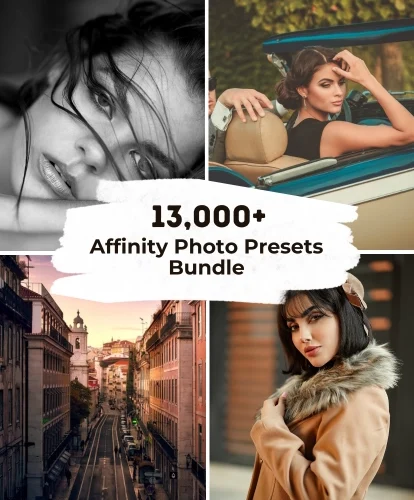
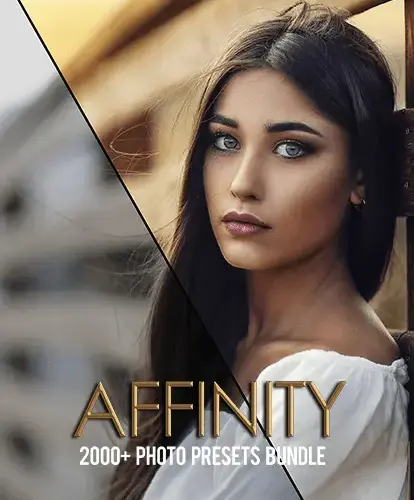
After you begin to use these Affinity Photo presets, you’ll never want to stop. You might also want to take a look at this bundle of 2000+ Affinity Photo presets, which is divided into 27 categories.
3. 15 Free Affinity Photo Presets
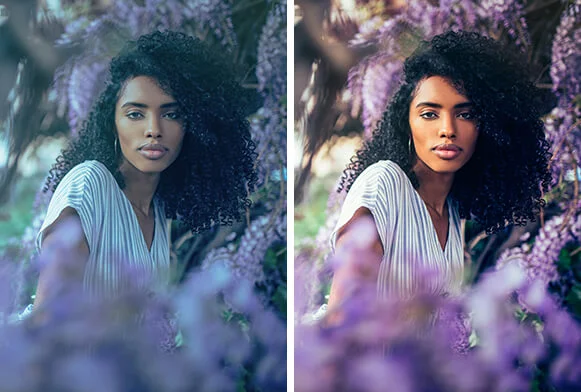
FixThePhoto offers a variety of free presets for Affinity Photo. Furthermore, all of these presets can be easily downloaded and accessed. It is a good idea to include this collection of Affinity Photo presets in your toolkit when you are beginning to work with photo editing.
The presets for Affinity Photo function perfectly in every version of the programme and can even be imported into the software provided that it has preset support.
The presets are suitable for use with photographs taken either inside or outside; they make the colours stand out, improve the skin tones, quickly resolve contrast issues, eliminate dark shadows, and balance the white in the pictures.
If you’re fed up with ordinary colour editing and are looking for something more personalised, you should make sure to download these packs.
Today you can begin exploring by choosing from a wide variety of options on the fixthephoto website.
Check Out: Informative Affinity Photo Tutorials
4. 50 Affinity Photo Presets LUTs
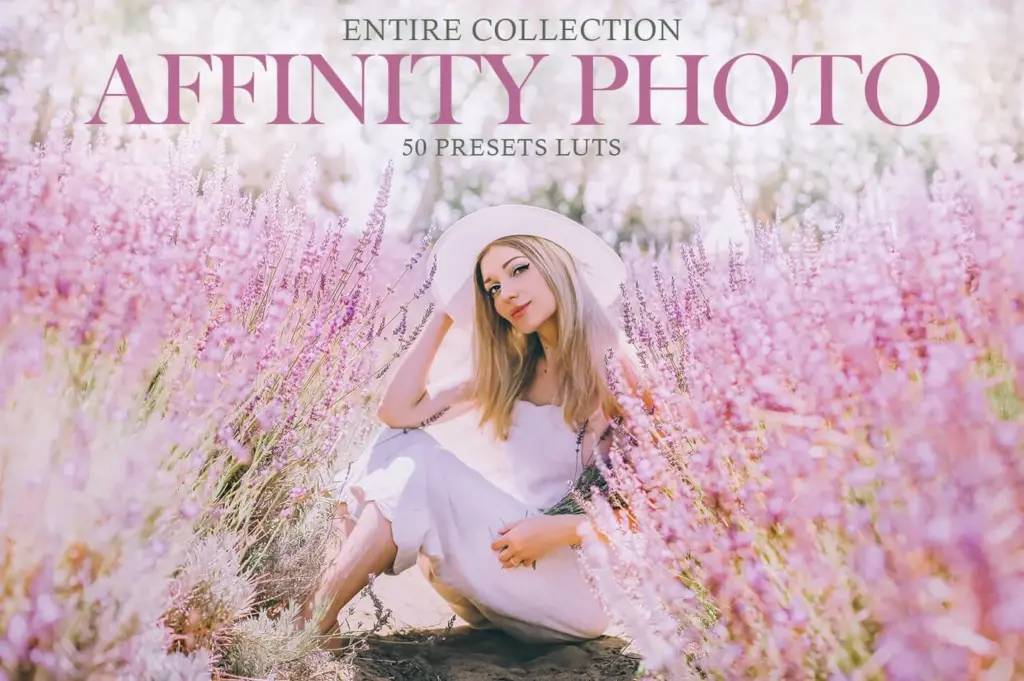
Freepsdvn is a website offering free affinity preset bundles in .cube and .3dl formats. Using these presets, you are able to produce remarkable photos that are compatible with all Affinity software, including Affinity Photo and Affinity Designer.
The presets are completely customizable and function smoothly on both Mac and Windows. It’s now much easier to give your images a new look, and the best thing is that it’s free!
5. Free Cinematic LUTs Pack For Video Editing
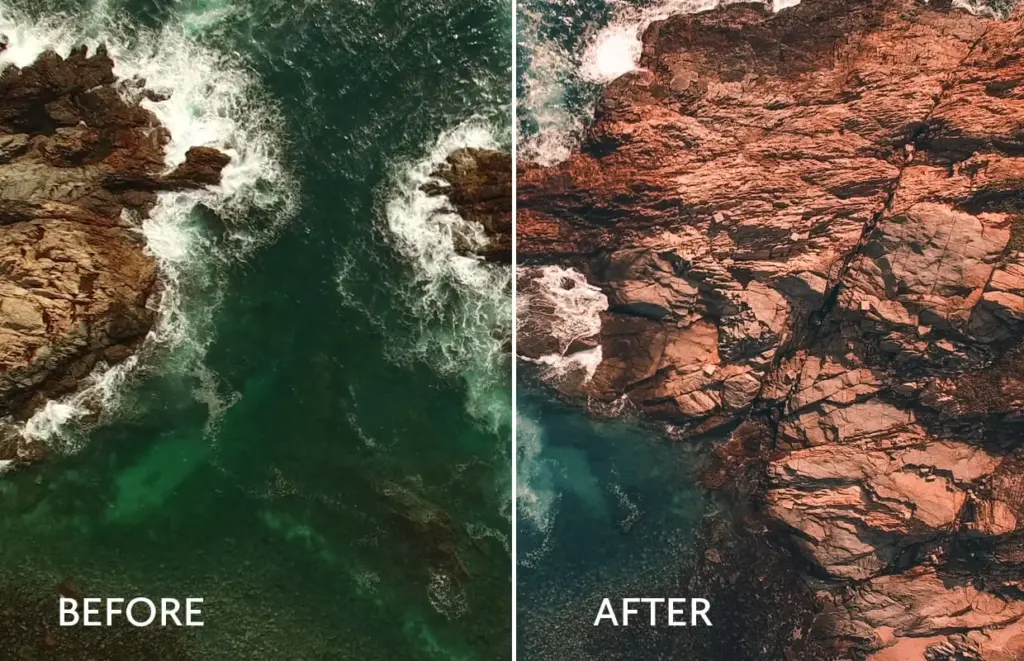
If you’re interested in video editing, then this free offering is suitable for you. FilterGrade offers a number of free Affinity Photo LUTs which can be used whenever you need to experiment with your videos and get them to look good.
A primary reason for using LUTs is that they are compatible with videos; when you are filming a video there are numerous distractions and the frame is unstable, so applying a LUT preset to such a video not only improves its quality but also enhances the overall image.
6. 48 FREE Custom LUTs For Log Footage
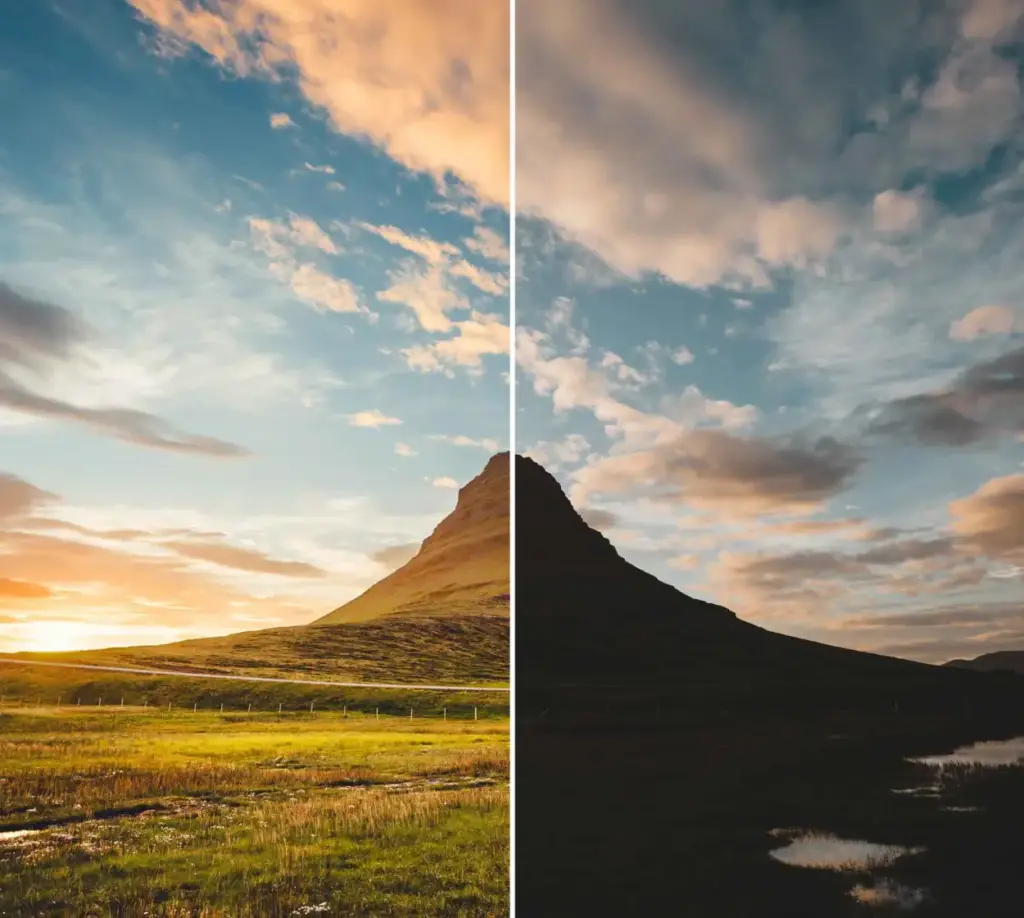
Explore the realm of cinematic color grading to turn your images into breathtaking works of art. Whether you’re a content producer or a professional filmmaker this library of LUTs will improve your work and give your footage the unique edge it needs.
Find out the potential that imagination has and raise your storytelling to a higher level. There’s no reason not to take this wonderful opportunity to improve your images. Begin your journey towards cinematic excellence by downloading it now.
7. 5 Scene-Referred LUTs

Lutify.me is your one-stop shop for all aspects of color grading, offering a thorough collection of well-made LUTs which can be used by filmmakers, photographers, and even content creators.
No matter whether your goal is to achieve a cinematic masterpiece, a vintage look, or a modern style, they offer LUTs that span a wide range of creative options. Using these LUTs ensures a smooth experience when you are creating art from your photography.
Check Out: Affinity Photo vs Luminar: Which Editing Software Is Best Fit For You?
Conclusion
The fields of photography and digital image editing have always been closely linked; one cannot be good at photography without knowing how to present the images one has taken.
It is very important for you to understand the various concepts involved in image editing software such as Affinity Photo, Photoshop, and Lightroom, etc.
They provide a quick way of producing impressive images, helping to save both time and effort while at the same time permitting personal artistic expression. Therefore, if you want to improve your photography or design projects without spending a lot of money, you should certainly take the time to look through the large range of free Affinity Photo preset bundles.
The next time you want to create a masterpiece, you can do so with just a download, thanks to these amazing free Affinity Photo resources which will help you to realise your true potential.
To see more of our blog content, visit our BLOG PAGE!
Frequently Asked Questions
1 Are free Affinity Photo bundles safe to download?
Ans. Yes, as long as you download them from trusted websites or reputable creators. Always avoid unknown sources and scan downloaded files with antivirus software before installing them.
2 Can I use free Affinity Photo bundles for commercial projects?
Ans. It depends on the bundle’s license. Some free resources allow commercial use, while others are limited to personal projects. Always check the licensing terms before using them in client work.
3 Do free Affinity Photo bundles work with all versions of Affinity Photo?
Ans. Most bundles are compatible with recent versions of Affinity Photo, but some may require a specific version or newer release. Check the creator’s compatibility notes before downloading.
4 Are free Affinity Photo bundles good enough for professional editing?
Ans. Yes. Many free bundles offer high-quality assets that are suitable for both hobbyists and professionals. The quality depends on the creator and the intended use.
5. Is Affinity Photo free in 2026?
Ans. Yes — Canva made the core Affinity app (which now combines Affinity Photo, Designer, and Publisher) completely free in August 2026. You just need a free Canva account to download it. Only Canva’s optional AI tools, like generative fill, require a paid subscription.
6. What’s the difference between a preset and a LUT in Affinity Photo?
Ans. A preset is a saved set of adjustments — exposure, color, contrast, sharpening — applied directly within Affinity Photo’s editing panel. A LUT (Look-Up Table) is a color-grading file, often used for video, that remaps colors according to a predefined formula and can be applied across both photos and footage. Both are free ways to get a consistent, professional look fast.
7. How do I install presets in Affinity Photo?
Ans. Download the preset file, then in Affinity Photo go to the Develop or Photo persona, open the Presets panel, and use the import/load option to select your downloaded file. Once imported, presets appear in your library and can be applied with a single click to any photo. For a full walkthrough, see our Affinity Photo Tutorials guide.
8. Can I use Affinity Photo presets in Photoshop or Lightroom?
Ans. Not directly — Affinity Photo presets are built in Affinity’s own format and won’t import into Adobe software. If you switch between Affinity and Photoshop or Lightroom, you’ll need presets or LUTs designed specifically for each program, though LUT files (like the ones in picks #5–7 on this list) tend to be more universally compatible across editors.


One Comment on “Is Affinity Photo Free? Yes — Top 7 Free Affinity Photo Resources For Photo Editing”
Awesome collection! Free Affinity Photo bundles are such a great resource for designers who want professional-quality results without extra cost. I really like how these tools can speed up workflow while still delivering stunning, creative outcomes. Thanks for sharing these helpful assets for the design community