

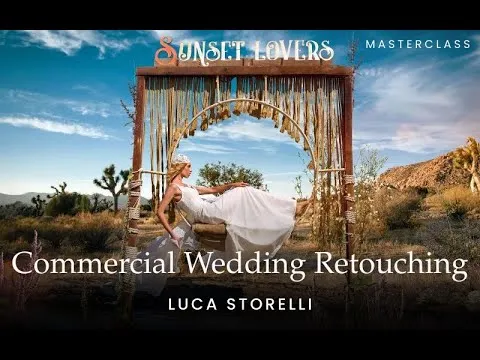

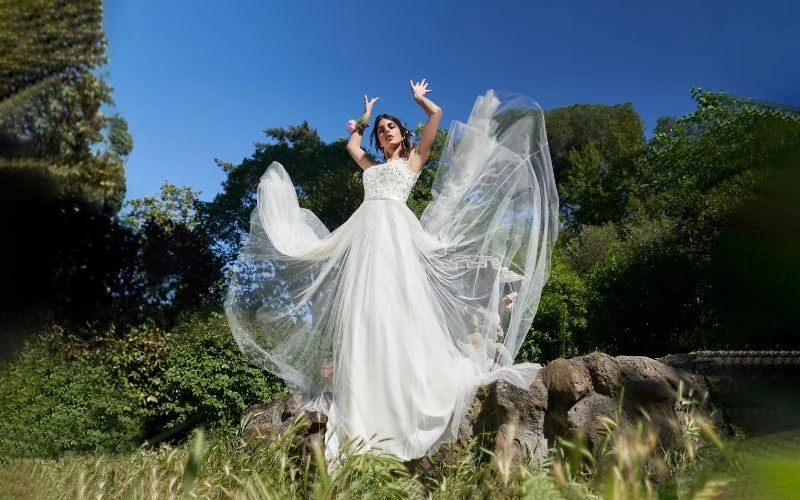
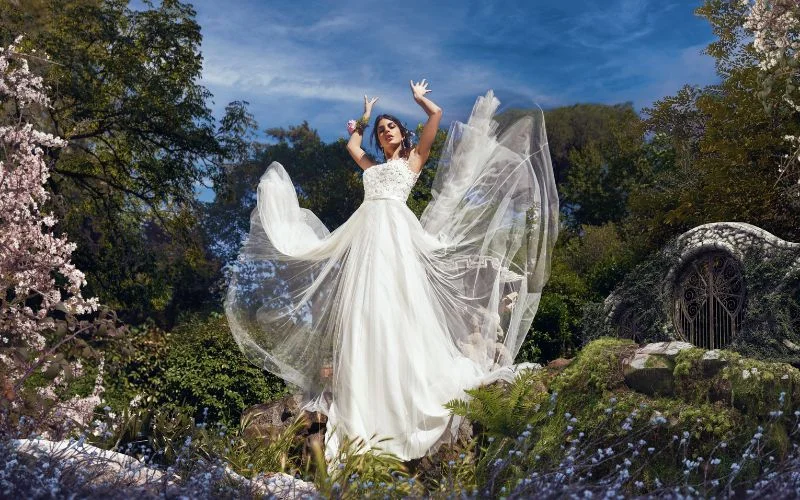
Results With This Wedding Photography Retouching Tutorial
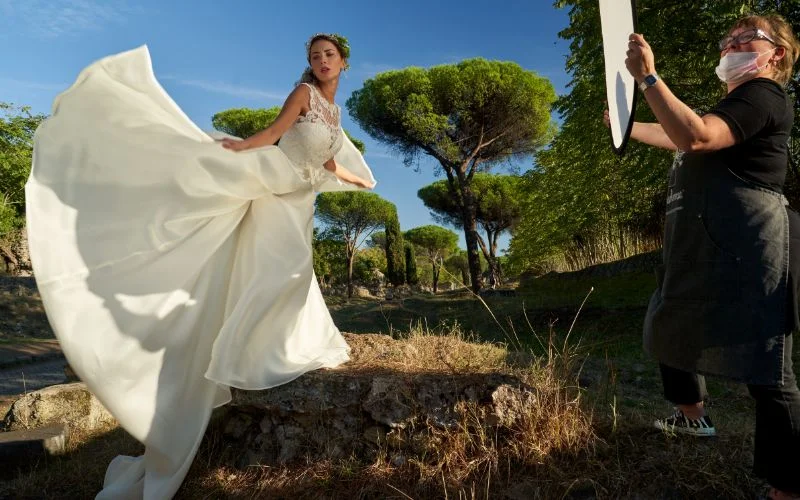
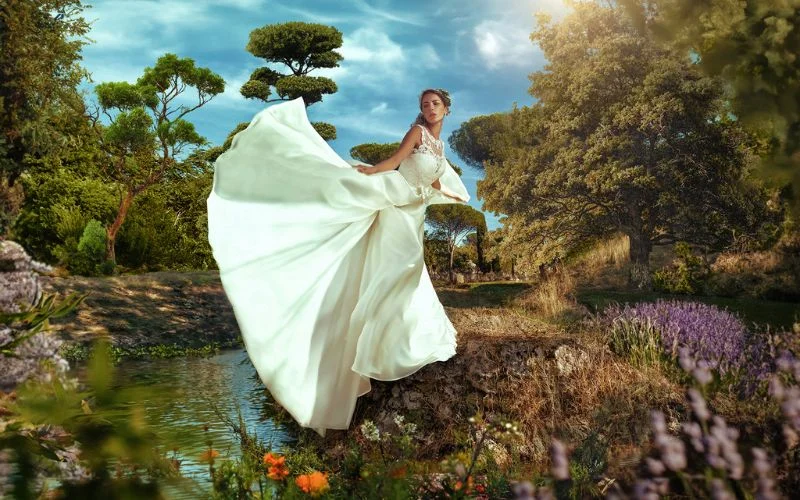
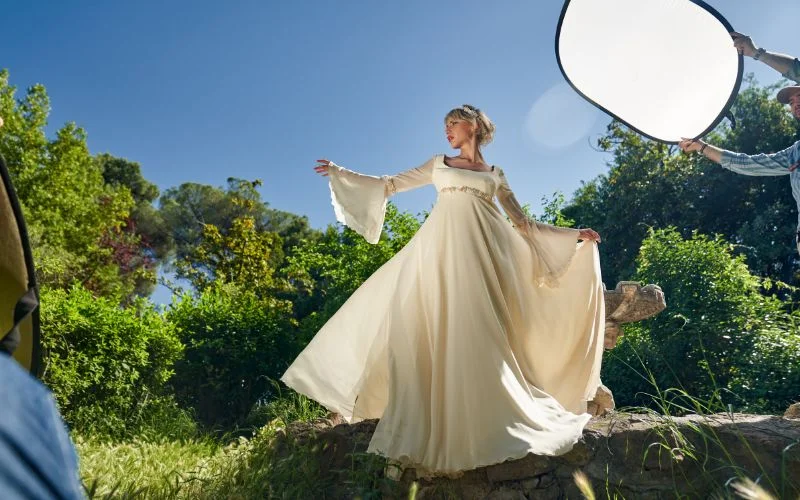
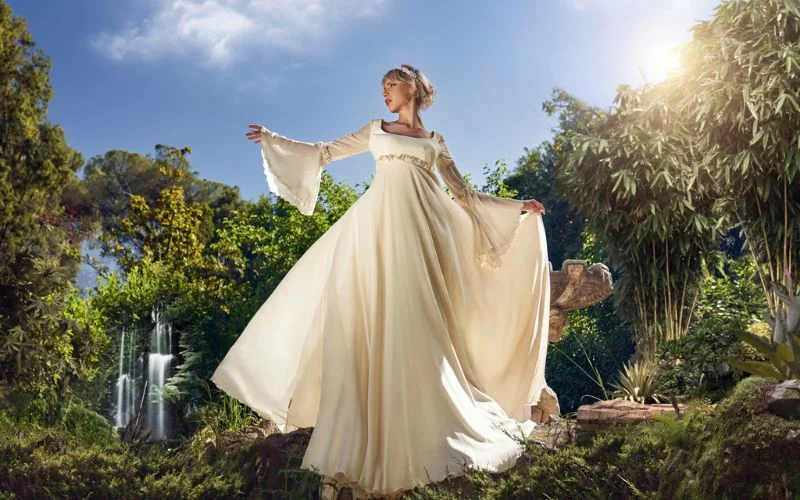
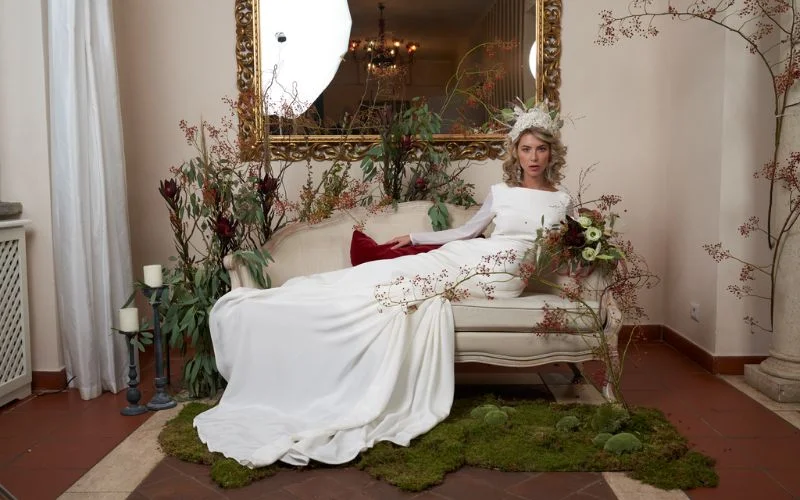
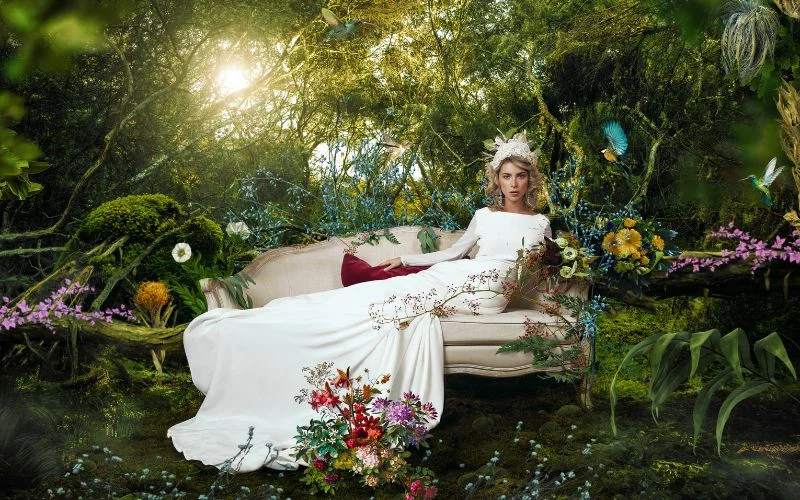
Who Is This Masterclass For?
• Wedding Photographers
• Photo Editors
• Photoshop Users
• Creator interested in creative retouching & compositing
The Secret to Creating Stunning Wedding Photos
Do you want to become well-known in the commercial wedding photography industry? The ultimate solution is to learn the ins and outs of capturing impactful wedding photos & editing them to bring out the best in them.
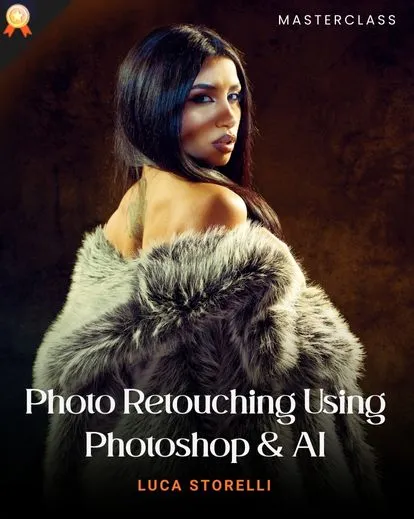
In that case, our wedding photography editing tutorial, prepared and provided by Luca Storelli, will be your best companion.
Retouching and editing pictures, especially those captured from special and memorable occasions like weddings, is now easier with expert tutors who will teach you how to do it.
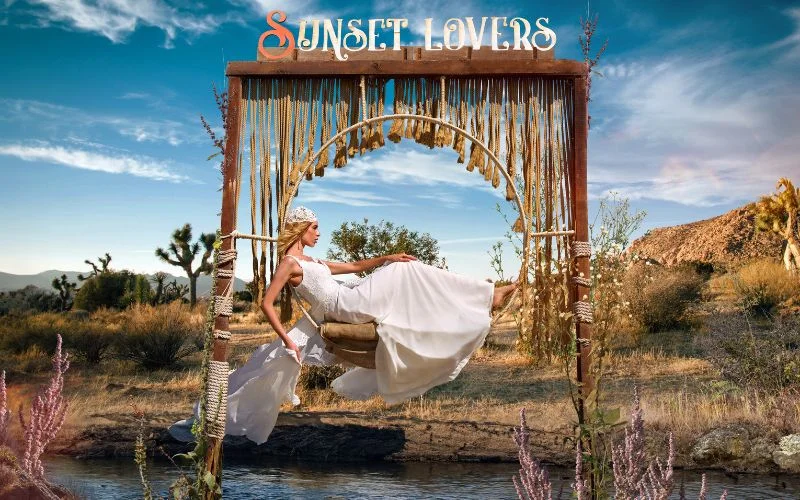
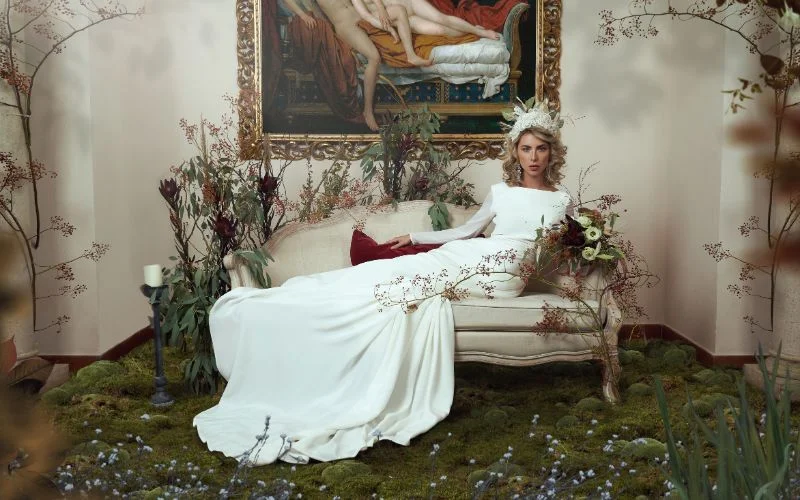
In this commercial wedding photo retouch tutorial, you will learn how to use your photography skills and technology to make your captured wedding photos even more stunning.
Whether beginners or experts, photographers can earn a steady income through wedding photography.
This is a lucrative industry, and if you are a professional photographer, you can satisfy the needs of many clients who want to celebrate a special milestone in their lives and preserve their memories of the special moment through pictures.
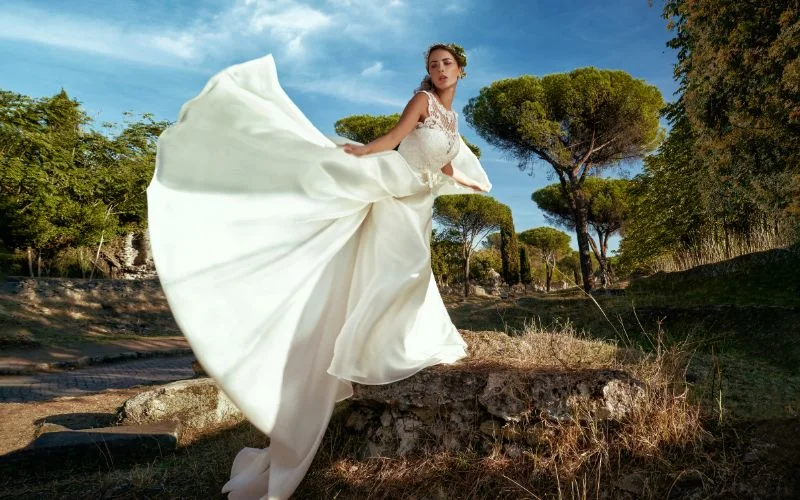
This wedding photography editing tutorial is an excellent investment in improving your skillset because it is flexible.
It works for both beginners & professionals in commercial wedding photography who wish to improve their understanding of this industry’s editorial, commercial, and advertising markets.
It is crucial to constantly update your knowledge about photography and enhance your skills in this field. One skill you must constantly work on is retouching photos or editing them with modern technology.
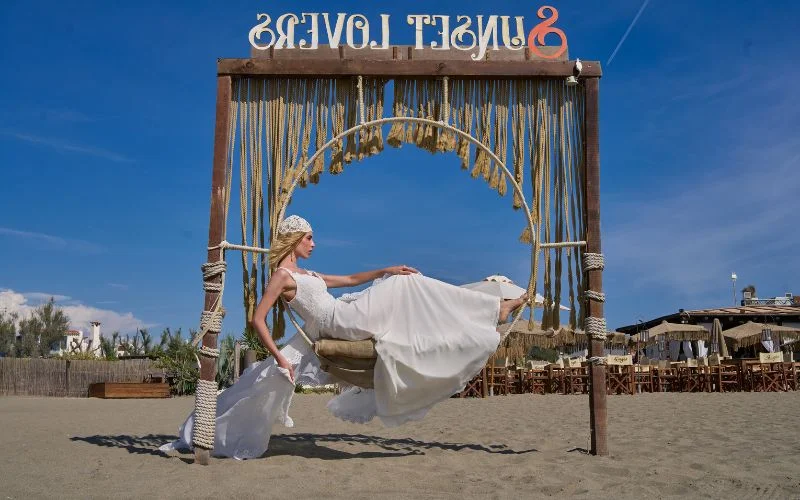
Enhancing your skills in this area will allow you to produce more creative and impactful results, providing your clients with awe-inspiring pictures that will most likely prompt them to seek your services for other forms of photography.
After you learn the tricks from this exclusive tutorial, retouching wedding photos will be a breeze, and you’ll impress your clients effortlessly.
In today’s world of Instagram, creating unique and outstanding wedding photos is a skill that will help you tremendously, and your business will boom in no time.
This wedding photography editing tutorial/commercial wedding retouching masterclass will help you master this skill. By enrolling in the class, you will know exactly how to use Photoshop, AI, or a combination of the two to edit and retouch pictures and give your clients what they are asking for regarding their wedding photos.
Frequently Asked Questions
Who is this wedding retouching masterclass for?
This masterclass is ideal for beginner to professional photographers and retouchers who want to improve their wedding photo editing and commercial retouching skills.
Do I need advanced Photoshop knowledge to take this course?
No. Advanced skills are not required. Basic Photoshop knowledge is helpful, but the instructor Luca Storelli explains the workflow step by step, making it easy to follow.
Are practice files included with the course?
Yes. Raw images and class materials are included so you can practice alongside the lessons.
Can I watch the lessons at my own pace?
Yes. You can watch any masterclass you purchase at your own pace. You can also rewatch the masterclass whenever you like.
Will I learn a complete wedding retouching workflow?
Yes. In this course, Luca Storelli walks you through a full commercial wedding retouching process. The workflow includes everything from compositing and masking to color grading and final polish.
Can I use these techniques for real client projects?
Yes. Everything taught in this wedding photography masterclass is practical and can be easily used in real-world wedding photo editing to enhance your images.
How do you retouch wedding portraits naturally?
Natural retouching focuses on subtle skin smoothing, maintaining texture, correcting tones, and avoiding over-editing to keep subjects looking realistic.
What is dodge and burn in wedding retouching?
Dodge and burn is a technique used to selectively lighten and darken areas of an image to enhance depth, shape, and overall visual impact.
Can I use Photoshop for wedding photo editing?
Yes, Photoshop is widely used for advanced retouching, compositing, and detailed edits, while Lightroom is often used for bulk adjustments and workflow efficiency.
How long does it take to edit wedding photos?
Editing time varies, but a full wedding can take several hours to days depending on the number of images and level of retouching required.


Reviews
There are no reviews yet.