Commercial Wedding Retouching
Photography Masterclasses

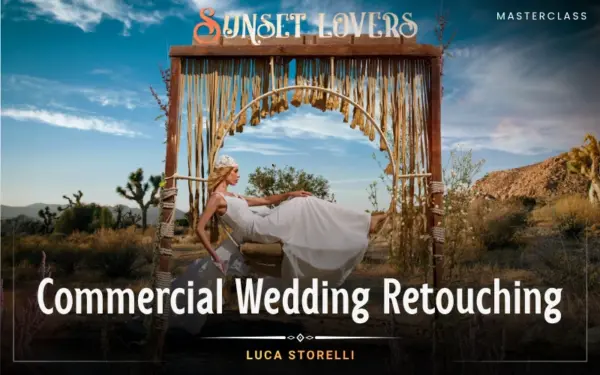
Commercial Wedding Retouching

A complete wedding photography editing tutorial to help you retouch, enhance, and transform wedding photos using Photoshop and AI workflows.
2.9 hours
8 Lessons
Practice Files

Access ALL masterclasses with PhotoWhoa PLUS

What You'll Be Able To Create

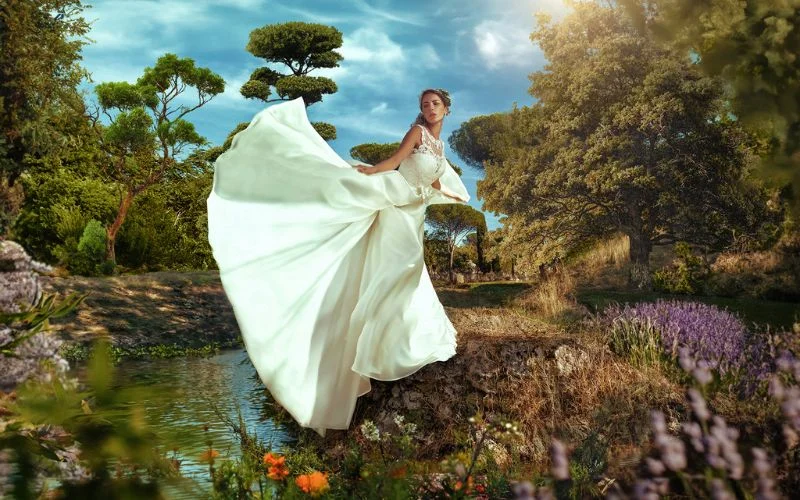
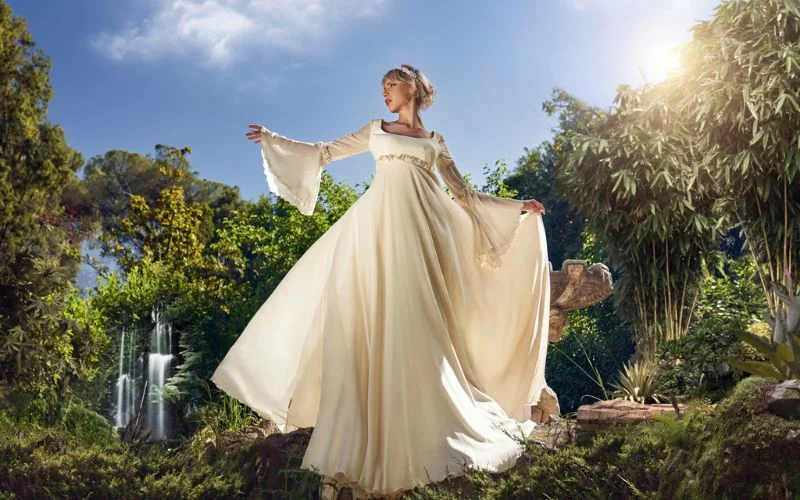
Create high-end, client-ready wedding images with professional editing workflows.

Flawless Wedding Portraits

Enhance images using wedding photo retouch for clean, natural results

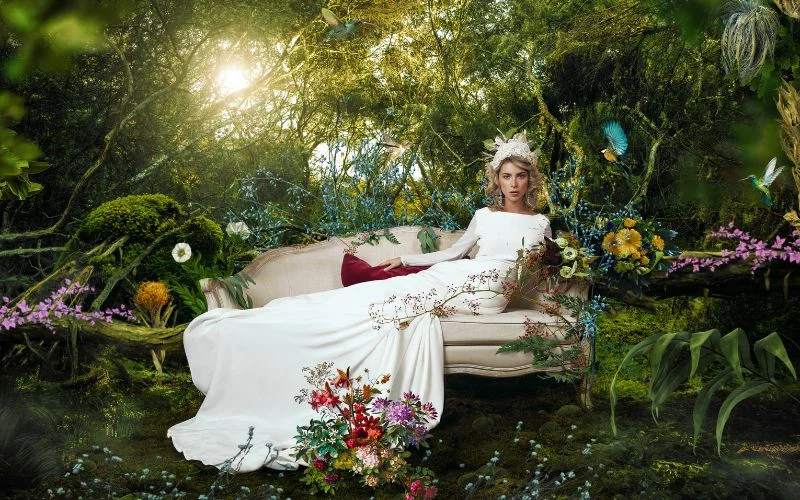
Cinematic Wedding Composites

Transform scenes using Photoshop compositing techniques

Depth & Dimension Enhancements

Use dodge and burn in Photoshop for realistic lighting and contrast
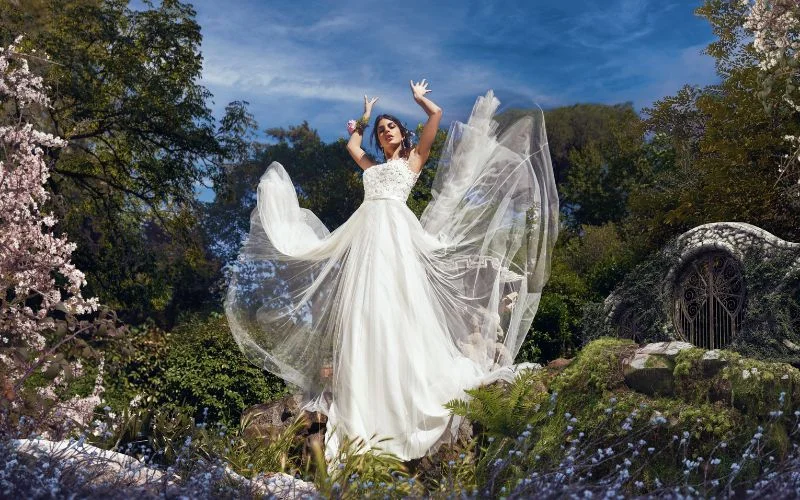
See What You’ll Learn to Create​

From basic edits to premium results, this wedding photography editing tutorial helps you deliver images clients love.
Learn advanced wedding photo retouch techniques to enhance bridal portraits beautifully.
Apply Photoshop compositing techniques to create cinematic and creative wedding visuals.
Follow a complete wedding photo retouch tutorial to deliver professional-quality edits consistently.
Achieve natural and elegant results with advanced wedding retouching techniques in Photoshop.

What This Wedding Photography Editing Tutorial Is All About

Wedding photography is not just about capturing moments, it’s about delivering images that feel timeless and premium.

In this wedding photography editing tutorial, you’ll learn how to transform raw images into polished, client-ready photographs using modern editing techniques.

You’ll discover:

  • How to apply wedding retouching for natural results
  • How to enhance images using Photoshop compositing techniques
  • How to refine light and texture with dodge and burn in Photoshop

This course focuses on real-world workflows used by professionals. If you want to stand out in a competitive market, mastering wedding photo retouch is a must-have skill.
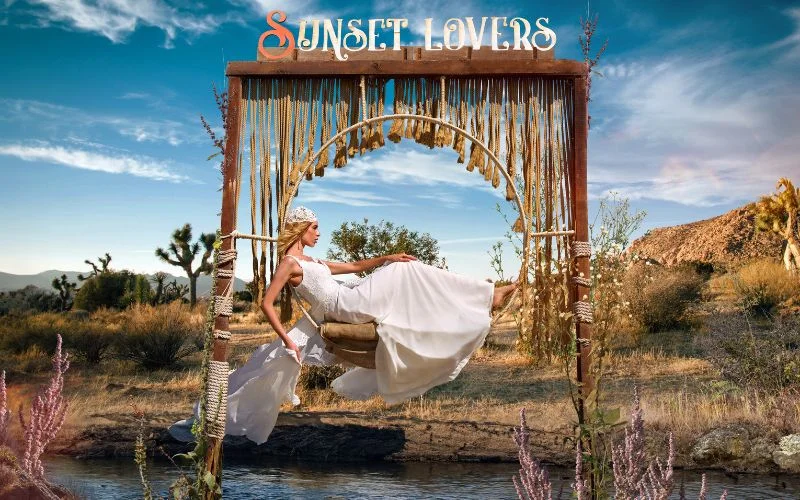
What You’ll Learn In This Wedding Photography Editing Tutorial

Learn how to retouch, enhance, and deliver professional wedding photos with confidence
Use Photoshop compositing techniques to replace backgrounds and create dramatic wedding scenes.
Complete wedding photo retouch tutorial workflow from start to finish
Professional wedding retouching techniques for natural, elegant results
How to use Photoshop compositing techniques to replace and enhance backgrounds
Step-by-step wedding photo retouch for bridal portraits
Using dodge and burn in Photoshop to add depth and realism
Blending textures and backgrounds using advanced Photoshop tools

Lessons Breakdown

focused lessons designed for practical application. Each lesson builds on the previous, taking you from fundamentals to advanced techniques.

lesson 1

Commercial Wedding Photography Retouching Overview

15m 1s
lesson 2

Commercial Wedding Photography Retouching Lesson 1

13m 54s
lesson 3

Commercial Wedding Photography Retouching Lesson 2

11m 59s
lesson 4

Commercial Wedding Photography Retouching Lesson 3

12m 40s
lesson 5

Commercial Wedding Photography Retouching Lesson 4

42m 33s
lesson 6

Commercial Wedding Photography Retouching Lesson 5

27m 41s
lesson 7

Commercial Wedding Photography Retouching Lesson 6

4m 55s
lesson 8

Commercial Wedding Photography Retouching Lesson 7

45m 33s

Continue Your Learning Journey With Guided Path

This masterclass is part of the Master Photo Retouching & Editing Learning Path— a guided step-by-step journey designed to help build advanced photo editing and photo retouching skills with clarity and structure.

Foundations

Core Techniques

Creative Mastery

Advanced Workflows

Explore the complete workflow progression and continue building your photo editing expertise.

Who Is This Wedding Photography Editing Tutorial For?

  • Wedding Photographers — Improve your workflow with professional wedding retouching techniques
  • Photo Editors — Learn advanced wedding photo retouch for client-ready delivery
  • Photoshop Users — Master Photoshop compositing techniques for creative edits
  • Freelancers — Build a scalable workflow using wedding photo retouch tutorial methods
  • Creators & Retouchers — Enhance images using dodge and burn in Photoshop
  • Professionals Looking to Upskill — Deliver premium results with consistent wedding retouching
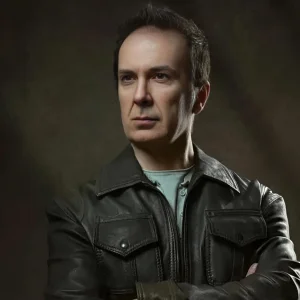
Luca Storelli

Expert Instructor

Luca Storelli

Luca Storelli is an internationally published fine art and fashion photographer, expert retoucher, and educator based in Rome. His work has been feated in renowned publications such as 7Hues, Solis Magazine, Style Cruze, 365 ART + Japan, Dark Beauty, Moevir Paris, Feroce, Elegant, and Assure’ Magazine. Specializing in fashion, fine art, and portrait photography, Luca has built a strong reputation for creating visually compelling imagery. His expertise spans across fashion lookbooks, brand identity, commercial wedding photography, editorial work, and high-end advertising campaigns.

View instructor’s classes

Frequently Asked Questions

This masterclass is ideal for beginner to professional photographers and retouchers who want to improve their wedding photo editing and commercial retouching skills.

No. Advanced skills are not required. Basic Photoshop knowledge is helpful, but the instructor Luca Storelli explains the workflow step by step, making it easy to follow.

Yes. Raw images and class materials are included so you can practice alongside the lessons.

Yes. You can watch any masterclass you purchase at your own pace. You can also rewatch the masterclass whenever you like.

Yes. In this course, Luca Storelli walks you through a full commercial wedding retouching process. The workflow includes everything from compositing and masking to color grading and final polish.

Yes. Everything taught in this wedding photography masterclass is practical and can be easily used in real-world wedding photo editing to enhance your images.

Natural retouching focuses on subtle skin smoothing, maintaining texture, correcting tones, and avoiding over-editing to keep subjects looking realistic.

Dodge and burn is a technique used to selectively lighten and darken areas of an image to enhance depth, shape, and overall visual impact.

Yes, Photoshop is widely used for advanced retouching, compositing, and detailed edits, while Lightroom is often used for bulk adjustments and workflow efficiency.

Editing time varies, but a full wedding can take several hours to days depending on the number of images and level of retouching required.

Get PhotoWhoa PLUS

Unlock this masterclass and 70+ more for one low annual price

What's included:

$99

/year

Price locked once you subscribe. Cancel anytime.

Get instant access to ALL masterclasses with PhotoWhoa PLUS

In-Depth Classes
1 +
Hours of Practical Training
1 +
Expert Instructors
1 +

Join photographers worldwide improving their skills with PhotoWhoa PLUS

Become a PhotoWhoa Charter Plus Member

Unlock Luca Storelli's
Free AI Workflow Lesson

Learn how photographers create cinematic AI imagery using Midjourney, Magnific AI, and Photoshop.

3-minute lesson • Instant access

No spam. Just world-class photography education.

Access With Plus