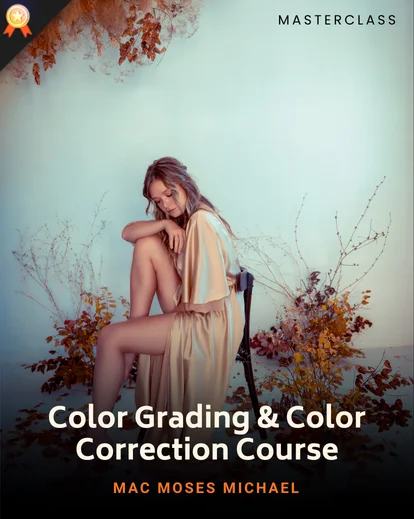


Color Grading & Color Correction Course In Photoshop
Stop fixing colours by eye. Learn the Camera Raw, Adjustment Layers, and AI tools professionals use — then build your own presets, LUTs, and actions so your colour style is repeatable on every shoot.
By Mac Moses Michael
Your Progress
Enroll Now
3h 10m
Duration
18
Video lessons
Lessons
-
• Warm Up Into Color Grading & Color Correcting
-
• Introduction To Color Grading & Color Correcting
-
• Mastering The Tools
-
• Real World Practice
-
• Color Grading With Intentions
-
• Creating Presets
-
• Bonus Videos
-
• Conclusions
Quick Summary
How to fix bad colors and white balance in any photo
The difference between color correction and color grading
How professionals achieve consistent color across images
How to color grade portraits, wedding photos, and urban photography
How to create LUTs, filters, and Photoshop actions
How to use Camera Raw, Adjustment Layers, and AI tools effectively
A full professional workflow from retouching to final color grade
Categories: Adobe Photoshop, All Tools, Mastering Photoshop Path, Photo Retouching, Plus Masterclasses, PW Course, Retouching & Editing Path
 Product Downloads
Class Materials Included
 Product Downloads
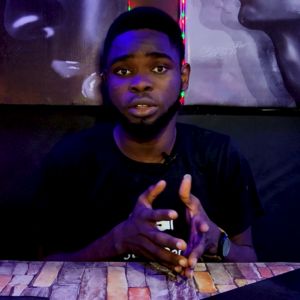
ABOUT INSTRUCTOR
Mac Moses Michael
Mac Moses Michael is a Photoshop educator and digital artist who has taught colour grading, compositing, and photo manipulation to thousands of students on Skillshare and Udemy. Self-taught and deeply technical, his courses are built around understanding how colour actually works in Photoshop — not just following presets. He designed this masterclass for photographers who want to stop guessing and start grading with intention.
View Instructor's ClassesRatings and Reviews


‘This is a quick and relatively easy way of giving your photographs a natural and beautiful look. You must however be careful not to overdo things because too much ruins your art.

1h 7m$199.00$0
1h 31m$299.00$0- The Art Of Therapeutic Photography For Creative GrowthDanny Bittencourt
1h 2m$299.00$0
2h 42m$299.00$0- Color Grading & Color Correction Course In PhotoshopMac Moses Michael
3h 10m$299.00$0
1h 15m$299.00$0