

In the age of smartphones, nearly everyone carries a powerful camera in their pocket. Mobile photography has become a global phenomenon, with millions of users capturing images every day.
The convenience and accessibility of smartphone photography have made it a popular choice for both amateur and professional photographers. In this article, we will explore the art of mobile photography and share tips on how to capture great shots.
Table of contents
The Power of Smartphone Photography
The advancement of camera technology in smartphones has been increasing over the years.
Today’s smartphones are equipped with multiple lenses, high-resolution sensors, and advanced software features that rival many dedicated digital cameras. These changes have changed photography, allowing anyone to become a photographer with minimal equipment.
Here are some reasons why smartphone photography has gained immense popularity:
Accessibility

Unlike traditional cameras, smartphones are always within arm’s reach. This ensures that you never miss a moment, whether it’s a beautiful sunset or a candid family photo.
Check Out: 11 Effective Tips for Striking Photography Poses
Portability

Smartphones are compact and lightweight, making them easy to carry wherever you go. Allowing photography to increase fast.
User-Friendly

Smartphone cameras are designed to be user-friendly, with great interfaces and automatic settings that make it easy for anyone to take a decent photo.
Social Sharing

Sharing photos on social media platforms has become a significant part of our lives. Smartphone photography gives instant sharing, allowing you to connect with friends and followers in real time.
Further Highlights From Research and Statistics:
Increasing Smartphone Penetration

The use of smartphones globally has led to a surge in smartphone photography. According to a report by Statista, as of 2021, there were over 3.8 billion phone users worldwide, and this number continues to grow.
Rise of Social Media Platforms
The role of social media platforms in driving photos cannot be changed. Instagram, Facebook, Snapchat, and other platforms have become hubs for sharing photos. In 2020, Statista reported that there were over 3.6 billion monthly active users on social media.
Check Out PhotoWhoa on Facebook
The Dominance of Instagram
Instagram, with its emphasis on visual content, has played a significant role in the popularity of smartphone photography. In 2021, Instagram had over 1 billion monthly active users, making it a key platform for sharing images.
Photography Apps and Filters
The availability of photography apps and filters has further boosted smartphone photography. Apps like VSCO, Snapseed, and Adobe Lightroom offer powerful editing tools, letting users to enhance their photos. According to Sensor Tower, in 2020, the top 10 photo and video apps saw over 800 million downloads
Check Out: Lightroom Classic Masterclass – Learn In Under 2.5 Hrs
Image Quality Improvements
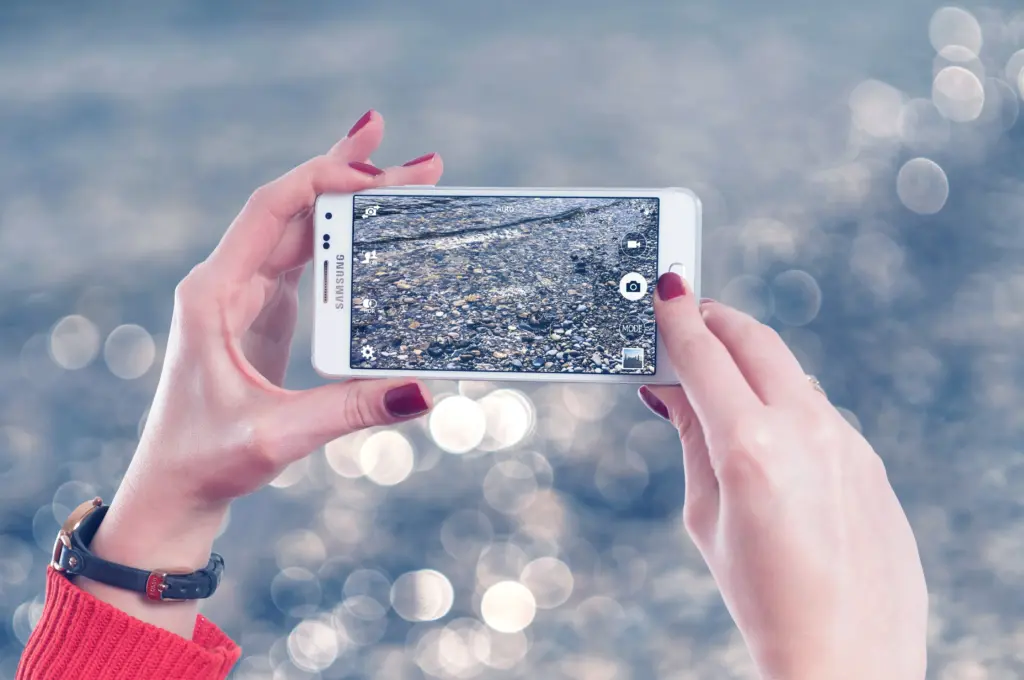
Smartphone manufacturers continue to invest in improving the image quality of their devices. The use of multiple cameras, larger sensors, and advanced image processing has made smartphone photography a viable alternative to traditional cameras. For instance, according to a report by Counterpoint Research in 2021, the global image sensor market was valued at over $15 billion.
Check Out: Super Denoising for Mac – Instantly Fix Your Grainy Photos
Online Photography Communities
Online channels and forums dedicated to smartphone photography have flourished. Websites like Flickr and 500px have dedicated sections showcasing its growing popularity. According to Flickr’s Camera Finder data, iPhones always ranked as the most popular cameras used by users.
Photography Challenges and Hashtags

Hashtags like #ShotOniPhone and #MobilePhotography has gained heights on social media. Phone producers often run photography challenges to help users to show their skills, further promoting smartphone photography. These challenges often receive thousands of entries and generate a great amount of engagement.
Youth and Visual Culture
Younger people, in particular, are using smartphone photography as a means of self-expression. According to a Pew Research Center survey, 97% of Gen Z (ages 18-24) own a smartphone, and they are among the most active users of social media for sharing photos.
Check Out: 5-In-1 Ultimate Professional Photo Editing Bundle
Tips for Capturing Great Shots
Now that you understand the potential of smartphone photography, let’s delve into some tips to help you capture exceptional shots with your mobile device:
Clean Your Lens
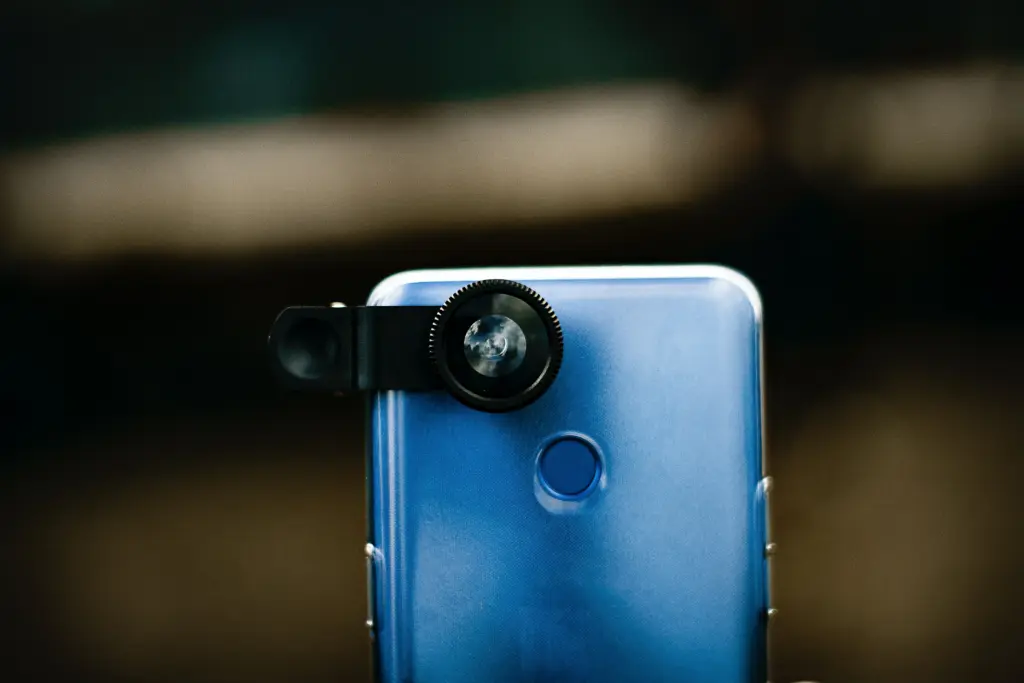
The first and most crucial step is to ensure your phone’s camera lens is clean. Over time, pocket lint, fingerprints, and dust can gather on the lens, leading to blurry or hazy photos. Use a microfiber cloth or a lens cleaning pen to wipe away any dirt.
Master Composition
Composition plays a vital role in photography. Familiarize yourself with techniques such as the rule of thirds, leading lines, and framing. This guide will help you create visually pleasing and balanced shots.
Utilize Natural Light

Natural light is often the best source for photos. When shooting outdoors, try to capture your subjects during the golden hours—shortly after sunrise and before sunset—for soft, warm light.
Experiment with Angles
Feel free to explore diverse angles without any trouble. Shooting from low angles can make objects appear larger while shooting from high angles can provide a unique view of your subject.
Use Gridlines
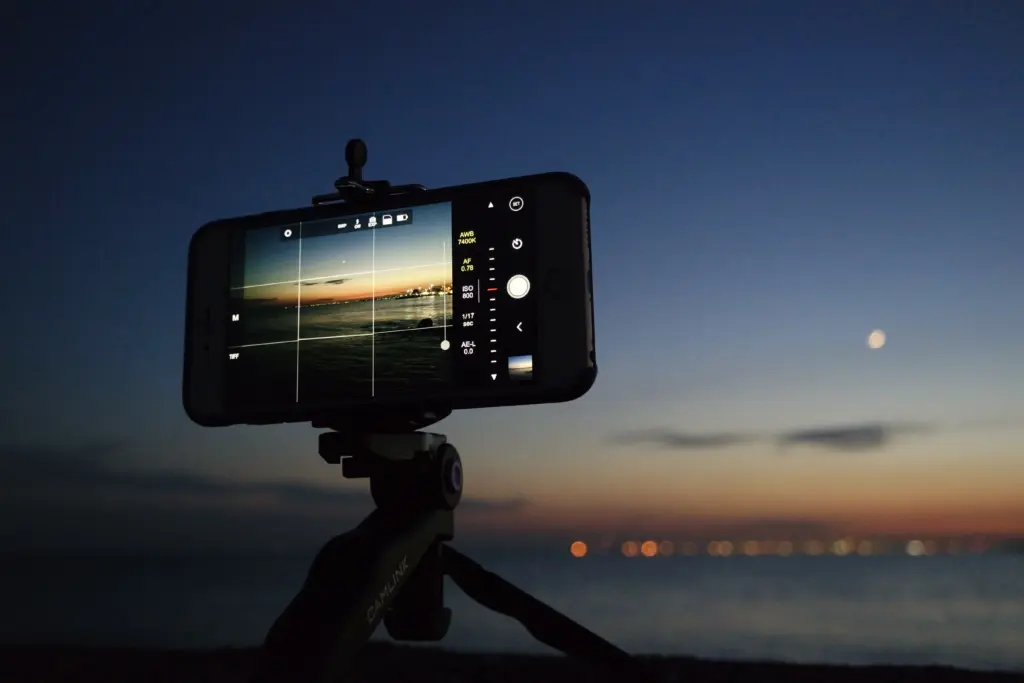
Most phone cameras offer the option to enable grid lines on the screen. These grid lines can assist you in choosing your subjects with the rule of thirds and keeping balance.
HDR Mode
High Dynamic Range (HDR) mode, on the other hand, can help you capture scenes with varying light levels, such as landscapes with a bright sky and dark ground. HDR blends multiple exposures to craft a perfect image image.
Third-Party Apps
Additionally, while your phone’s default camera app is excellent, consider exploring third-party camera apps that offer advanced controls, manual settings, and features for more creative control over your shots.
Edit Your Photos
Post-processing is an important part of this. Use photo editing apps to enhance your images further. There are several other popular photo editing apps and tools that can elevate your mobile photography. One such tool that can help you take your mobile photography to the next level is the Video Editor by Movavi.
Adobe Lightroom Mobile

A powerful photo editing app that offers a wide range of tools for enhancing and retouching your photos. It provides advanced features like RAW editing and presets.
Check Out: 1000+ Extravagant Lightroom Presets Bundle
Snapseed

Developed by Google, Snapseed is a easy app with a variety of filters and editing options. It’s known for its accurate editing tools like adjustments and curves.
VSCO

VSCO offers a minimal interface with a collection of stylish filters and editing tools. Therefore, It’s a favorite among people for its simple and aesthetic enhancements.
Pixlr
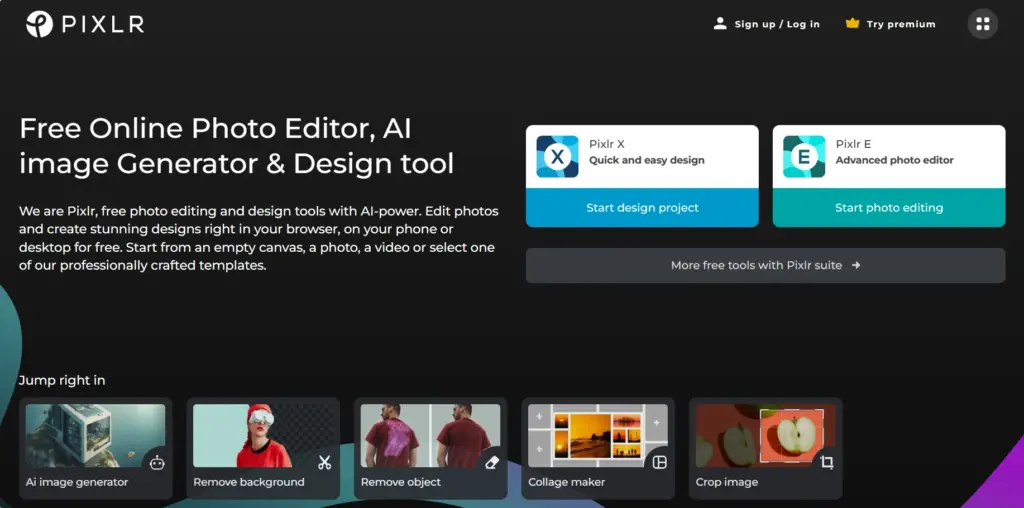
This app gives a wide range of editing options, from basic adjustments to advanced features like double exposure. Good for everyone trying to learn photography.
ProCam
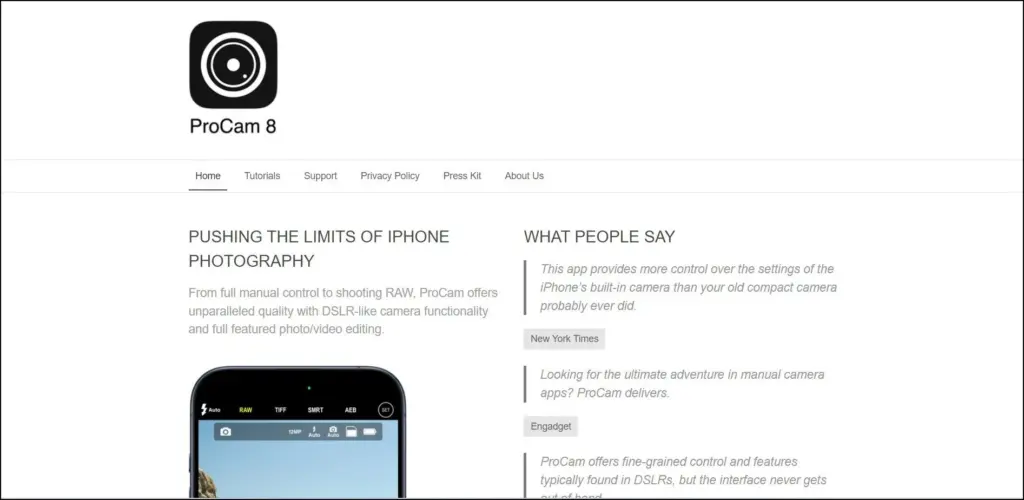
ProCam offers manual controls. Consequently, it allows you to fine-tune settings like ISO, shutter speed, and white balance for professional-grade results.
Afterlight
Afterlight is easy with a variety of filters and textures. It’s great for adding unique and creative touches to your photos.
Conclusion
The realm of mobile photography has changed into a potent and readily available channel for creativity. With the right tips and tools, anyone can capture great shots using their smartphone. Remember to keep your lens clean, master composition techniques, and make the most of natural light.
Whether you’re into photography or just someone who loves to capture life’s moments, your phone is the right tool that can help you achieve remarkable results. So, grab your phone, explore the world through your lens, and let your creativity flow with mobile photography.
Also check out: The Ultimate Camera Buying Guide For Beginners
And for more of such great content, check out our BLOG PAGE!