Photo Wrinkle Remover Technique in Photoshop
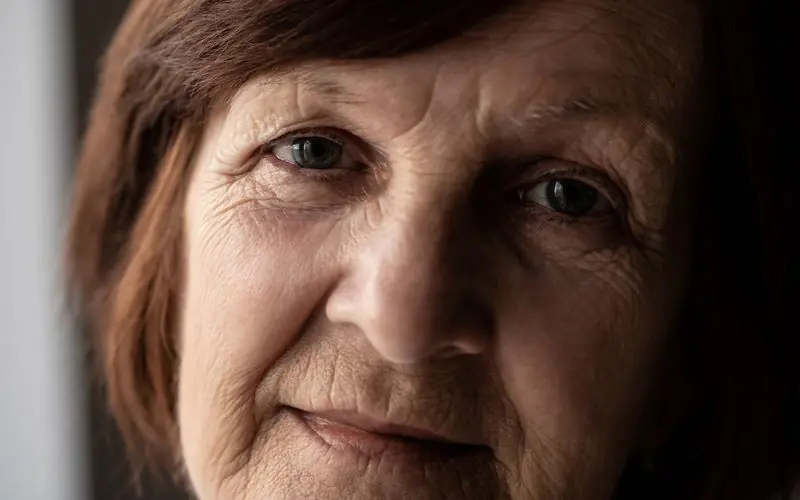
It seems like I’m crushing real hard on Phlearn right now. Another video to show you, another paragraph explains how great they are. Although in this video, I have one issue, I think. It’s nothing big, nothing too serious. It’s more a disclaimer I have put at the very beginning: wrinkles aren’t bad!
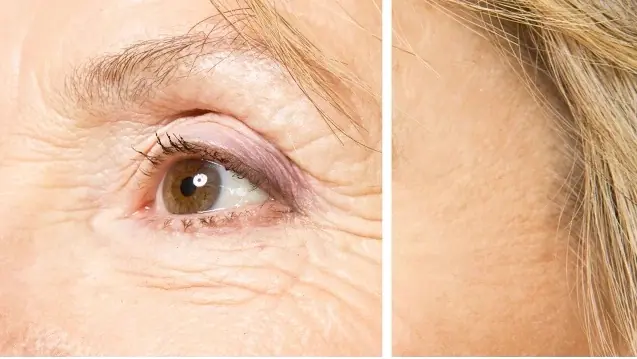
Wrinkles show that you’ve lived. Though I guess like everyone says, you get the face you deserve. Anyway, to the video, it’s great. They approach the sensitive topic with Phlearn-expected class. As for techniques, you’ll learn two approaches to removing wrinkles. One that’s natural, and one that’s complete.
Enjoy photo wrinkle remover technique in Photoshop!
Looking to improve your editing skills? This retouching learning path covers everything from basic enhancements to advanced editing workflows.
Frequently Asked Questions
Q.1 What is the best Photoshop tool for removing wrinkles?
Ans. Photoshop offers several tools for wrinkle retouching, including the Healing Brush, Clone Stamp, and other retouching techniques. The best choice depends on whether you want to subtly reduce wrinkles or remove them more completely.
Q.2 How do you remove wrinkles without making skin look fake?
Ans. For natural-looking results, avoid completely flattening the skin. Reduce the visibility of wrinkles while retaining some texture, pores, highlights, and shadows. Subtle retouching generally produces a more realistic portrait.
Q.3 Can you reduce wrinkles instead of completely removing them in Photoshop?
Ans. Yes. Photoshop allows you to subtly reduce the appearance of wrinkles rather than erase them completely. This approach can preserve facial character while creating a cleaner, more polished portrait. The tutorial specifically demonstrates both a natural and a complete wrinkle-removal approach.
Q.4 How do you smooth wrinkles in Photoshop while keeping skin texture?
Ans. Work selectively on the wrinkles rather than applying heavy smoothing across the entire face. Controlled retouching helps reduce distracting lines while preserving natural skin detail.
Q.5 Can Photoshop remove forehead wrinkles?
Ans. Yes. Forehead wrinkles can be reduced or removed using Photoshop’s retouching tools. For a convincing result, blend the edited areas with the surrounding skin instead of creating an overly smooth patch.