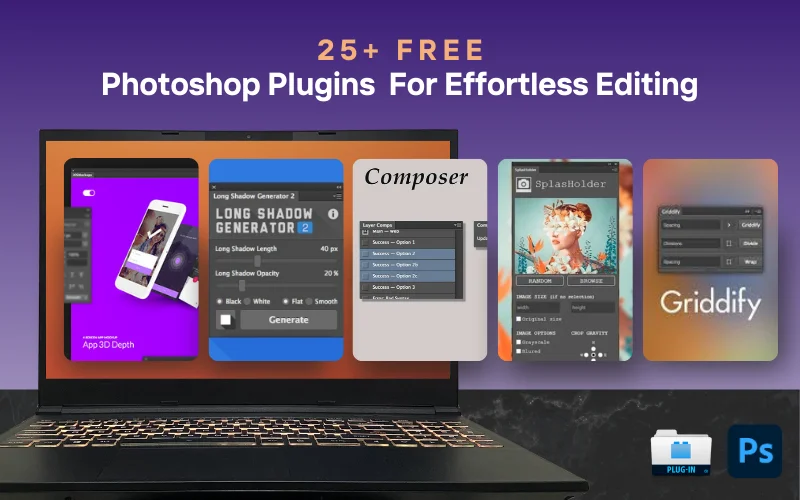
Photoshop is an incredible tool for photographers, designers, and digital artists. But let’s be honest, it can sometimes be overwhelming. The good news? There are free Photoshop plugins that make editing faster, easier, and more creative.
These plugins help streamline your workflow, automate tedious tasks, and unlock powerful new features without costing you a dime.
Let’s dive into 25+ top free Photoshop plugins that every creative professional should have in their toolkit!

Love PhotoWhoa? Add us as a Preferred Source on Google to find more of our photography content in Search and AI results.

Table of contents
- Best Free Plugins For Photoshop
- 1. Pexels Free Photoshop Plugin
- 2. EasyMockups Plugin
- 3. Seamless Textures Generator
- 4. Canto Connector Free Photoshop Plugin
- 5. Composer Tool
- 6. Long Shadow Generator
- 7. Font Awesome Extension
- 8. Pixel2Vector Converter
- 9. Skin Beauty Retouch Panel
- 10. Iconik
- 11. Swatchy: Organizer Tool For Swatches
- 12. SuperPNG Compressor Tool
- 13. Watermark For Adobe Photoshop CC
- 14. Free Retouch Panel For Photoshop
- 15. Slimming File: Layer Rasterizer
- 16. Prisma Swatch Manager
- 17. SplasHolder Tool For Stock Images
- 18. Griddify: Grid Layout Creator
- 19. Export All Text
- 20. Oven: Layer Management Tool
- 21. Highpass Sharpen Plugin
- 22. Texture Anarchy Tool
- Best Free Photoshop Actions
- Final Thoughts
- Frequently Asked Questions
Best Free Plugins For Photoshop
1. Pexels Free Photoshop Plugin
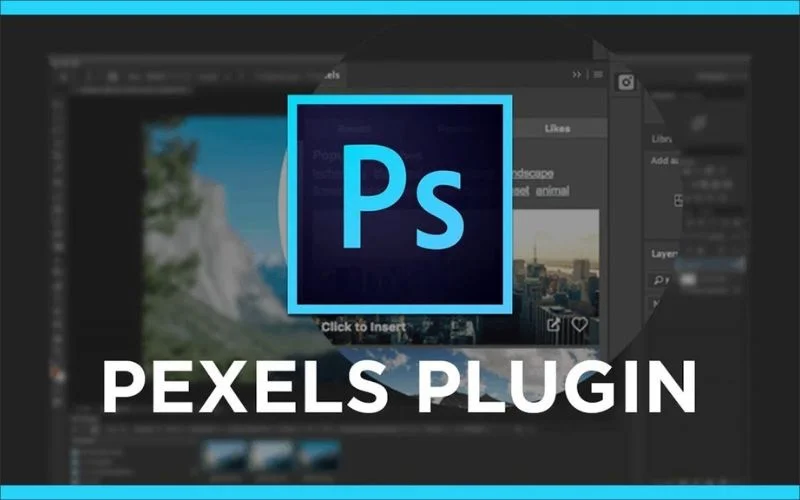
Finding the right image for your project can be frustrating, especially when switching between multiple websites to browse stock photos. The Pexels Photoshop Plugin solves this problem by giving you direct access to a massive library of royalty-free images from within Photoshop itself.
This plugin is a must-have for designers, marketers, and content creators who frequently work with stock images. It saves time and helps you maintain a smooth workflow without breaking your creative momentum. If you rely on free stock photos, this is one of the best free plugins for Photoshop to enhance your productivity.
You might also like: How To Protect Images On A Website
2. EasyMockups Plugin
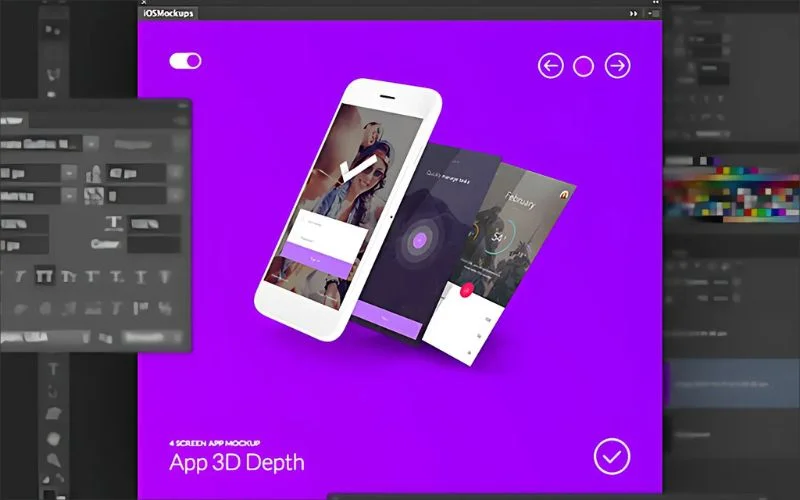
EasyMockups is a handy Photoshop extension that makes it super easy to create stylish mockups for your app screens and designs.
It works with Photoshop CC 2015 and newer, giving you access to 10 beautifully designed mockups with plenty of ways to customize them to fit your style.
3. Seamless Textures Generator
Patterns and textures are some of Photoshop’s most popular tools, but you usually have to download them from other websites.
With this Seamless Textures plugin, you don’t have to! It lets you create your own seamless patterns and textures from any image in just a few clicks. Simple, fast, and totally customizable!
You might also want to check out: Dodge & Burn: AI Plugin for Automated Retouching
4. Canto Connector Free Photoshop Plugin
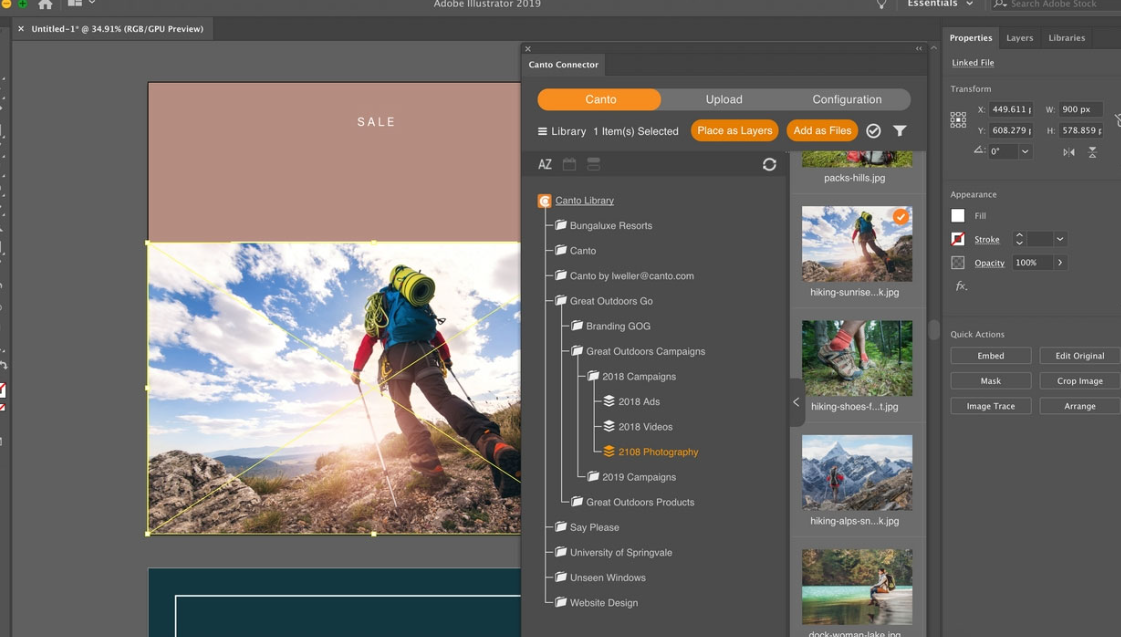
Save clicks and time by pulling images in as new layers or new files. Work with low-res or hi-res previews in design layouts. When you’re finished making edits, upload the file back into Canto either as a new version-tracked master or as a completely new file – depending on your business needs.
Streamline the way you work by staying in your creative tools while seamlessly accessing your central library of images. Your Canto digital asset management (DAM) system allows you to standardize on a single source of truth that all users can rely on to have correct versions.
Also check out: Affinity Photo Presets – Creator Bundle
5. Composer Tool
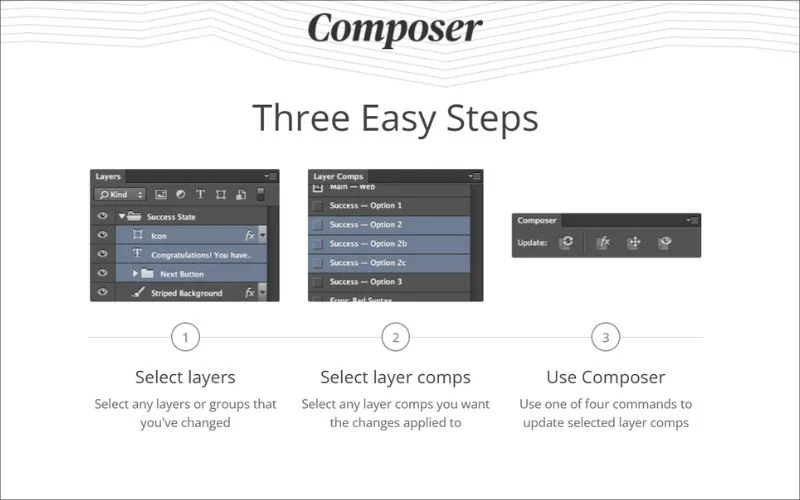
Composer lets you update multiple layers at the same time. With just a few clicks, you can tweak their style, opacity, blend mode, position, and visibility. With four simple commands and an easy-to-use interface, it’s designed to speed up and smooth down your workflow.
Plus, it works seamlessly with Adobe Photoshop CS5, CS6, and CC!
You might also like: Image File Format Guide: What’s the best Image File Format?
6. Long Shadow Generator
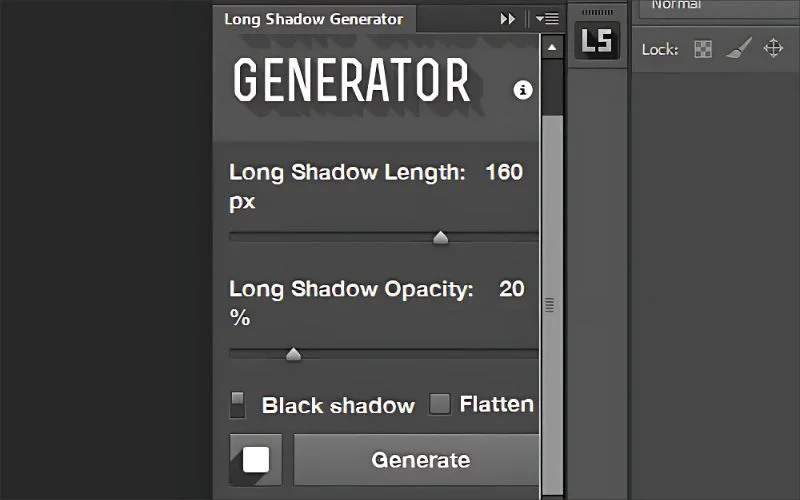
Long shadow effects are a popular design trend, often used in logos, icons, and typography. The Long Shadow Generator makes it incredibly easy to create adjustable long shadows with just a few clicks. Instead of manually creating shadows using layer effects and gradients, this free Photoshop plugin automates the process, saving time while achieving perfect results.
This tool is perfect for graphic designers who want to add a stylish, modern touch to their designs. Whether you need subtle depth or bold, dramatic shadows, this plugin offers full customization to match your creative vision.
Looking to enhance your images? Check out these professional photo editing services.
7. Font Awesome Extension
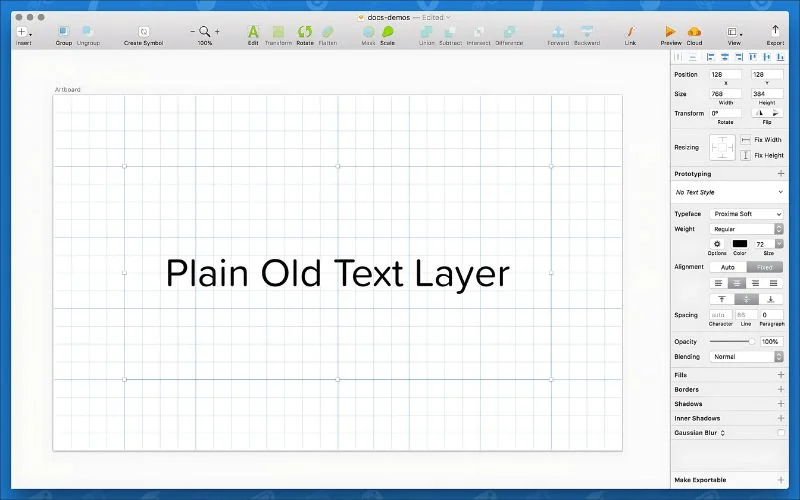
Font Awesome lets you easily add icons and logos directly in Photoshop. The free version provides access to over 1,500 icons, organized by categories and styles in icon and SVG formats. Since they’re designed to look sharp at any size, you can customize them however you like.
Plus, it works smoothly with Adobe Photoshop CC! This is one of the best free Photoshop plugins for designers who need a quick and reliable source of scalable icons.
8. Pixel2Vector Converter
This freePixel2Vector plugin is a game-changer for designers. You’ll love it from the moment you try it! It effortlessly transforms pixel images into crisp vector shapes, making it super handy for all kinds of design work.
Need to extract text from an image and scale it up without losing quality? No problem! With this tool, blurry edges are a thing of the past.
You might also want to check out: 5-In-1 Oil Paint Effect In Photoshop Plugins Bundle
9. Skin Beauty Retouch Panel
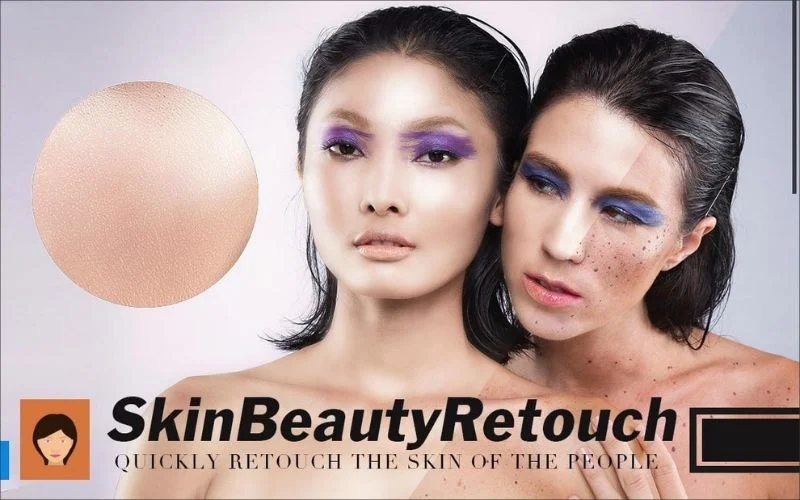
Retouching skin can be tricky. Too much editing can make subjects look unnatural, while too little can leave imperfections. Skin Beauty Retouch simplifies the process, giving you advanced smoothing tools while preserving natural skin texture. Unlike aggressive filters, this best Photoshop add-on helps achieve realistic, magazine-quality retouching.
This plugin is a must-have for photographers and portrait editors. Whether you’re working on wedding photos, fashion shoots, or professional headshots, Skin Beauty Retouch ensures flawless, natural-looking results.
10. Iconik
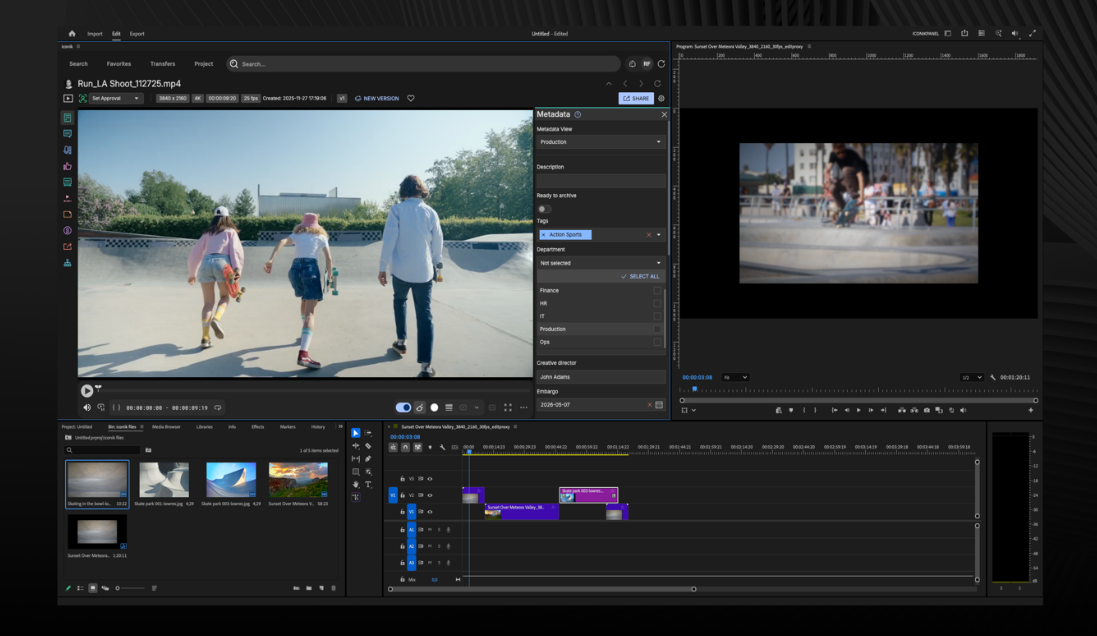
The iconik Panel lets you search, browse collections, view assets, and then use those assets without leaving your Adobe Creative Cloud environment. Once you’ve worked on it, you can post back to iconik to share in-progress work, share out previews for review and approval, or post the final product to be safely stored in iconik for future use.
You might also like: How To Sell Stock Photos Online | Top 10 Websites To Earn Money
11. Swatchy: Organizer Tool For Swatches
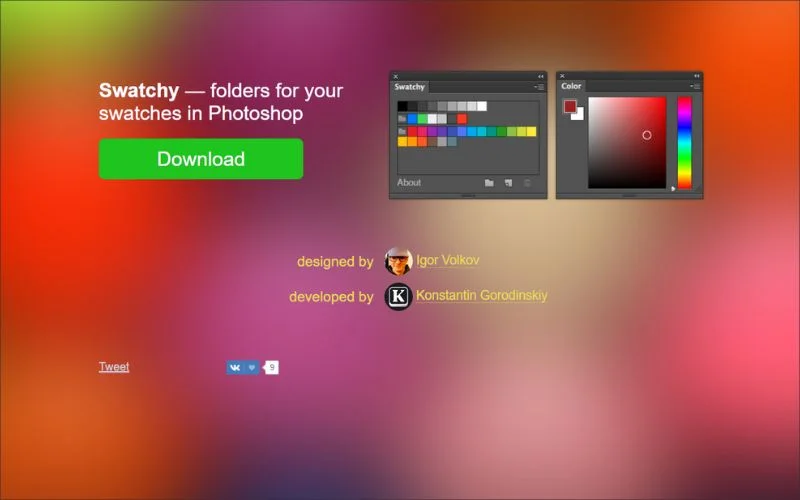
Swatchy is a handy Photoshop plugin that makes organizing your color swatches a breeze. Instead of sifting through a cluttered mess, you can neatly sort your swatches into folders, keeping everything easy to find.
Whether you’re working on multiple projects or love staying organized, Swatchy helps you group colors by theme, mood, or style so you always have the perfect palette!
12. SuperPNG Compressor Tool
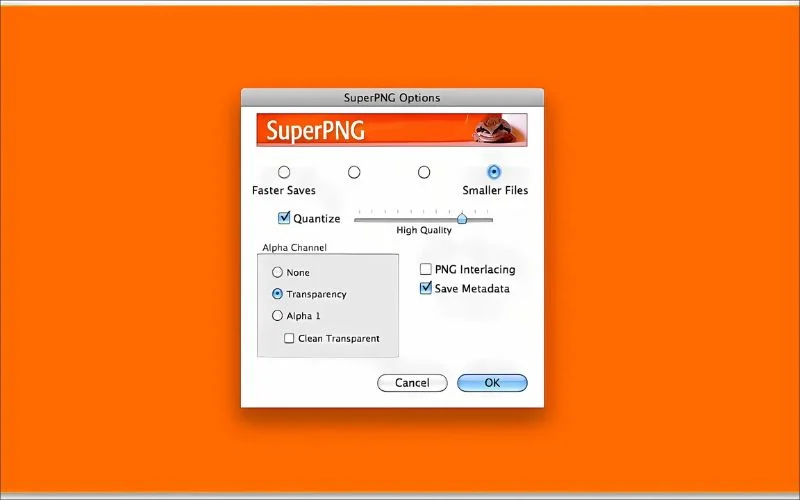
Exporting PNG files from Photoshop can sometimes lead to large file sizes or limited transparency options. SuperPNG improves the standard Photoshop PNG export process by giving you advanced compression settings and better transparency handling. This means you can create smaller file sizes without sacrificing image quality, making it an excellent tool for web designers and digital marketers.
This is one of the best Photoshop add ons for anyone who frequently works with PNG images. Whether you’re preparing graphics for websites, presentations, or social media, SuperPNG ensures you get the best quality with the smallest file sizes.
13. Watermark For Adobe Photoshop CC
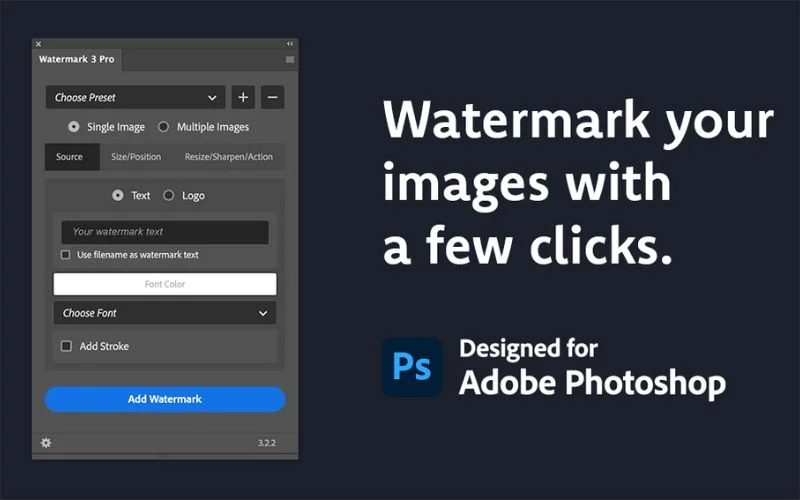
Watermarking is essential for protecting your intellectual property if you’re a photographer or designer who shares work online. The Watermark for Adobe Photoshop CC plugin simplifies this process by allowing you to batch watermark images quickly and efficiently.
Instead of manually adding a watermark to each photo, this free Photoshop plugin for photographers lets you apply them in bulk, saving time while ensuring consistency across all your images. You can customize your watermark’s opacity, position, and size, making it a great tool for branding and copyright protection.
14. Free Retouch Panel For Photoshop
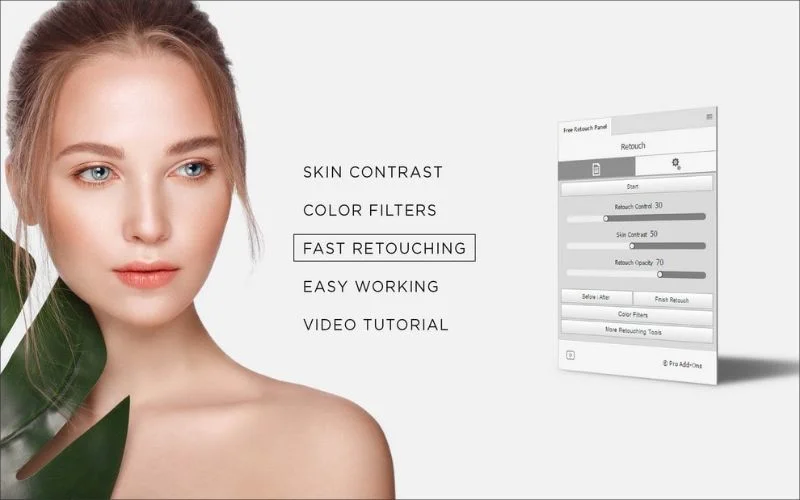
If you’re a photographer who loves working on portraits, this Free Retouch Panel is a game-changer! It adds a handy new panel to Photoshop, making retouching easier than ever.
With a range of adjustments and enhancement tools, you can effortlessly refine and perfect your portraits with just a few clicks.
You might also want to check out: 3-In-1 Artistic Photoshop Plugins Bundle
15. Slimming File: Layer Rasterizer
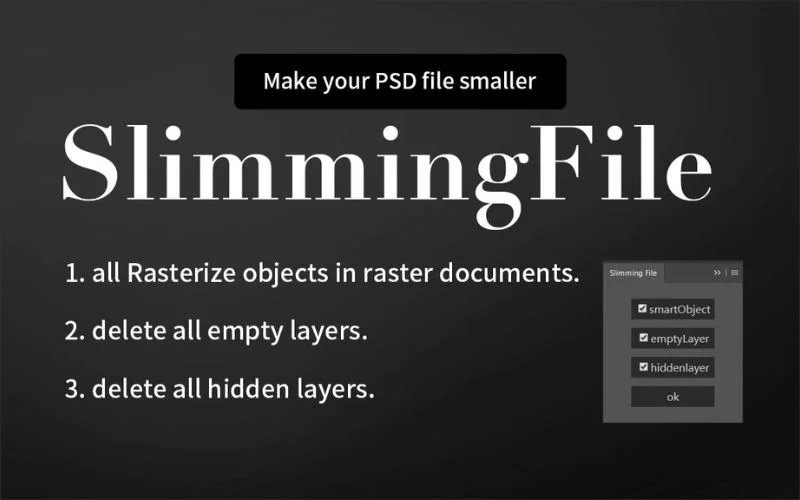
If you work with large Photoshop projects, you’ve probably experienced slow performance due to heavy PSD file sizes. Slimming File helps optimize and reduce your project’s size by cleaning unnecessary metadata and compressing layers while maintaining image quality.
This free Photoshop add-on is perfect for designers working with complex compositions. It ensures that Photoshop runs smoothly without lag. It’s an excellent tool for improving workflow efficiency, especially when working on high-resolution designs or exporting files for web use.
Also check out: Professional Jewelry Retouching Services
16. Prisma Swatch Manager
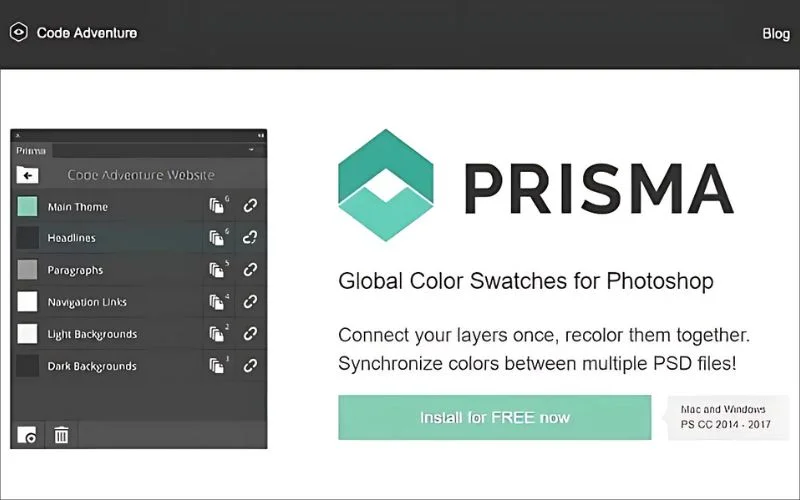
Prisma is a handy swatch manager that helps you organize your colors and easily share them with your team. You can import and export swatches as ASE files, apply them across multiple PSDs in one go, and even link colors to text and shape layers for instant updates.
Plus, it works seamlessly with old and new Adobe Photoshop versions!
17. SplasHolder Tool For Stock Images
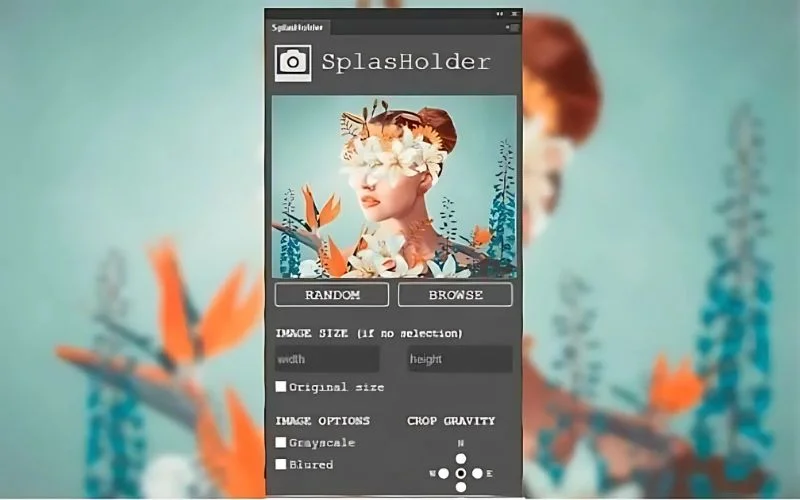
Just like the Pexels Photoshop Plugin, SplasHolder is a handy tool for anyone working with stock images. It lets you browse Unsplash’s massive library of nearly a million copyright-free images and add them to your projects without ever leaving Photoshop.
And the best part? It works seamlessly with Adobe Photoshop CC!
You might also like: 100+ Perfect Photo Dump Captions For Every Kind Of Vibe
18. Griddify: Grid Layout Creator
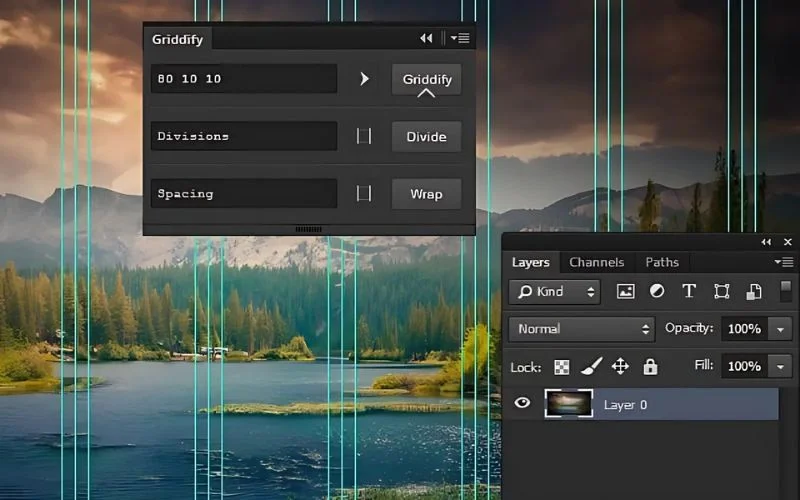
Grids are essential for maintaining consistency in design, but manually setting them up can be time-consuming. Griddify is a top Photoshop plugin that helps designers create precise grid layouts with ease.
This plugin is handy for UI designers, web developers, and anyone who works with structured compositions. It lets you generate grids with adjustable spacing, column widths, and guides, ensuring your designs stay perfectly aligned. If you’re looking for one of the best Photoshop add ons for layout precision, Griddify is a must-have.
19. Export All Text
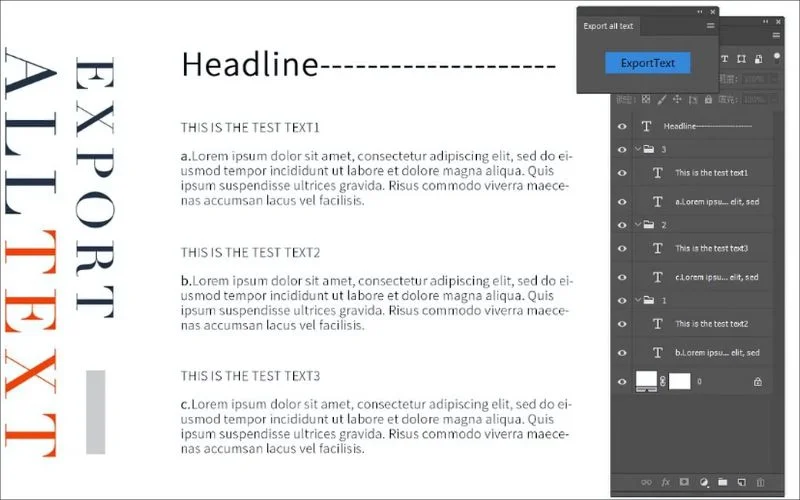
Working with text-heavy designs? Export All Text is a lifesaver for designers and content creators who need to extract text from Photoshop files quickly. Instead of manually copying and pasting each text layer, this free Photoshop plugin allows you to export all text from a PSD file in one go.
This is particularly useful for web designers, marketers, and anyone with multi-language projects. By automating text extraction, Export All Text helps streamline content management and ensures accuracy when working with multiple design variations.
20. Oven: Layer Management Tool
If you design apps for iOS and Android, this Oven free plugin is a game-changer! It lets you quickly label your layers and export them as assets in just a few clicks. No hassle, no extra steps.
It’s a simple yet powerful tool that will save you a lot of time when prepping your design files for development.
You might also want to check out: VideoProc – The Ultimate AI Video Editing Software
21. Highpass Sharpen Plugin
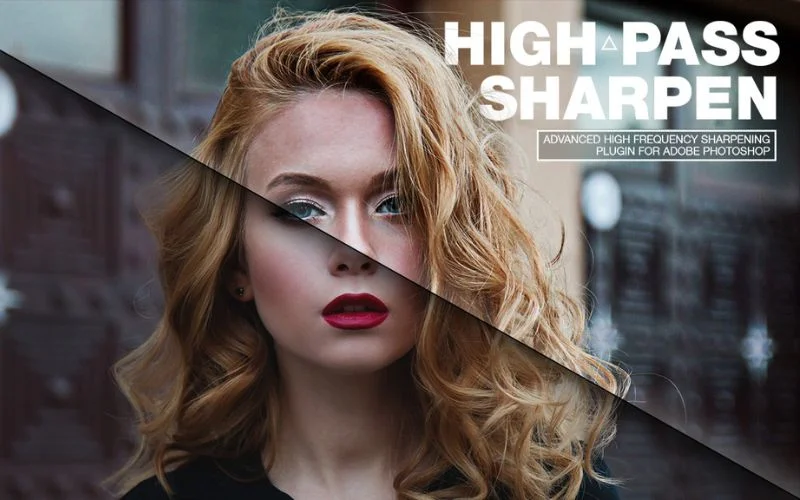
Highpass Sharpen is a handy Photoshop plugin that removes the hassle of sharpening images, so you don’t have to tweak multiple adjustment tools to get the perfect look. With just a few clicks, you can enhance details, add clarity, and bring out textures effortlessly.
Plus, it comes packed with advanced customization options, allowing you to fine-tune the sharpening effect to match your creative vision, whether you want a subtle touch or a bold, crisp finish. It also helps to convert an image into HD easily.
22. Texture Anarchy Tool
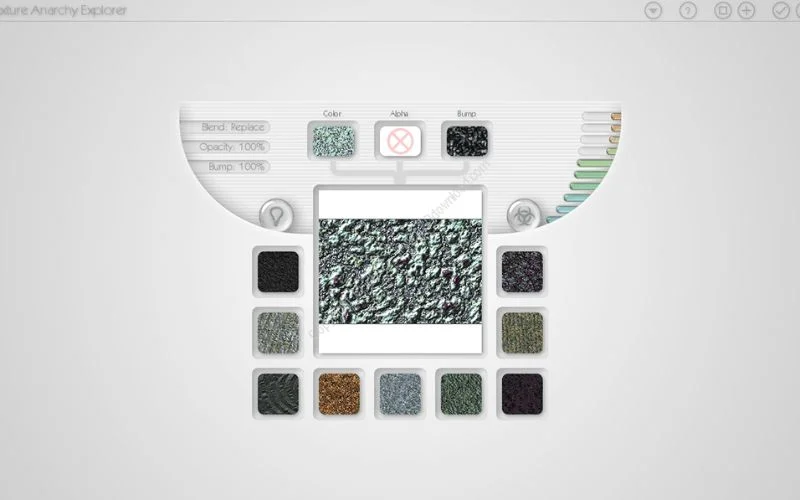
Sometimes, realism just won’t cut it. You need something bold, textured, and totally out of the ordinary patterns that break the rules of natural color schemes and structures. That’s precisely where Texture Anarchy shines.
Yes, the interface might feel like a time capsule from the ‘90s, but there’s a reason it’s been a go-to tool for weird, wild textures and borders for so long. The tool may look old-school, but it can create something truly unique in the right hands. The key? A little creative restraint. Because at the end of the day, you control the chaos.
Best Free Photoshop Actions
23. Unique Free Portrait Photoshop Actions
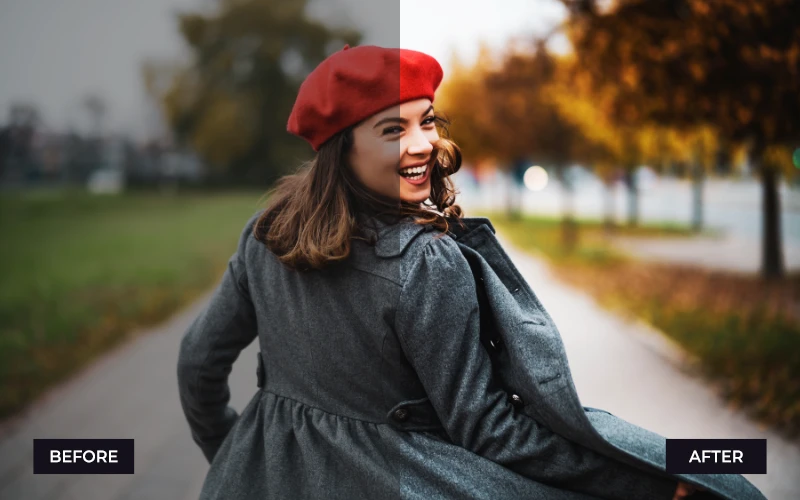
Not all portrait photography is the same. Some require soft, elegant edits, while others call for bold and dramatic effects. This 8 unique portrait Photoshop action collection offers a mix of styles to match any portrait session, whether it’s editorial, moody, or natural.
If you’re looking for free Photoshop add-ons to elevate your portrait work, this collection has something for every photographer.
24. Free Vintage Photoshop Actions

Love the classic film look? This vintage action set transforms modern photos into retro masterpieces with vintage tones, film grain, and rich color grading.
This is one of the Photoshop top plugins for anyone who enjoys vintage aesthetics in their photography!
25. Free Boudoir Photoshop Actions

Boudoir photography is all about soft, flattering light and dreamy skin tones.
This 15 free boudoir Photoshop action pack helps photographers achieve a glamorous and intimate feel with warm highlights, subtle glow effects, and artistic color grading.
26. Free Photoshop Add-ons for Family Portraits

Family portraits require natural and timeless edits. You don’t want over-the-top filters or effects. This family portrait actions bundle is designed for photographers capturing families, kids, and special moments, helping them achieve warm, joyful, and professional-looking images in just one click.
Perfect for wedding, newborn, and lifestyle photographers, this pack is one of the best free plugins for Photoshop to keep your family portraits looking heartwarming and authentic.
27. Free Male Boudoir Photoshop Actions
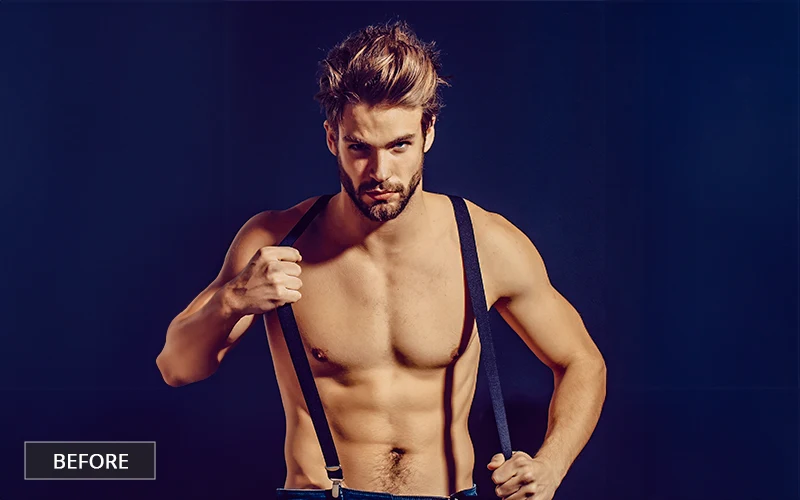
Editing male boudoir photography requires a different approach than female portraits. The focus is often on highlighting textures, defining shadows, and maintaining a masculine aesthetic without excessive softening.
This male boudoir actions pack is perfect for creating intense, moody, and cinematic images. If you’re a boudoir photographer specializing in male portraits, this is a must-have.
28. Best Photoshop Actions For Photographers
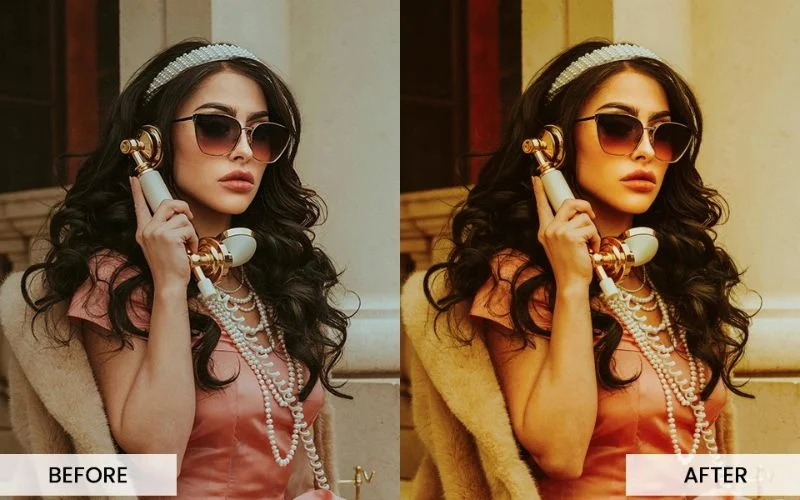
Photographers deal with all kinds of lighting conditions, skin tones, and editing styles. This 10-action collection is designed to handle everything from soft portrait retouching to bold color enhancements.
Whether you shoot weddings, lifestyle, or commercial photography, these actions will speed up your workflow and give your images a polished, high-end look.
Final Thoughts
These free Photoshop plugins are perfect for boosting productivity, improving editing efficiency, and unlocking creative potential. Whether you’re a photographer looking for the best free plugins for Photoshop, a designer searching for Photoshop top plugins, or a digital artist exploring new tools, these add-ons will help you work smarter and faster.
With so many powerful options available, which one are you most excited to try? Let us know in the comments!
Like this post? Check out more amazing photography tips and ideas on our blog.
Frequently Asked Questions
1. What are Photoshop plugins, and why should I use them?
Ans. Photoshop plugins are extra tools or extensions that enhance Photoshop’s capabilities. They help automate tasks, improve efficiency, and add special features that aren’t built into the software. If you want to speed up your workflow, improve image quality, or add creative effects, plugins are a game-changer!
2. Do these plugins slow down Photoshop?
Ans. Not really! Most Photoshop top plugins are lightweight and won’t impact performance. However, if you have too many installed at once, they can take up memory. If you notice Photoshop running slower, try disabling unused plugins.
3. What’s the difference between a Photoshop plugin and an extension?
Ans. Plugins are external tools that integrate with Photoshop and often appear under the “Filter” menu. Extensions, on the other hand, are usually more interactive and appear in the “Window” → “Extensions” panel. Both can enhance your Photoshop experience!
4. How often should I update my Photoshop plugins?
Ans. It’s always a good idea to keep your plugins updated! Many developers release updates to fix bugs, improve performance, and add new features. Check the official websites of your favorite plugins occasionally to see if an update is available.