
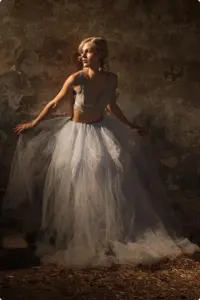
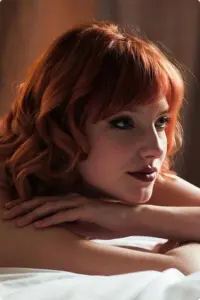
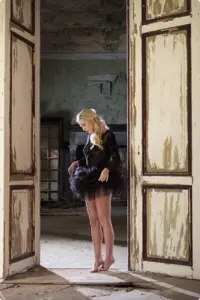
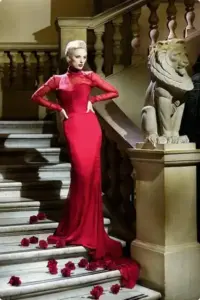
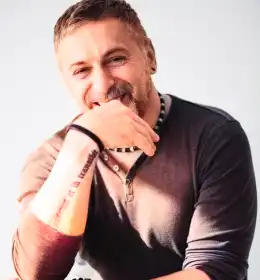
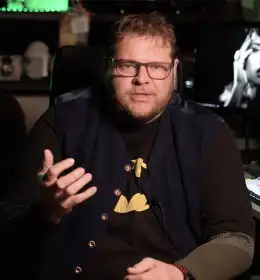
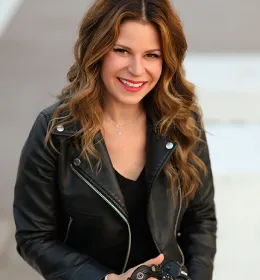
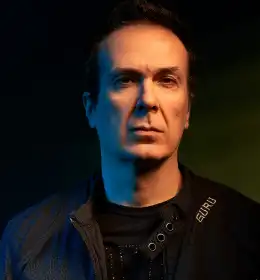
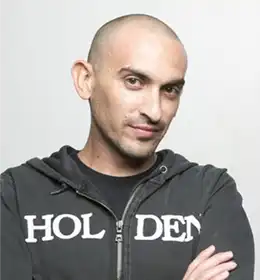
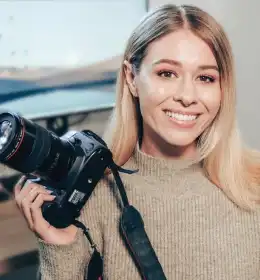
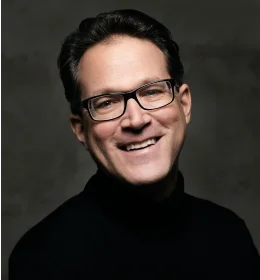





Portrait Retouching Photoshop Effects In Action
What's Included
• 10 Photoshop Retouching Actions [ATN. Files]
• 48 LUTs [CUBE, CSP, 3DL, ICC]
• 1 Photshop Brush [.ABR File]
• 10 Categories
Compatibility
• Works with Adobe Photoshop v24.x or Newer
• Compatible with Windows & Mac
Categories Included
• Frequency Separation Action
• Harmonize & Tone Photoshop Action
• Texture Control Pro
• Image Analysis
• Light Actions For Photoshop
• Advanced Selections
• Black and White PS Actions
• Luma & Chroma Effect Photoshop Action
• Selection, Masking, & Blending Tools
Retouch Like a Pro With These Photoshop Actions For Retouching
Are you into photo editing and digital photography? Then you are probably aware of the formidability of Adobe Photoshop in this industry.
Even if you’re a beginner or a full-time photographer, you need to invest in the right tool, and that is where the Photoshop retouching pack comes in. These Photoshop actions for retouching are to help your photos look flawless.
At just $39 (from its original selling price of $99), you can access this bundle of highly versatile and powerful Photoshop actions designed to bring your photos to the next level.
What’s great about the bundle is that it is highly versatile. Anyone can use it, including complete beginners and pros.
Another perk of using photo actions is that they can consistently polish the way your pictures look.
If you have a good Photoshop bundle containing the Photoshop retouching actions, then you can stop worrying too much about having to miss details or spending a lot of time making adjustments on even minor stuff.
In other words, portrait retouching Photoshop actions won’t make your photos look unnatural or over-edited. The results will always be realistic. So don’t let anything stop you from improving your photographs through the NBP Photoshop retouching actions.
How To Use These Photoshop Actions For Retouching
Frequently Asked Questions
What are Photoshop retouching actions?
Photoshop retouching actions are pre-recorded editing steps that automate complex retouching processes in Adobe Photoshop. They help you enhance skin, tones, lighting, and details quickly with just one click.
What is included in this Photoshop retouching pack?
This Photoshop retouching pack includes:
- 10 Photoshop retouching actions (ATN files)
- 48 LUTs (CUBE, CSP, 3DL, ICC formats)
- 1 Photoshop brush (ABR file)
- 10 advanced retouching categories
Are these Photoshop actions suitable for beginners?
Yes, these Photoshop actions for retouching are beginner-friendly. They come with easy-to-use controls and help you achieve professional results without advanced editing skills.
What types of retouching can I do with this bundle?
You can perform a wide range of edits, including:
- Skin retouching
- Color correction
- Light enhancement
- Texture refinement
- Background blending
- Black and white edits
What is the chroma effect in Photoshop?
The chroma effect Photoshop action enhances color tones and balances hues, helping your images look vibrant while maintaining natural skin tones.


Reviews
There are no reviews yet.