AI Photography – Art of Digital Creation
Photography Masterclasses

AI Photography - Art of Digital Creation

A complete AI photography tutorial to help you generate, composite, and refine images using AI and Photoshop workflows.
3.9 hours
11 Lessons
Practice Files

Access ALL masterclasses with PhotoWhoa PLUS

What You'll Be Able To Create

Create advanced, visually striking images using AI tools and hybrid workflows

AI-Enhanced Digital Artwork

Produce high-quality visuals using ai photography tools

Composite & Stylized Images

Blend multiple elements using photoshop masking tutorial techniques

Realistic AI-Generated Visuals

Create lifelike results using advanced ai photo retouching workflows
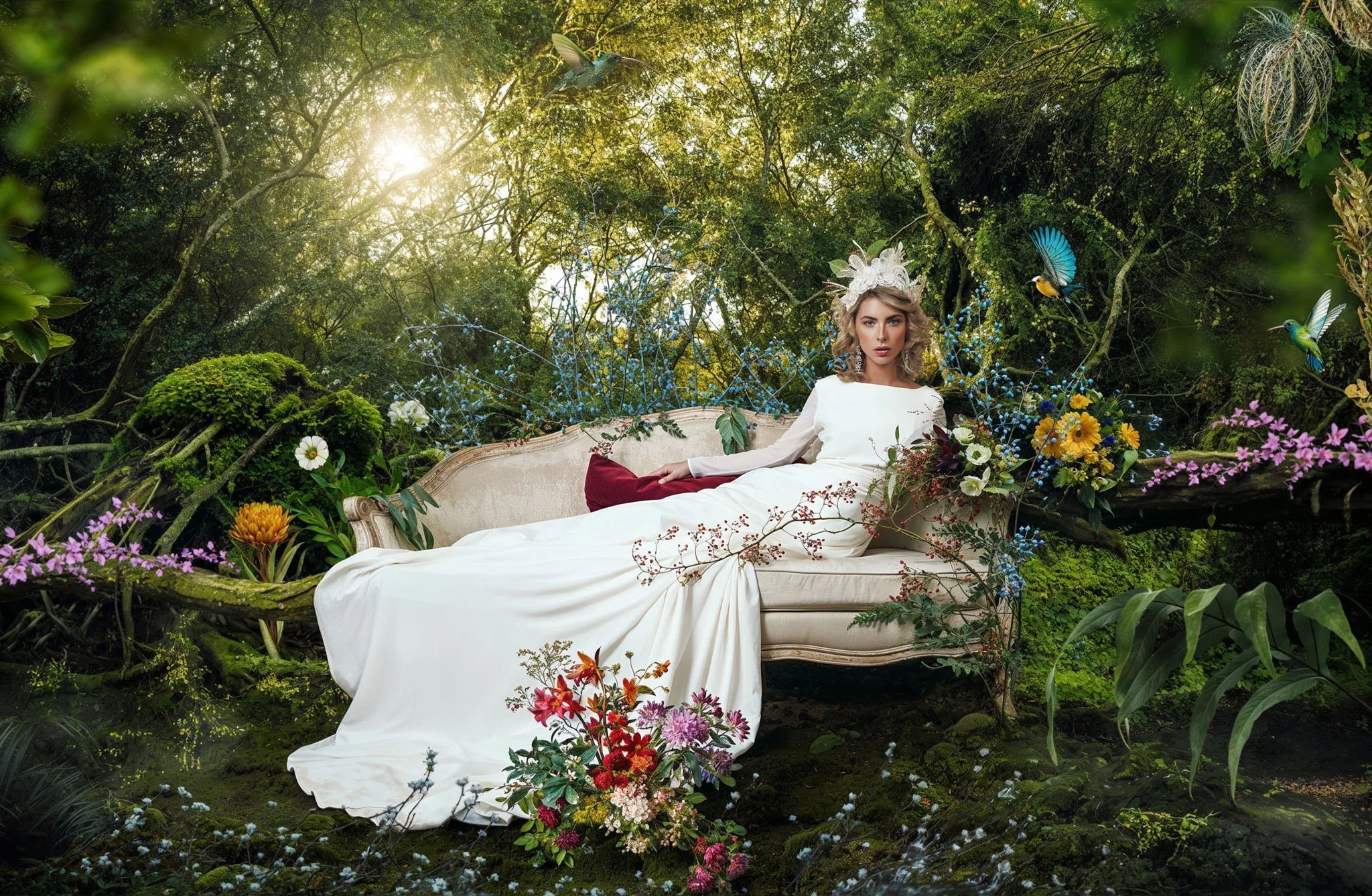
See What You’ll Learn To Create

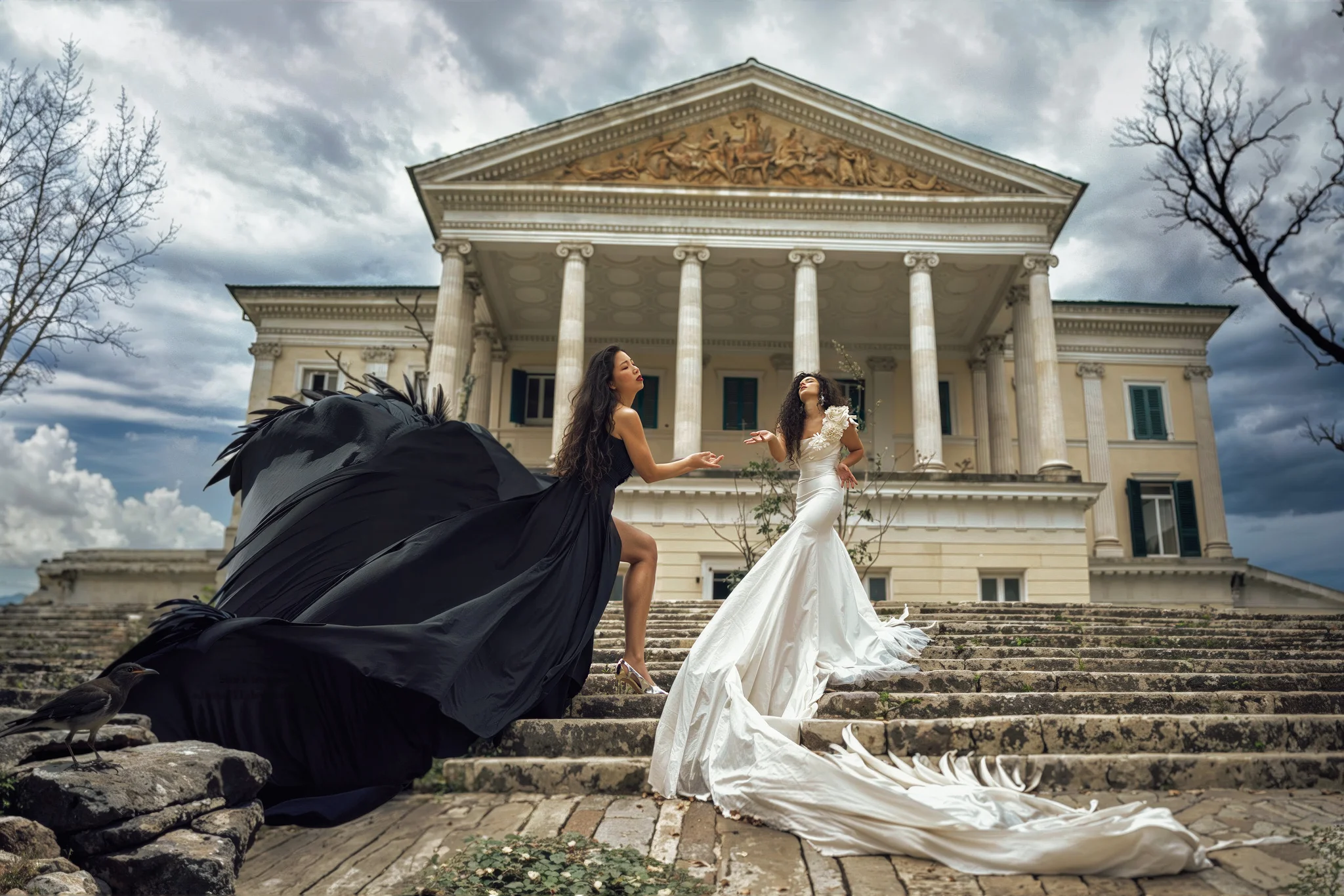
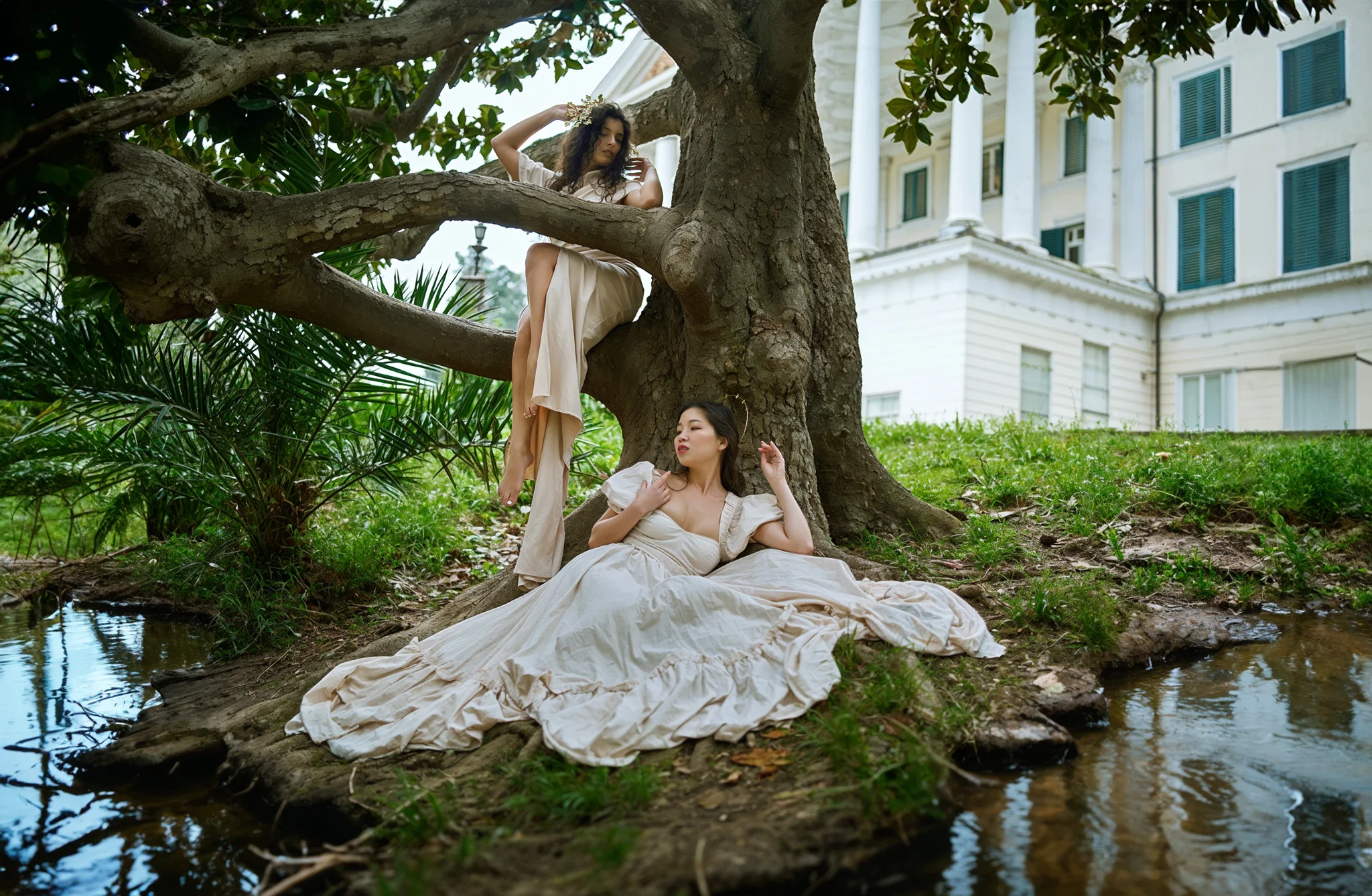
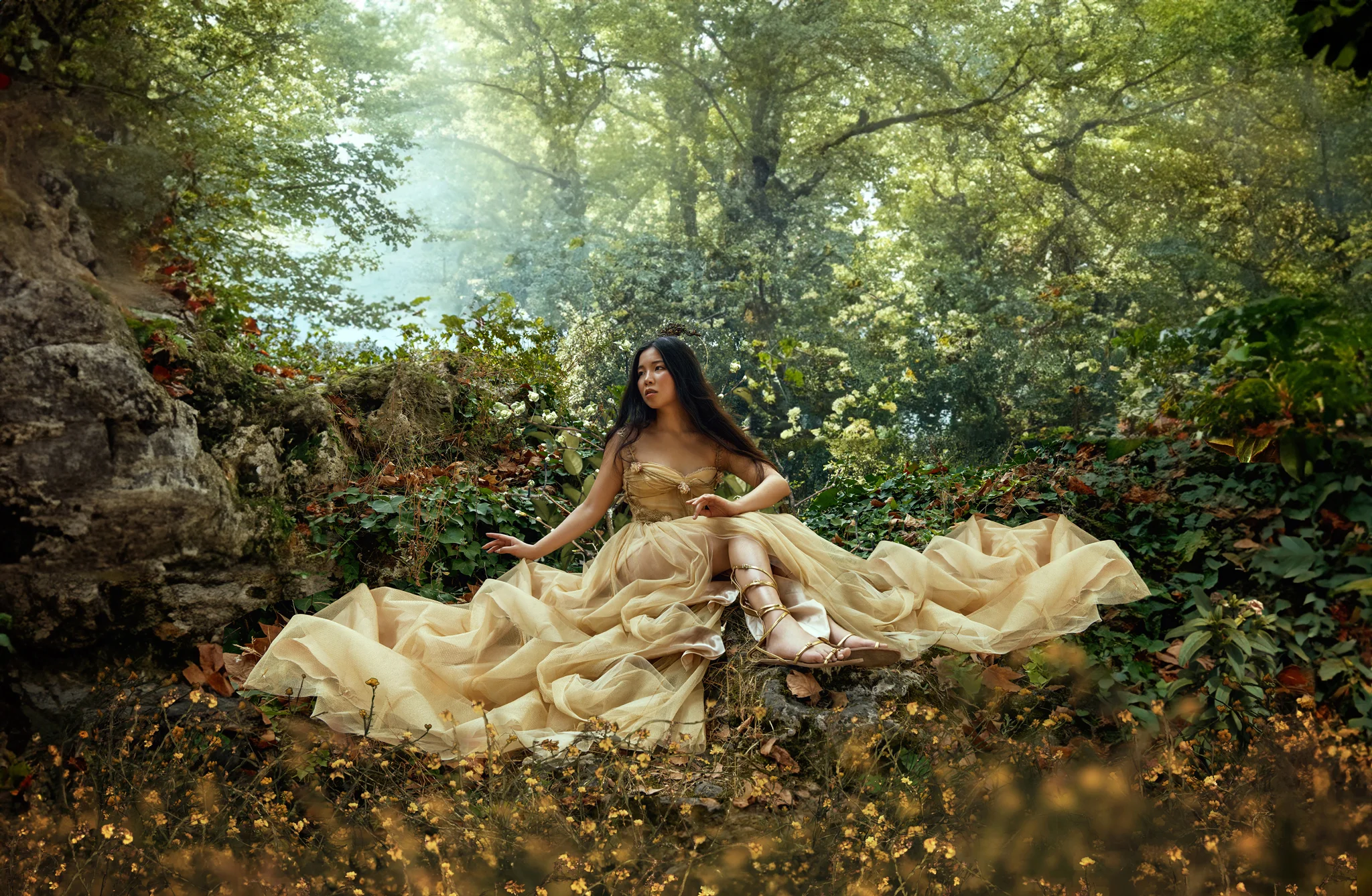
From raw ideas to polished visuals, this AI photography tutorial transforms your entire creative process.
The AI photography course visual shows how photographers can enhance their workflow with powerful AI photo retouching tools.
The AI for photography image illustrates how combining AI tools and Photoshop masking tutorial techniques improves final image quality.
The AI photo retouching example demonstrates how to refine details and enhance realism in digital photography projects.
This AI photography course image explains how to use AI tools to speed up editing while maintaining professional results.

What This AI Photography Tutorial Is All About

AI is changing how images are created, but the real advantage comes from knowing how to control it.

In this AI photography tutorial, you’ll learn how to:

  • Generate images using AI tools
  • Combine elements through compositing
  • Refine results using AI photo retouching and Photoshop

This is not just about generating images, it’s about learning how to build complete visual concepts using AI for photography and professional editing techniques.

If you want to move beyond basic AI outputs and create polished, high-end visuals, this is where it starts.
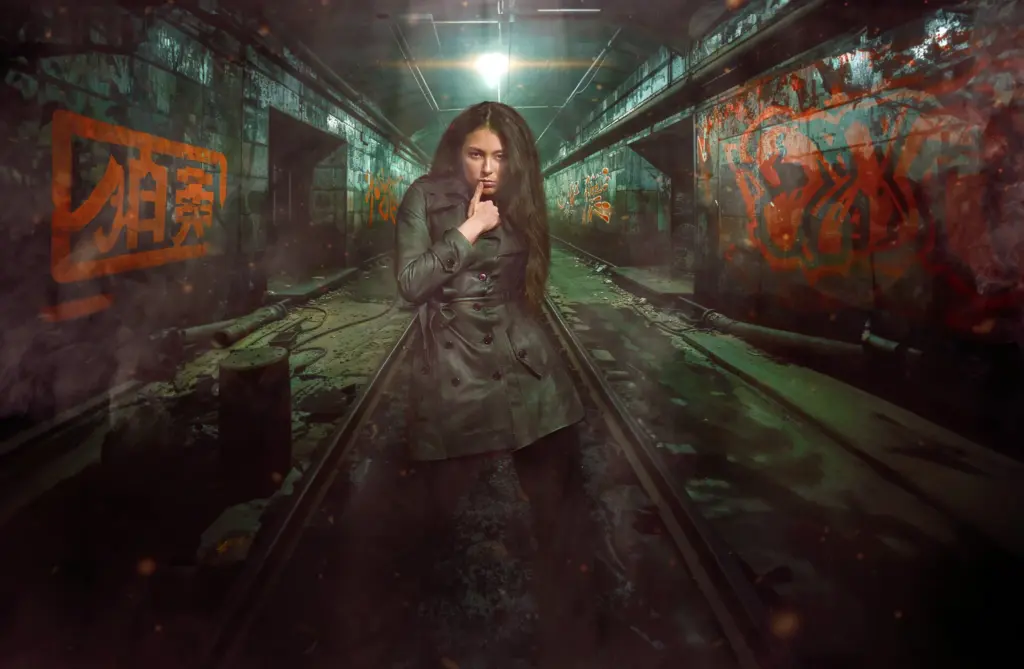
What You’ll Learn In This AI Photography Tutorial

Master AI workflows, compositing, and retouching techniques for professional results
The Photoshop masking tutorial visual highlights how precise masking techniques improve control over image edits and compositions.
How to create and enhance images using ai photography tools
Building a complete AI photo retouching workflow for better results
When to use AI vs Photoshop in your editing process
Foundations of compositing for combining multiple elements
Mastering photoshop masking tutorial techniques for precise edits
Using artistic styles, genres, and references in ai for photography
Avoiding common mistakes in ai photography course workflows

Lessons Breakdown

focused lessons designed for practical application. Each lesson builds on the previous, taking you from fundamentals to advanced techniques.

lesson 1

The Art of Digital Creation by Luca Storelli – Lesson 1

18m 58s
lesson 2

The Art of Digital Creation by Luca Storelli – Lesson 2

7m 6s
lesson 3

The Art of Digital Creation by Luca Storelli LESSON 3 Part 1

35m 11s
lesson 4

The Art of Digital Creation by Luca Storelli LESSON 3 PART 2

22m 28s
lesson 5

The Art of Digital Creation by Luca Storelli LESSON 3 PART 3

12m 29s
lesson 6

The Art of Digital Creation by Luca Storelli LESSON 3 PART 4

19m 24s
lesson 7

The Art of Digital Creation by Luca Storelli APPENDIX 1

27m 12s
lesson 8

The Art of Digital Creation by Luca Storelli APPENDIX 2

15m 51s
lesson 9

The Art of Digital Creation by Luca Storelli EXERCISE 1

27m 0s
lesson 10

The Art of Digital Creation by Luca Storelli EXERCISE 2

45m 33s
lesson 11

The Art of Digital Creation by Luca Storelli CONCLUSIONS

5m 44s

Continue Your Learning Journey With Guided Path

This masterclass is part of the Create AI & Digital Photo Art Learning Path — a guided step-by-step journey designed to help creators build stronger AI imaging, editing, and creative storytelling skills.

Foundations

Core Techniques

Creative Mastery

Advanced Workflows

Explore the full AI Photography learning path to refine your workflow, visual concepts, and AI-powered art techniques.

Who Is This AI Photography Tutorial For?

  • Photographers Exploring AI — Learn how to integrate ai for photography into your workflow
  • Digital Creators — Create high-quality visuals faster using ai photography tools
  • Photo Editors & Retouchers — Upgrade your workflow with ai photo retouching techniques
  • Conceptual & Fine Art Photographers — Build complex visuals using compositing and AI
  • Creators Struggling With AI Results — Improve output with structured workflows and masking
  • Photoshop Users — Master advanced photoshop masking tutorial techniques for precision
Luca Storelli

Expert Instructor

Luca Storelli

Luca Storelli is an internationally published fine art and fashion photographer, expert retoucher, and educator based in Rome. His work has been feated in renowned publications such as 7Hues, Solis Magazine, Style Cruze, 365 ART + Japan, Dark Beauty, Moevir Paris, Feroce, Elegant, and Assure’ Magazine. Specializing in fashion, fine art, and portrait photography, Luca has built a strong reputation for creating visually compelling imagery. His expertise spans across fashion lookbooks, brand identity, commercial wedding photography, editorial work, and high-end advertising campaigns.

View instructor’s classes

Frequently Asked Questions

This course is perfect for both beginners wanting to learn AI photography basics and experienced photographers looking to integrate AI tools into their workflow.

The course covers AI photo retouching techniques and Photoshop skills, including masking and compositing, alongside using AI platforms like Midjourney and Magnific AI.

No prior experience is necessary. The course starts with foundational concepts of retouching or Photoshop editing using AI and then dives in on advanced techniques.

Yes! While the course is designed with photographers in mind, non-photographers can definitely benefit from it too. The tutorial covers AI techniques, Photoshop skills, and creative workflows that anyone interested in digital art, AI generated images, or photo editing can learn from.

This course is free for Plus Members. If you have a PhotoWhoa Plus membership, you can access it for free and learn at your own pace and rewatch it as you like.

You’ll learn how to streamline retouching, create stunning composites, and produce authentic, professional-quality images using AI.

AI photo retouching uses artificial intelligence tools to automatically enhance images by adjusting lighting, colors, textures, and details. In this AI photography course, you’ll learn how to combine AI tools with manual editing to achieve more precise and realistic results.

Beginners should focus on prompt writing, basic compositing, and simple retouching workflows. This AI photography tutorial simplifies these techniques so you can start creating quality images quickly.

Compositing involves combining multiple elements (AI-generated or real) into one final image. This course covers the foundations of compositing techniques to help you create visually compelling images.

AI upscaling improves image resolution and sharpness without losing quality. In this course, you’ll learn how to use tools like Magnific AI to produce high-resolution, professional-grade images.

Get PhotoWhoa PLUS

Unlock this masterclass and 70+ more for one low annual price

What's included:

$99

/year

Price locked once you subscribe. Cancel anytime.

Get instant access to ALL masterclasses with PhotoWhoa PLUS

In-Depth Classes
1 +
Hours of Practical Training
1 +
Expert Instructors
1 +

Join photographers worldwide improving their skills with PhotoWhoa PLUS

Become a PhotoWhoa Charter Plus Member

Unlock Luca Storelli's
Free AI Workflow Lesson

Learn how photographers create cinematic AI imagery using Midjourney, Magnific AI, and Photoshop.

3-minute lesson • Instant access

No spam. Just world-class photography education.

Access With Plus