Full Skin Retouching Workflow By Nino Batista
Photography Masterclasses

Full Skin Retouching Workflow By Nino Batista

A complete skin retouching Photoshop course to help you achieve clean, natural, and professional-quality edits.
1.3 hours
1 Lessons

Access ALL masterclasses with PhotoWhoa PLUS

What You'll Be Able To Create

Create clean, natural, and high-end portraits using professional skin retouching techniques.

Flawless Yet Natural Skin Edits

Achieve smooth skin using skin retouching Photoshop techniques without losing texture

High-End Beauty Retouching

Use advanced photoshop face retouching for premium results

Consistent Professional Workflow

Deliver repeatable results with a structured skin retouching workflow

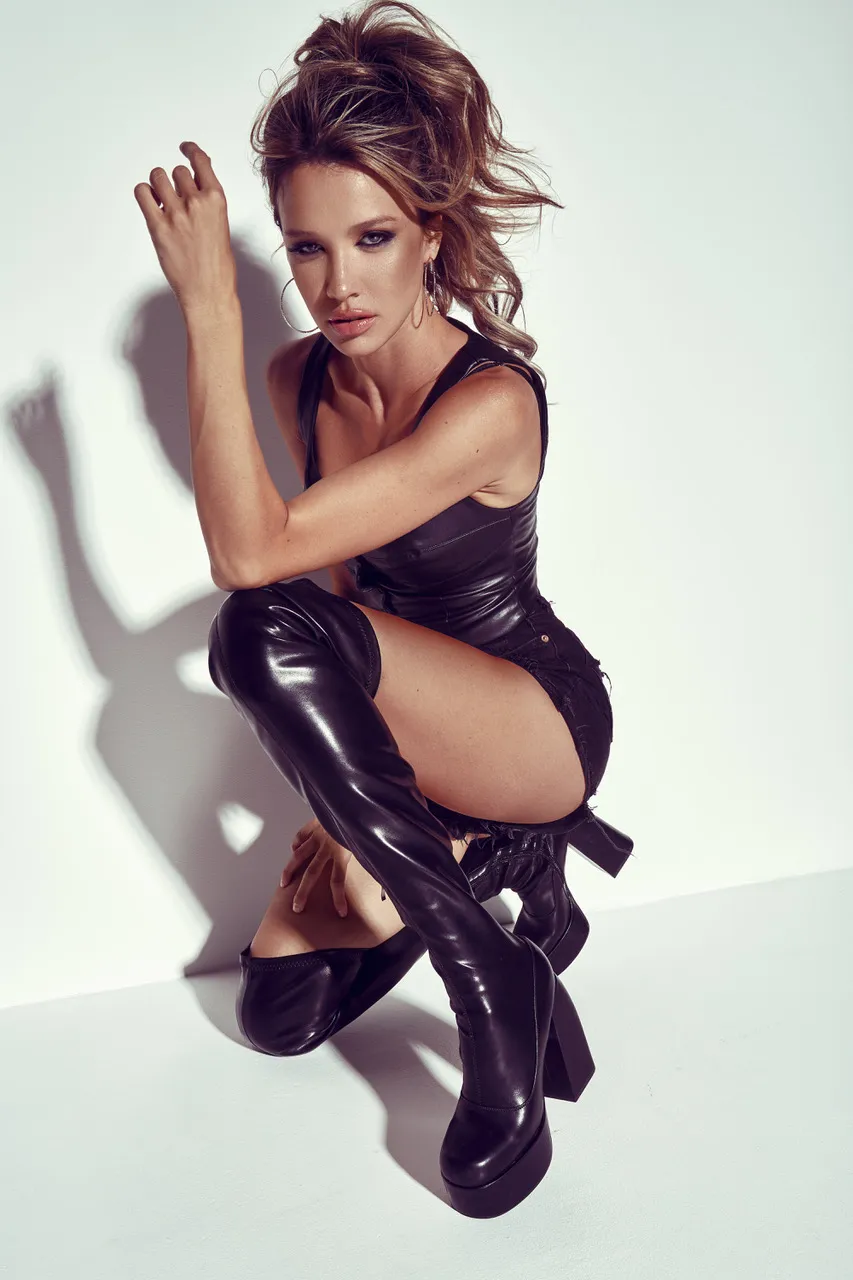
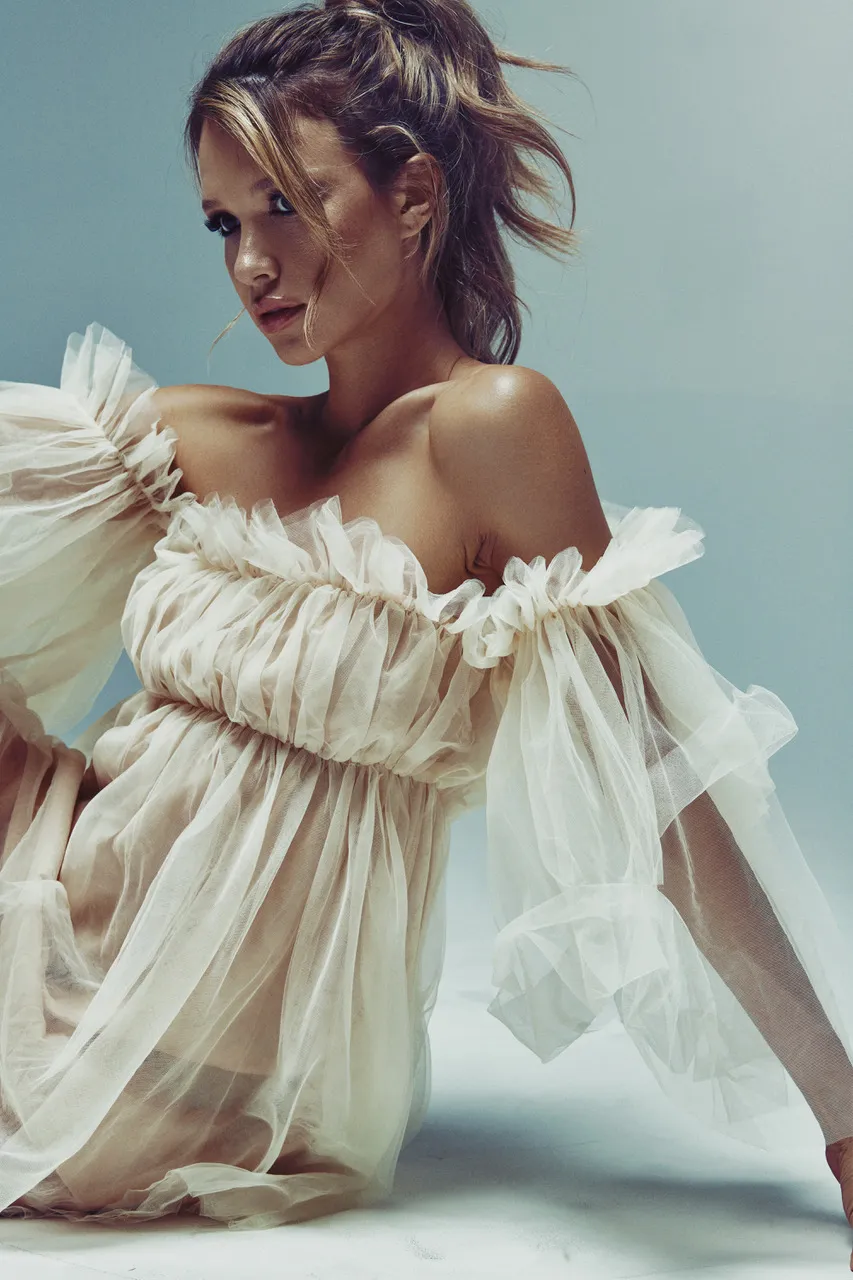
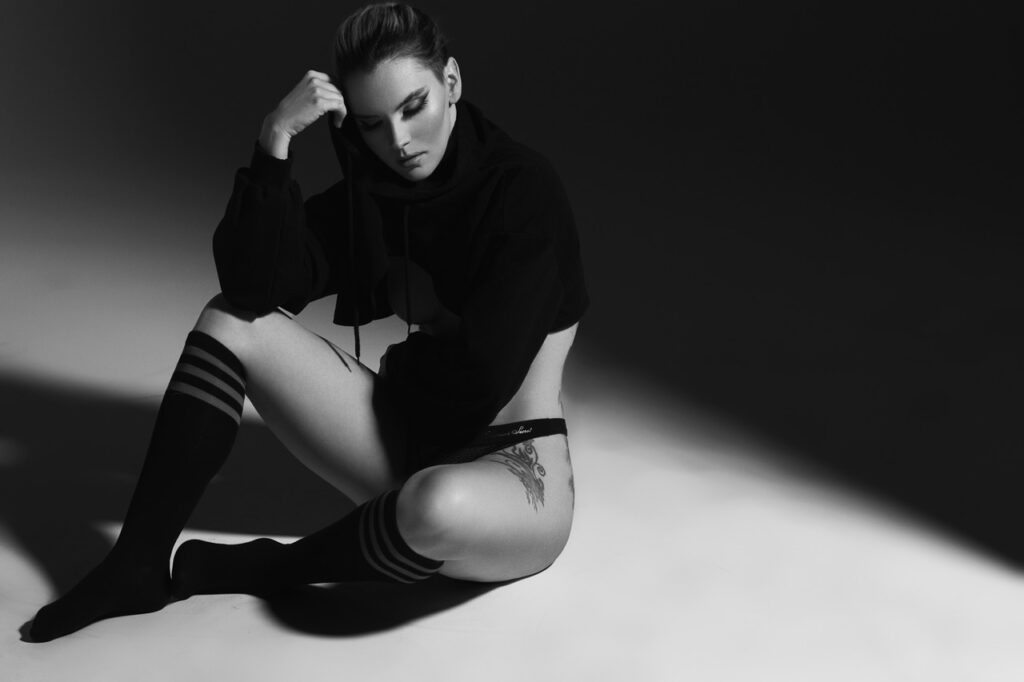
This Is What Your Photos Could Look Like

This skin retouching Photoshop course transforms your results From raw images to polished edits.
Skin retouching techniques applied for smooth and realistic results
Professional skin retouching removing imperfections while preserving detail
Close-up photoshop face retouching with detailed skin correction
Skin retouching techniques for blemish removal and texture refinement

What This Skin Retouching Photoshop Course Is All About

Want to create flawless portraits without making skin look fake or overedited? This skin retouching masterclass teaches you how to achieve clean, natural, high-end results using professional Photoshop techniques trusted by beauty and fashion photographers.

In This Masterclass, You’ll Learn How To:

  • Smooth skin naturally using Dodge & Burn techniques
  • Refine texture and detail with Frequency Separation
  • Remove blemishes while keeping realistic skin tones intact
  • Create consistent edits with a professional retouching workflow
  • Speed up your editing process without sacrificing quality
  • Produce clean, high-end portraits inspired by professional beauty photography
  • Enhance facial features while maintaining a natural look
  • Master advanced Photoshop face retouching techniques used by professionals

Take your retouching beyond basic skin smoothing and learn how professionals create stunning, magazine-worthy images with precision and realism.

What You’ll Learn In This Skin Retouching Photoshop Course

The essential tools and techniques for professional skin retouching
Photoshop face retouching with natural skin texture preserved
Complete skin retouching Photoshop workflow
How to perform photoshop face retouching professionally
Dodge & Burn techniques for natural skin smoothing
Texture refinement & removing blemishes while preserving skin detail
Enhancing skin tones without over-processing
Professional skin retouching techniques used in editorial work
Building a fast and efficient retouching workflow

Lessons Breakdown

focused lessons designed for practical application. Each lesson builds on the previous, taking you from fundamentals to advanced techniques.

lesson 1

Skin Cleanup With Nino Batista

1h 15m 13s

Continue Your Learning Journey With Guided Path

This masterclass is part of the Master Retouching & Photo Editing Learning Path, a guided step-by-step journey designed to help photographers build stronger Photoshop, retouching, and creative editing skills.

Foundations

Core Techniques

Creative Mastery

Advanced Workflows

Explore the full learning path to refine your workflow, editing techniques, and professional post-processing style.

Who Is This Skin Retouching Photoshop Course For?

  • Portrait Photographers – Learn professional skin retouching techniques to create cleaner, more polished portraits.
  • Beauty & Fashion Photographers – Achieve high-end editorial-style retouching with natural-looking skin texture and detail.
  • Beginner Retouchers – Build a strong foundation in Photoshop skin retouching and professional editing workflows.
  • Photoshop Users – Master advanced face retouching techniques like Dodge & Burn and Frequency Separation.
  • Freelancers & Professionals – Deliver consistent, high-quality client edits with a faster retouching workflow.
  • Photography Enthusiasts – Improve your portrait editing skills and learn how professionals retouch skin naturally.
Nino Batista

Expert Instructor

Nino Batista

Ron "Nino" Batista is an editorial glamour and exotic automotive photographer in the United States. His work is regularly published in lifestyle and men's publications all over the world, and he is regarded as one of the premier glamour photography and retouching educators in the U.S. He has worked with Fstoppers.com since 2014 and is currently a Senior Writer, and has taught photography and retouching in dozens of cities.

View instructor’s classes

Frequently Asked Questions

It refers to a complete step-by-step process that takes a portrait from raw capture to polished, professional-quality skin using multiple Photoshop techniques.

Yes, this masterclass is suitable for beginners and also helpful for advanced users looking to refine their skills.

This course emphasizes preserving texture while correcting imperfections, ensuring smooth yet realistic skin in every portrait.

This Full Skin Retouching Workflow masterclass includes 1 in-depth video lesson and is 1 hour 15 minutes long, covering the entire professional skin retouching process.

In this masterclass you’ll learn healing, Dodge & Burn, and Frequency Separation, all applied with professional insights for editorial-quality results.

A structured workflow guides every step, ensures consistent, natural results, and helps apply techniques effectively for professional-quality skin.

Yes. The techniques are versatile and tailored to enhance skin in professional shoots of any style.

This masterclass teaches controlled photoshop face retouching methods that remove imperfections while preserving skin texture and detail.

With this structured workflow from Nino Batista photography, you can start seeing noticeable improvements in just a few sessions.

Nino Batista photography focuses on achieving clean, polished results while maintaining realism, making his workflow ideal for high-end professional edits.

Get PhotoWhoa PLUS

Unlock this masterclass and 70+ more for one low annual price

What's included:

$99

/year

Price locked once you subscribe. Cancel anytime.

Get instant access to ALL masterclasses with PhotoWhoa PLUS

In-Depth Classes
1 +
Hours of Practical Training
1 +
Expert Instructors
1 +

Join photographers worldwide improving their skills with PhotoWhoa PLUS

Become a PhotoWhoa Charter Plus Member

Unlock Luca Storelli's
Free AI Workflow Lesson

Learn how photographers create cinematic AI imagery using Midjourney, Magnific AI, and Photoshop.

3-minute lesson • Instant access

No spam. Just world-class photography education.

Access With Plus


