


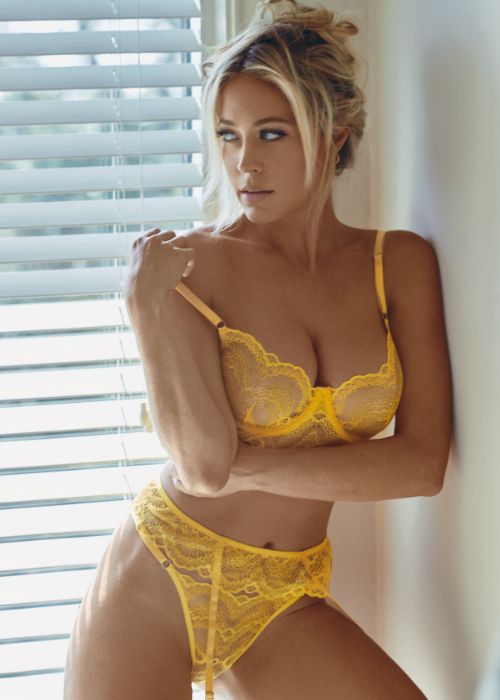
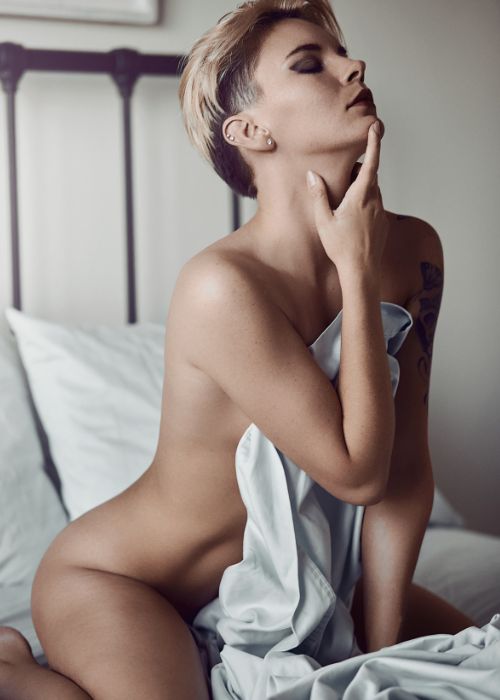
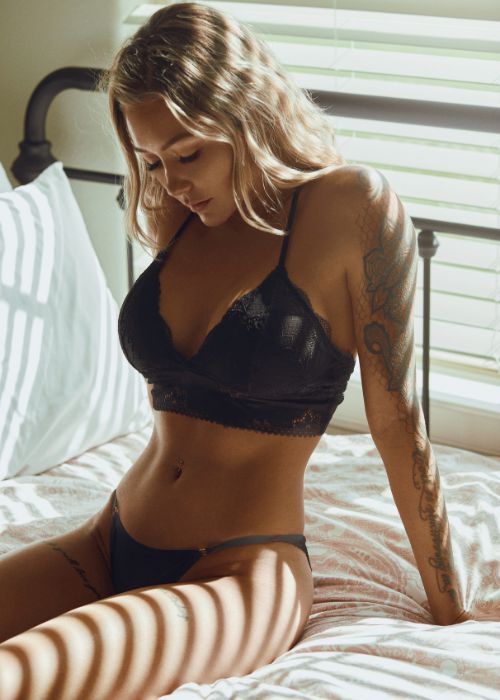

Learn Boudoir Retouching in Minutes Using Adobe Photoshop
Nino Batista’s 75-minute video tutorial on skin retouching for boudoir photos using Adobe Photoshop is the best learning resource you need today.
This tutorial has detailed instructions in body skin editing, colour grading, and finalizing techniques, ensuring thorough coverage of essential skills.
Designed for photographers seeking to enhance their proficiency in boudoir retouching, this tutorial offers clear and straightforward guidance without sacrificing sophistication.
Every aspect is clarified and precise, from basic adjustments to advanced techniques.
Dive into the world of skin smoothing Photoshop for boudoir photos and unlock your images’ full potential with this informative and accessible tutorial.

Who Is This Masterclass For?
- Professional boudoir photographers
- Photoshop retouching learners
- Beginners learning skin retouching
What to Expect From the Photoshop Skin Retouching Tutorial

This tutorial will teach you about full-body skin retouch, including facial retouching and more for your boudoir photos.
It will help you master Adobe Photoshop while providing valuable insights and practical skills to improve your editing ability.
The tutorial takes you through everything necessary, from basic to advanced, to achieve flawless photo retouching.
You’ll master basic adjustments and advanced techniques within a short duration.
Every part of the tutorial is taught with utmost clarity and precision, making it impossible not to learn the resource.
You’ll surely pick up a thing, two, or more, depending on your level of dedication and concentration.
The informative skin correction Photoshop tutorial helps unlock your images’ full potential.
It contains every knowledge a boudoir photographer must possess to become a top gun in the niche. See it as your ticket to move from a novice to an expert.
However, despite everything the tutorial offers, getting the best out of it lies on you. Constant practice and studying yield better results. Hence, ensure you see it through to achieve excellent results.

With constant practice and determination, you can expect to become better at skin smoothing Photoshop, colour grading, boudoir kin retouching retouching, and other essential editing skills.
The professional skin retouching in photoshop tutorial is worth the money, equipping you with skills that can take your boudoir craft to the next level.
Frequently Asked Questions
Is this masterclass suitable for beginners in Photoshop?
Yes! The skin retouching tutorial covers everything from basic to advanced skin retouching techniques with clear, step-by-step instructions, making it perfect for beginners and those looking to improve their skills.
Will I learn how to retouch the entire body or just facial skin?
You will learn full body skin smoothing and retouching tricks specifically tailored for boudoir photography, including detailed facial skin correction.
What software do I need to follow this course?
Adobe Photoshop is required, along with the included NBP Actions frequency separation tools provided as class materials.
Are there any materials or tools included with the masterclass?
Yes! The class comes with folders containing NBP Actions and frequency separation tools to streamline your skin retouching workflow.
How long is the masterclass, and can I watch it at my own pace?
The masterclass is 1 hour and 15 minutes long. Once enrolled, you can watch and rewatch the lessons anytime, at your own pace.
Is this Skin Retouching masterclass free for Plus members?
Yes, this masterclass on skin retouching by Nino Batista is free for Plus members. You can access it anytime anywhere and at your own pace. You can also rewatch it whenever you like.
What is the best workflow for professional skin retouching in Photoshop?
You’ll learn a complete professional skin retouching in Photoshop workflow covering correction, smoothing, and final polishing for high-end results.
How do I fix skin imperfections using skin correction Photoshop techniques?
The course shows how to use skin correction Photoshop tools to remove blemishes, even out tones, and improve overall skin quality.
What are the most important Photoshop skin retouching techniques covered?
Key photoshop skin retouching techniques include healing, dodge & burn, frequency separation, and color adjustments for flawless output.
Can I use these skin retouching techniques for other photography genres?
Absolutely. These photoshop skin retouching techniques can be applied to portraits, fashion, and editorial photography as well.


Reviews
There are no reviews yet.