

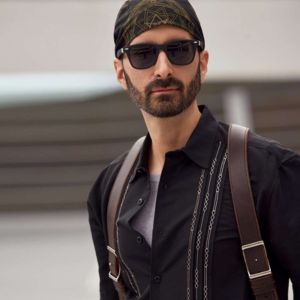
Skin Retouching Photoshop Tutorial For Everyone
This skin smoothing PS course is an opportunity to learn the essentials of skin retouching within a few hours.
Joining the tutorial will undoubtedly be one of your most productive 75+ minutes ever as you stand to gain knowledge that could take your craft to the next level.
It gives you the basics you need to like Photoshop face retouching, grow and develop your skills, touching critical aspects of professional skin retouching in Photoshop while pointing you in the right direction to gain mastery.
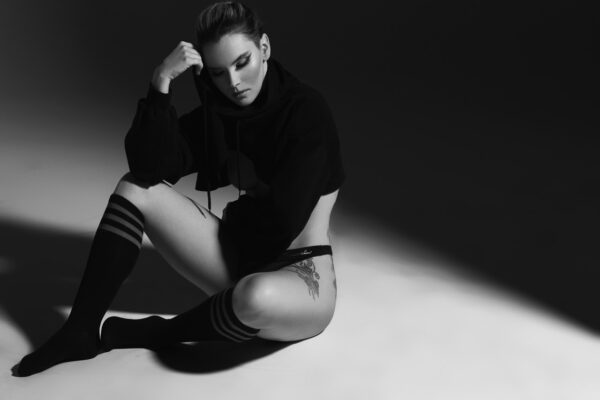
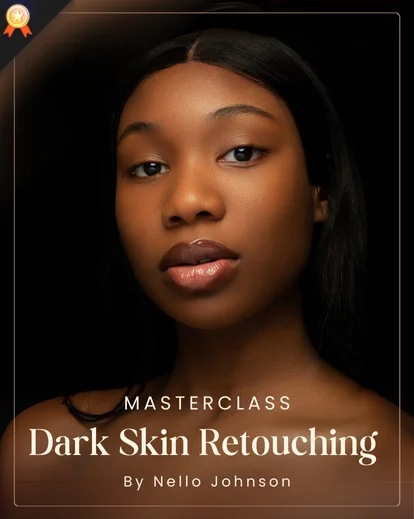
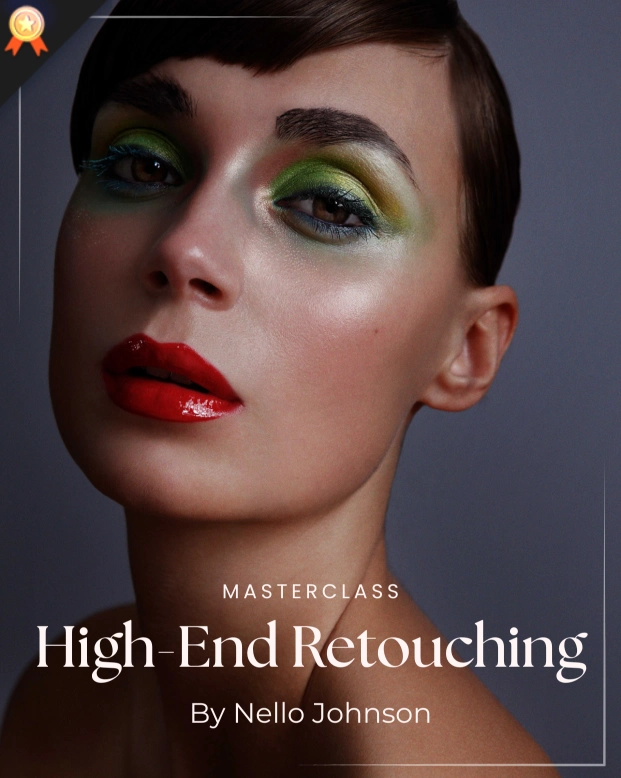
Splendid Skin Retouching Results You Can Achieve
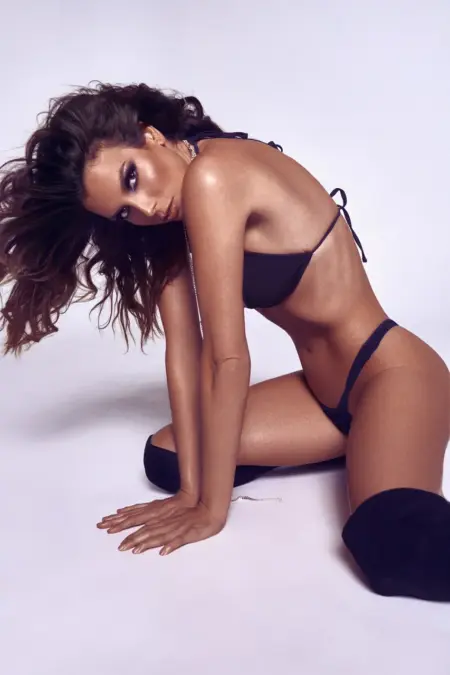
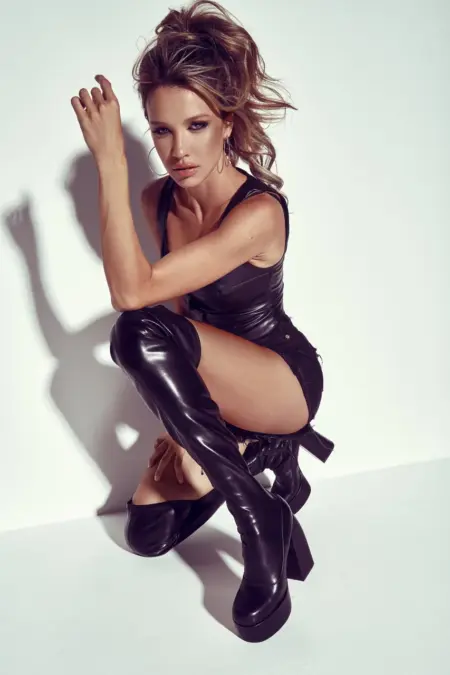
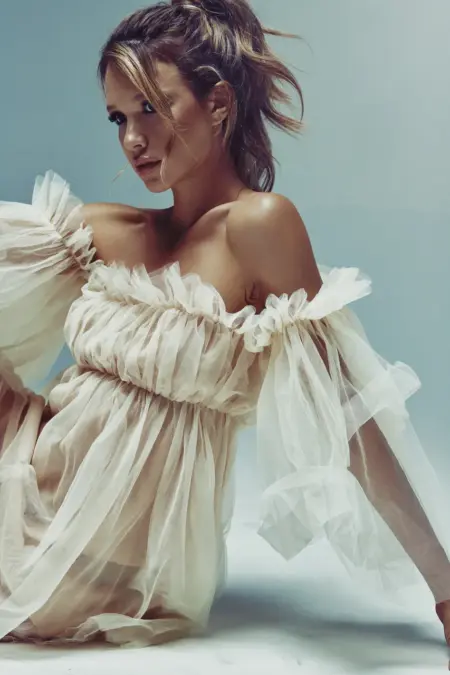

Who Is This Masterclass For?
- Beginners wanting to learn Photoshop retouching
- Photo editing professionals who want to learn new retouching techniques
- Editors struggling with skin editing
- Photographers wanting to get natural results with retouching
Why the Skin Retouching Photoshop Course is A Must Have
The experience and qualifications of the instructor is a good reason to be all over this course.
Nino Batista is a revered model photographer and retoucher known for creating flawless images and making models’ skin appear as natural and enchanting as it can be.
The course is well-detailed, easy to learn from, and suitable for everyone regardless of proficiency skills.
Another reason to get this course now is that it is presently available at a lower price, and there’s limited time to take advantage of the opportunity.
Frequently Asked Questions
What does full skin retouching workflow mean in this masterclass?
It refers to a complete step-by-step process that takes a portrait from raw capture to polished, professional-quality skin using multiple Photoshop techniques.
Is this course suitable for both beginners and advanced users?
Yes, this masterclass is suitable for beginners and also helpful for advanced users looking to refine their skills.
How does this masterclass teach natural-looking skin retouching?
This course emphasizes preserving texture while correcting imperfections, ensuring smooth yet realistic skin in every portrait.
How many lessons are included in the Full Skin Retouching Workflow masterclass, and how long is it?
This Full Skin Retouching Workflow masterclass includes 1 in-depth video lesson and is 1 hour 15 minutes long, covering the entire professional skin retouching process.
What are the key techniques covered in this workflow?
In this masterclass you’ll learn healing, Dodge & Burn, and Frequency Separation, all applied with professional insights for editorial-quality results.
Why is workflow more important than individual techniques?
A structured workflow guides every step, ensures consistent, natural results, and helps apply techniques effectively for professional-quality skin.
Can this workflow be applied to glamour, editorial, and portrait photography?
Yes. The techniques are versatile and tailored to enhance skin in professional shoots of any style.
How do I do photoshop face retouching without over-smoothing skin?
This masterclass teaches controlled photoshop face retouching methods that remove imperfections while preserving skin texture and detail.
How long does it take to learn professional skin retouching?
With this structured workflow from Nino Batista photography, you can start seeing noticeable improvements in just a few sessions.
What makes Nino Batista’s skin retouching workflow unique?
Nino Batista photography focuses on achieving clean, polished results while maintaining realism, making his workflow ideal for high-end professional edits.


Reviews
There are no reviews yet.