

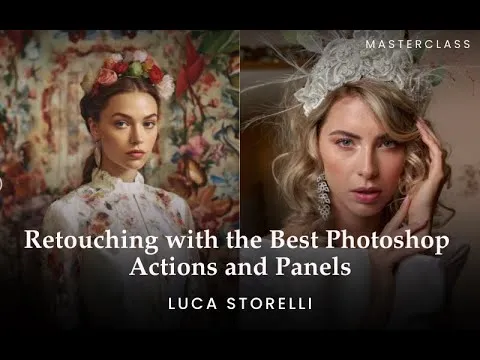

Create Stunning Images With This Online Photo Retouching Course
Creators and photographers hoping to improve their work quality can achieve this by learning about the powerful tools in Photoshop.
This photo retouching masterclass contains a deep overview of Photoshop tools and how they can improve your work.
You’ll find the tools helpful, especially if you’re in the fashion and beauty industry. The photo retouching course online utilizes different panels and actions, there’s much to learn in this photo retouching online course, making it a very helpful resource.
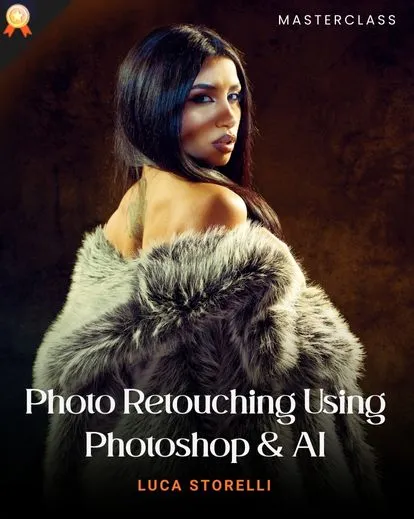
This comprehensive course is created by Luca Storelli.
The experienced tutor and photographer is known for his years of experience and proficiency. He has numerous learning resources, and this detailed online Photoshop retouching course is one of them.
The photo retouching course will help you master another aspect of retouching which involves using panels.
This course is suited for intermediate and professional photographers looking to produce better works.
Who is This Masterclass For?
- Portrait & fashion photographers
- Photoshop users at any level
- Beauty & editorial editors
Master Image Advanced Retouching Using PS Actions and Panels
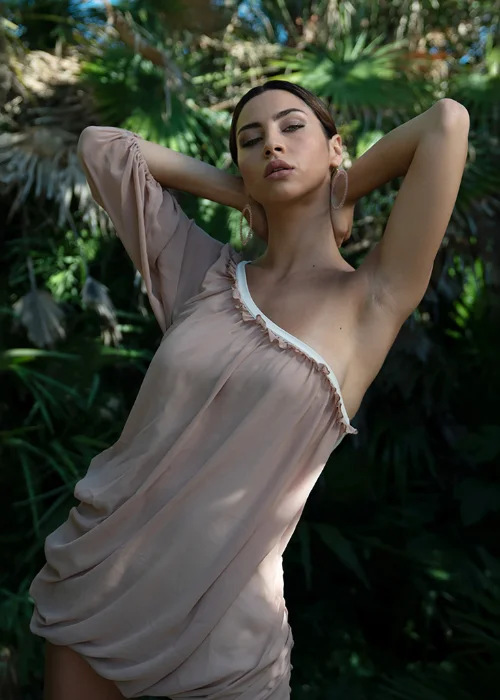
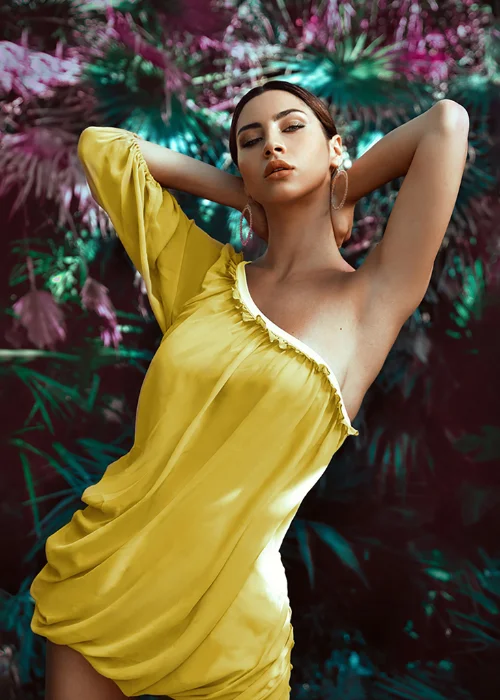
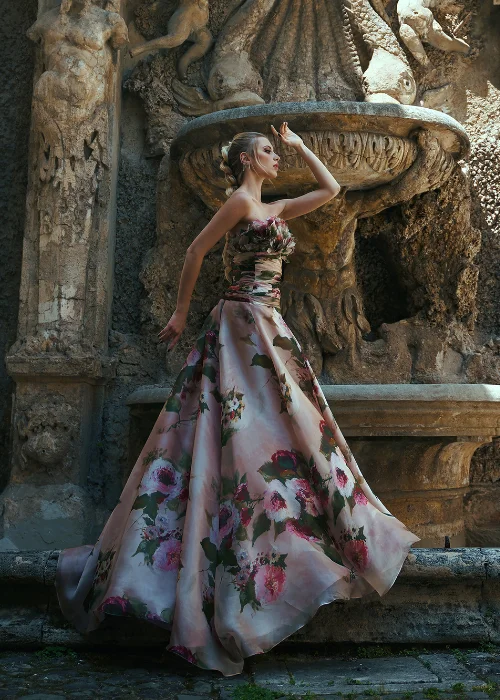
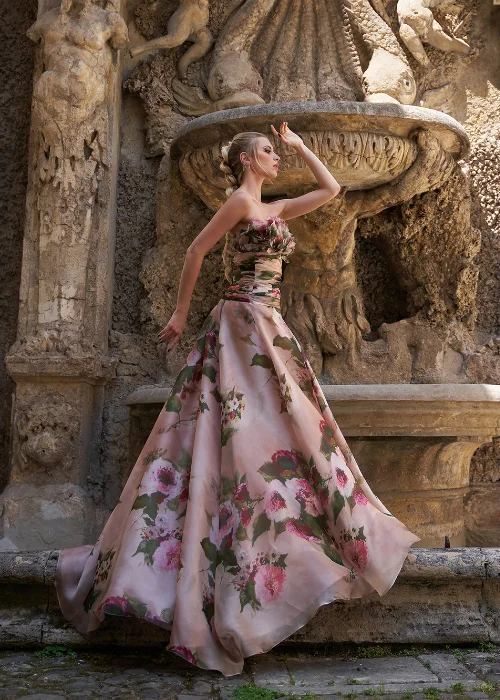
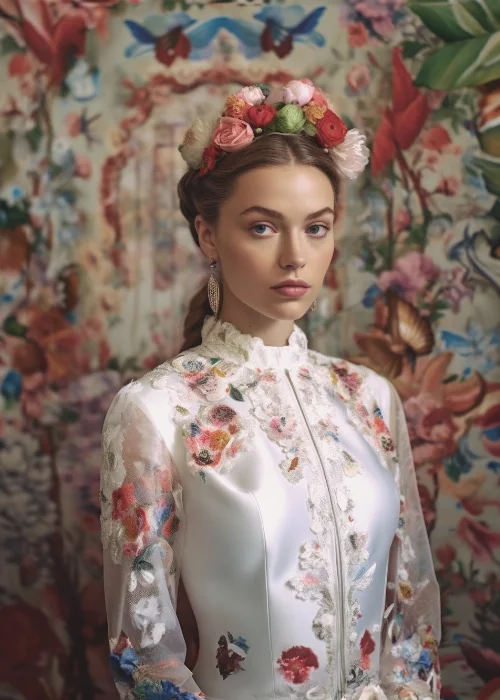
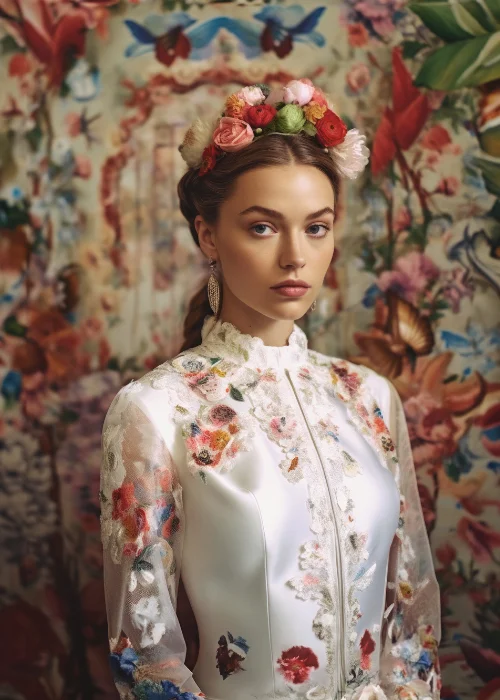
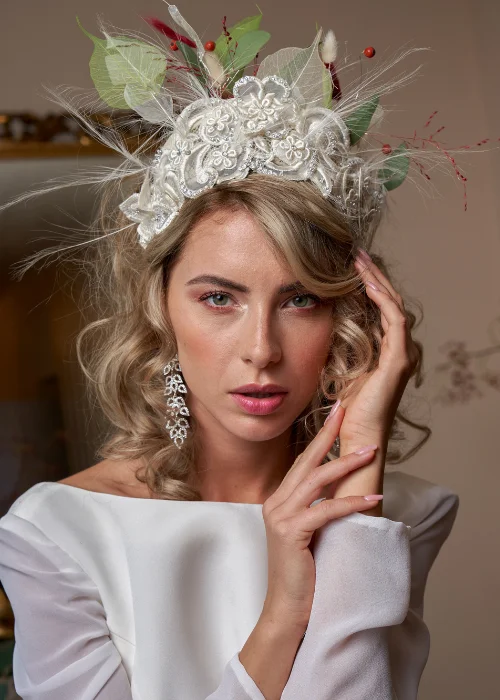
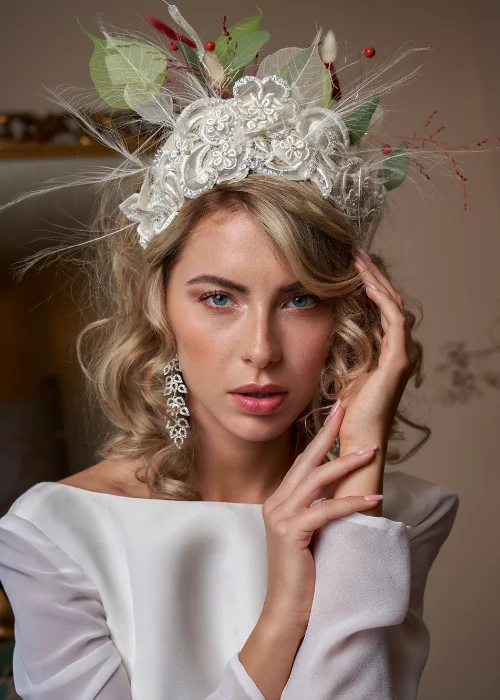
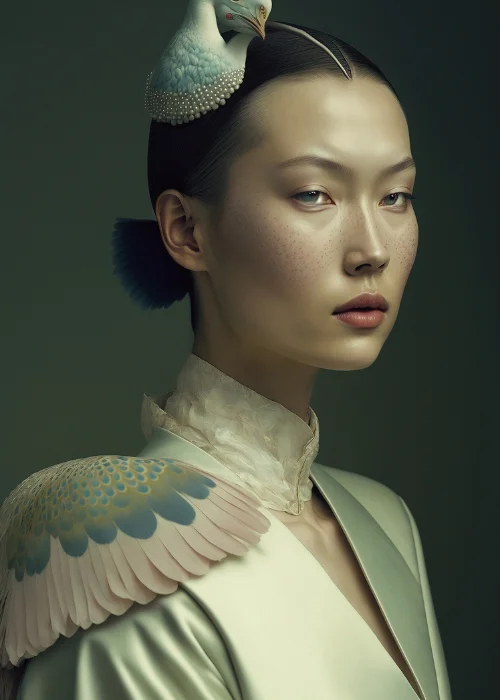
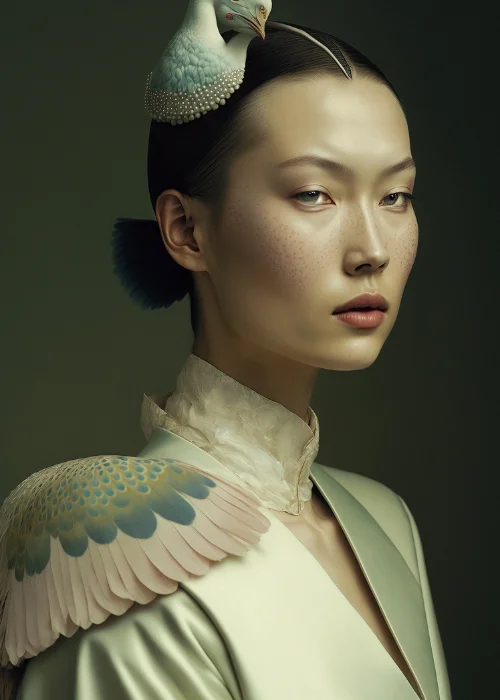
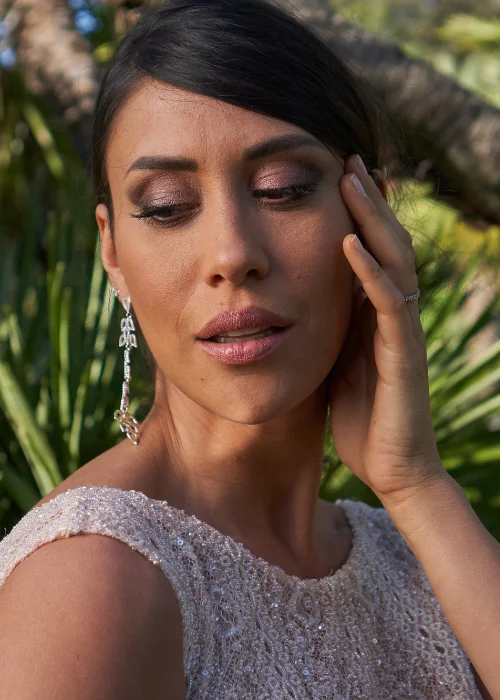
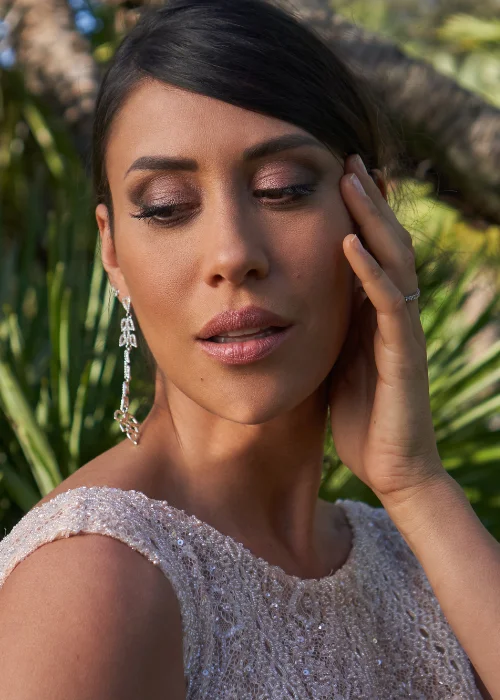
Master Image Advanced Retouching Using PS Actions and Panels
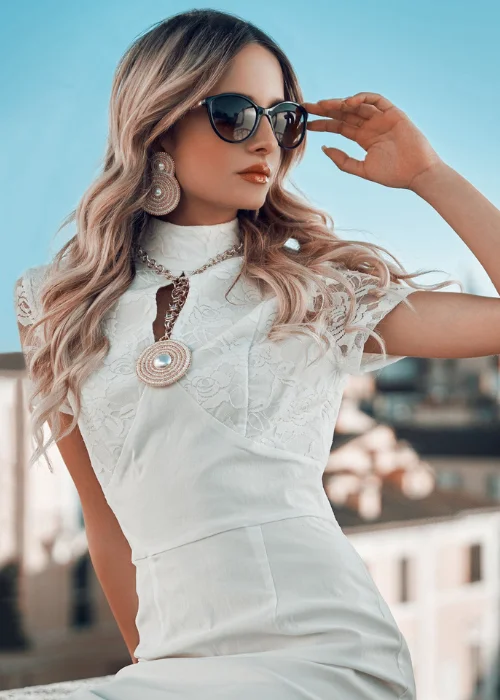
You expect nothing less than excellence from this course.
Beyond that, the course touches on advanced knowledge about beauty retouching.
It goes beyond the basics, diving into how well you can use most tools in Photoshop. The photo retouching course is also comprehensive. It contains full information about every concept talked about.
Thus, you have the complete idea and not half-baked knowledge.
You don’t have to be a photographer/creator before you can join the course and gain helpful knowledge.
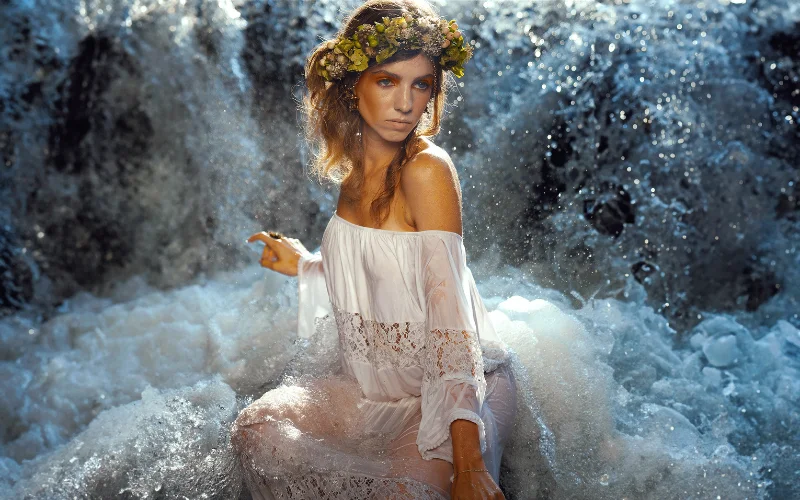
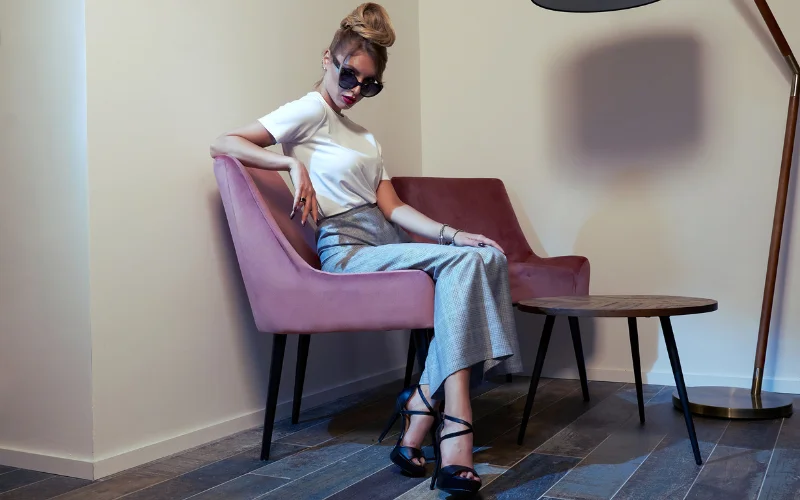
The course is equally more practical. This ensures you can practice as you learn and see illustrations, to make learning vivid and impactful.
The photo retouching course makes it a very effective factor too. This makes it easier for you to choose the best panel and actions to improve your work when creating.
Frequently Answered Questions
What is this online Photoshop retouching course about?
This online photo retouching course focuses on advanced image retouching using Photoshop actions and panels. It teaches how to improve image quality, workflow speed, and consistency while working on professional retouching projects, especially in beauty and fashion photography.
What are Photoshop actions and panels used for in retouching?
Photoshop actions and panels help automate repetitive tasks, speed up workflows, and maintain consistency in retouching. This course shows how to use them effectively for advanced beauty retouching and professional image editing.
Is this course suitable for beauty retouching?
Absolutely. This course is highly relevant for beauty retouching, making it especially useful for photographers and creators working in fashion, beauty, and fine art photography.
Is this Photoshop retouching course beginner-friendly?
The course is best suited for intermediate to professional users, but beginners can also benefit if they are willing to learn and practice. You do not need to be a professional photographer to join.
Does this online Photoshop retouching tutorial include practical examples?
Yes. The course is highly practical, allowing you to follow along with real examples, illustrations, and demonstrations so you can practice as you learn.
What makes this retouching masterclass different from other courses?
This retouching masterclass focuses on using panels and automation tools, helping you achieve faster and more consistent results compared to traditional manual editing methods.
Can this photoshop retouching course help with beauty and fashion photography?
Absolutely. This photoshop retouching course is ideal for beauty and fashion photographers looking to enhance their images with professional advanced retouching techniques.
Does this retouching masterclass include practical examples?
Yes, this retouching masterclass includes practical demonstrations, allowing you to apply advanced retouching techniques in real-world editing scenarios.
Do I need additional plugins for this photoshop retouching course?
The course introduces various panels and tools, but most techniques in this photoshop retouching course can be applied using standard Photoshop features along with recommended panels.
How can this beauty retouching course help me create professional results?
This beauty retouching course teaches you how to refine skin tones, improve textures, and enhance overall image quality to achieve polished, professional-level edits.


Reviews
There are no reviews yet.