

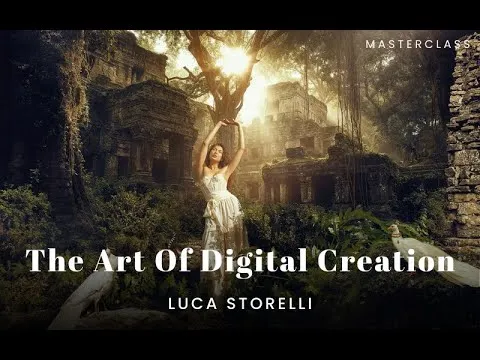

Learn & Leverage New Skills With AI Photography Tutorial
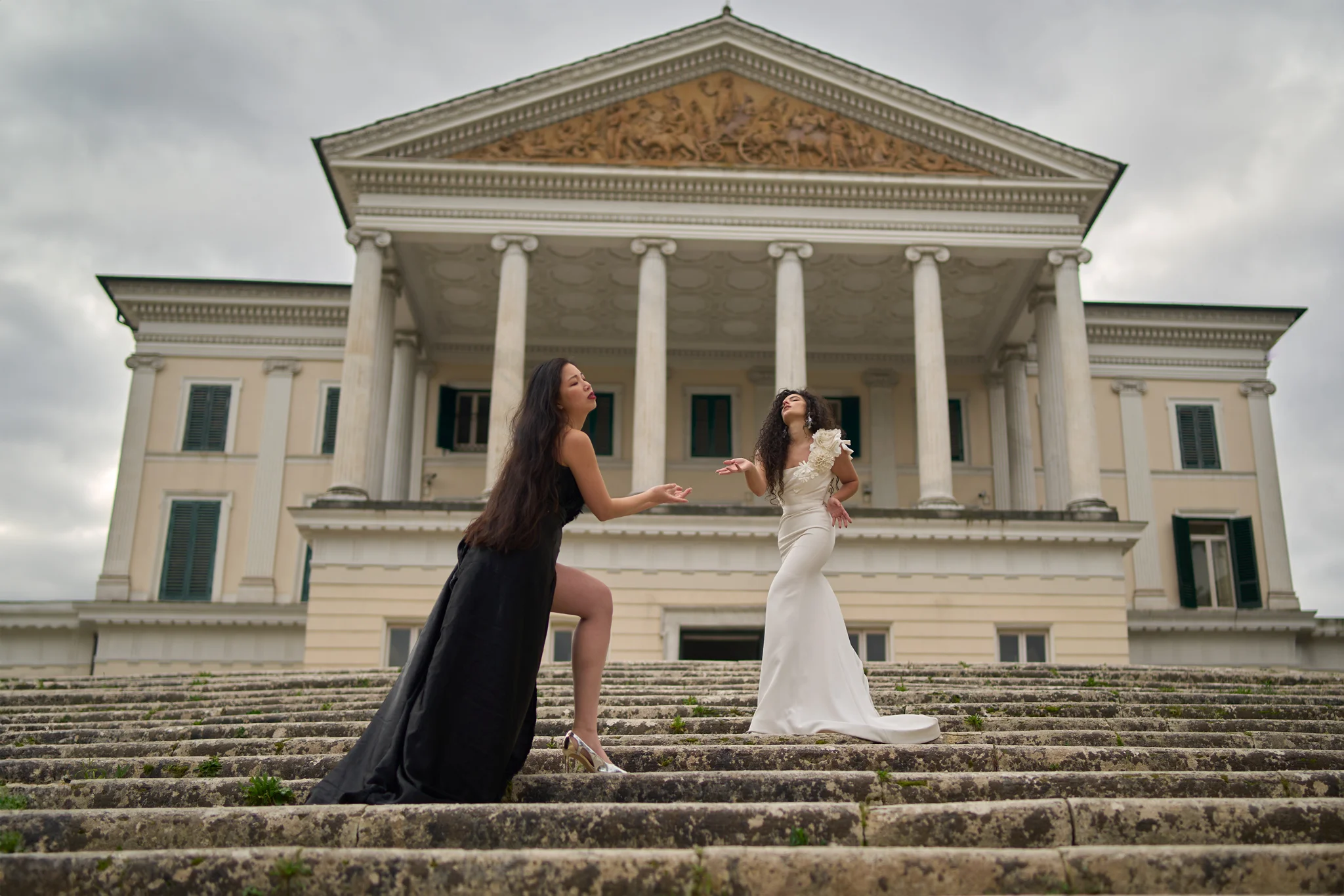
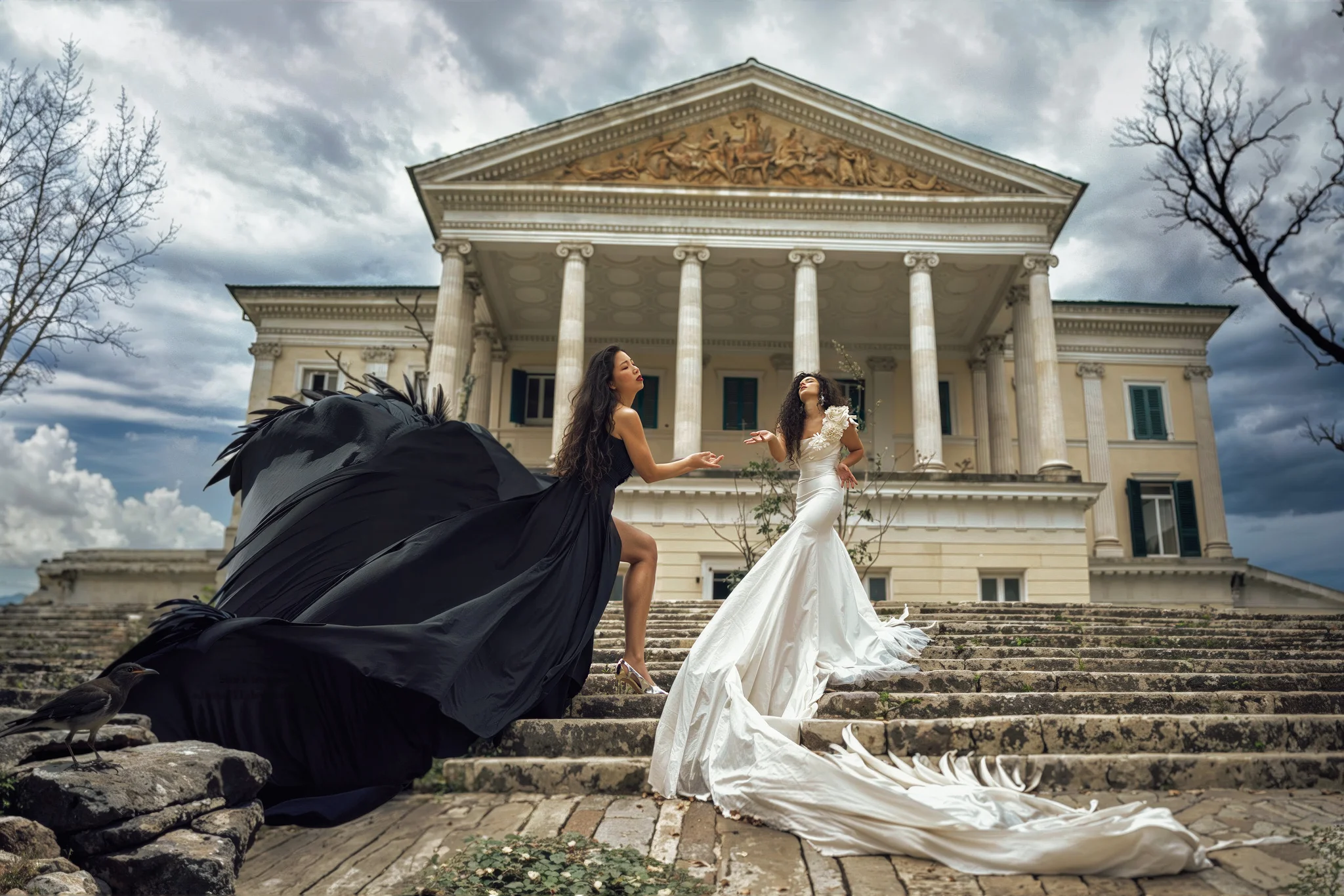
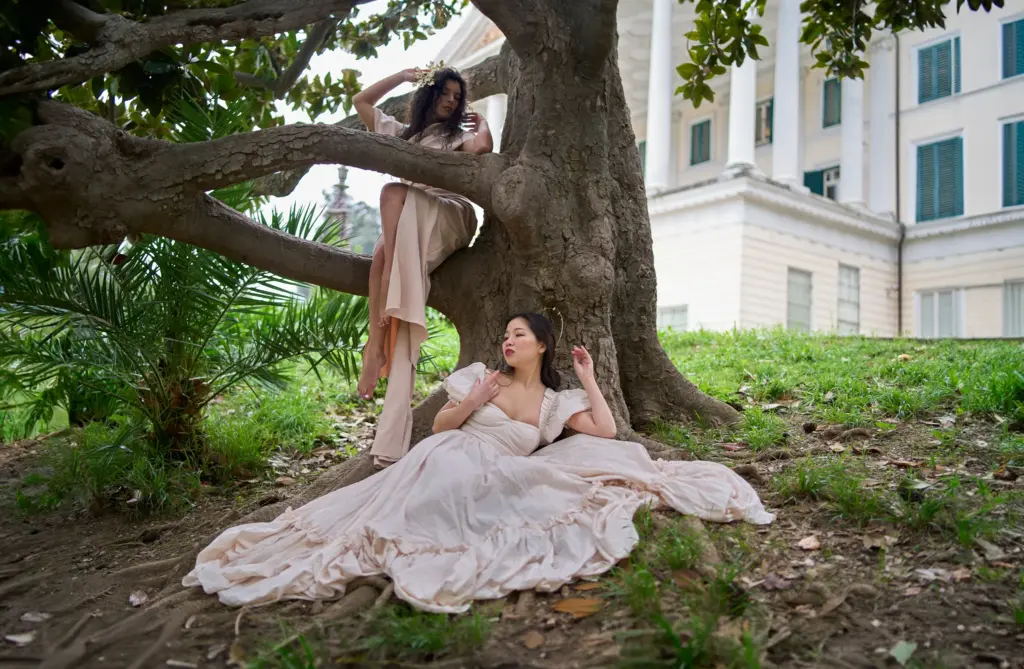
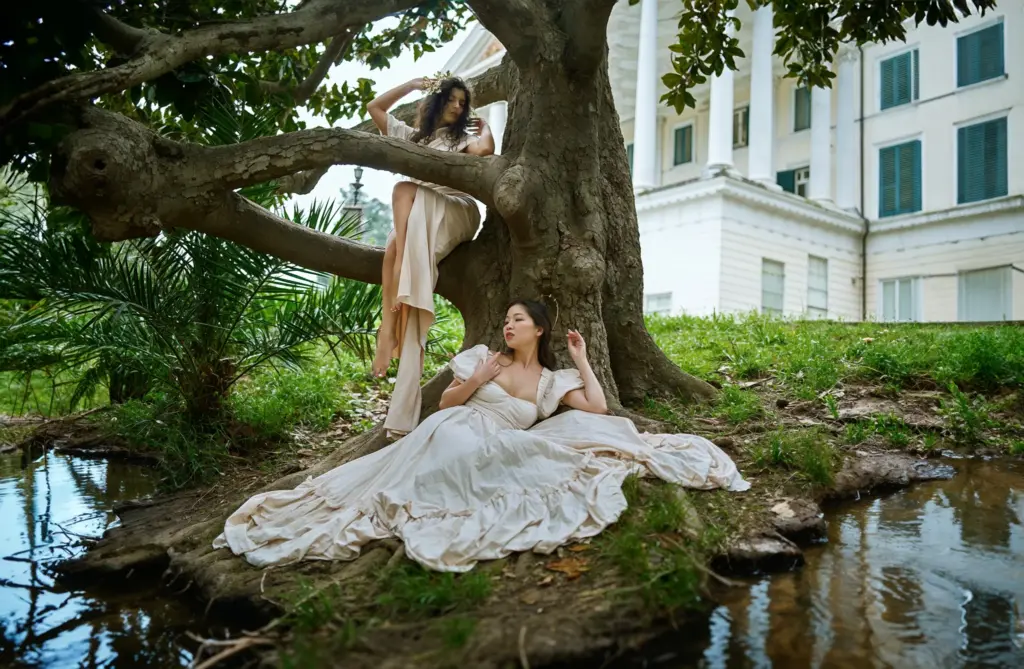
Who Is This Masterclass For?
• Photographers exploring AI tools
• Digital creators wanting faster workflows
• Conceptual and fine-art photographers
Best Course to Get Start With Artificial Intelligence Photography
As the world increasingly embraces AI in all sectors, this tutorial ensures you’re not left behind as a photographer. The well-compiled AI photography tutorial helps you learn about AI photography and how to produce excellent images using AI.
It is a 90+ minute tutorial with loads of valuable knowledge in it. The AI photography course is split into several short videos to aid learning and understanding. Each video part of this AI photography tutorial addresses essential things about the use of artificial intelligence in photography.
The video contains exclusive knowledge primarily based on the tutor’s rich experience in artificial intelligence photography.
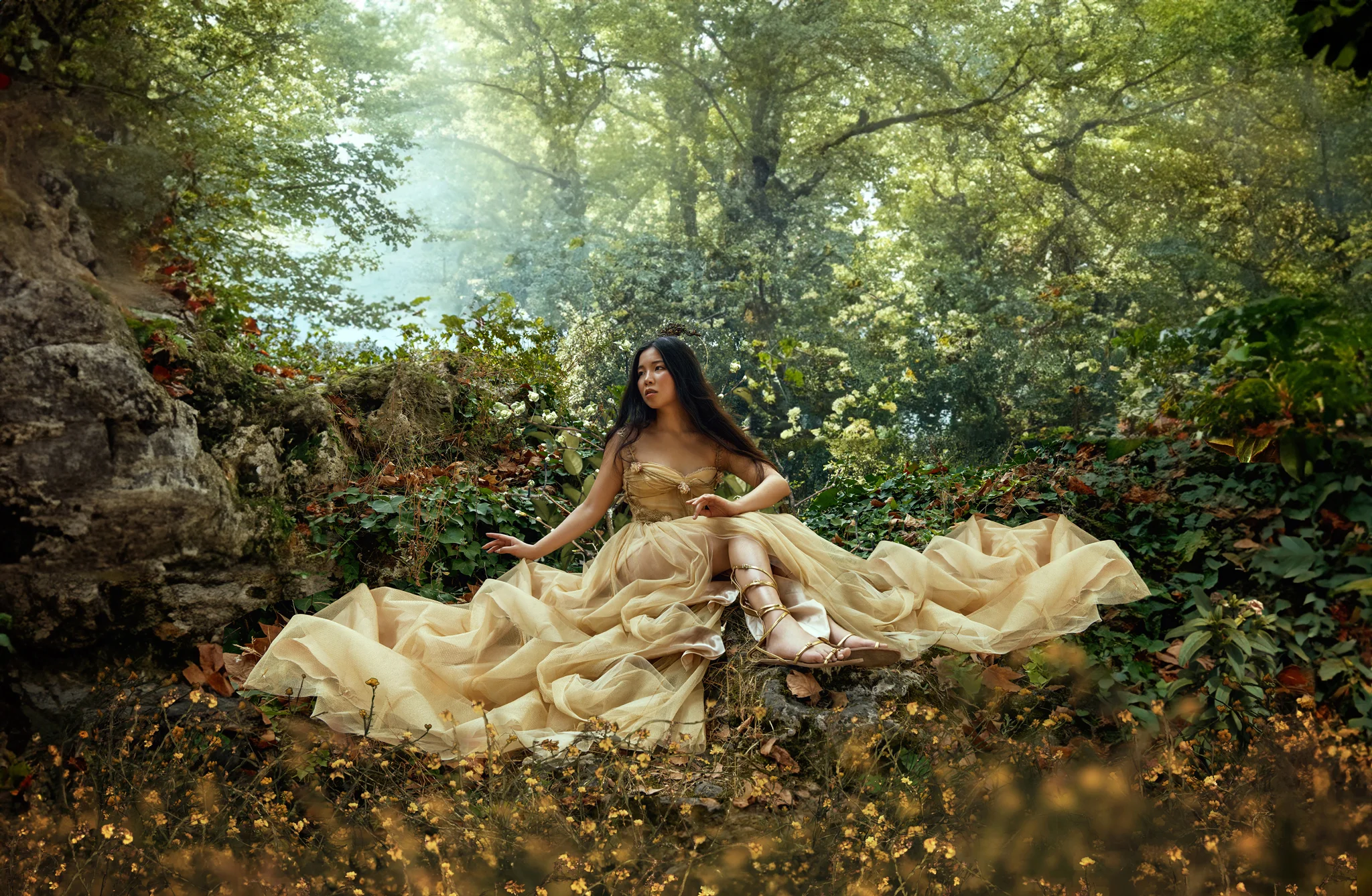
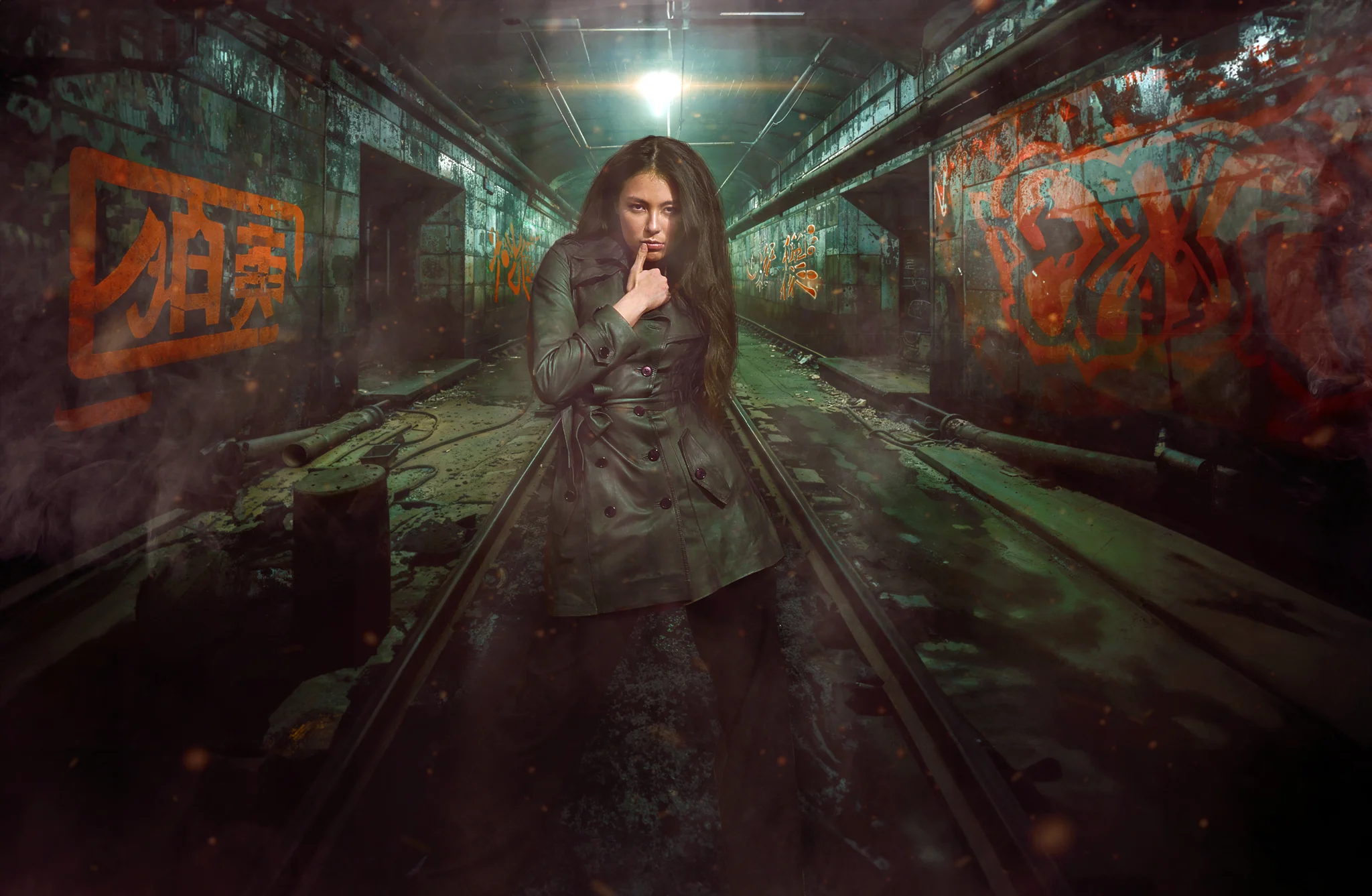
The course will help beginners get started and aid established practitioners in improving AI for photography. The loaded tutorial contains uncommon knowledge you can’t find anywhere else online.
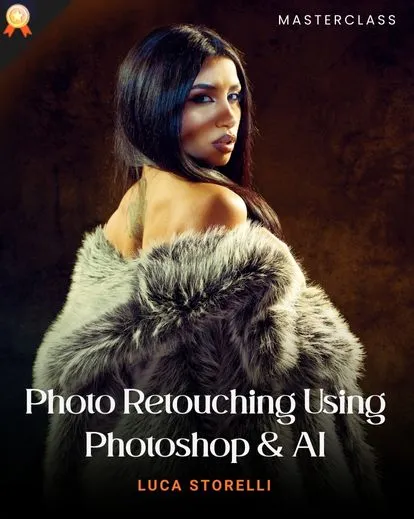
They are from the tutor’s personal experiences, and the lessons will save you from significant mistakes as a beginner. Luca Storelli, a foremost AI skilled photographer and coach, tutors this course.
Storelli is a household name in artificial intelligence in photography, and this AI photography tutorial from the professional proves his knowledge and expertise in the field.
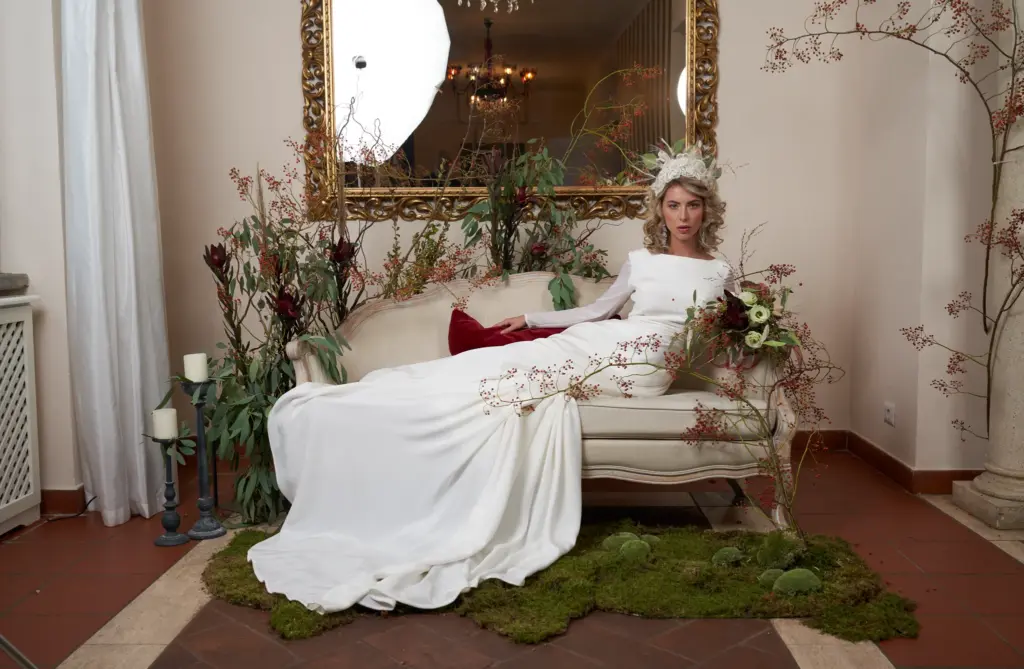
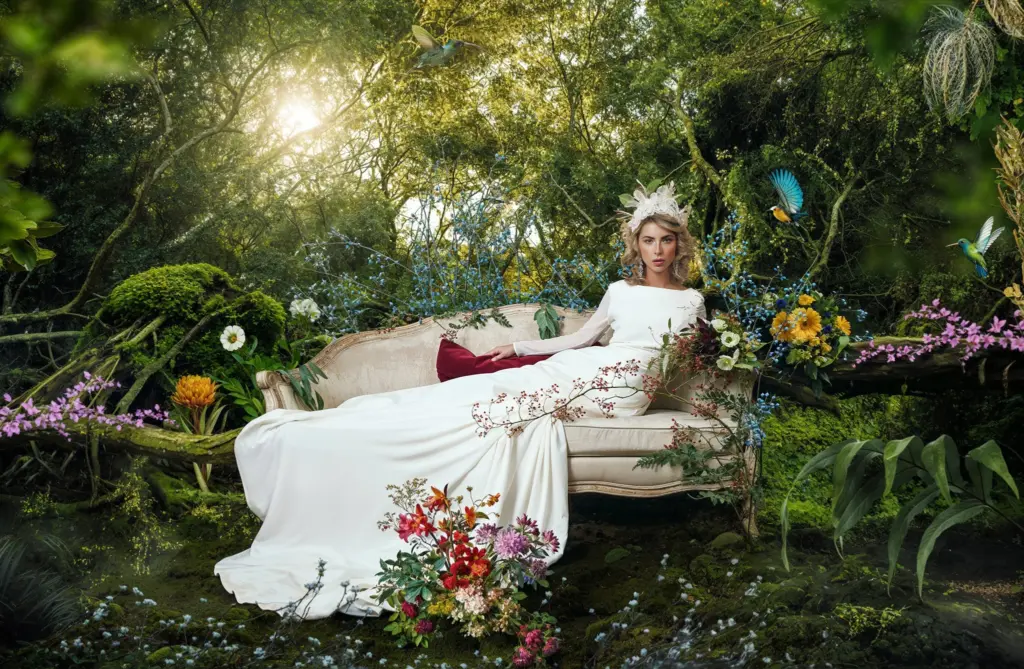
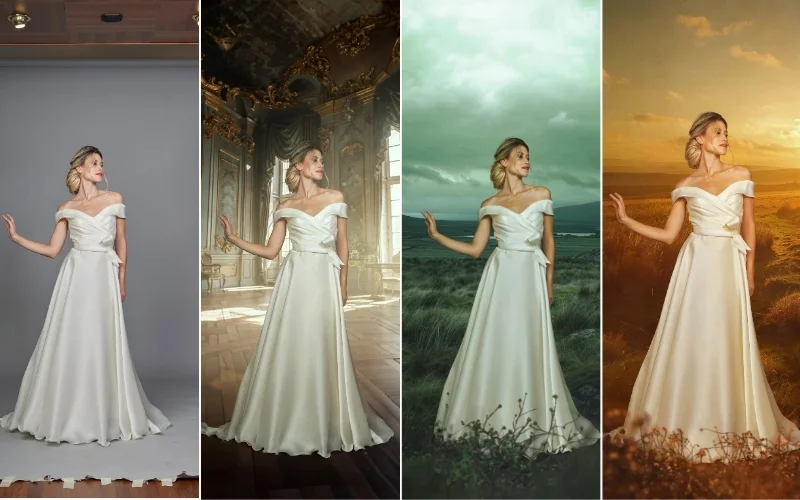
Different Ways You Can Integrate Your Images With Artificial Intelligence
Why This AI Photography Course is a Good Buy
Every aspect of the tutorial contains great details. The lessons are backed up with in-depth explanations and illustrations where needed. This makes the tutorial excellent.
Learning gets better when everything is made easier, and this tutorial is the perfect example of “easy learning.”
It covers everything a photographer should know about artificial intelligence photography initially while giving helpful insights to those with more advanced knowledge.
This makes it perfect for every photography enthusiast, regardless of the proficiency level.
Frequently Asked Questions
Who is this course for?
This course is perfect for both beginners wanting to learn AI photography basics and experienced photographers looking to integrate AI tools into their workflow.
What software will I learn to use in this AI Photography course??
The course covers AI photo retouching techniques and Photoshop skills, including masking and compositing, alongside using AI platforms like Midjourney and Magnific AI.
Do I need prior AI or Photoshop experience to understand this course?
No prior experience is necessary. The course starts with foundational concepts of retouching or Photoshop editing using AI and then dives in on advanced techniques.
Can non-photographers also watch this AI Photography course?
Yes! While the course is designed with photographers in mind, non-photographers can definitely benefit from it too.
The tutorial covers AI techniques, Photoshop skills, and creative workflows that anyone interested in digital art, AI generated images, or photo editing can learn from.
Is this a free AI Photography course?
This course is free for Plus Members. If you have a PhotoWhoa Plus membership, you can access it for free and learn at your own pace and rewatch it as you like.
What benefits will I get from this course?
You’ll learn how to streamline retouching, create stunning composites, and produce authentic, professional-quality images using AI.
What is AI photo retouching and how does it work?
AI photo retouching uses artificial intelligence tools to automatically enhance images by adjusting lighting, colors, textures, and details. In this AI photography course, you’ll learn how to combine AI tools with manual editing to achieve more precise and realistic results.
What are the best AI photography techniques for beginners?
Beginners should focus on prompt writing, basic compositing, and simple retouching workflows. This AI photography tutorial simplifies these techniques so you can start creating quality images quickly.
What is compositing in AI photography?
Compositing involves combining multiple elements (AI-generated or real) into one final image. This course covers the foundations of compositing techniques to help you create visually compelling images.
What is AI upscaling and why is it important?
AI upscaling improves image resolution and sharpness without losing quality. In this course, you’ll learn how to use tools like Magnific AI to produce high-resolution, professional-grade images.


Reviews
There are no reviews yet.