

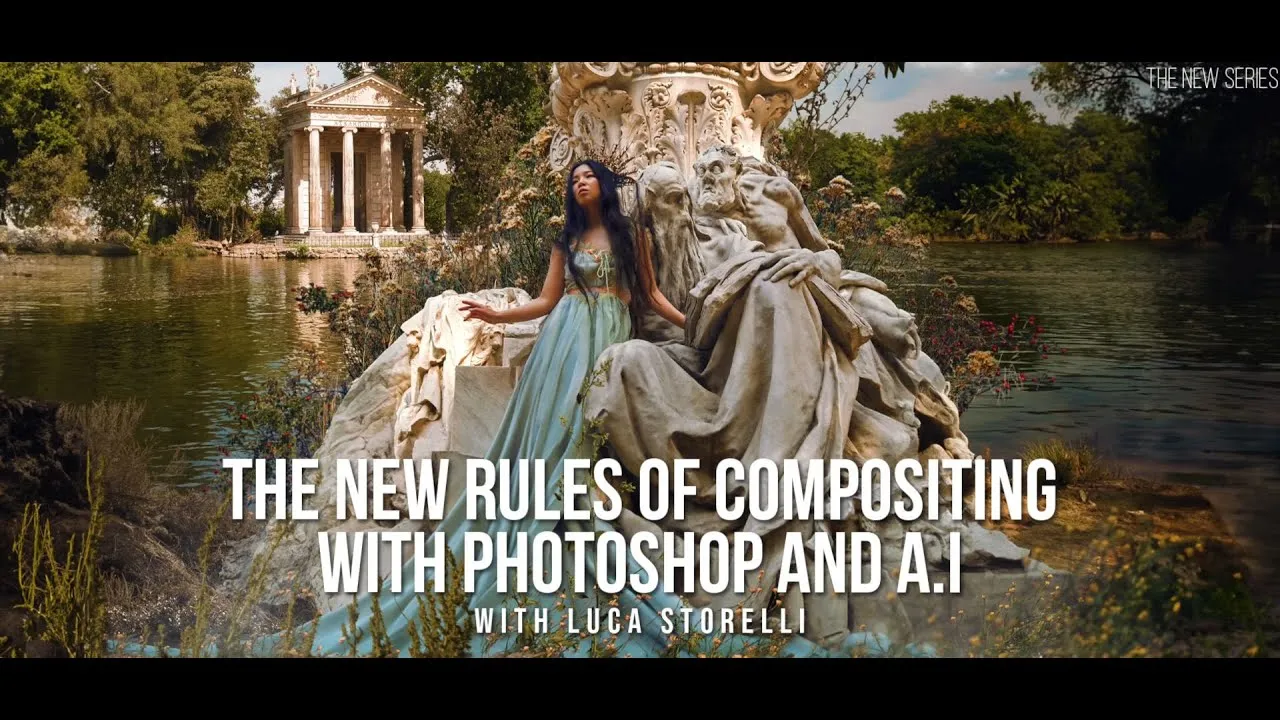

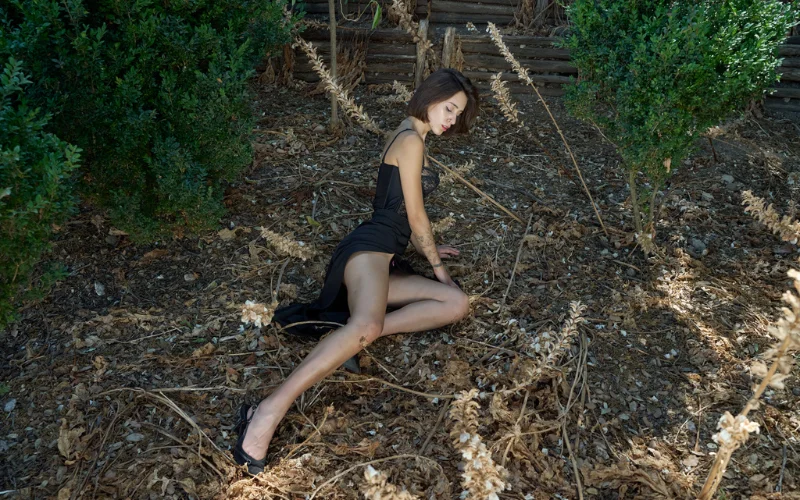
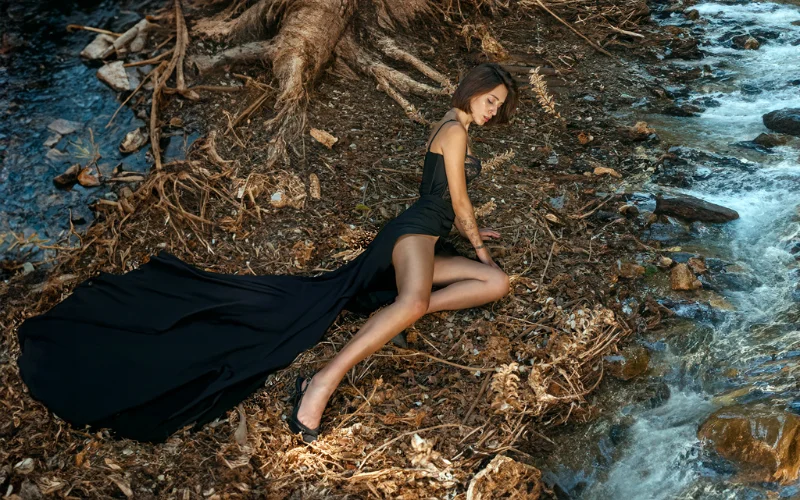
Results You Can Achieve With AI Advanced Compositing In Photoshop
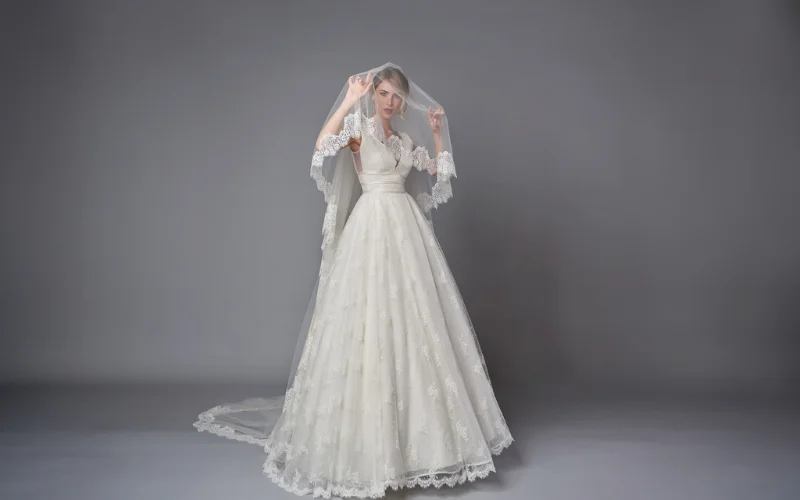

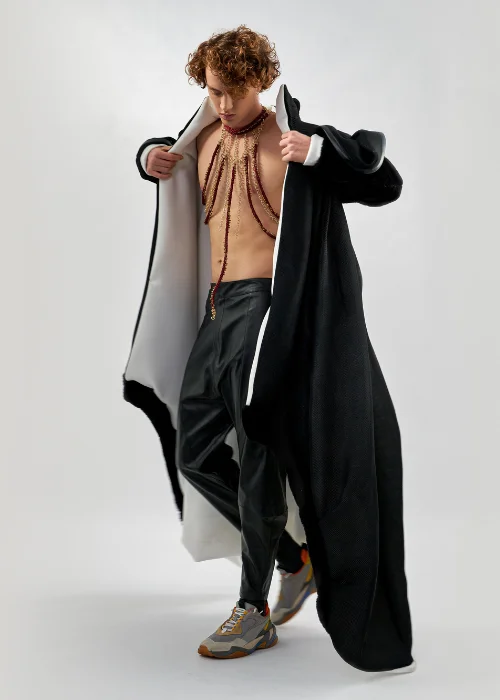
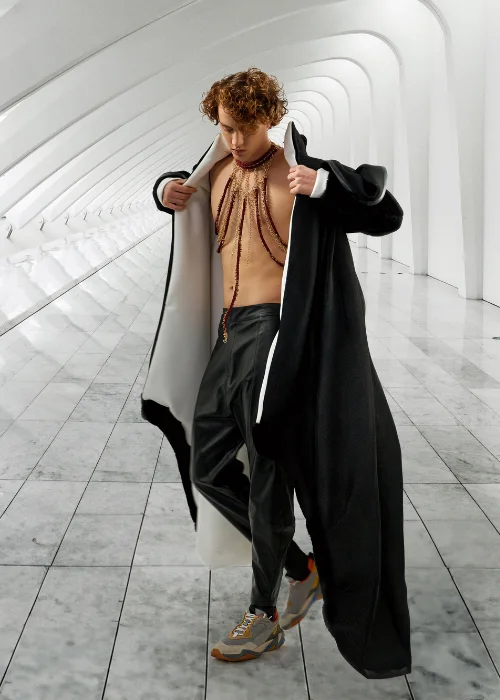
Who Is This Masterclass For?
• Beginner to Intermediate Photographers
• Beginner Photoshop Users
• Photo Editors
• Creators wanting to experiment with creative Photoshop editing
Redefine Creativity With This Photoshop Composite Course
Possibilities are becoming endless with the advent of Artificial Intelligence (AI). Many photographers who have adopted AI composite photo techniques are now leaders in their niche, and you can become one yourself.
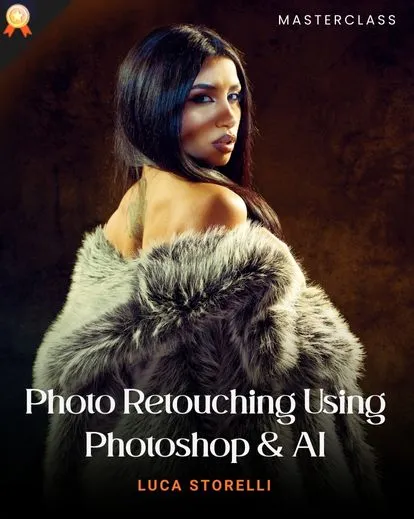
Luca Storelli has been championing the AI revolution in photography. The experienced tutor has numerous AI-themed courses, including this one on compositing techniques.
The masterclass will help you understand how much compositing has improved with the introduction of AI.
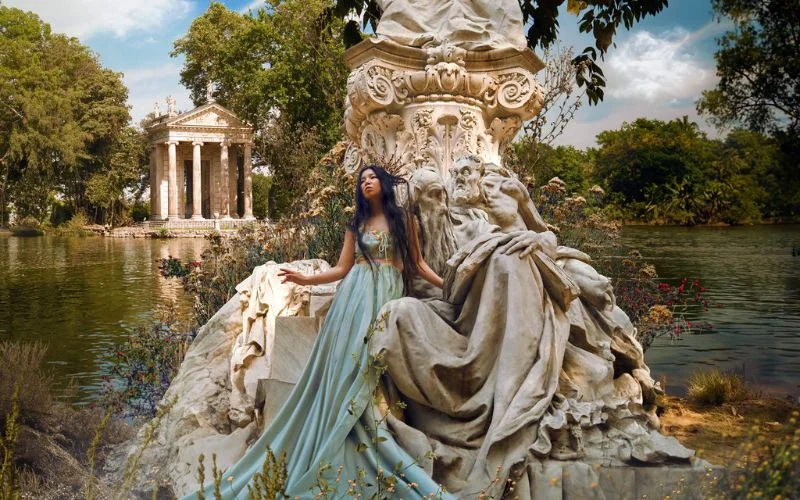
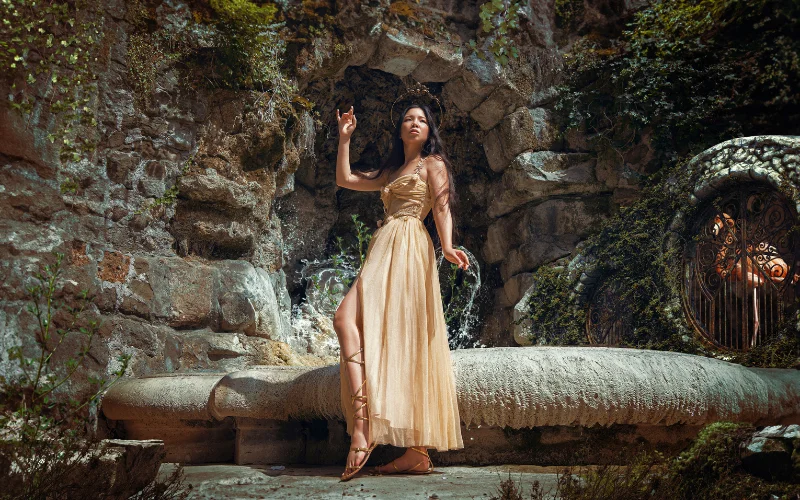
In this course, Luca Storelli takes you through creating an AI composite photo, ensuring you can leverage artificial intelligence for better photo composition.
This Photoshop AI composition course makes it possible to adapt to the changing dynamics of composting, retouching, and image manipulation techniques.
Luca Storelli teaches learners how they can combine the conventional and advanced methods to get results. The tutor ensures this masterclass is rich in value by sharing helpful knowledge and backing it with illustrations.
The amazing compositing techniques you’ll learn in this masterclass will make the process of creating an AI composite photo a walk in the park. It’s all you need to get better with photo composition.
The detailed course contains everything you need to learn about compositing with AI. It helps you use your Photoshop effectively, while introducing you to Midjourney, Photoshop, and Magnific AI and also how to leverage it for satisfactory results.

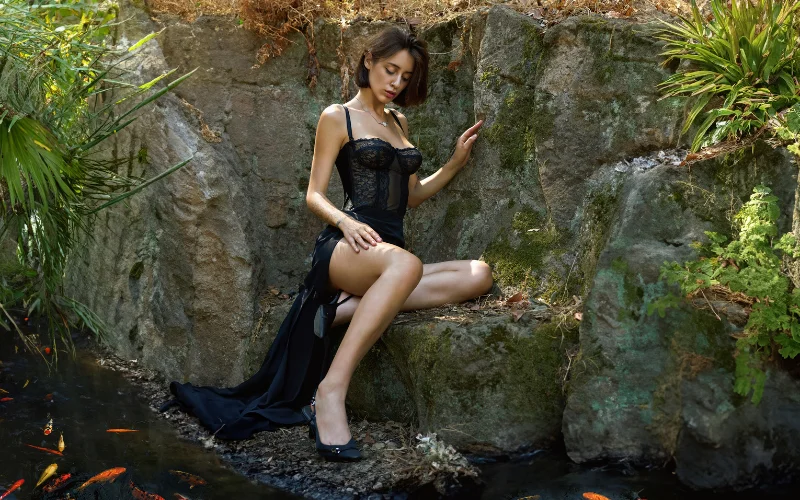
The masterclass is well-packed with knowledge. It contains innovative methods of compositing your images using AI. The learning resource touches every essential aspect of this skill while including additional information you may not know you need.
In this particular masterclass, you can learn from his wealth of experience compositing photos with AI. He shows you how it’s done, what you need to get it done, and other necessary lessons.
Frequently Asked Questions
Will this course teach me how to use generative fill in Photoshop?
Yes, you'll learn to use generative fill on Photoshop and use it to composite images.
After this course, will I know how to use Mid Journey to create backgrounds?
Yes, you will learn the essential techniques and tools needed to effectively utilize Mid Journey to create backgrounds.
Does this course teach how is image editing different from manipulating images?
Yes, the author in the masterclass provides an easy-to-understand explanation of the difference between image editing and image manipulation.
Does the author explain what is AI photo editing?
In this course, the author gives a very detailed explanation on AI photo editing, how you can use AI to composite images.
Will I learn how to make a composite image in Photoshop using AI images?
In this masterclass, you'll learn how to use AI-generated images to produce gorgeous photographs in Photoshop.
How do I combine AI images with real photos in Photoshop?
You can blend AI-generated images with real photos using layer masks, blending modes, and color matching techniques to ensure the final composite looks natural and cohesive.
Can beginners learn AI photo compositing easily?
Yes, beginners can quickly grasp AI compositing because tools like Generative Fill simplify complex editing tasks, reducing the need for advanced Photoshop skills.
What is the difference between traditional compositing and AI compositing?
Traditional compositing relies heavily on manual masking and blending, while AI compositing uses intelligent tools to automate selections, generate elements, and speed up the workflow.
What are the best AI tools for photo compositing?
Popular tools include Midjourney for generating assets, Photoshop Generative Fill for editing, and Magnific AI for enhancing image quality and realism.
What file formats work best for compositing in Photoshop?
PNG files with transparent backgrounds are ideal for compositing, while high-resolution JPEG or RAW files help maintain image quality during editing.


Reviews
There are no reviews yet.