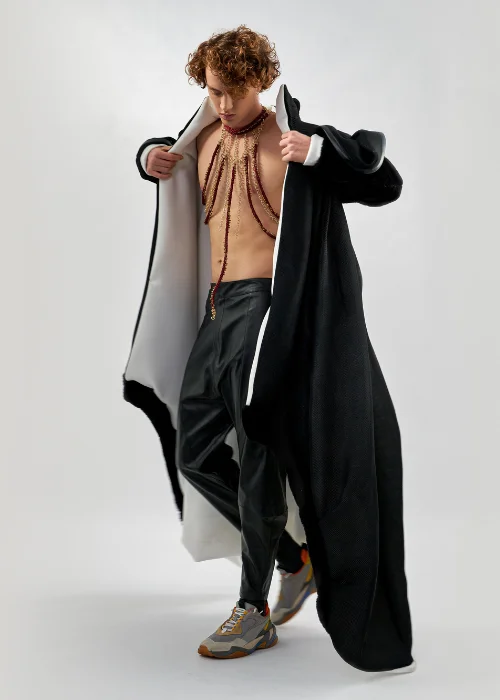
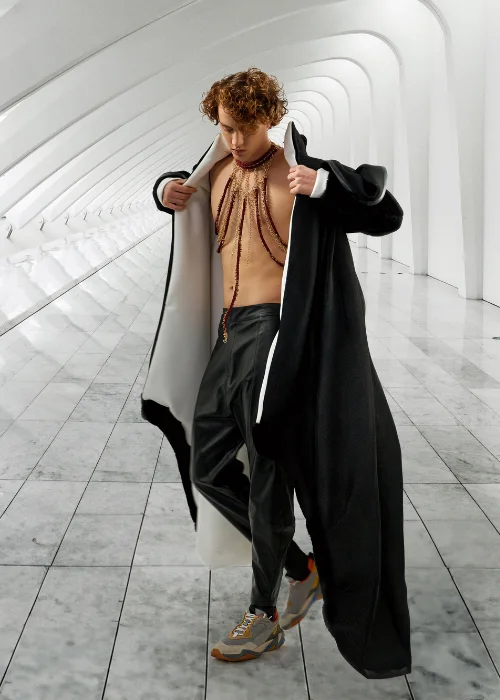
Access ALL masterclasses with PhotoWhoa PLUS
Create high-end visuals using ai composition and advanced compositing with Photoshop
Seamlessly merge elements using compositing with AI and real photography
Master how to create a background in Midjourney for unique scenes
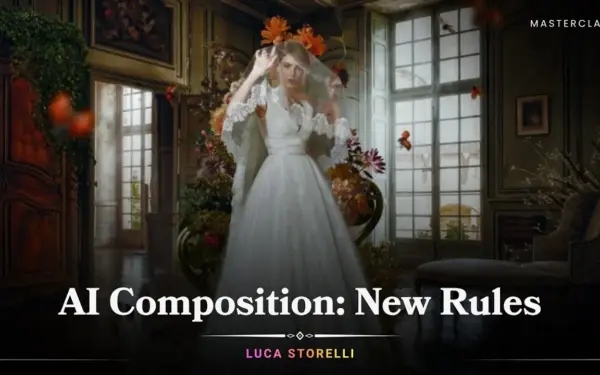
Compositing is no longer limited to manual editing as AI has completely changed the game. In this photoshop composite course, you’ll learn how to combine traditional techniques with modern AI tools to create powerful visuals.
You’ll discover:
This is not just about editing, it’s about understanding what is AI photo editing and how to use it creatively. If you want to stay ahead in modern image creation, mastering ai composition is essential.

focused lessons designed for practical application. Each lesson builds on the previous, taking you from fundamentals to advanced techniques.
Class Material Included
Expert Instructor
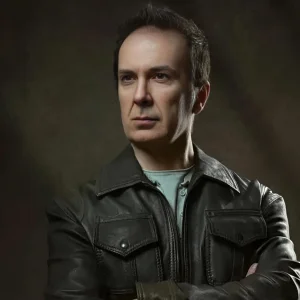
Luca Storelli is an internationally published fine art and fashion photographer, expert retoucher, and educator based in Rome. His work has been feated in renowned publications such as 7Hues, Solis Magazine, Style Cruze, 365 ART + Japan, Dark Beauty, Moevir Paris, Feroce, Elegant, and Assure’ Magazine. Specializing in fashion, fine art, and portrait photography, Luca has built a strong reputation for creating visually compelling imagery. His expertise spans across fashion lookbooks, brand identity, commercial wedding photography, editorial work, and high-end advertising campaigns.
View instructor’s classesYes, you'll learn to use generative fill on Photoshop and use it to composite images.
Yes, you will learn the essential techniques and tools needed to effectively utilize Mid Journey to create backgrounds.
Yes, the author in the masterclass provides an easy-to-understand explanation of the difference between image editing and image manipulation.
In this course, the author gives a very detailed explanation on AI photo editing, how you can use AI to composite images.
In this masterclass, you'll learn how to use AI-generated images to produce gorgeous photographs in Photoshop.
You can blend AI-generated images with real photos using layer masks, blending modes, and color matching techniques to ensure the final composite looks natural and cohesive.
Yes, beginners can quickly grasp AI compositing because tools like Generative Fill simplify complex editing tasks, reducing the need for advanced Photoshop skills.
Traditional compositing relies heavily on manual masking and blending, while AI compositing uses intelligent tools to automate selections, generate elements, and speed up the workflow.
Popular tools include Midjourney for generating assets, Photoshop Generative Fill for editing, and Magnific AI for enhancing image quality and realism.
PNG files with transparent backgrounds are ideal for compositing, while high-resolution JPEG or RAW files help maintain image quality during editing.
Unlock this masterclass and 70+ more for one low annual price
/year
Price locked once you subscribe. Cancel anytime.
Get instant access to ALL masterclasses with PhotoWhoa PLUS
Join photographers worldwide improving their skills with PhotoWhoa PLUS
Learn how photographers create cinematic AI imagery using Midjourney, Magnific AI, and Photoshop.
3-minute lesson • Instant access
No spam. Just world-class photography education.



