What is Midjourney, and why is everyone talking about it?
Midjourney is a powerful AI image generator that transforms simple text prompts into stunning artwork and realistic images in seconds. Whether you’re looking to spark creativity, visualize ideas, or create eye-catching visuals, Midjourney makes it easier than ever to bring your imagination to life.
In this guide, you’ll discover what Midjourney is, how it works, and how to use Midjourney to bring your creative ideas to life.
Summary:
- Midjourney is a subscription-only AI image generator that turns text prompts into artwork — no free trial, plans start at $10/month
- Covers what Midjourney is and how it works, from text prompt to finished image
- 8 real benefits of using it, from faster ideation to professional-grade output
- A full step-by-step setup guide — both the Discord method and the newer website-only option
- 5 practical tips for getting better results, straight from how the tool actually behaves
Enjoying this guide?
Follow PhotoWhoa in Google Search to see more of our photography content.

Table of contents
What Is Midjourney AI Exactly?
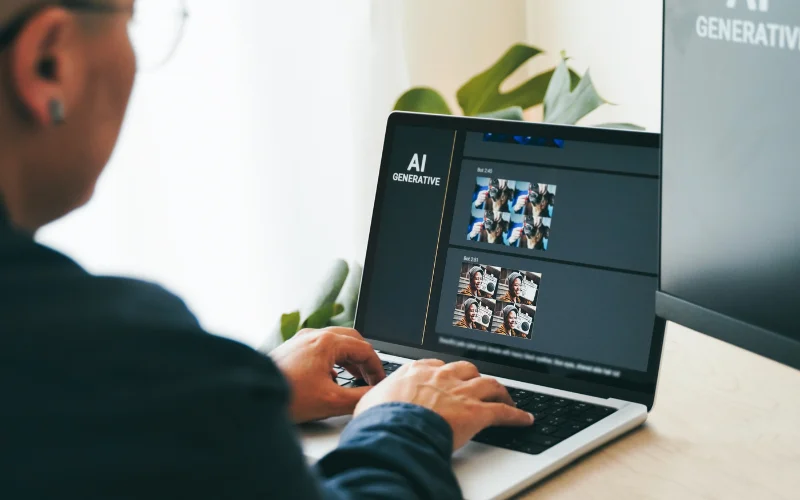
Midjourney is an AI image generation tool that creates photorealistic and artistic visuals from text prompts. Unlike traditional photo editing software, it requires no technical skills. Users type a description, and the system generates an image in seconds. It is widely used by photographers, designers, and digital artists to create concept art, mood boards, and AI-enhanced photography.
Learn how to use AI as a professional with this AI Photography Learning Path.
How Midjourney AI Image Generator Works Its Magic?
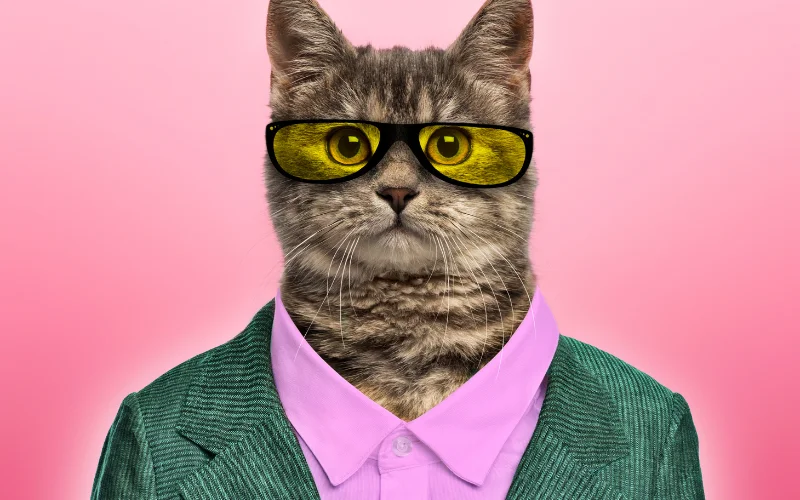
Midjourney processes your textual description through a Machine Learning (ML) algorithm.
Although specific details are limited, there’s speculation that Midjourney employs technology akin to Stable Diffusion, suggesting a variant of the latent diffusion model.
After analysing your input, Midjourney identifies the image closest to your description and seamlessly incorporates your chosen art style(s), seamlessly weaving them together into a cohesive visual piece.
Looking beyond Midjourney? Discover powerful AI image generators that photographers are using to create stunning visuals.
Benefits Of Using Midjourney AI Art
1. Helps You Express Yourself Better
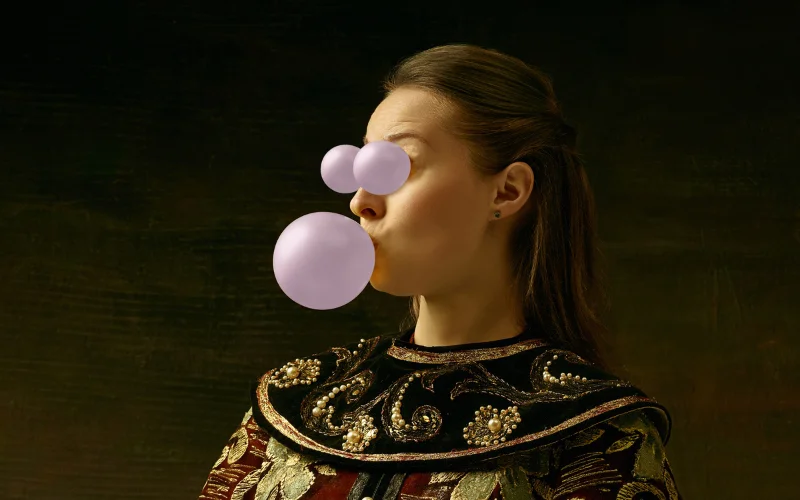
Sometimes, words are not enough to convey what you want to say. You might have a brilliant idea, but struggle to explain it to others. Or you might have a vivid imagination but lack the skills or tools to draw it. That’s where Midjourney can help you.
You can easily create Midjourney AI images that illustrate your thoughts and feelings. You can share your vision with others or use it as a project reference. And if you want to refine or adjust details later, you can reshape the body with PhotoWorks: An Effective Body Editor to fine-tune proportions and improve the final look.
2. Effortless Collaboration With AI
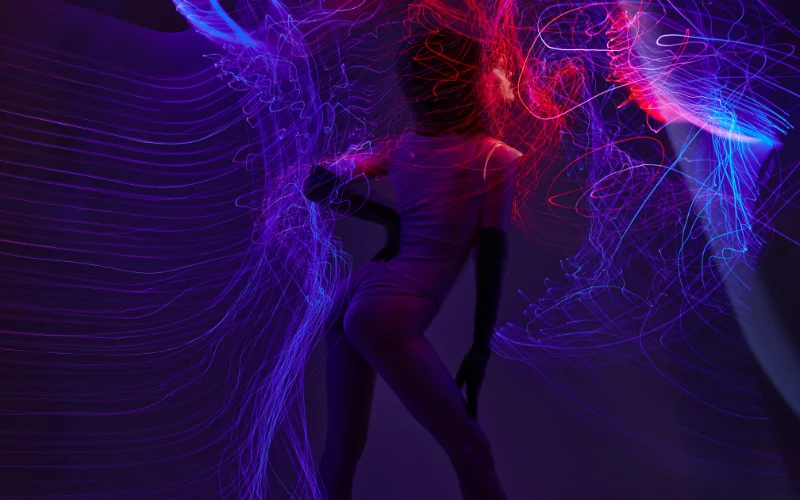
One of the best answers to What is Midjourney and what is its benefit?
It is not your typical tool; it’s a creative partner. It seamlessly collaborates with artificial intelligence, enhancing your artistic vision rather than overshadowing it.
The AI adapts to your style, suggesting elements complementing your unique touch. It’s like having an art buddy who understands you, minus the need for coffee breaks!
3. Versatility Across Mediums
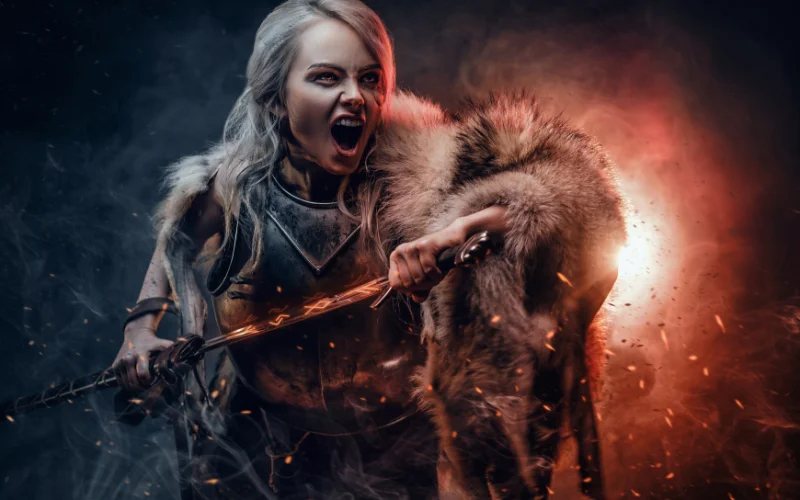
Whether you’re into creative digital painting, illustration, or experimenting with an AI image generator, Midjourney is your all-in-one companion. This platform isn’t limited by medium; it thrives on diversity.
So, explore various artistic expressions without the hassle of switching between different tools.
4. Professional Applications
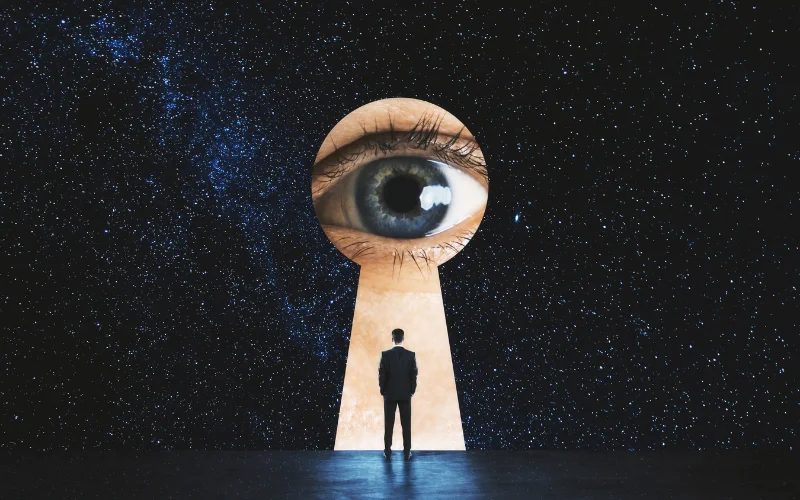
You can use Midjourney to create stunning artworks with practical applications in various professional domains, such as graphic design, advertising, and illustration.
These AI-generated creations can add a unique and captivating touch to your professional projects.
5. Saves Time
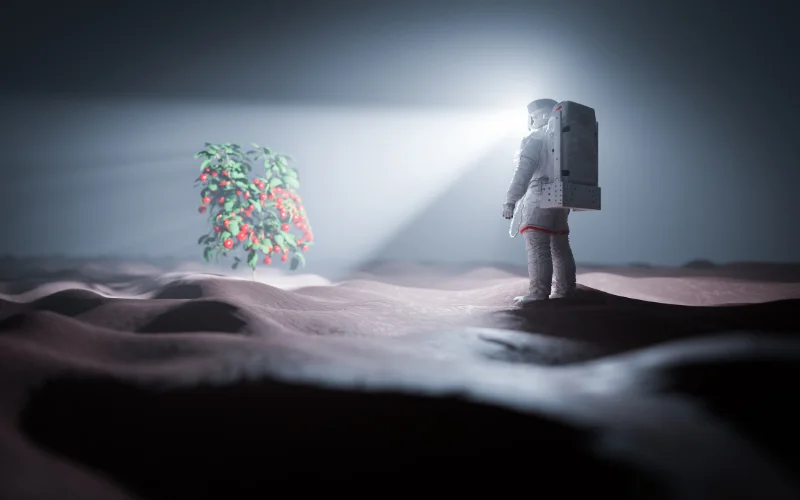
Midjourney helps you speed up your creative work. It gives you ideas fast and makes drafts of artwork, so you can concentrate on improving and adding your style instead of beginning everything from the beginning.
Get more from AI image generation with free Midjourney alternatives and practical prompt tips for creating eye-catching visuals.
6. Community Connection
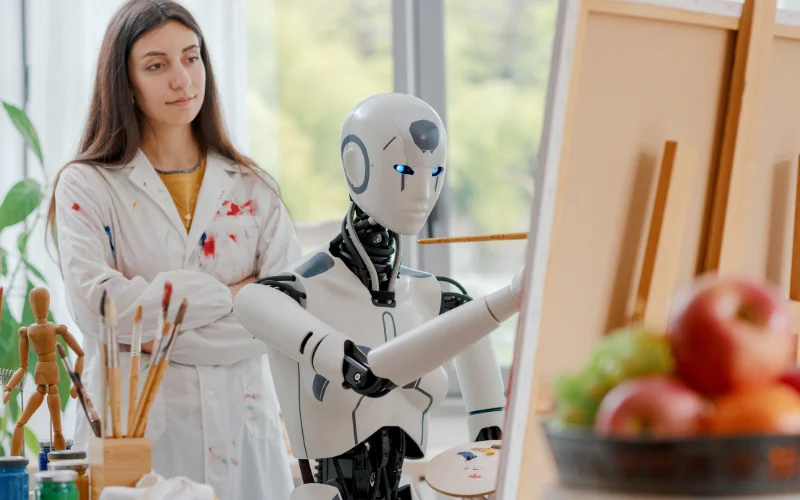
Art is a journey best shared, and Midjourney understands the value of community. Connect with fellow artists, share your experiences, and learn how others leverage Midjourney in their creative pursuits.
The platform fosters a collaborative environment where ideas flow freely, enriching the artistic community.
7. Enhanced Learning
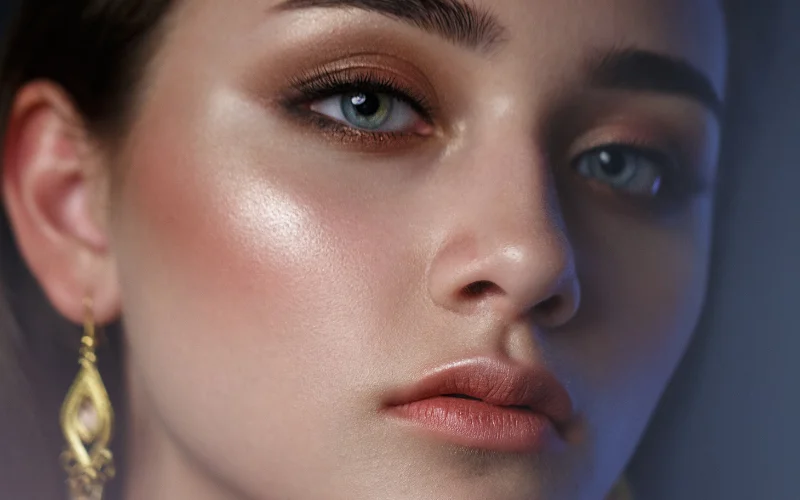
This amazing tool is a super helpful teacher for artists, no matter how good you are.
When you check out the art ideas and suggestions it comes up with, you can learn all sorts of cool things about different ways to make art. Like techniques, styles, and how to put everything together. It’s like a never-ending art class that helps you keep improving.
Discover how AI photography can save time and spark creativity.
8. Efficient Artistic Feedback
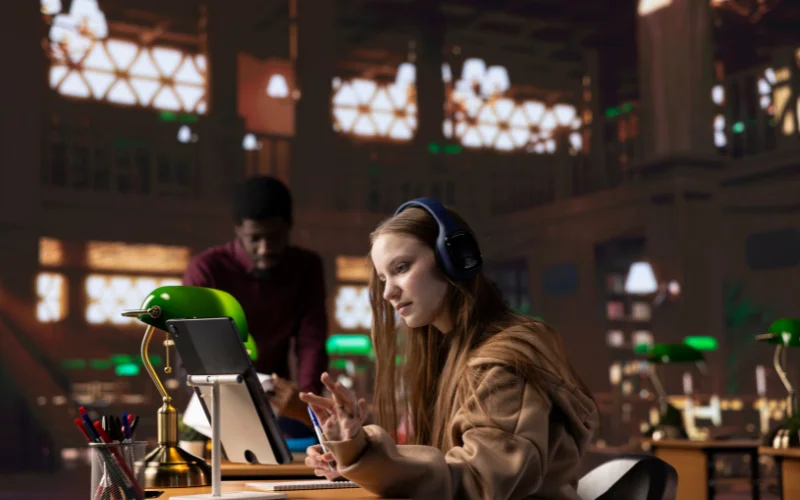
Within the community, artists can engage in constructive discussions and receive valuable feedback on their artworks.
This feedback loop provides artists with insights, suggestions, and encouragement, facilitating their artistic development and fostering a supportive environment.
How To Get Started With Midjorney?
Step 1: Sign Up To Discord (Optional)
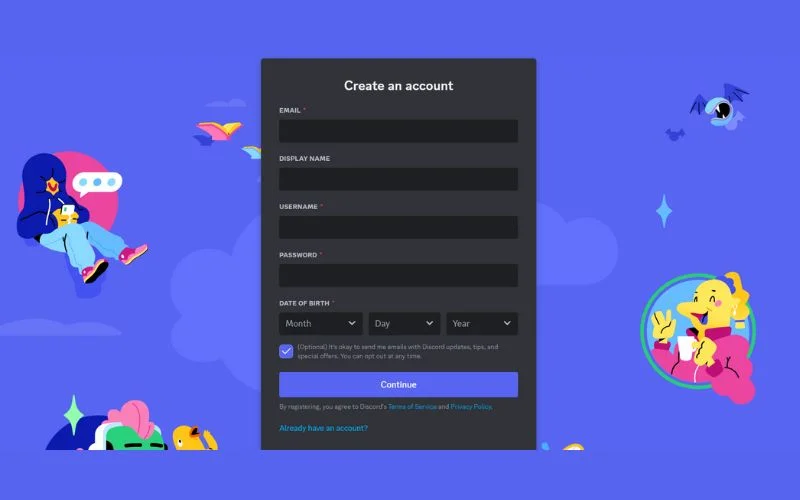
Discord is a platform where you can chat, voice, and video call with others. You can also access the Midjourney AI bot, which generates the images for you.
You only need Discord if you want to use Midjourney that way. You can also generate images directly from Midjourney’s website without ever touching Discord, in which case you can skip ahead to Step 2. If you do want to use Discord, you’ll need an account, which you can get through your web browser, mobile app, or desktop app.
Check out: Modify AI – Portrait Retouching Photoshop Plugin
Step 2: Sign Up For Midjourney
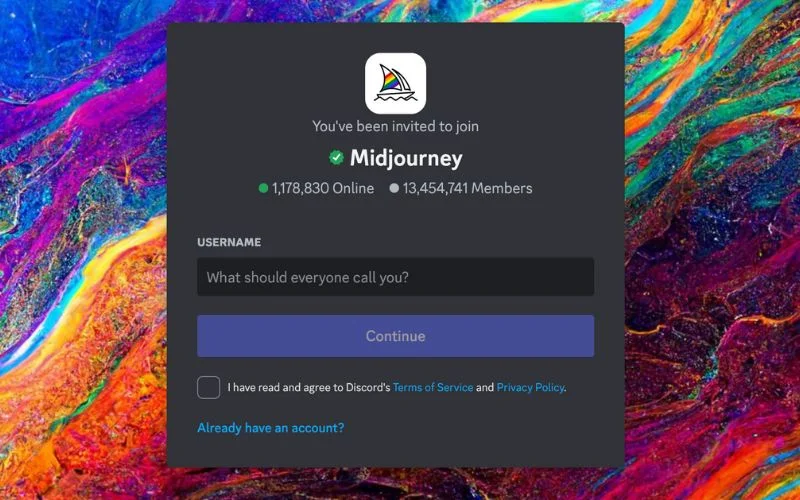
Midjourney is a subscription-based service. There’s no free trial anymore; it was discontinued in 2023, so you’ll need to choose a paid plan before you can start generating images.
There are four plans to choose from:
- Basic: $10/month, around 200 image generations
- Standard: $30/month, includes unlimited Relax Mode generations
- Pro: $60/month, includes unlimited Relax Mode plus Stealth Mode for private generations
- Mega: $120/month, the highest GPU allowance, built for high-volume or team use
If you pay annually instead of monthly, every plan drops by 20%.
You also don’t need Discord to sign up anymore. Midjourney now has its own website where you can subscribe, generate images, and manage your account directly. Discord is still there if you prefer it, but it’s optional rather than required.
Explore the AI apps photographers and creators love.
Step 3: Join the Midjourney Server On Discord
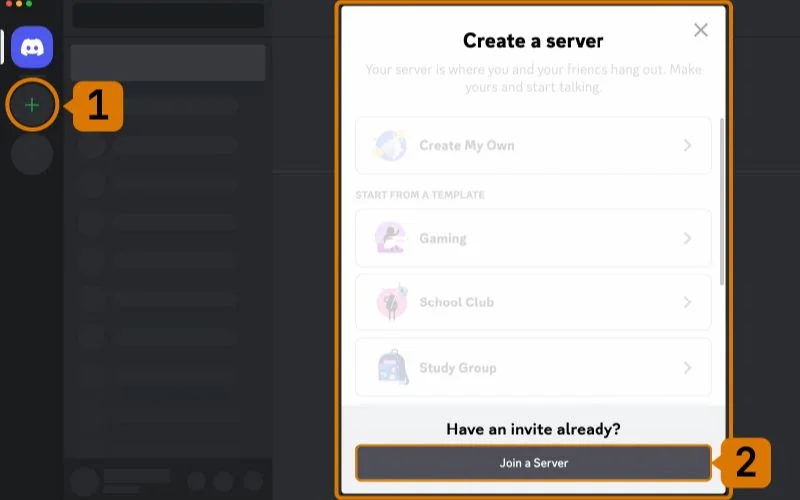
The Midjourney server on Discord is where you can interact with the Midjourney bot and other users. Once you join, you will see several channels on the left-hand sidebar.
These channels are where you can type your text to image AI prompts and see the images that the bot generates. You can chat with other users, share your creations, and get feedback and tips.
Step 4: Use The /imagine Command (On Discord)

The /imagine command is the main command you use to create AI images with Midjourney. To use it, you need to type ‘/imagine prompt:’ in the message field of any channel that allows image generation.
You can also select the /imagine command from the list of available slash commands that pop up when you type ‘/’. After typing ‘/imagine prompt:’, describe the image you want to create in the prompt field. This description is called a prompt.
A prompt can be anything from a single word to a sentence or a paragraph. The more specific and detailed your prompt is, the more likely the bot will generate an image that matches your expectations.
However, you can also experiment with vague and abstract prompts and see what the bot comes up with. Once you type your prompt, you need to send your message. The bot will then interpret your prompt and start generating the images.
Depending on your plan, you may see one or more images that the bot produces. You can choose the image you like most or ask the bot to generate more images by typing ‘/more’.
You can also adjust the settings of the image, such as the size, the style, and the quality, by using other commands, such as ‘/size’, ‘/style’, and ‘/quality’. Furthermore, you can learn more about these commands by typing ‘/help’.
That’s it! You have just created your first piece of Midjourney’s AI art!
See how AI is transforming the photo editing workflow.
Step 5: Generate Images On The Website Instead
If you’re using Midjourney through the website rather than Discord, the process is even simpler. Log in at midjourney.com, click “Create” in the sidebar, and you’ll see a prompt box at the top of the page called the Imagine bar.
Type your prompt directly into that box. You don’t need to type “/imagine” first, just describe the image you want and hit Enter or click the send button.
Instead of typing parameter commands like “–ar 16:9” or “–stylize 600,” you’ll find sliders and buttons right next to the Imagine bar for aspect ratio, stylization, and other settings. This makes it easier to fine-tune an image without memorizing commands, which is one of the bigger usability advantages of the website over Discord.
Once you submit a prompt, your images will show up in your Create feed. Click any image to upscale it, generate variations, or reuse its prompt as a starting point for a new one.
Check out: Masterclass: Creating Fashion With AI By Luca Storelli
Tips For Using Midjourney AI Image Generator
1. Be Specific & Descriptive
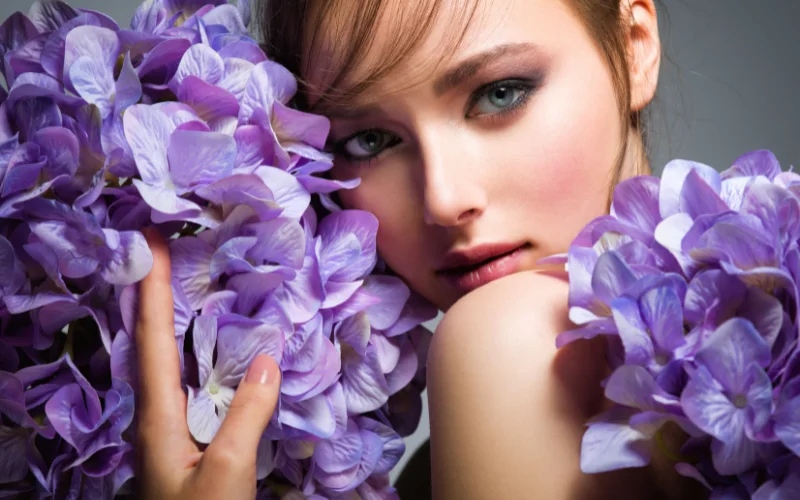
The more details you provide in your text, the better the Midjourney image will be. For example, instead of “a cat,” write “a fluffy orange cat with green eyes sitting on a blue couch.” This will help Midjourney generate a more realistic and accurate image.
Find the perfect AI family photo generator for your needs.
2. Use The Description Function
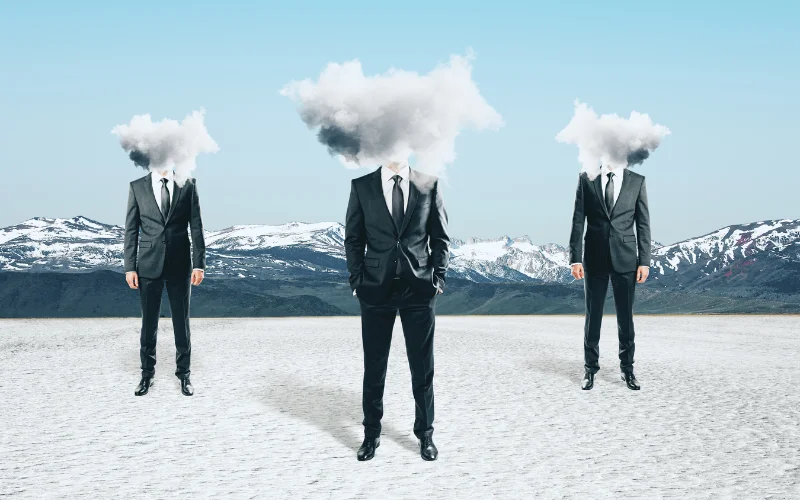
If you want to get inspiration or feedback from Midjourney, you can use the describe function to generate a text description from an image.
Just upload an image or paste a link, and Midjourney will tell you what it sees. You can then use this text as a starting point for your photo or text.
Check out: What Is AI Photography: A Beginner’s Guide
3. Try Different Styles & Genres
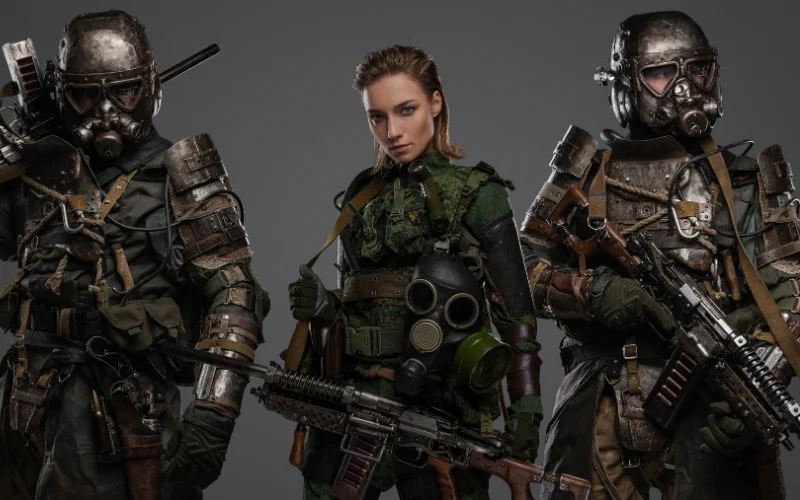
Midjourney can create images in various styles and genres, such as realistic, cartoon, anime, fantasy, sci-fi, horror, etc.
You can specify the style or genre in your text or let Midjourney surprise you. For example, you can write “a medieval castle in the style of Van Gogh” or “a cute alien creature.”
4. Join The Community
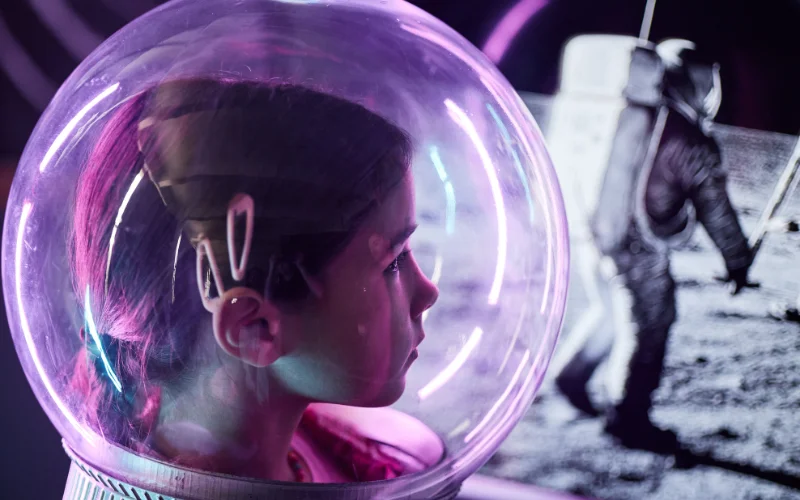
Midjourney has a vibrant and friendly community of users who share their creations, give feedback, and collaborate on projects.
You can join the official Discord server to chat with other users, browse the gallery of amazing images, and participate in challenges and events.
Master AI art creation with a comprehensive Stable Diffusion course.
5. Learn From Examples & Tutorials Of How Midjourney Works
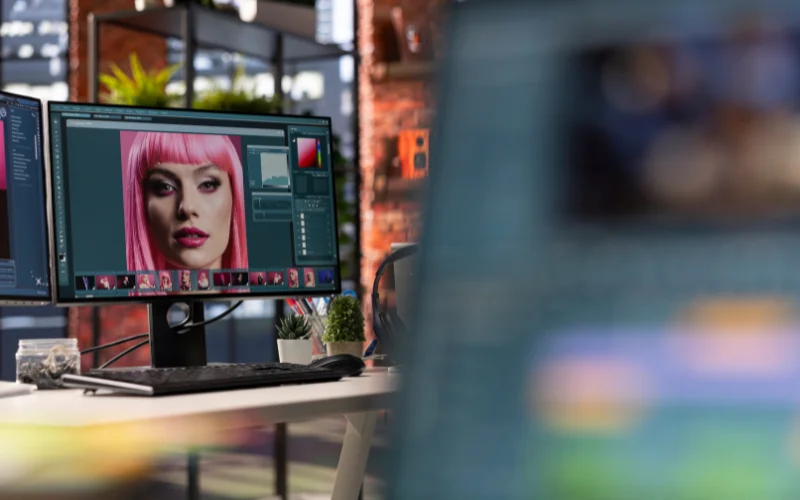
Midjourney has many examples and tutorials to help you learn to use the tool and improve your photography skills.
You can check out the documentation to learn more about the features and functions, or watch videos on YouTube to see how other users create amazing images.
Frequently Asked Questions About Midjourney
1. Do I need design or photography skills to use Midjourney?
No. You don’t need any design or photography skills or experience. If you can describe your idea or the kind of results you want in words, you can easily use Midjourney.
2. Is Midjourney free to use?
No. Midjourney removed its free trial in 2023 and has been subscription-only since. The cheapest way in is the Basic plan at $10/month, or $8/month if you pay annually. There’s currently no way to generate images on Midjourney without a paid plan.
3. Is Midjourney copyright-free?
According to the official website, you own all the images and videos you generate, even if you decide to cancel your subscription later. But if you have used Midjourney to edit an image you found elsewhere, that image belongs to the original creator.
4. Is Midjourney hard to learn?
No, you can easily get the hang of learning how to use Midjourney after using it a few times. Also, there are many Midjourney courses and tutorials available online that can help you refine your skills and learn to generate art with flair.
Final Thoughts
Midjourney is a revolutionary tool that lets you create amazing AI art with just a few words.
Whether you want to explore your imagination, express your ideas, or have fun, Midjourney can help you achieve your artistic goals.
You can use Midjourney to generate realistic images, cartoon characters, fantasy landscapes, and more. You can also use Midjourney to describe images, blend styles, and combine concepts.
I hope we answered your question correctly. You only need a Discord account and a Midjourney subscription to get started. So what are you waiting for? Join the community today and unleash your inner artist.
Like this post? Check out more fantastic photography content on our blog.