
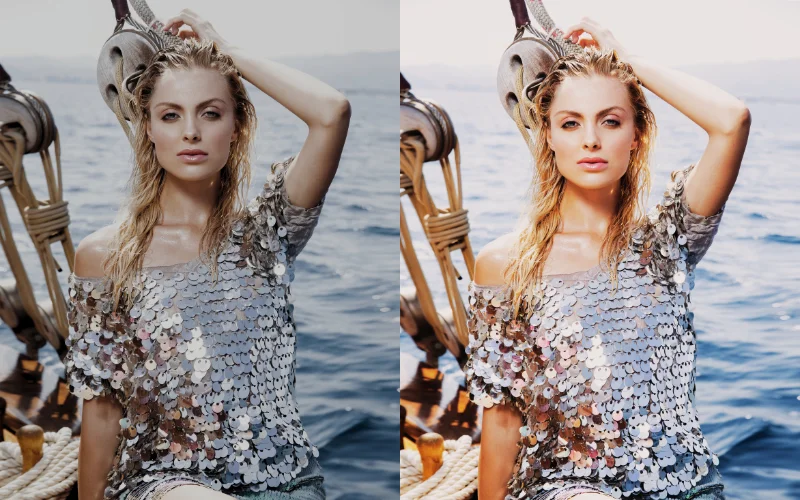
If you’re on a quest to level up your photo editing game without breaking the bank, you’re in for a treat. Today, we’re diving into the world of free PS actions, those magical little bundles of editing shortcuts that can transform your photos with just a click.
Join us as we explore the top 10 bundles of free Photoshop actions that will surely add sparkle to your digital toolbox. Whether you’re a seasoned pro or just getting started, these great photography resources are about to become your new best friends.
Enjoying this guide?
Follow PhotoWhoa in Google Search to see more of our photography content.

Table of contents
- 1. 10 Best Photoshop Actions For Photographers
- 2. 20 Free Actions For Photoshop
- 3. 8 Unique Free Portrait Photoshop Actions
- 4. 20 Free Male Boudoir Photoshop Actions
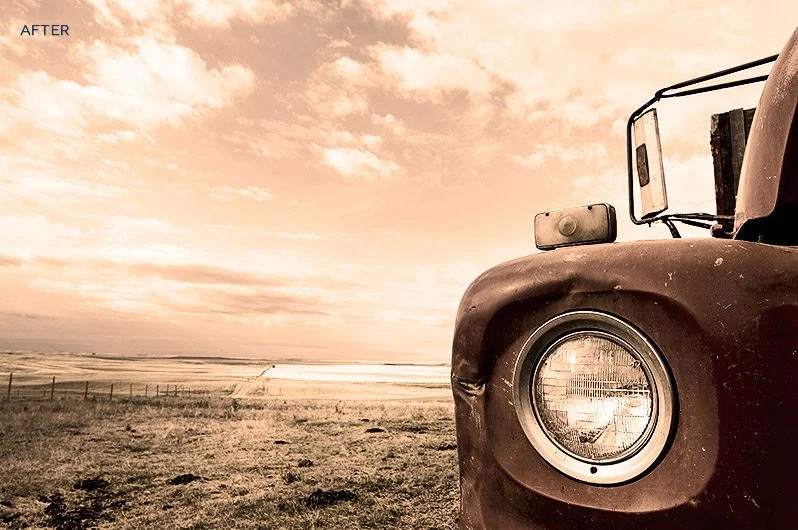
- 5. 18 Free Vintage PS Actions Bundle
- 6. 30 Free PS Actions for Family Portraits
- 7. 15 Free Boudoir PS Actions
- 8. Free Duotone Photoshop Actions
- 9. 300 Free Photoshop Atns Bundle For Photographers
- 10. 200+ Free Actions for Stunning Effects
- Wrapping Up
- Frequently Asked Questions
1. 10 Best Photoshop Actions For Photographers
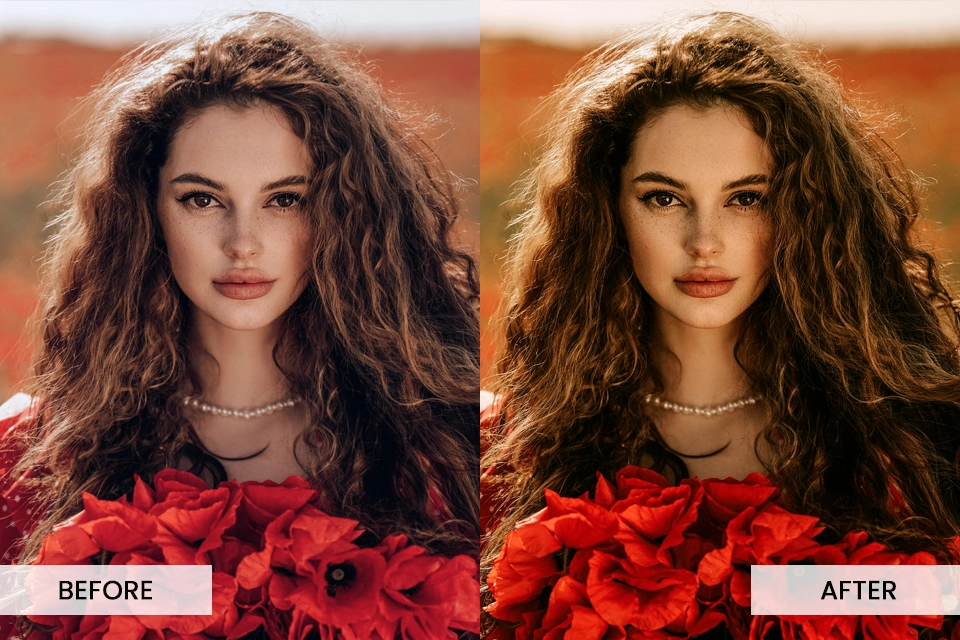
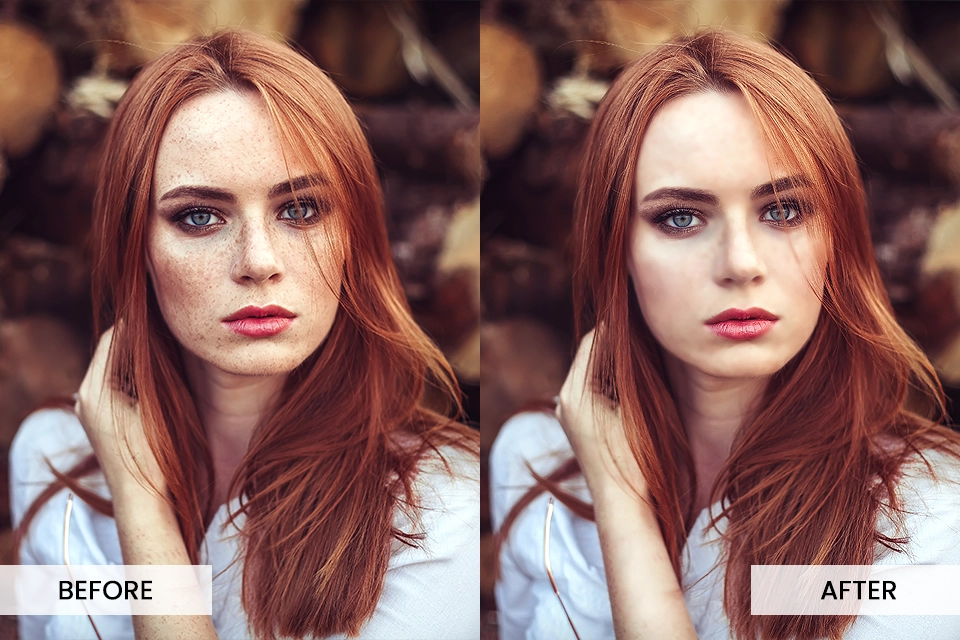
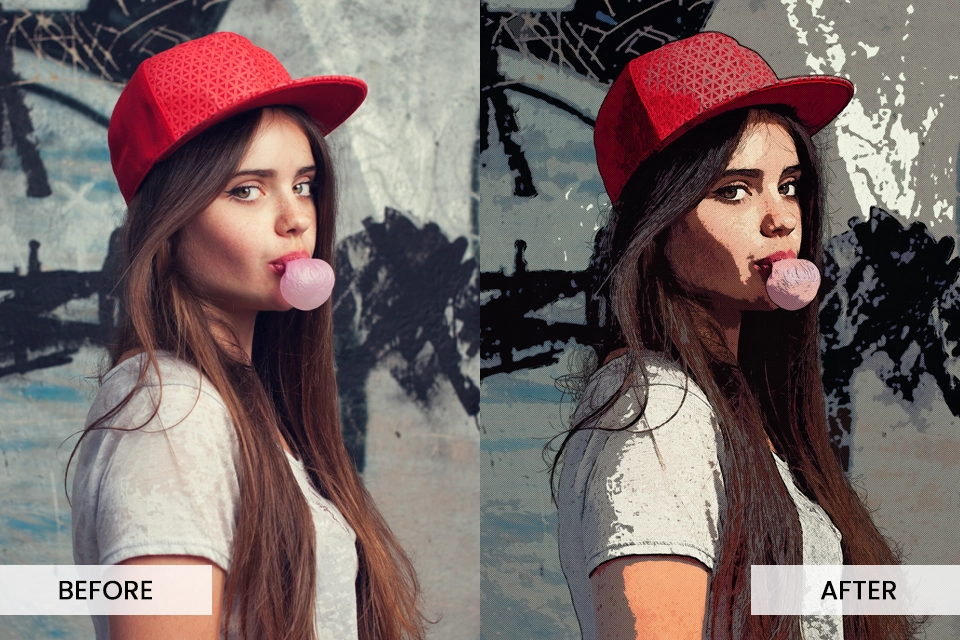
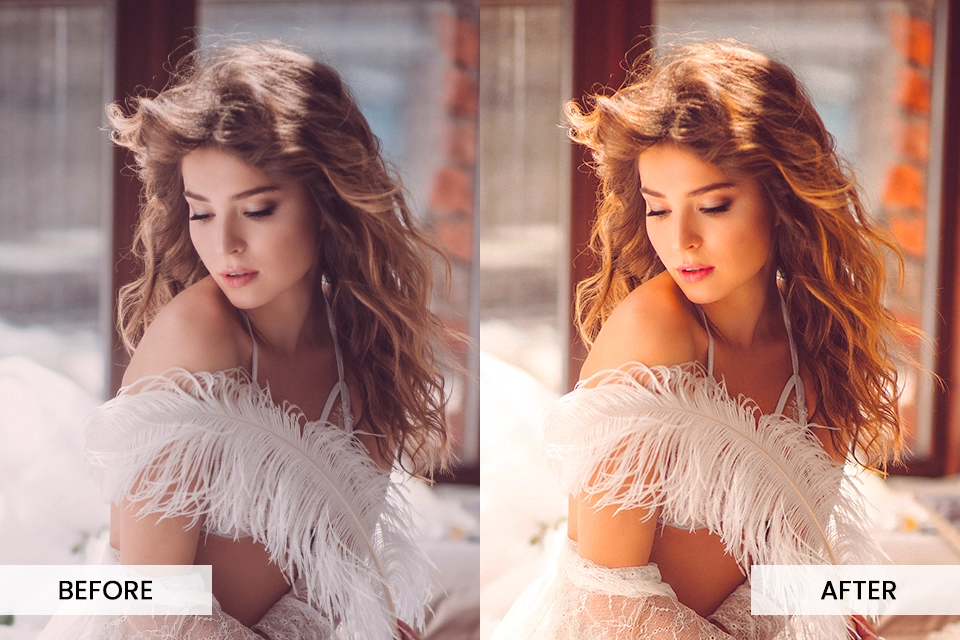
This bestselling free bundle of PS actions for photographers is a game-changer when it comes to photo editing. With a good variety of actions at your disposal, you can create striking images that make people wow.
Here are some categories included in this bundle:
- Smooth Skin Photoshop Action
- Retro Photoshop Action
- Double Exposure Photoshop Action
- Watercolor Photoshop Action
- Black And White Photoshop Action
- HDR Photoshop Action
DOWNLOAD FOR FREE NOW
2. 20 Free Actions For Photoshop
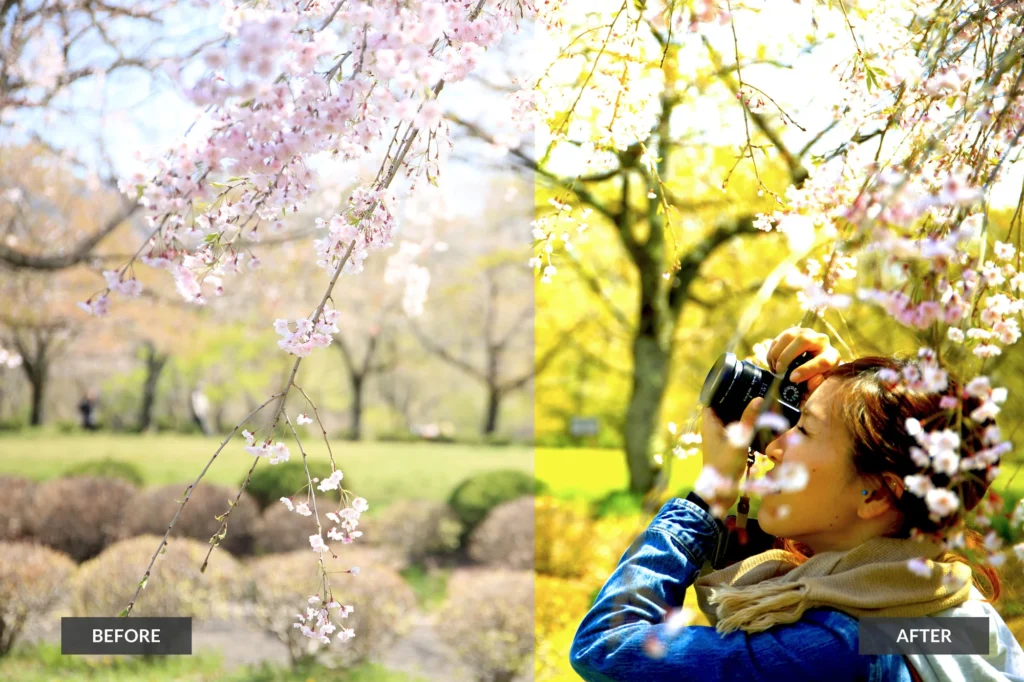
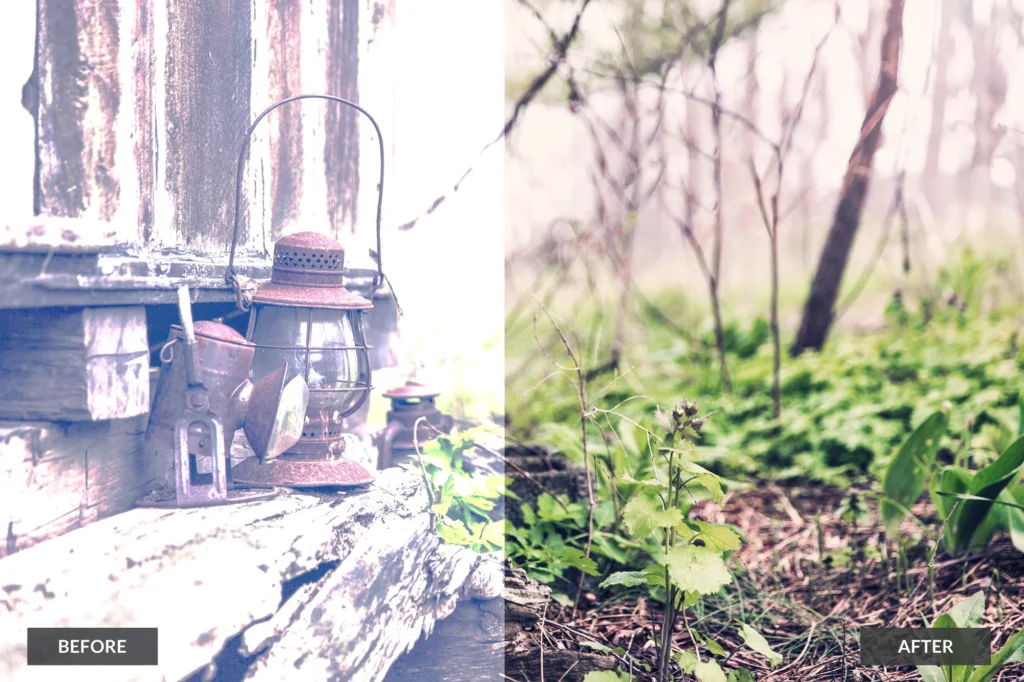
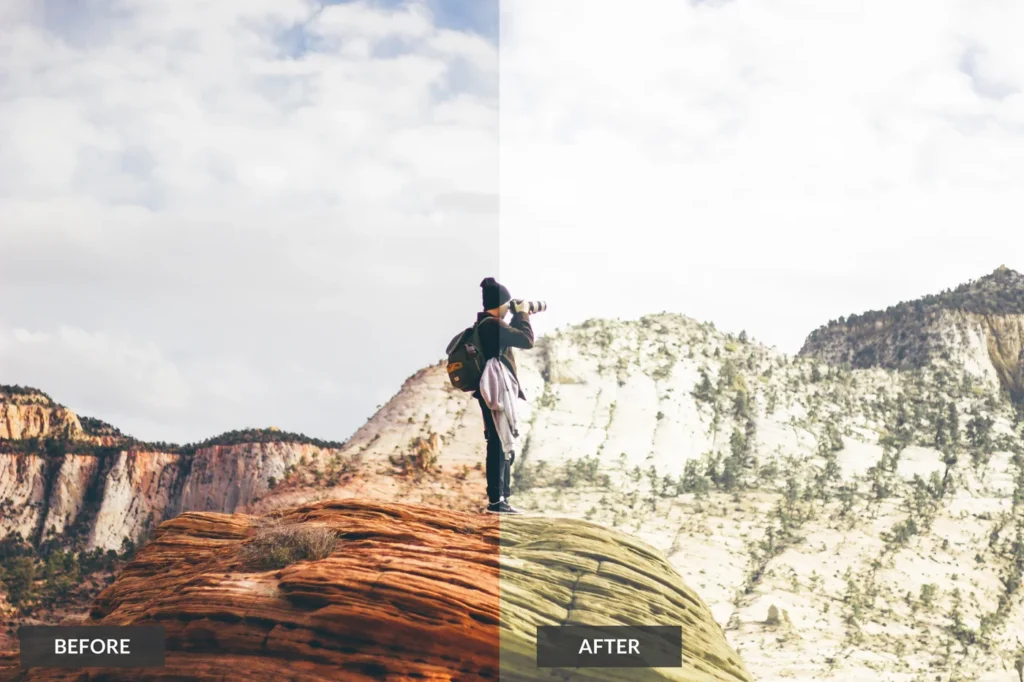
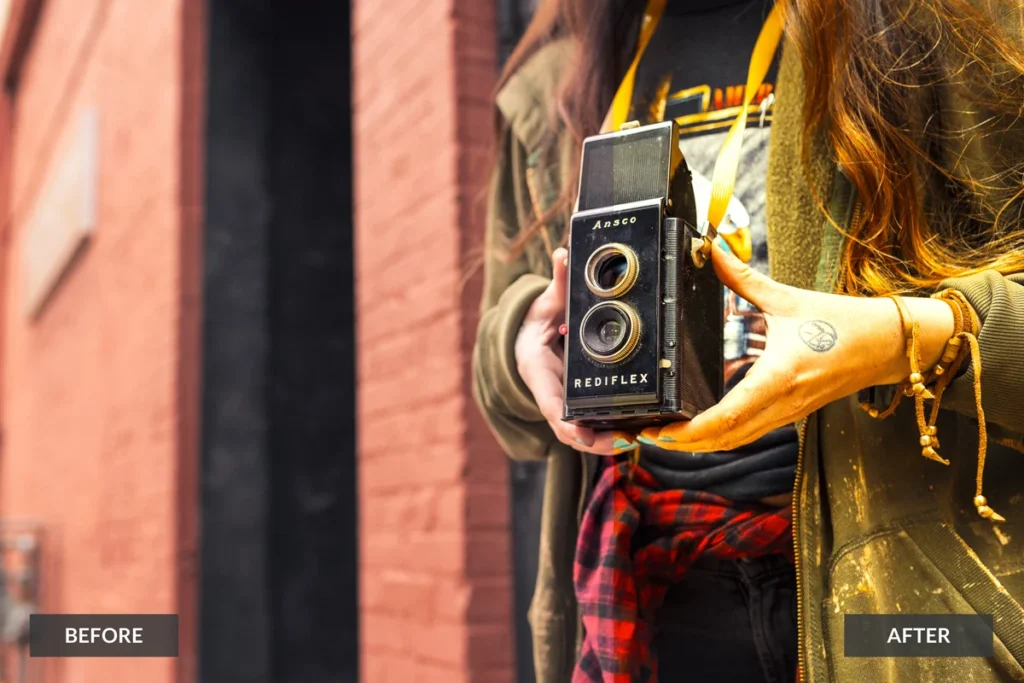
Another great free PS actions bundle that will keep you covered for outdoor photography editing. With a unique set of effects, these 20 actions will give your photos a fresh vibe and character. Add these amazing free actions to your arsenal now.
Here are some categories included:
- Vintage actions
- Vibrant PS actions
- Film Effect
- Nature photoshop actions
DOWNLOAD FOR FREE NOW
3. 8 Unique Free Portrait Photoshop Actions
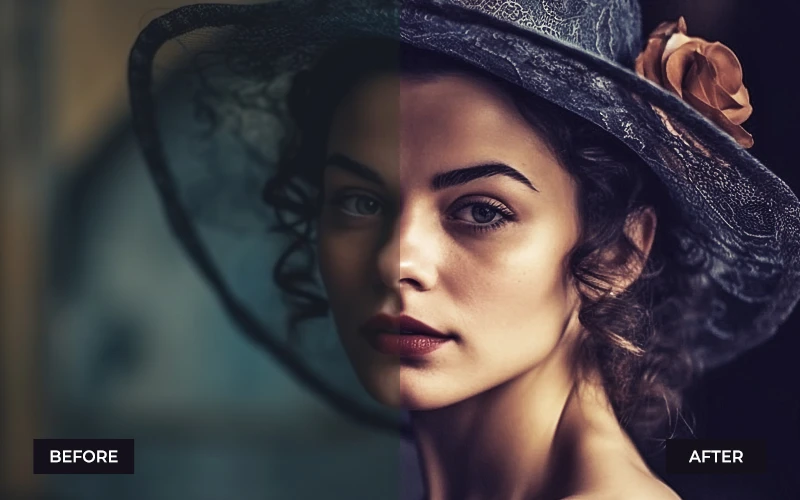
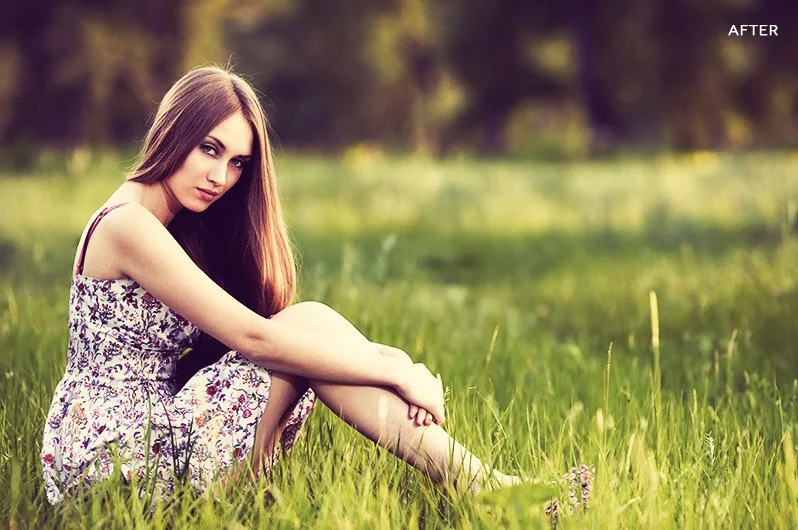
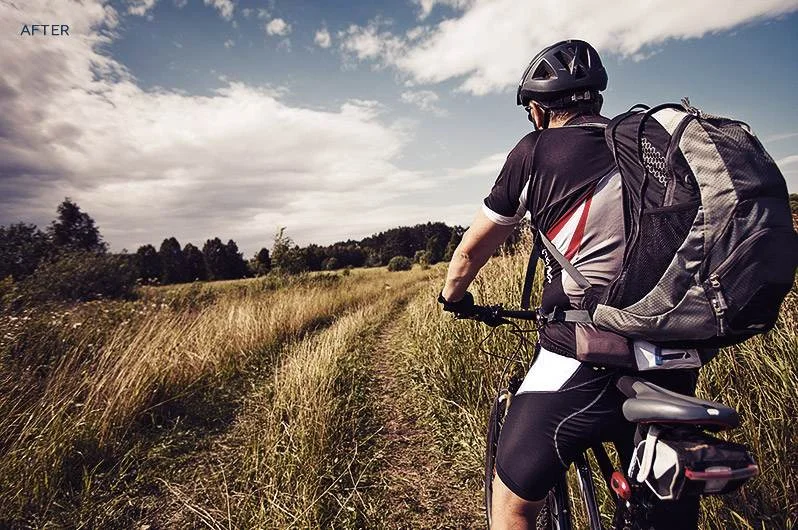
Having this bundle of PS actions for portraits is no less than hitting a jackpot! If you’re a portrait photographer looking to take your editing to the next level, these free PS actions are your lifesaver. So go ahead and download them now.
Here are some key features of this free bundle:
- Free to use for commercial and personal use (use them again, and again and again:)
- Compatible with CS4 and up
- Compatible with PSE 11+
- Pack of 8 one–click free Photoshop actions
DOWNLOAD FOR FREE NOW
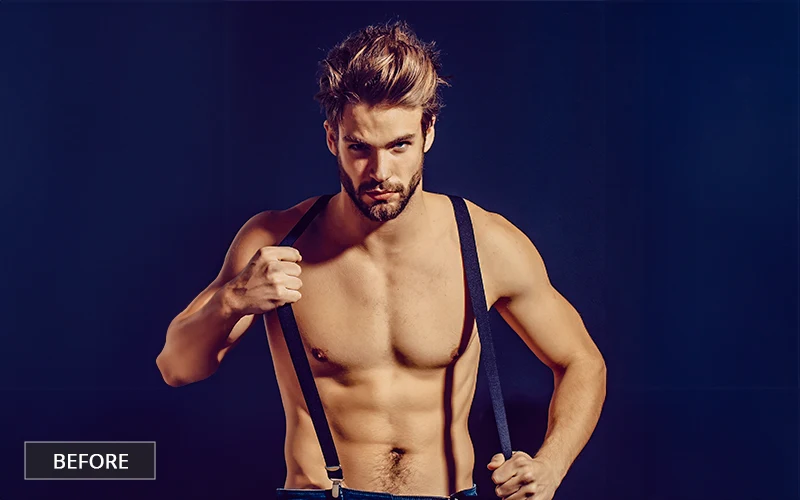
4. 20 Free Male Boudoir Photoshop Actions
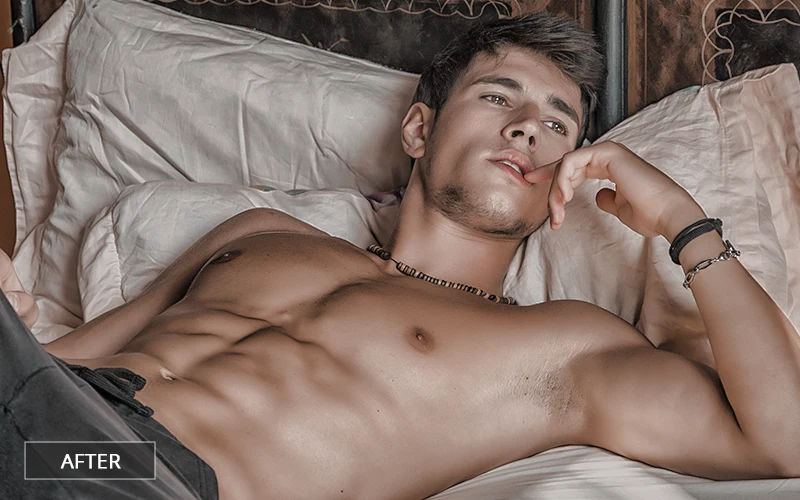
When it comes to male boudoir photography, Photoshop actions are like secret weapons for enhancing those powerful, sensual vibes. They’re all about bringing out the best features, sculpting muscles, and playing with light to create that perfect mood in photos.
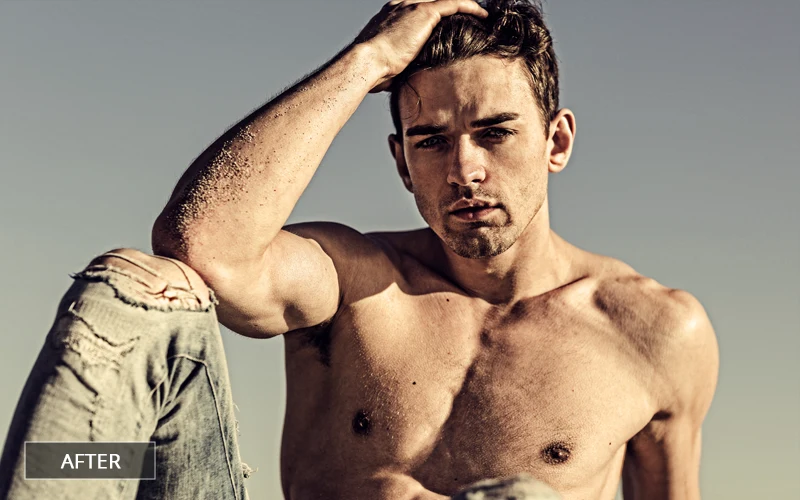
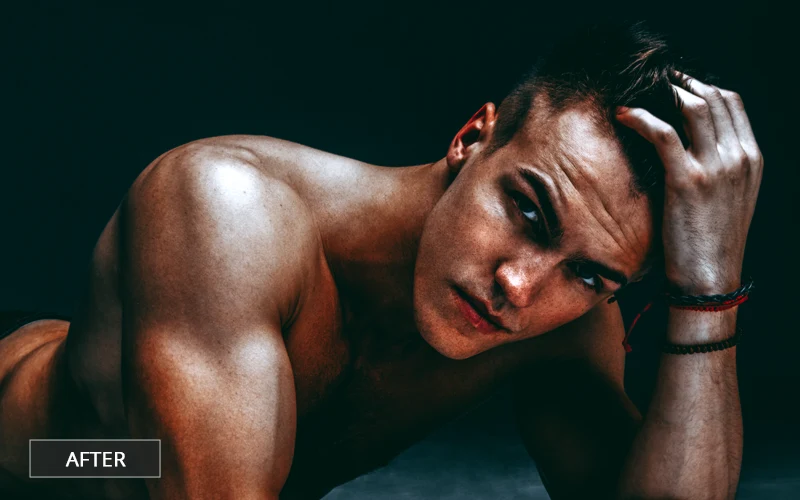
This unique bundle of male boudoir Photoshop actions will instantly transform your photos and is a must-have for every photographer.
Here are some amazing categories included:
- Mysterious PS Actions
- HDR Photoshop Action
- Sultry Matte Photoshop
- Body Subtle Glaze PS Atn
- Cinematic Free Boudoir Photoshop Actions
- Dudeoir PS actions
- Masculine Free Boudoir Photoshop Actions
DOWNLOAD FOR FREE NOW
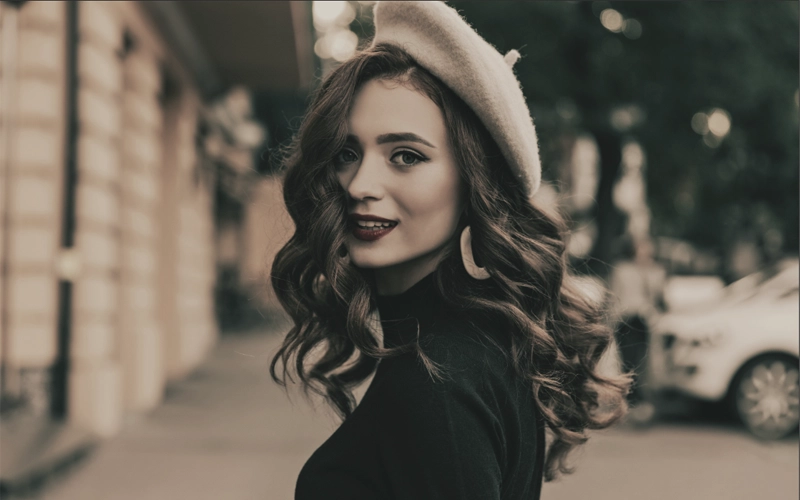
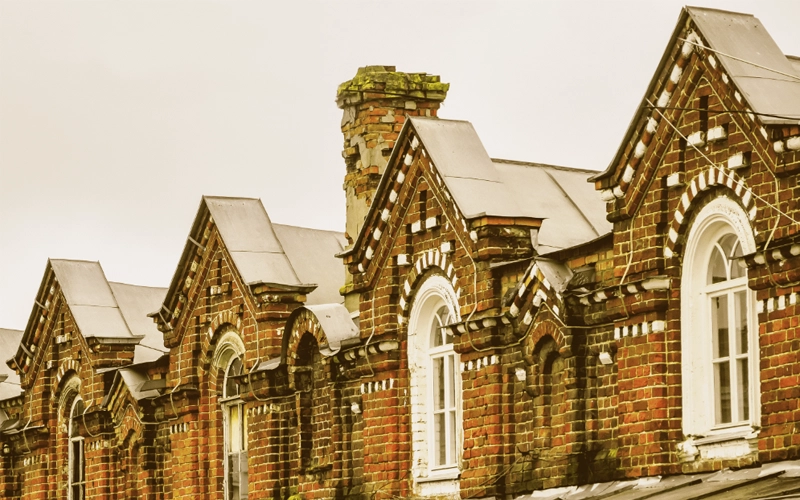
5. 18 Free Vintage PS Actions Bundle
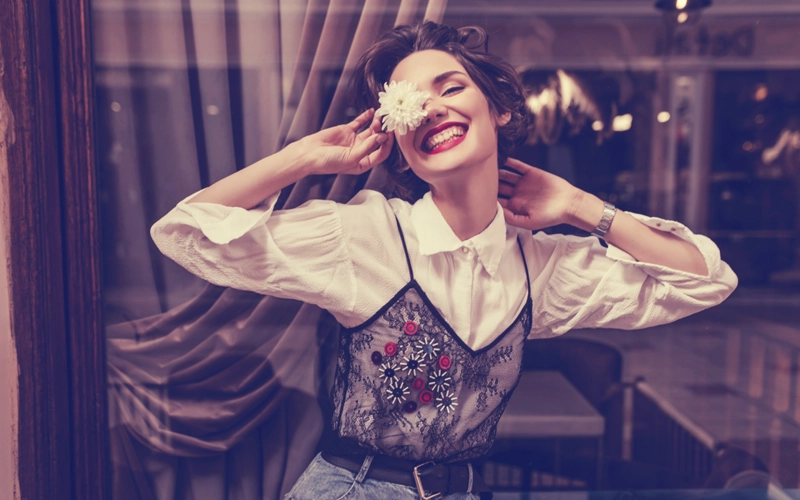
This bundle of free vintage PS actions is the fastest and best way to add that lovely retro vibe to your photos. With a good variety of effects, this will become your go-to bundle for that beautiful old vintage vibe. Add this to your photo editing toolset without thinking twice.
Here are some great features of this free actions bundle:
- Experiment with different blending modes
- Adjust opacity
- Fine-tune with adjustment layers
- Mix and match actions
- Save your favorite settings

DOWNLOAD FOR FREE NOW
6. 30 Free PS Actions for Family Portraits

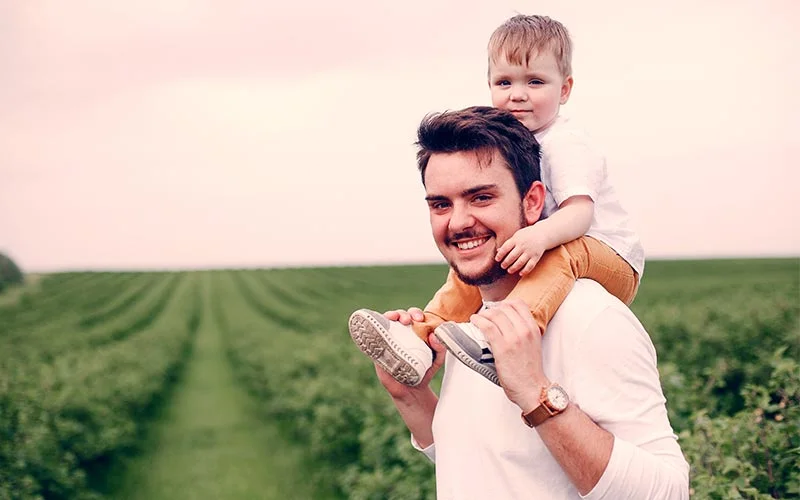
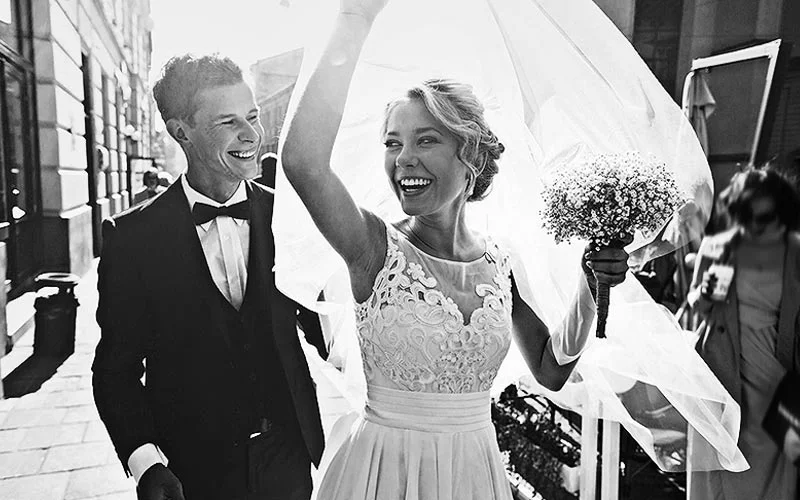
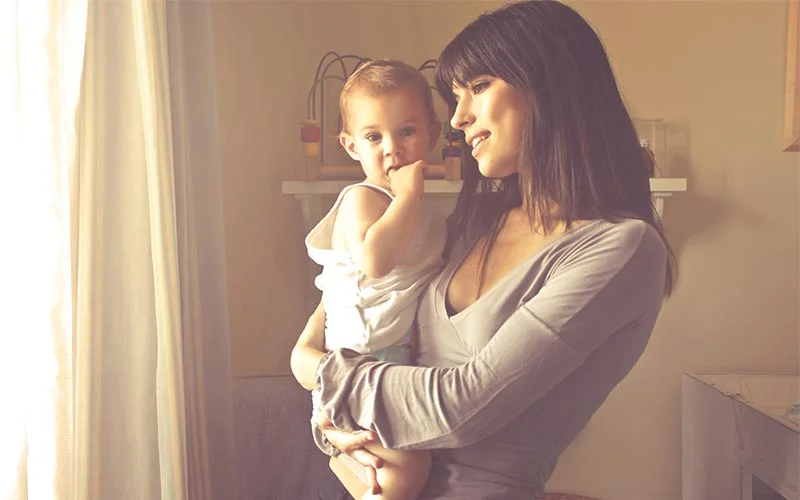
Editing family portraits doesn’t get easier and better than this! This great bundle of Photoshop actions for family portraits will take lovely family moments and turn them into photography masterpieces. Add this free PS actions bundle to your arsenal now.
Here are some great features of this bundle:
- Includes 30 flawless Photoshop actions compatible with CS3, CS4, CS5, CS6, and CC versions.
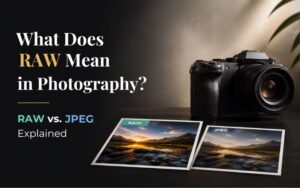
- Designed to work exceptionally well with both RAW and JPEG files.
- Compatible with any software that supports layers, such as Gimp, Canva, Picmonkey, etc.
DOWNLOAD FOR FREE NOW
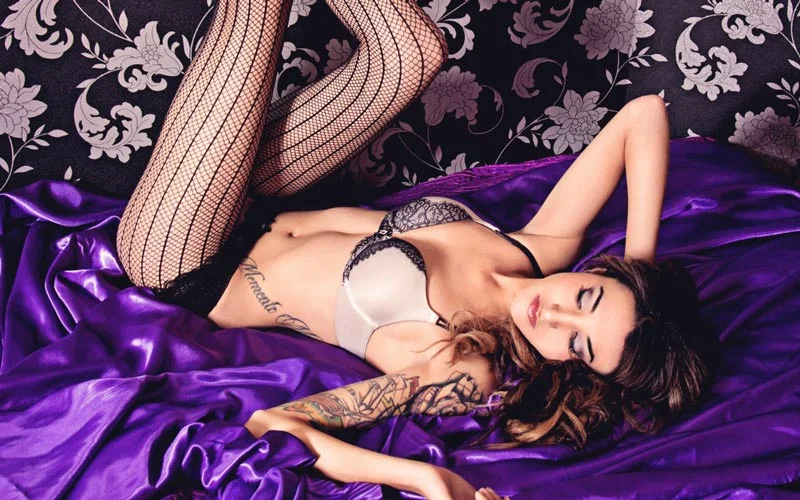
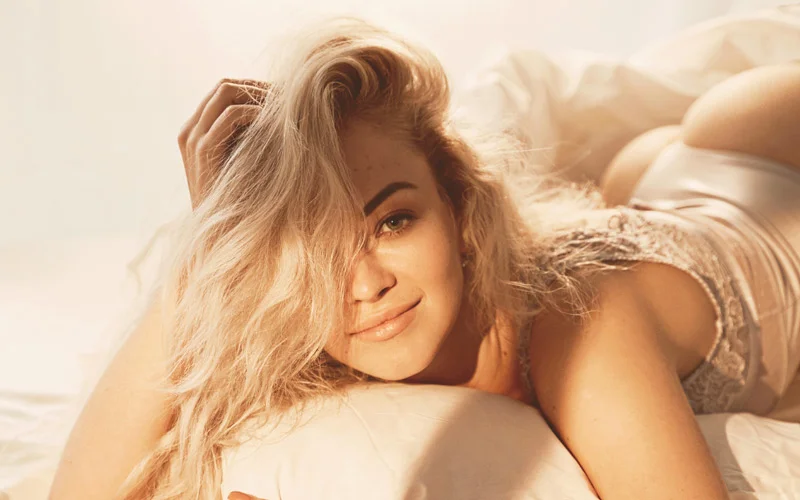
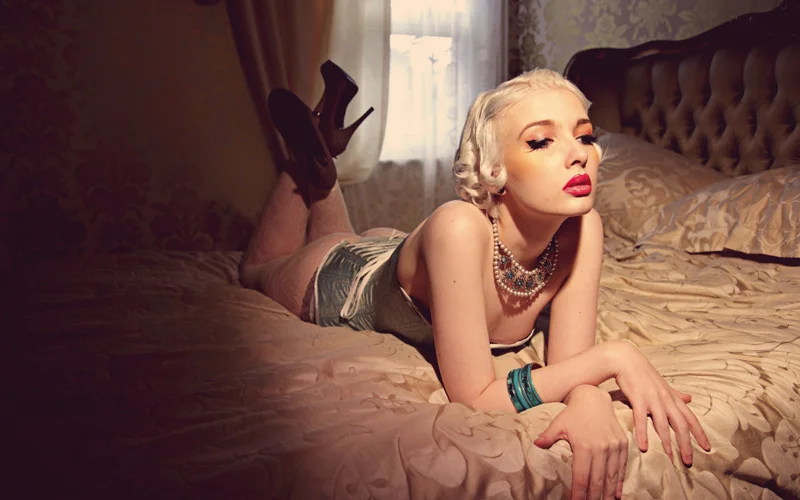
7. 15 Free Boudoir PS Actions
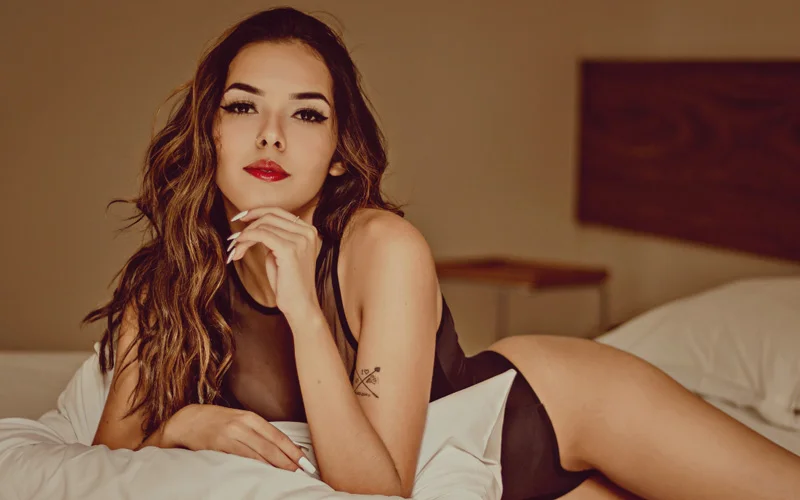
Want to create beautiful boudoir photos that ooze elegance and beauty? Here are some amazing and free PS actions to take your boudoir photography to the next level. Add this popular bundle to your editing toolset now.
Here are some amazing categories included:
- Elegance Photoshop Action
- Perfect Photoshop Vignette Effect Action
- Luscious Lips Photoshop Action
- Warm Skin Photoshop Action
- Those Eyes Photoshop Action
- Hollywood Photoshop Action
- Sexy Smooth Skin Photoshop Action
DOWNLOAD FOR FREE NOW
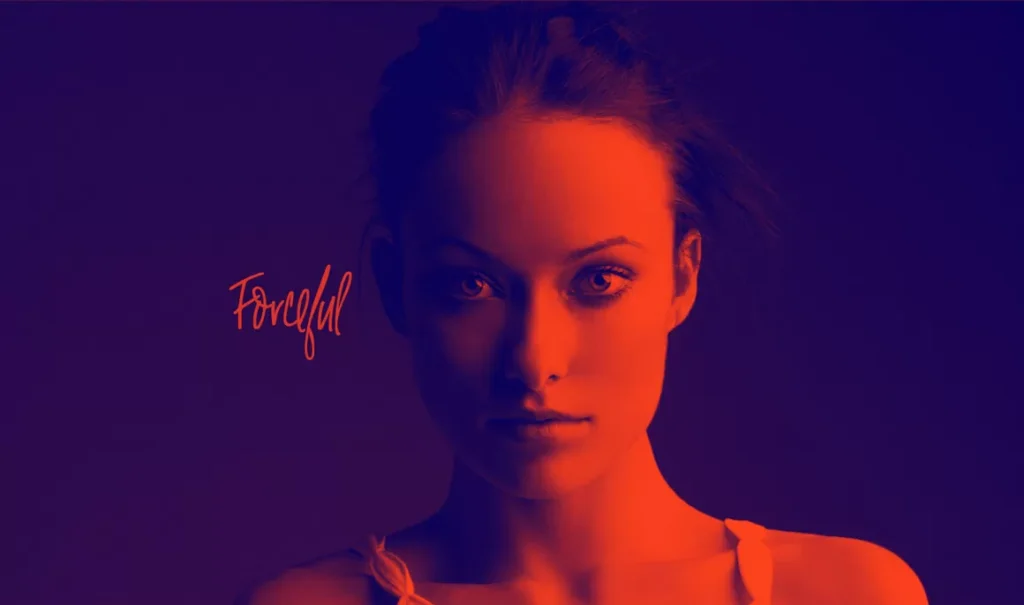
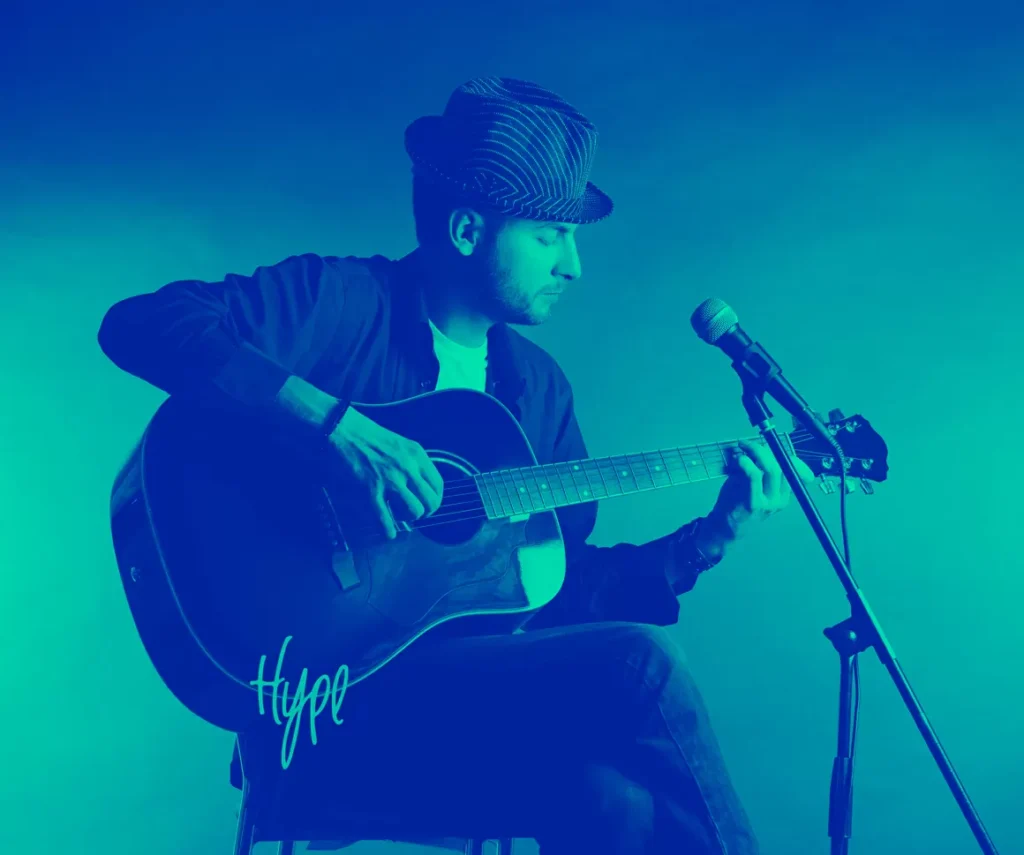
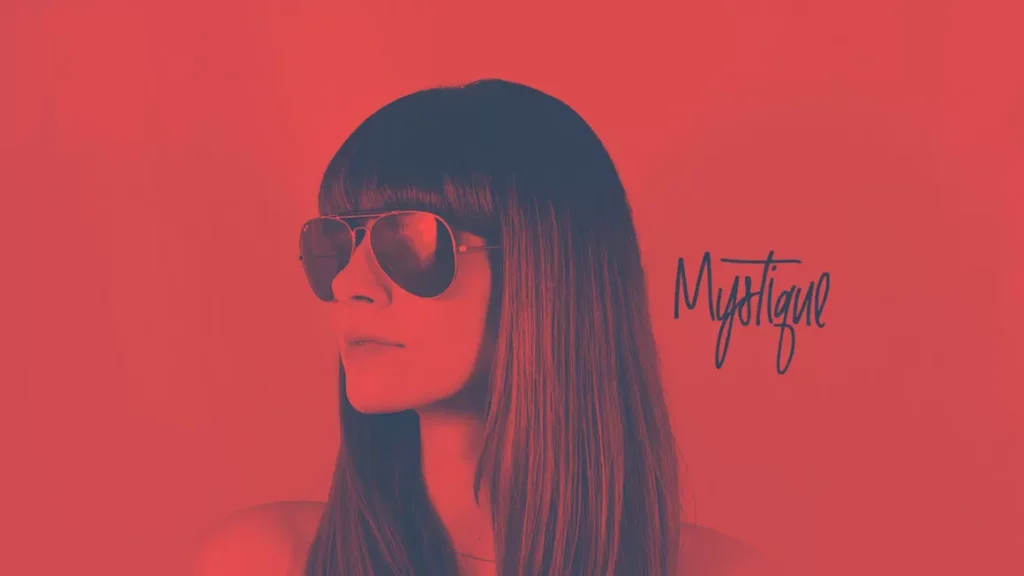
8. Free Duotone Photoshop Actions
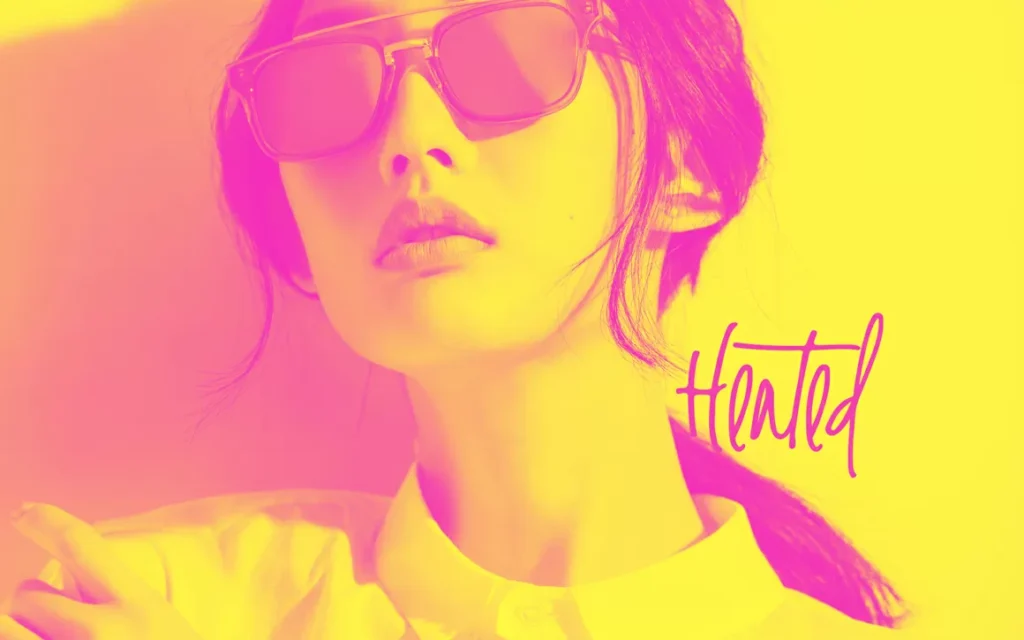
If you want to add some funky duotone effect to your photos, this free bundle is perfect. With seven cool effects, you can create spectacular images that amaze everyone!
Here are some key features:
- Multiple effects selection
- Customizable color options
- Create images that capture customer attention
9. 300 Free Photoshop Atns Bundle For Photographers
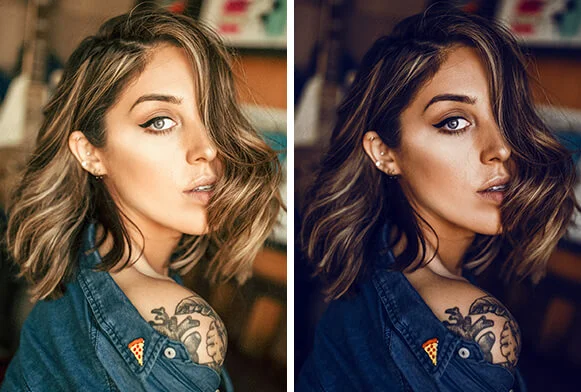
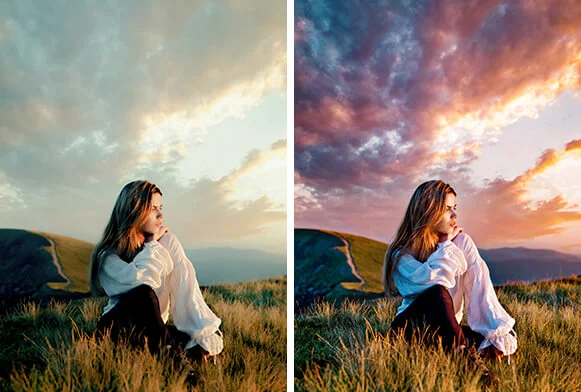
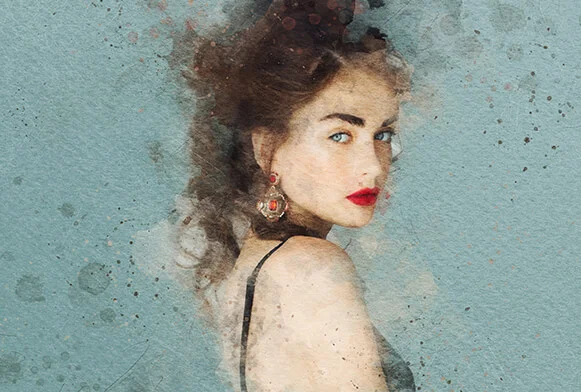
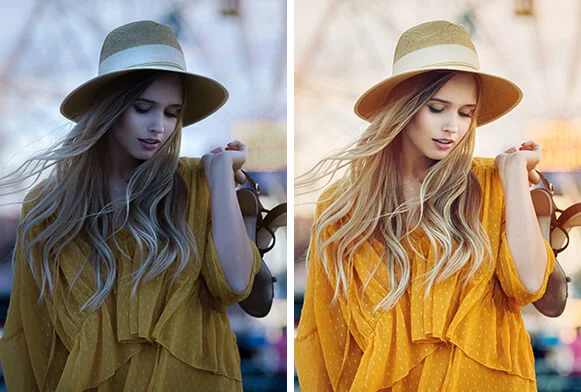
With over 300 actions designed for photographers across all genres, you can effortlessly eliminate repetitive tasks and achieve desired effects. With a good number of actions for different categories, you’re sure to create wow-looking image effects for every season or occasion.
Here are some categories included in this bundle:
- Fashion Photoshop actions
- Smooth skin Photoshop Actions
- Wedding Photoshop Actions
- Vintage PS actions
- Film actions
- Winter Photoshop Atns
- Shimmer PS actions
10. 200+ Free Actions for Stunning Effects
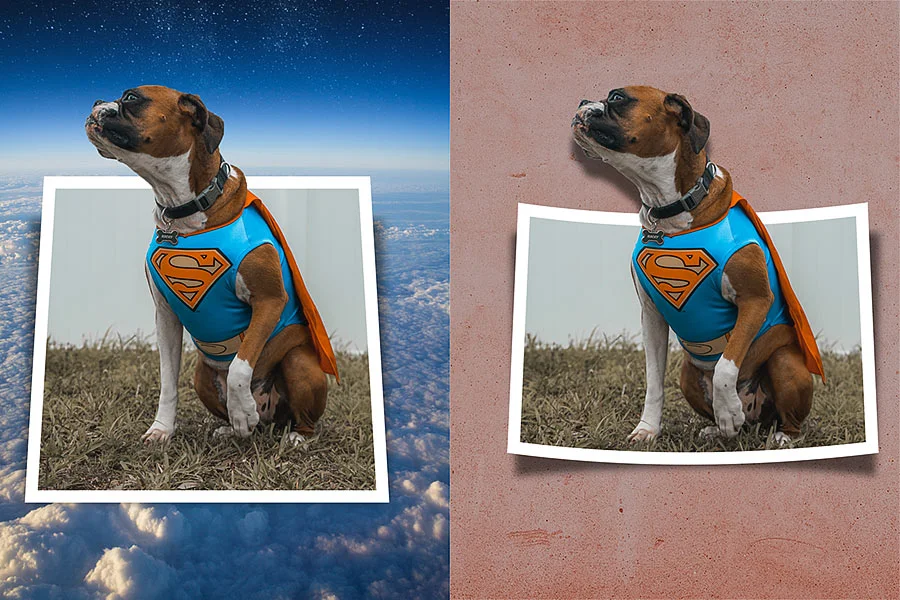
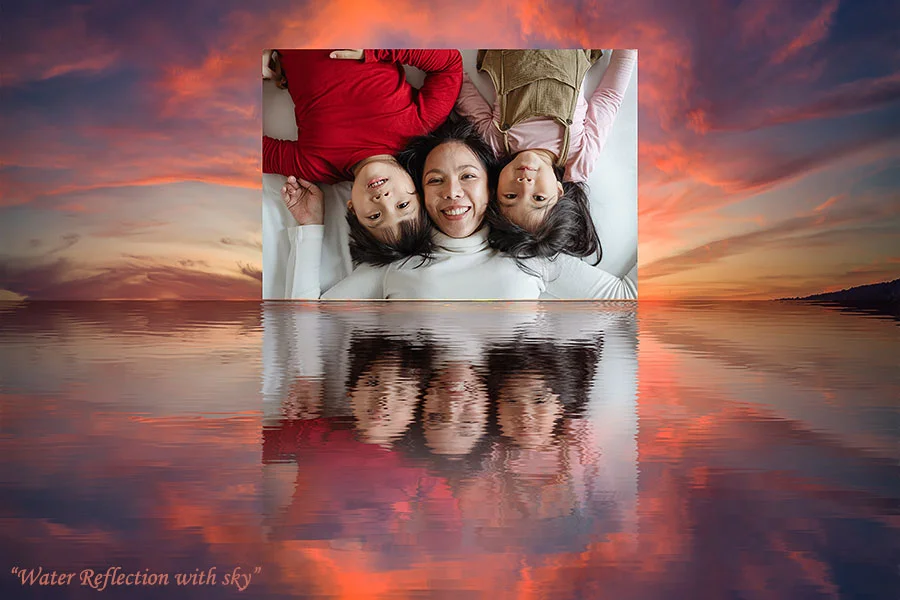
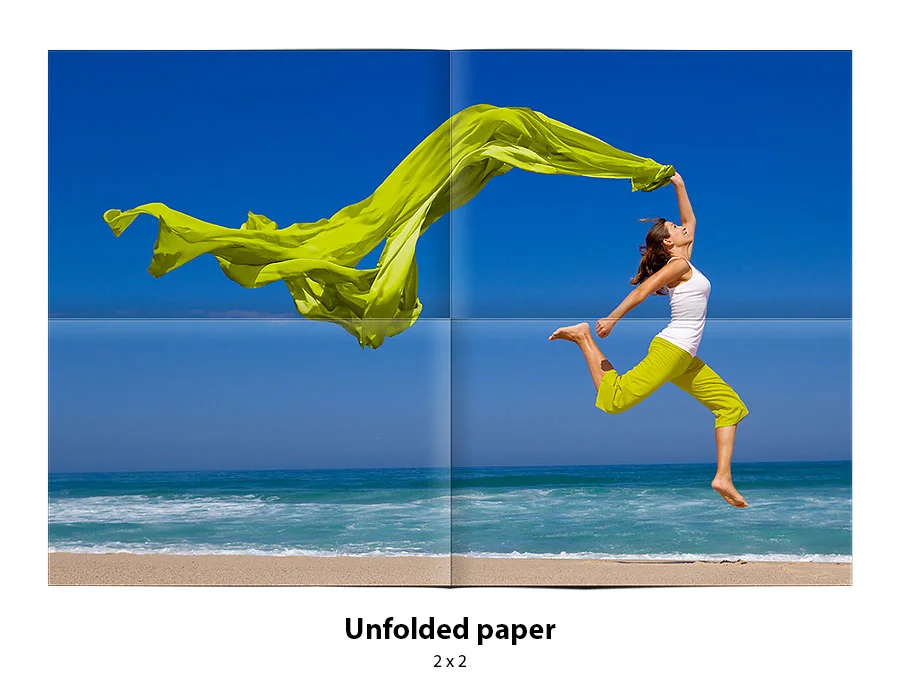
Another great bundle of Photoshop actions to take your photos to the next level. These amazing actions will help you add some mind-blowing effects to your images. This is a must-have bundle if you want to add some artistic effects to your photos.
Here are some unique categories included:
- Reflections
- Neon lights
- Page Curl Effect Photoshop
- Projection Screen
- Page Curls
- Folded Paper Effect Photoshop

Don’t forget to check out: Portrait Photography Poses Cards Bundle
Wrapping Up
So, if you’re looking to up your photo editing game without spending a dime, you’re in luck! We’ve explored some amazing free Photoshop actions today that can totally jazz up your photos with just a click.
Whether you’re a seasoned pro or just starting, these free editing tools will become your new go-to bundle. So try them and see how they can add that extra sparkle to your images. Happy editing!
Check out this bestselling Affinity Presets Bundle Now!
Like this post? Check out more photography resources and ideas on our blog.
Frequently Asked Questions
1. What are Photoshop actions used for?
Photoshop actions are pre-recorded editing steps — like color grading, skin smoothing, or vintage tones — that apply a complete look to a photo in one click. They save photographers from repeating the same manual edits on every image. Most bundles include variations for portraits, landscapes, weddings, and other genres.
2. Are free PS actions as good as paid ones?
Many free PS actions deliver professional-quality results, especially for common edits like skin retouching, double exposure, or vintage effects. Paid bundles usually add more variety, higher-resolution presets, and dedicated support. For beginners or hobbyists, free actions are often enough to get a polished look.
3. Which Photoshop versions are free actions compatible with?
Most free PS action bundles are compatible with Photoshop CS4 and later, including current Creative Cloud versions. Some are also compatible with Photoshop Elements 11+. It’s worth checking the individual bundle’s system requirements since compatibility can vary slightly by action type.
4. Can free Photoshop actions be used for commercial work?
Many free PS action bundles are licensed for both personal and commercial use, but this isn’t universal — always check the specific license terms attached to each download. Some free bundles restrict resale or require attribution.
5. Do Photoshop actions work with RAW and JPEG files?
Yes, most modern Photoshop action bundles are built to work with both RAW and JPEG files. Some are specifically optimized for RAW to preserve more detail during editing. Always confirm compatibility notes if you shoot exclusively in one format.
6. Can Photoshop actions be used in software other than Photoshop?
Photoshop actions are built specifically for Adobe Photoshop and won’t run natively in other editors. However, many photographers achieve similar layered effects using tools like GIMP or Affinity Photo, which support comparable layer and blending workflows even without native action support.
7. How do I install a Photoshop action?
Download the .atn file, then in Photoshop go to Window > Actions, open the panel menu, and select “Load Actions.” Choose the downloaded file, and the new action set will appear in your Actions panel ready to apply with one click.
8. What’s the difference between Photoshop actions and Lightroom presets?
Photoshop actions are a sequence of recorded steps applied within Photoshop, often including retouching, layering, or compositing. Lightroom presets are single-click adjustments to color, tone, and exposure settings applied within Lightroom’s catalog workflow. Actions tend to offer more complex, multi-step edits; presets are faster for batch color grading.