


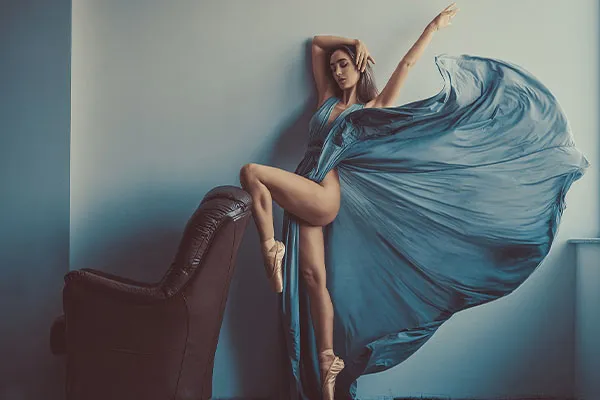
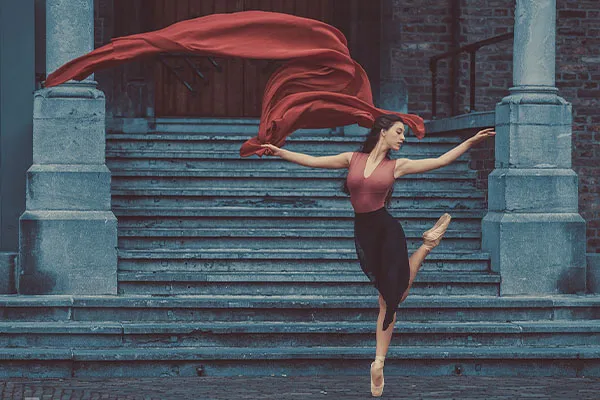
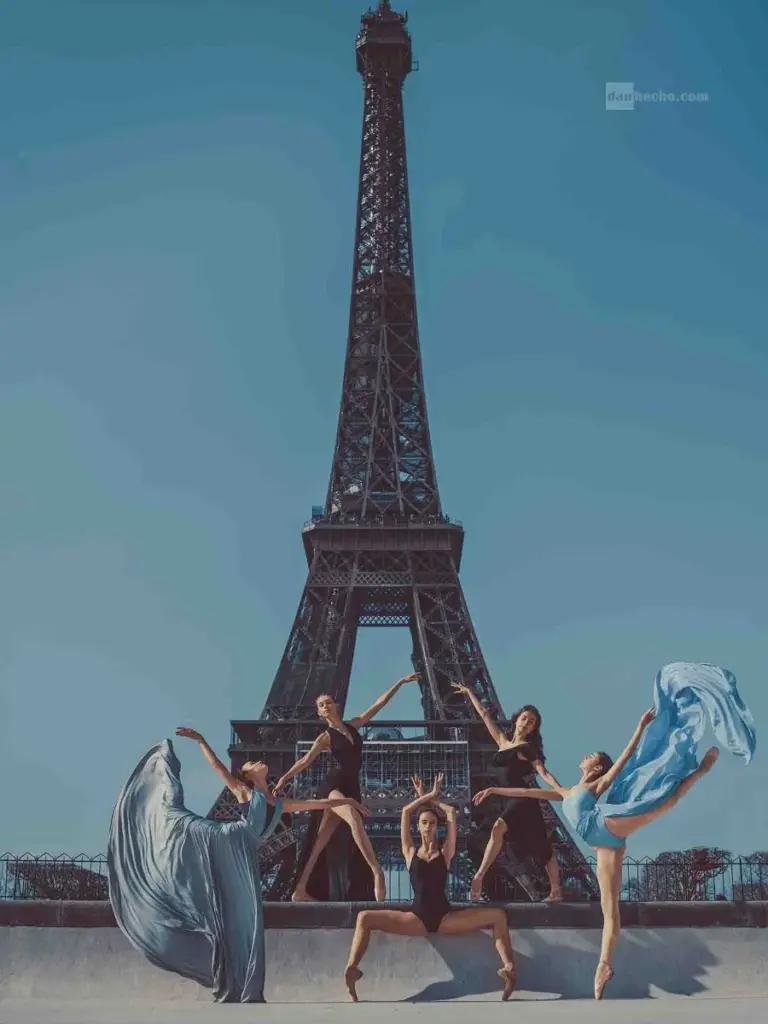
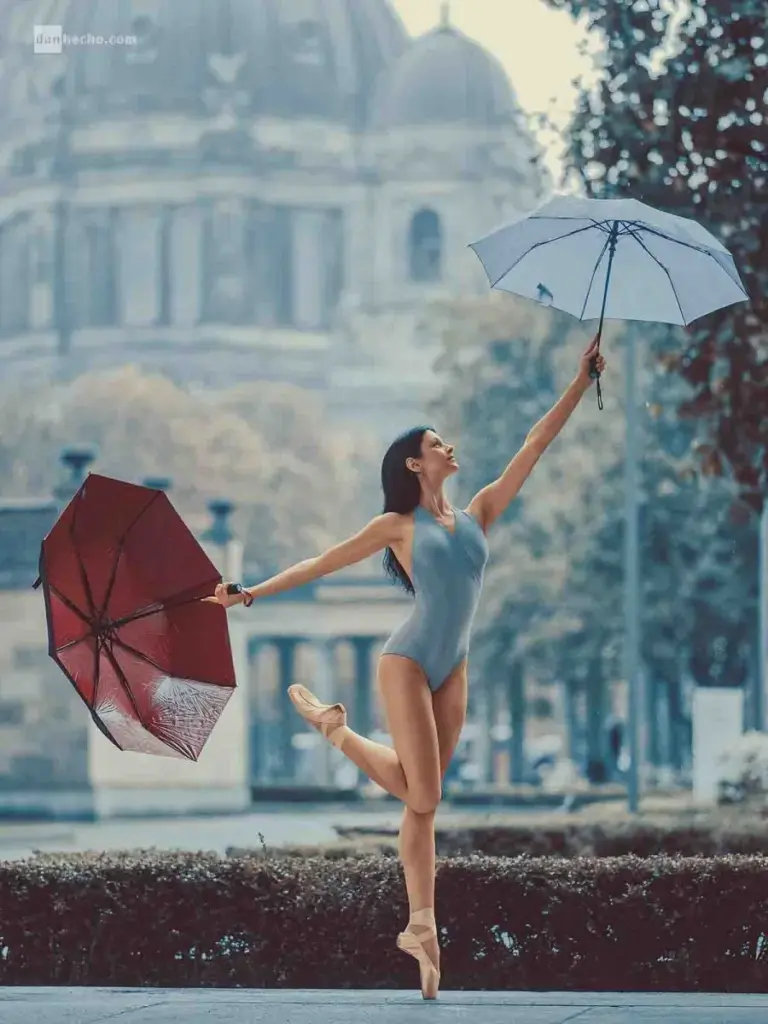
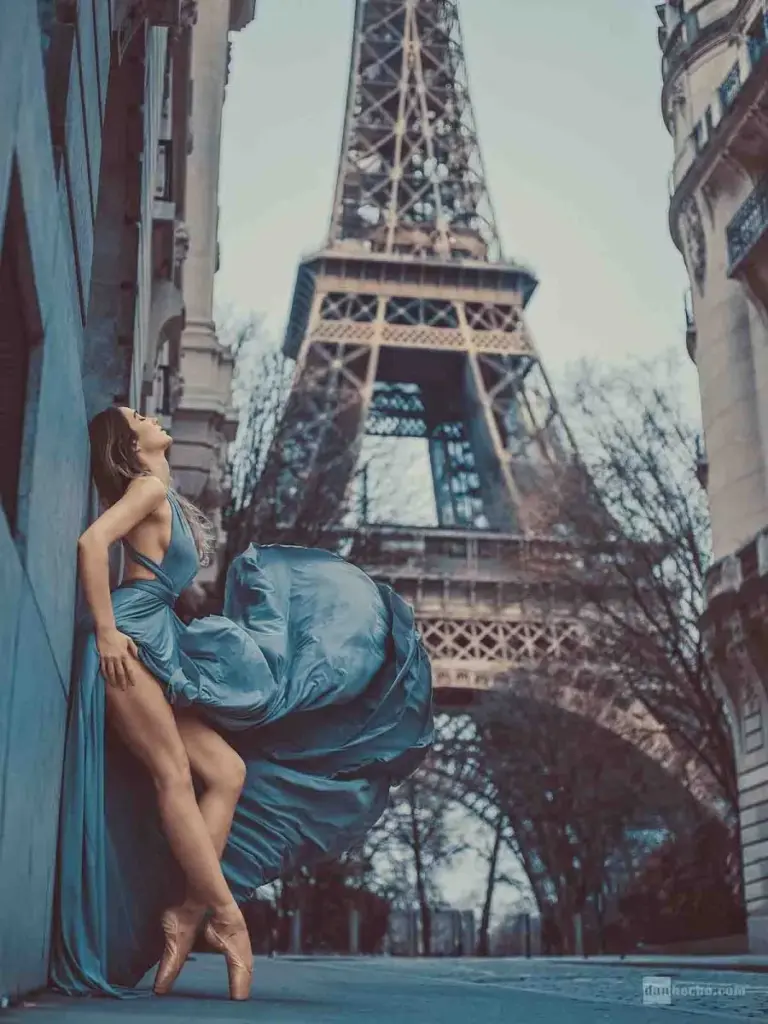
Post-Processing Results You'll Learn To Achieve
Who Is This Masterclass For?
• Beginner to intermediate editors
• Lightroom and Photoshop users
• Photographers unaware of hidden features
• Photographers looking for creative post-processing
The Secret Editing Tricks For Photoshop & Lightroom
Are you fed up with regular old images that never catch the viewer’s attention? Do you wish to make your pictures stand out from the rest? Do you wish to create next-level edits with Lightroom & Photoshop?
Well, now is the right time! In this powerful course, Dan Hecho uncovers all the rare Lightroom & Photoshop tips and tricks that will help you create effects you have only dreamt of till now.
Both these software are packed with features that make photo editing more powerful than ever. If you wish to explore them at their maximum potential, there’s no better opportunity than this.
In this course Dan reveals all the post-processing secrets that let him elevate his creativity, increase productivity, create a highly optimized workflow and add a unique personal style when enhancing images.
This comprehensive class is for all the photographers who wish to create impactful images & make their mark in the photography industry. This is a never-before chance to get an inside look at his post-processing secrets for two of the most powerful image editing software in the world.
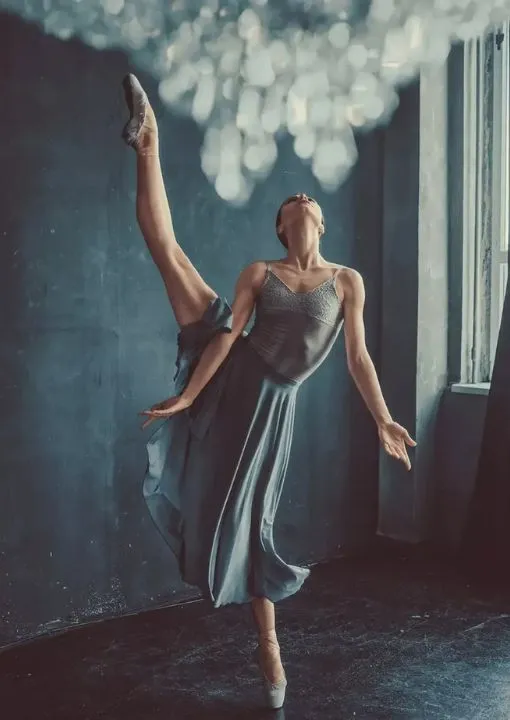
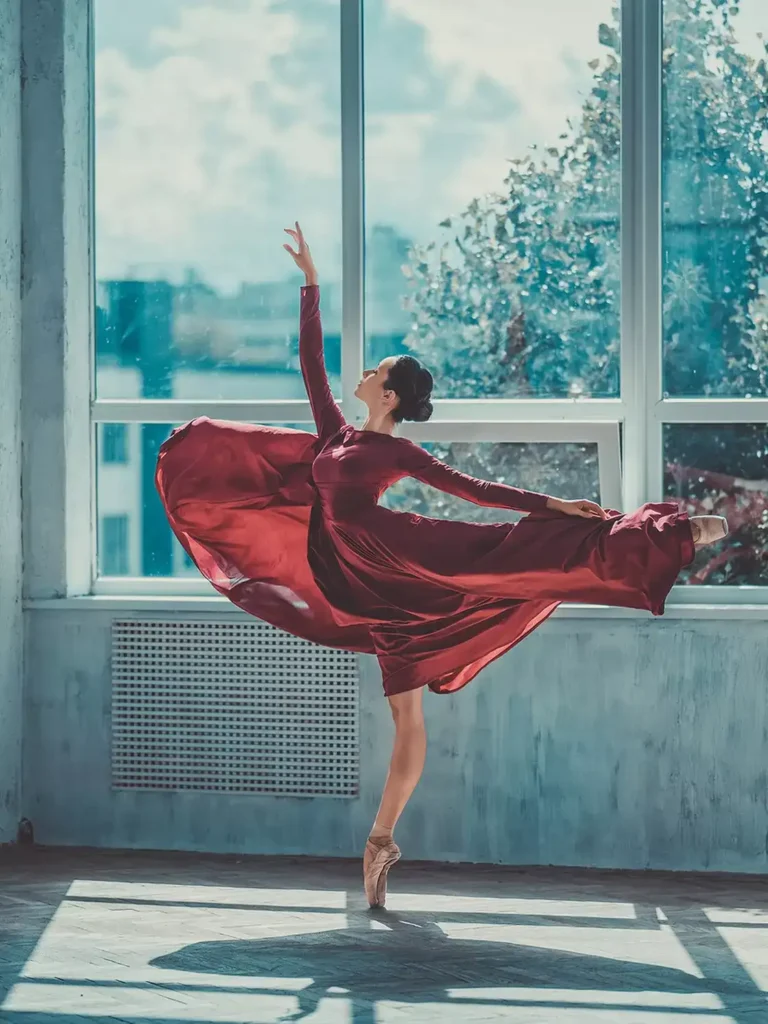
From simple adjustments to high-end retouching techniques, this course has everything to enable you to achieve amazing, high-caliber images quickly.
With step-by-step guides, you’ll learn how to make colors pop, correct exposure, and reveal the best details in each photo. The lessons also touch on fundamental Lightroom presets and Photoshop actions that can accelerate your editing process.
Aside from Photoshop and Lightroom skills, you’ll be taught how to handle RAW photos, enhance sharpness, and produce artistic effects that pop.
The course is made easy for beginners, so no experience is required. You’ll also discover techniques for portrait retouching, color grading, and removing backgrounds, so it’s a must-have for photographers, designers, and creative editors.
If you’ve ever been curious about how pros get such perfect edits, this course will reveal the secrets.
Frequently Asked Questions
Who is this course for?
This course is suitable for beginners as well as people familiar with Photoshop & Lightroom. As a person new to these editing software, you'll learn how to edit photos quickly with some secret editing tricks.
Is it easy to learn Photoshop?
It is quite easy if you have a good instructor and are familiar with editing photos in general. With this masterclass you'll learn some beginner-friendly tips and tricks which will help you become an expert in editing in Photoshop as well as Lightroom.
What will I learn in this masterclass?
You’ll learn how to edit photos more efficiently using Photoshop and Lightroom. The lessons cover retouching, color correction, RAW photo editing, portrait enhancements, and creative post-processing techniques.
Can I rewatch this masterclass?
Once you join PhotoWhoa Plus Membership, you can access this and many other masterclasses at any time you like and watch at your own pace.
You can also rewatch them as and when you like.
Do I get any downloadable files?
Yes. The course includes downloadable files so you can practice alongside the lessons.
Will this Photoshop & Lightroom masterclass help improve my editing skills?
Yes. This masterclass helps you understand Photoshop and Lightroom better, improve your workflow, and create cleaner, more professional edits.
What are the best Lightroom tricks for professional photo editing?
You’ll discover hidden Lightroom tricks like advanced masking, color grading, and tone adjustments that help create polished, professional-level images quickly.
How do professionals handle color correction in Lightroom?
The course covers step-by-step color correction in Lightroom using RGB curves, tone sliders, and selective adjustments to achieve balanced and natural-looking images.
What is the fastest way to retouch in Photoshop for portraits?
You’ll learn fast and effective ways to retouch in Photoshop using techniques like dodge & burn, frequency separation, and smart healing tools for clean, natural results.
How do I achieve cinematic color grading in Lightroom?
This course demonstrates how to use Lightroom tools like color grading panels and curves to create cinematic tones and mood in your photos.




5 reviews for Secrets & Features of Lightroom & Photoshop By Dan Hecho
Bob –
From what I have so far of this, it appears to be very informative.
spiffman –
Just what I have been looking for to increase my proficiency in LR and PS. Recommend to all beginners and Immediate users.
[email protected] –
This is quite a good book if you’re a beginner, or even if you have some experience, and want to head to another level. I am around intermediate with lightroom, and even for me there was some thing I didn’t know in there.
Andries –
Very informative, I learned a lot. It was presented in a very relaxed way. Very good presenter.
Monika Mackowiak –
Great content. Thank you