


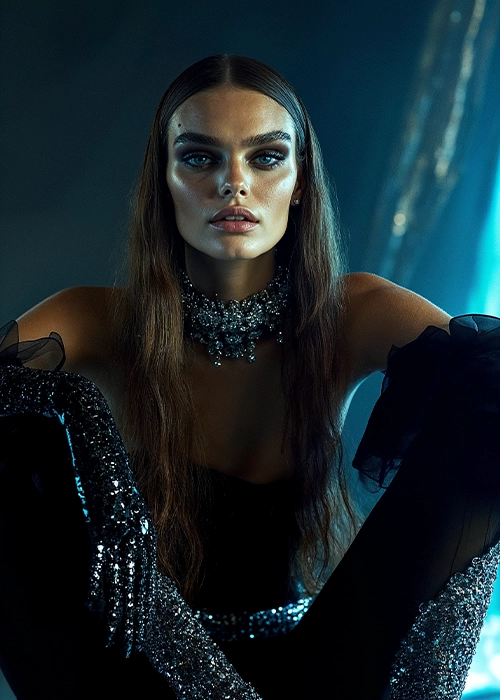
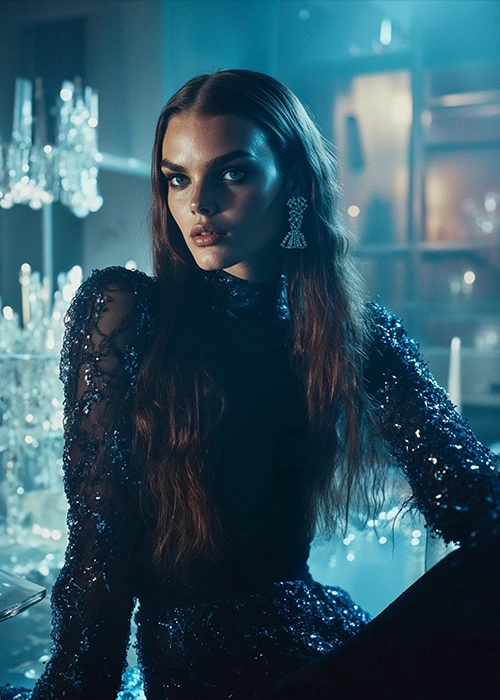
Check Out These Fun Ways to Edit One Photo
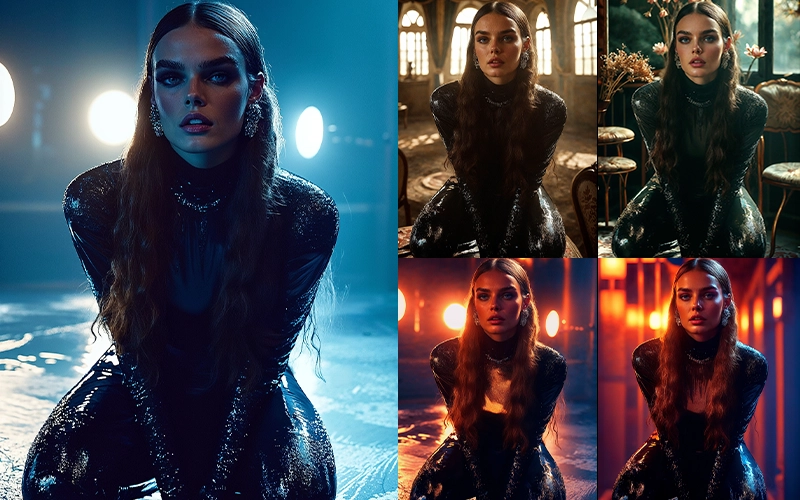
Learn to Create Artisic Photos with AI
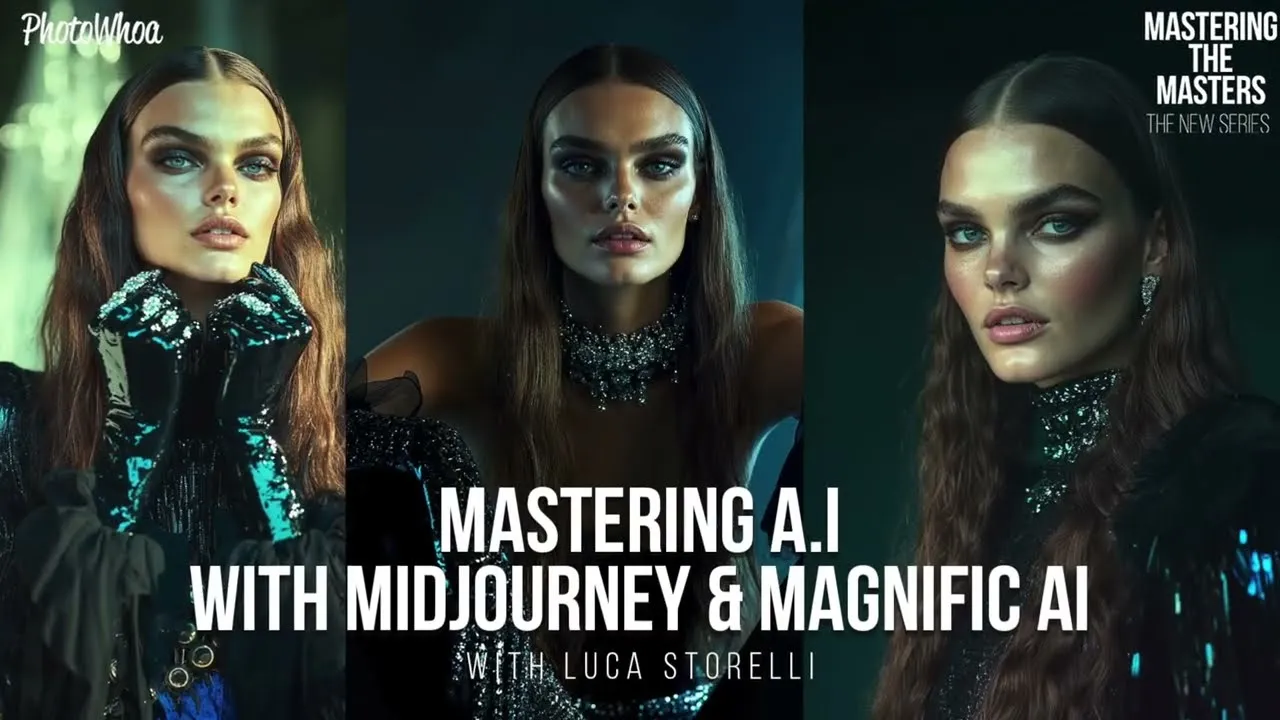
Are you starting a tech career or looking to upskill and branch into AI? This Midjourney AI tutorial is the perfect masterclass to apply for if you’re looking to learn more about creating with AI.
It is an innovative and exhilarating online course designed for anyone fascinated by merging art and technology.
Whether you’re an art enthusiast or an aspiring artist, this course will boost your understanding of AI art generation. For novices, this course helps you understand and explore the world of generative AI.
For seasoned artists, you will dig deeper into the world of AI art generation to unlock unprecedented creative possibilities.
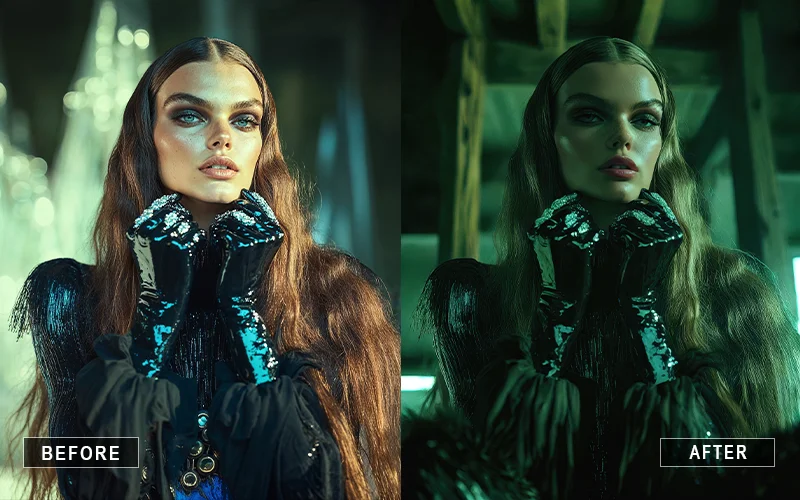
The Midjourney AI tutorial is perfect for anyone wanting to create art with AI.
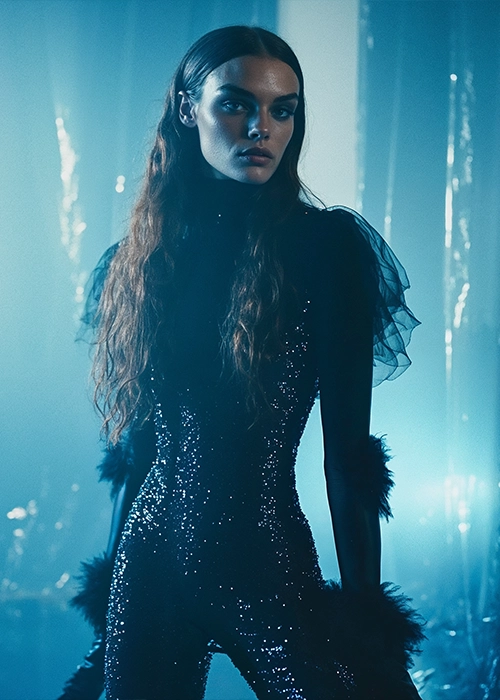
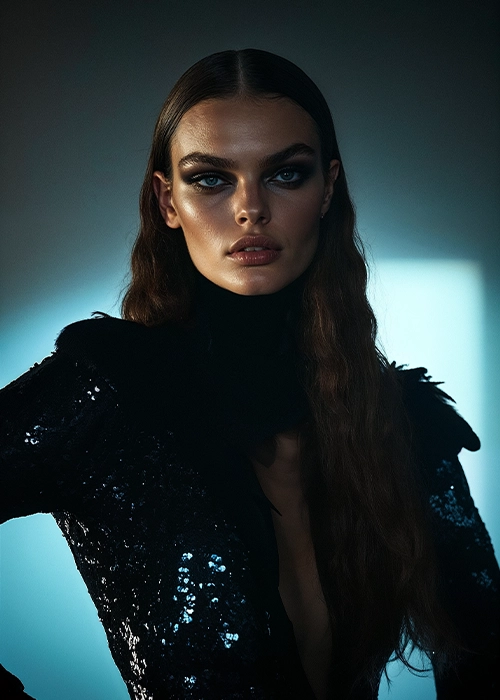
This course helps you explore AI’s potential to create unique artworks and teaches you to interpret artistic styles.
You’ll learn how AI generates art and how to work with it to bring your ideas to life.
By the end of the course, you’ll have a solid understanding of AI art generation, blending foundational knowledge with hands-on skills to master AI-driven creativity.
Who Is This Masterclass For?
- Anyone interested in exploring technology-enhanced art
- Creators exploring advanced workflows in a Magnific AI masterclass
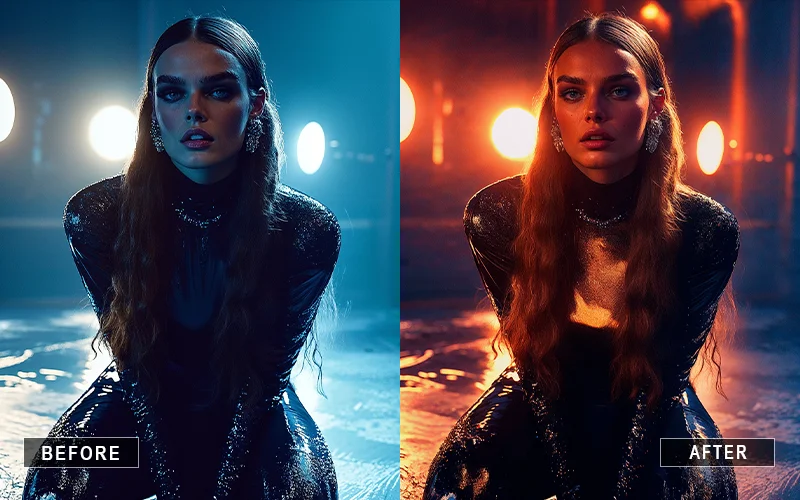
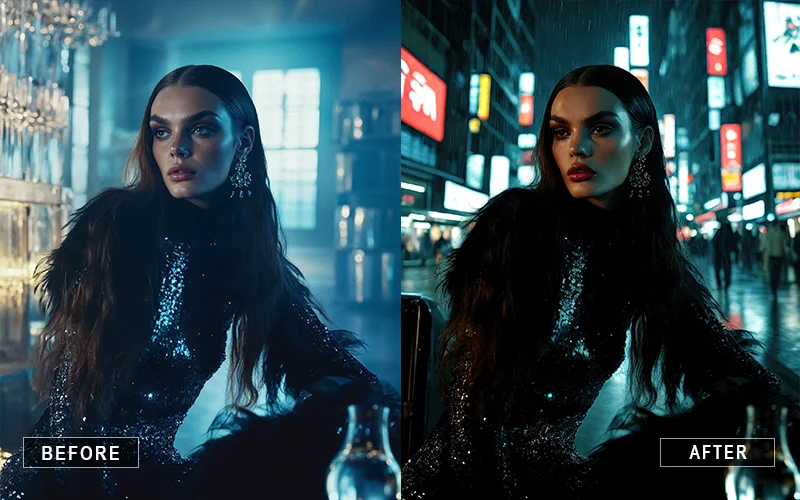
- Photographers wanting to learn how to relight photos with AI
- Designers and artists using a Midjourney prompts tutorial for better visuals
Frequently Asked Questions
What is this Mastering AI with Midjourney and Magnific AI masterclass about?
The Mastering AI with Midjourney and Magnific AI how to create, edit, and enhance images using AI tools like Midjourney and Magnific AI, combining practical workflows with creative techniques.
How long is the masterclass and how many lessons does it include?
The masterclass is 2 hours and 40 minutes long and includes 12 structured video lessons.
What does the “Creative Workflow” lesson focus on?
It explains how to move from an idea to a finished AI image, including planning concepts, selecting prompts, refining results, and combining AI tools for professional-quality outputs.
Can I really create consistent characters using Midjourney?
Yes. The course teaches how to maintain character consistency through reference images, prompt weighting, and descriptive continuity across multiple generations.
Does the course explain AI-based relighting techniques?
Yes. You’ll learn how to adjust lighting direction, mood, and intensity using AI tools without traditional studio setups.
Can I copy colors from one image and apply them to another?
The masterclass shows how to extract color palettes from existing images and apply them across different AI-generated visuals for stylistic consistency.
Will I learn how to relight photos using AI tools?
Yes, you’ll learn exactly how to relight photos using AI, including changing lighting direction, mood, and intensity to create cinematic and studio-like effects.
Can I create consistent characters with this Midjourney tutorial?
Absolutely. This Midjourney tutorial shows you how to generate characters with consistent features across multiple images using structured prompts and reference techniques.
How does this Magnific AI masterclass improve my image quality?
The Magnific AI masterclass teaches you how to upscale low-resolution images, enhance fine details, and transform basic outputs into high-resolution, production-ready visuals.
Can I use Midjourney and Magnific AI together in one workflow?
Yes, this course shows a complete workflow where you generate images using Midjourney and refine them using Magnific AI for professional results.


Reviews
There are no reviews yet.