

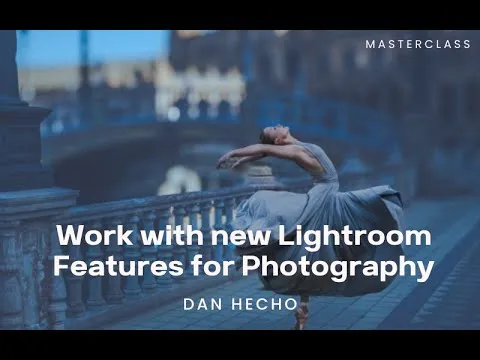

Get Better At Editing With Adobe Lightroom Course
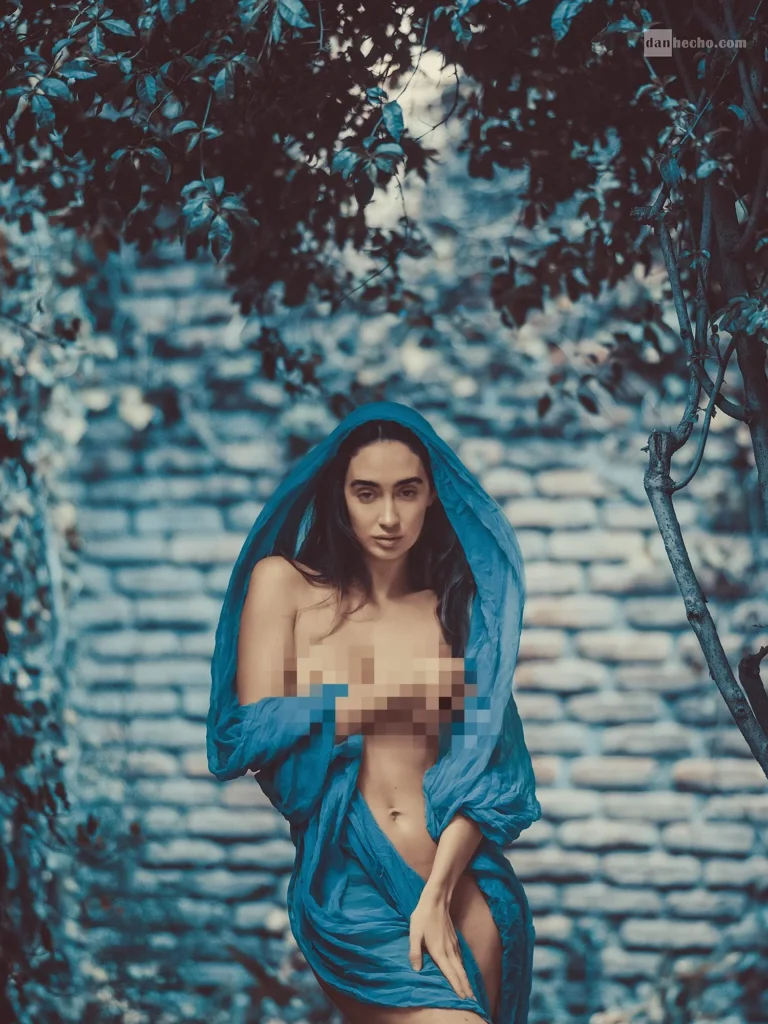
If you desire to up your editing game, this Adobe Lightroom course is a top choice.
The lightroom editing course contains essential knowledge about making images more appealing by applying unique Lightroom features.
It contains a practical guide to perfecting how to use Lightroom to edit photos, introducing you to some unique features you never knew existed.
The Lightroom masterclass makes Lightroom photo editing seamless, and even the lesson is backed by practicable illustrations.
Dan Hecho is the course instructor and a veteran photographer with a track record for teaching different photography aspects excellently.
He breaks every lesson down to its simplest form while sharing exclusive tips that can make it easy to get a grasp of Lightroom photo editing.
Dan Hecho’s courses have always been unique, impactful, and satisfactory, and this Lightroom editing features course isn’t an exception.
Are You Wondering How To Use Lightroom To Edit Photos?
You’ve got to check out this Adobe Lightroom masterclass today!
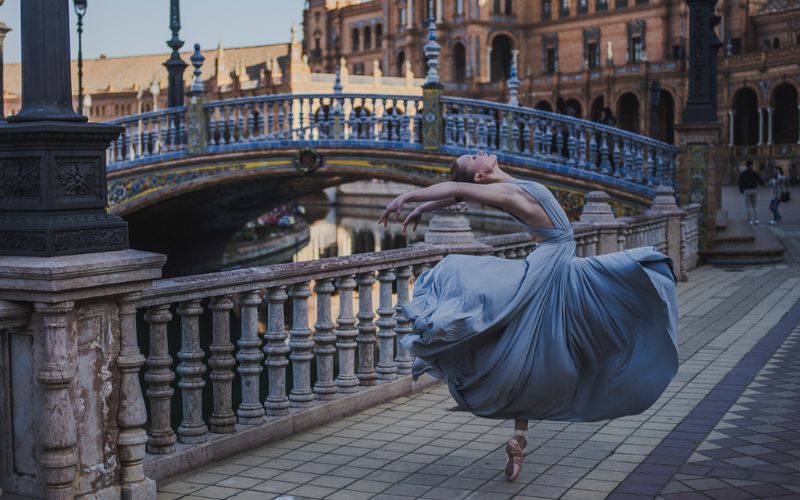
Who Is This Masterclass For?
- Lightroom users
- Photographers exploring new features
- Artists working with presets
- Intermediate to advanced photographers
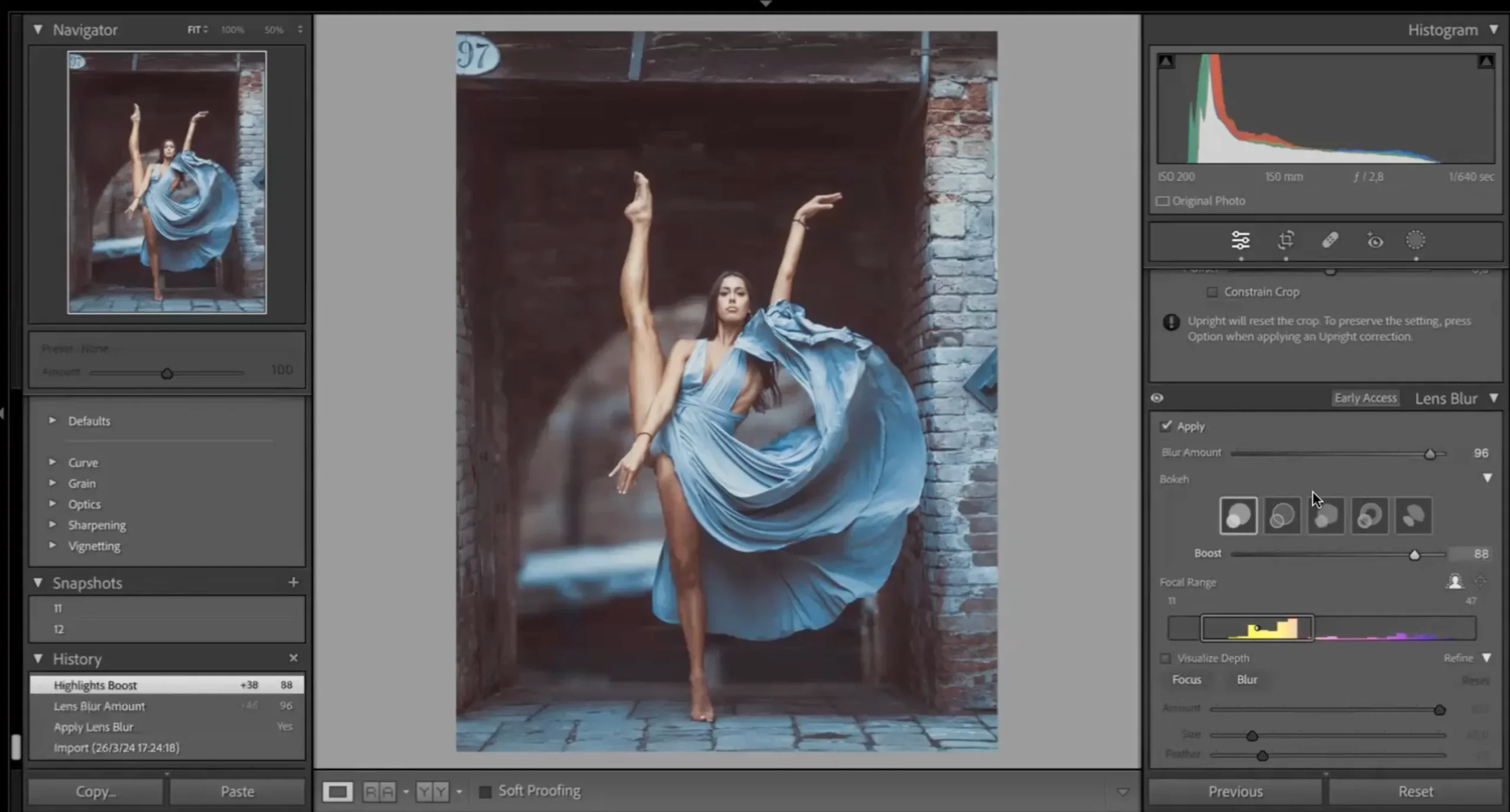
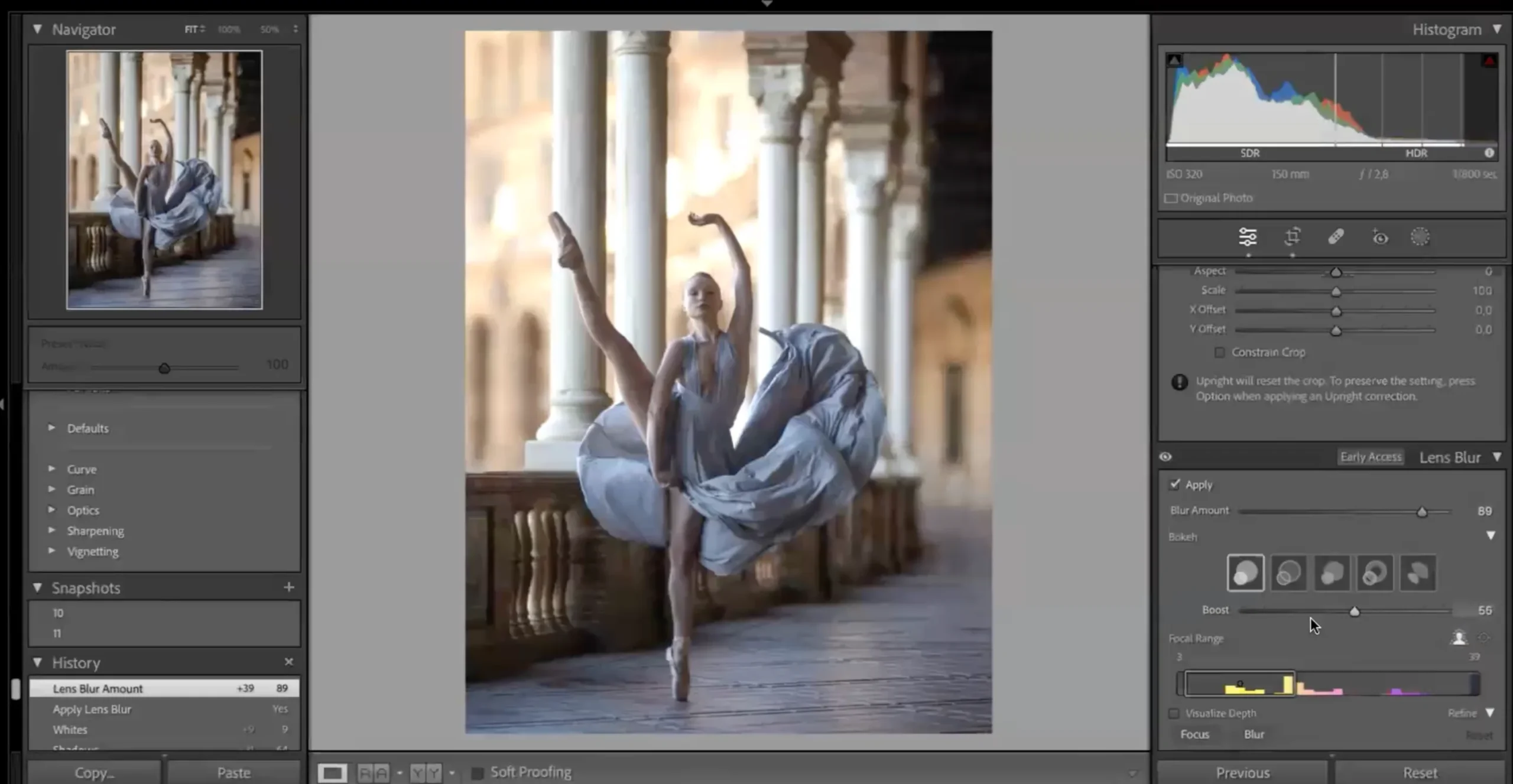
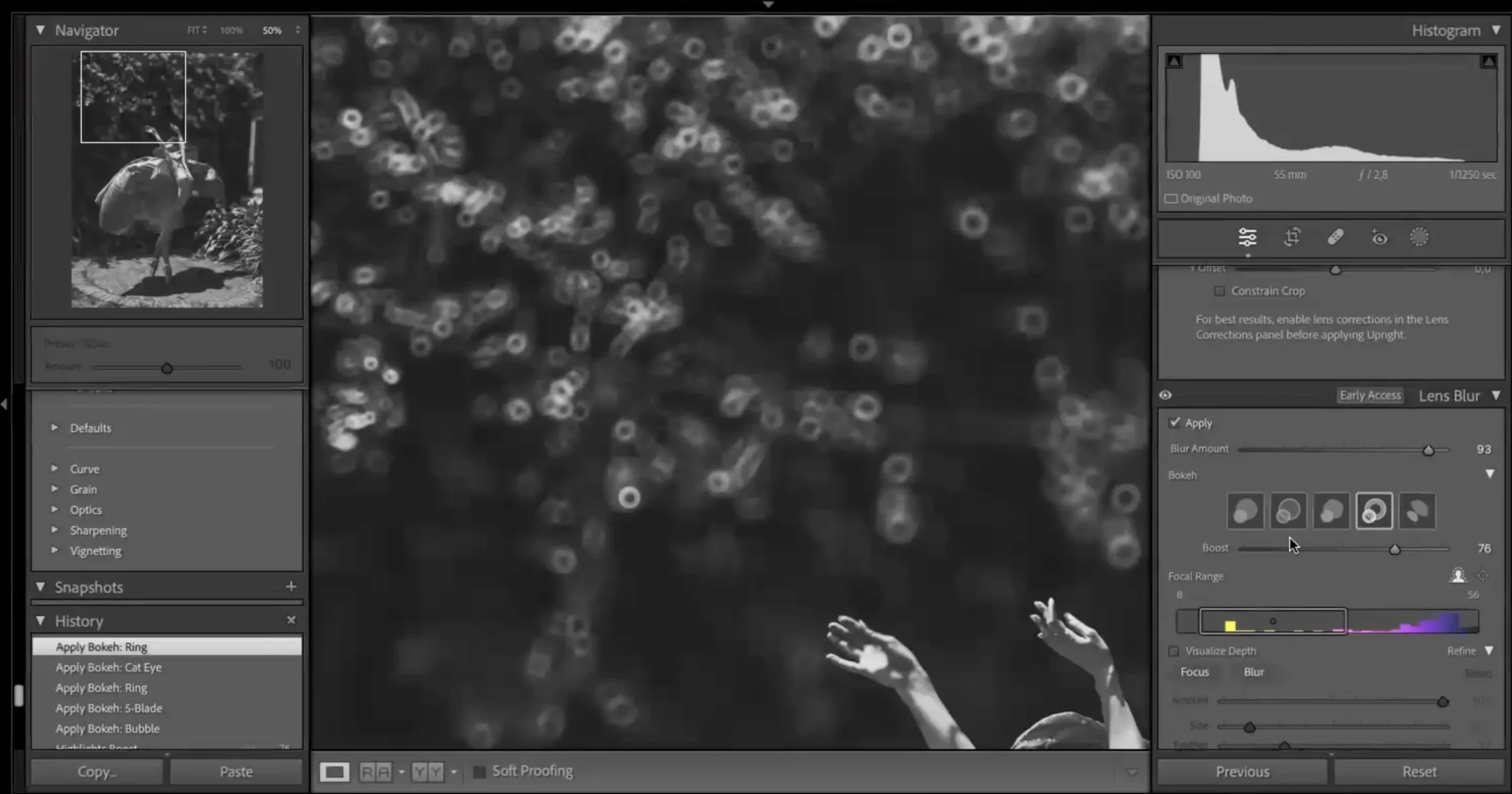
Take A Sneak Peak Into The Lightroom Masterclass
Why This LR Features Course?
The first thing that makes this lightroom editing course worthy of consideration is its instructor.
Dan Hecho has numerous years of experience and thousands of courses credited to him.
Thus, you can expect maximum value from this Lightroom photo editing course.
You’ll be able to master these features earlier and create a unique signature for yourself before most people adopt the new features.
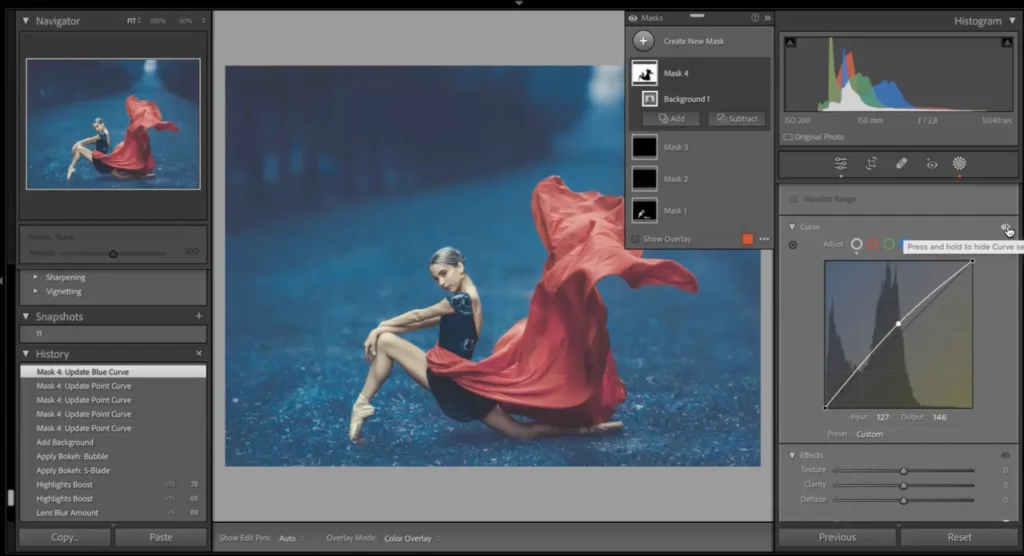
This Adobe Lightroom course is a step toward a new level in your photography journey.
It will help you improve your editing and ensure you produce better images.
You won’t be overloaded with too much information within a short timeframe, which is expected in most other online courses.
Dan Hecho ensures the course is well-streamlined and beneficial to learners, making it excellent.
Frequently Asked Questions
How do I use HDR in Lightroom for better photo editing?
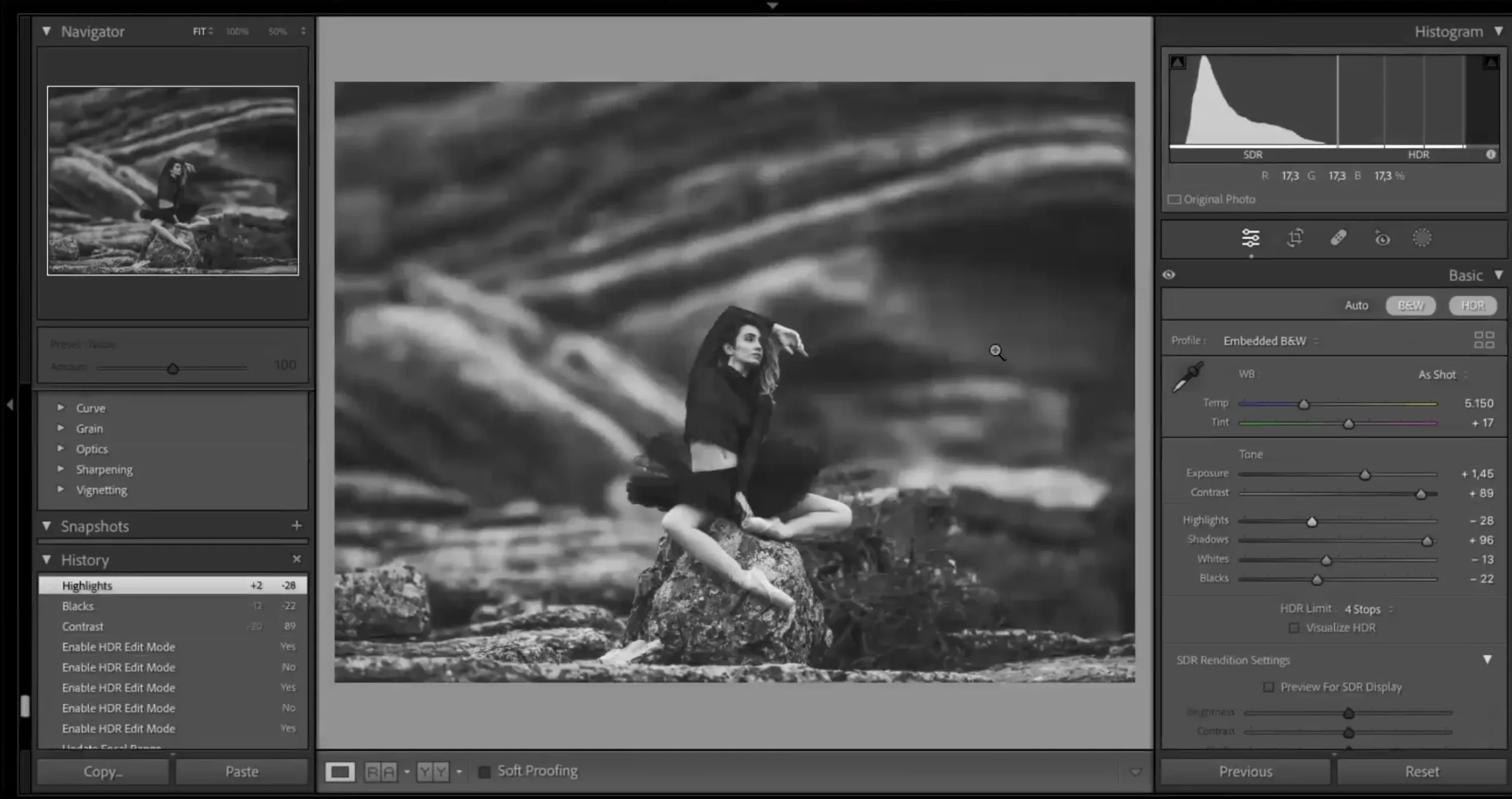
This Lightroom editing course teaches how to use HDR Lightroom to merge exposures and create balanced, high dynamic range images with more detail.
Does this course cover the HDR feature in Lightroom?
Yes. The masterclass includes a dedicated lesson on the HDR Lightroom feature, showing how to enhance dynamic range, recover highlights and shadows, and create natural-looking HDR edits.
What is the Lens Blur feature in Lightroom and is it taught here?
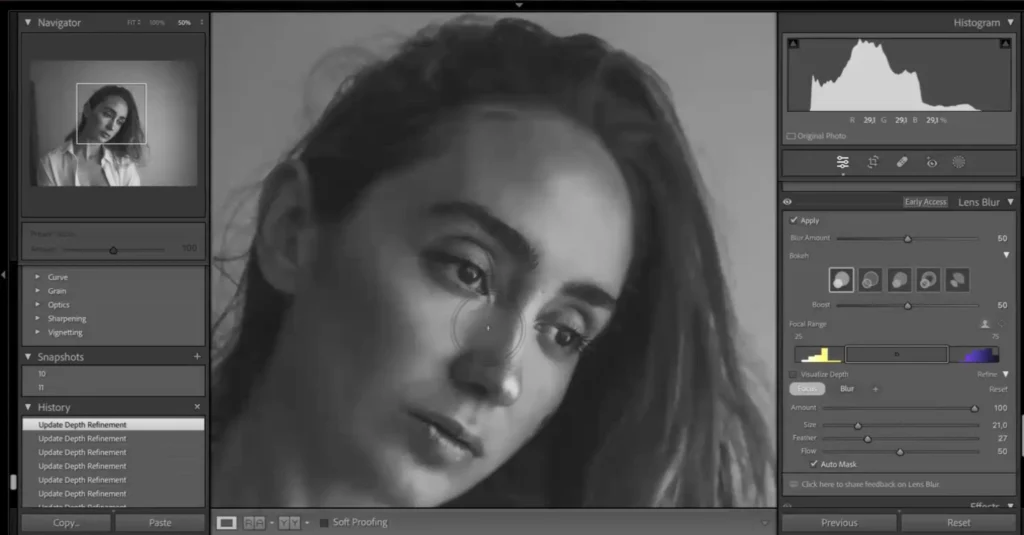
The Lens Blur Lightroom feature allows you to create realistic background blur and depth-of-field effects. This course explains how to use it correctly for portraits and creative edits without making images look artificial.
Is this a beginner-friendly Lightroom editing course?
Yes. The course is suitable for beginners and intermediate users. Dan Hecho breaks down each feature step by step, making it easy to understand even if you’re new to advanced Lightroom tools.
What version of Adobe Lightroom is required?
You’ll need a recent version of Adobe Lightroom that supports HDR, Lens Blur, and RGB Curves features. The course is designed around the latest Lightroom updates.
Is this Lightroom course more about theory or practical editing?
This is a hands-on Lightroom editing course. The focus is on practical workflows, real image demos, and actionable techniques rather than heavy theory.
How do I create a professional workflow in Lightroom?
The course teaches a structured workflow, helping you understand how to use Lightroom to edit photos efficiently and consistently.
Can I use these Lightroom editing techniques for all types of photography?
Yes, the techniques taught in this Lightroom editing course can be applied to portraits, landscapes, and fine art photography.
How is this Lightroom masterclass different from other courses?
This Lightroom masterclass focuses on new Lightroom features like HDR, lens blur, and RGB curves with real image demos for practical learning.
Will I be able to edit photos faster after this Lightroom course?
Absolutely. This Lightroom editing course helps you build a faster, more efficient workflow using modern tools and techniques.


Reviews
There are no reviews yet.