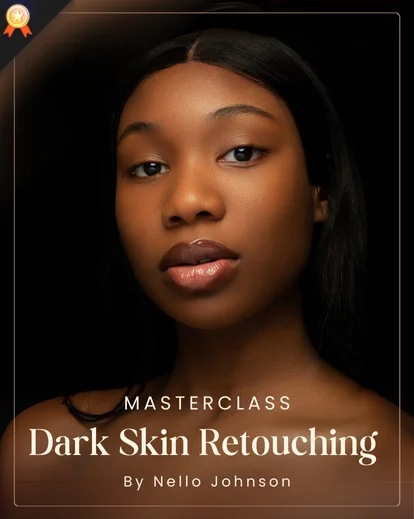

Where Beauty Retouching Technique Meets Detail
Eyebrow Retouch
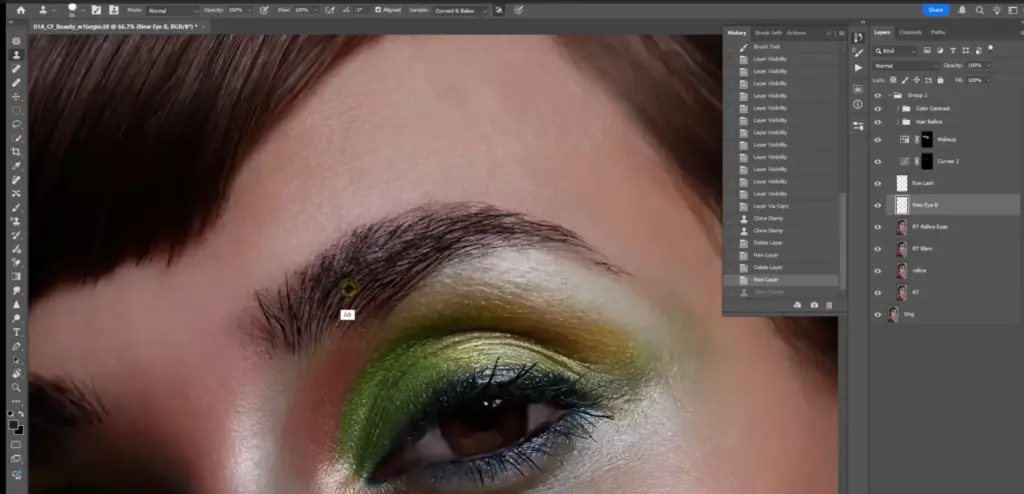
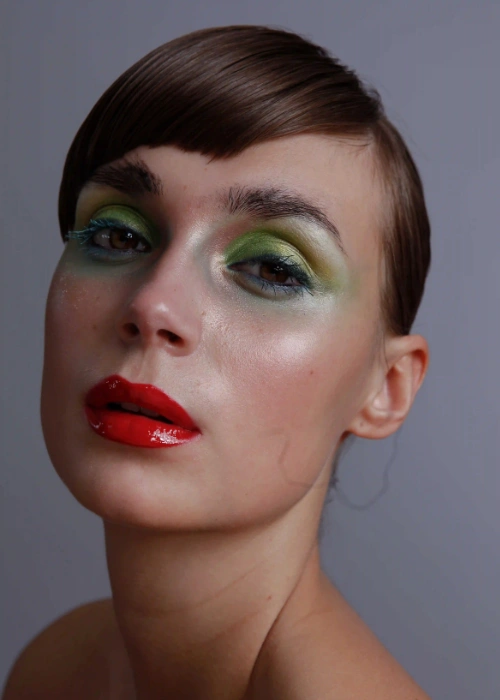
Eye Retouching Photoshop
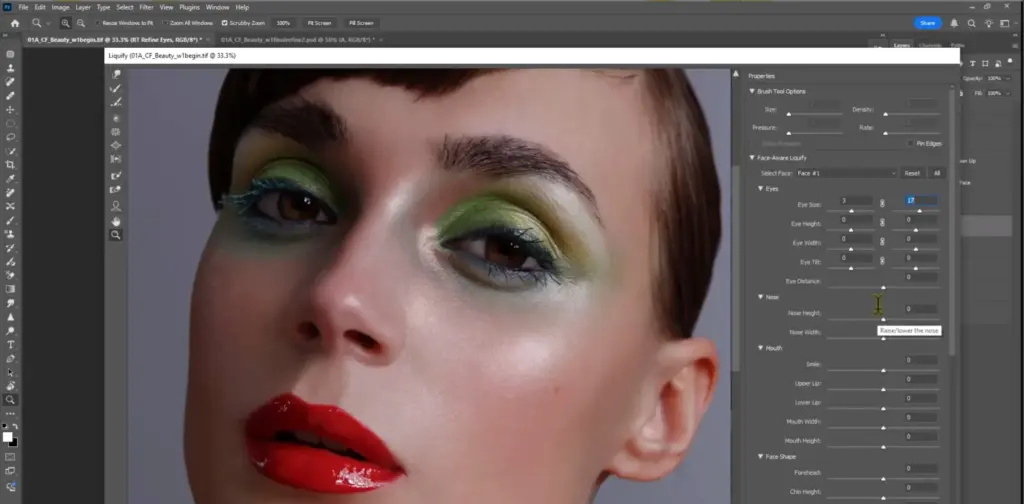
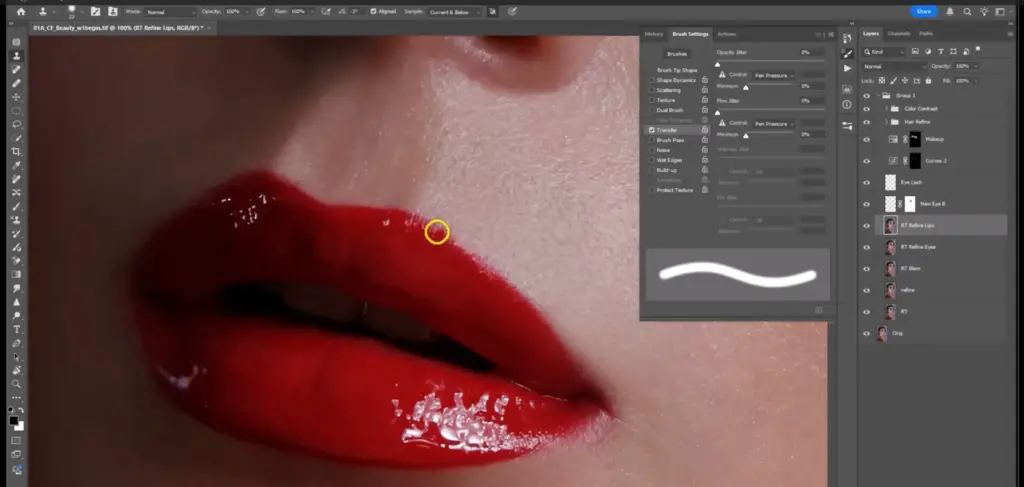
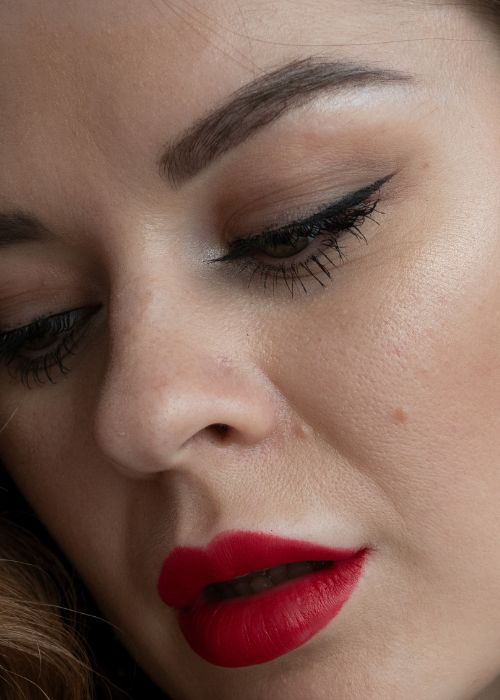
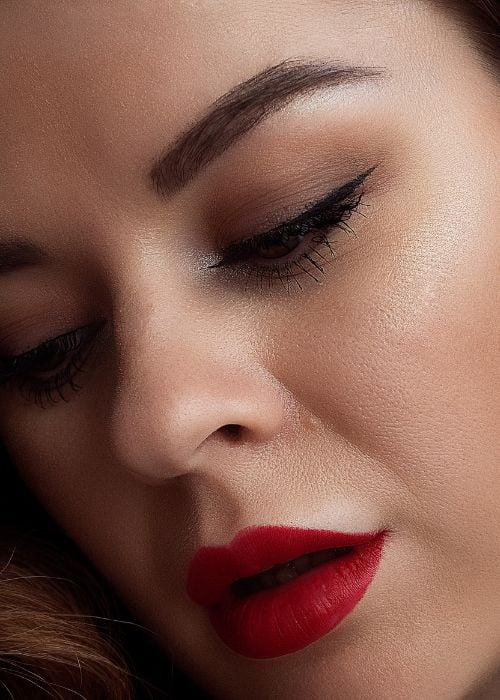
Lips Retouching Photoshop
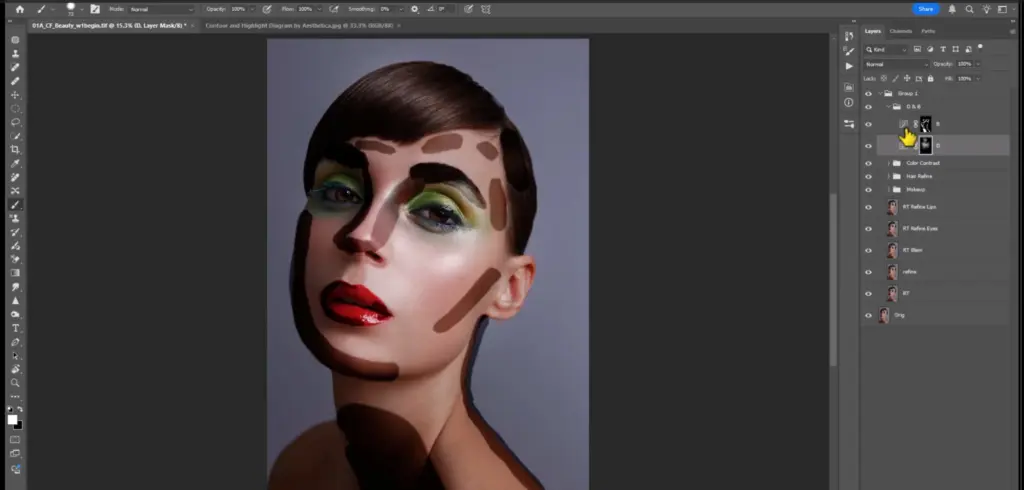
Dodge and Burn Retouch
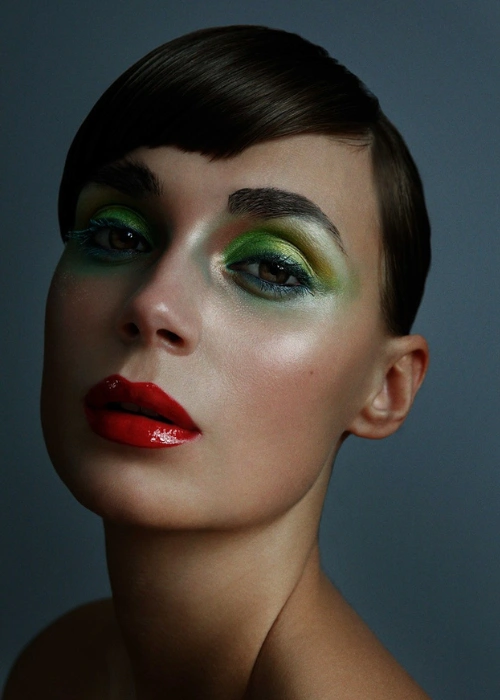
What Sets This Beauty Retouching Tutorial Apart
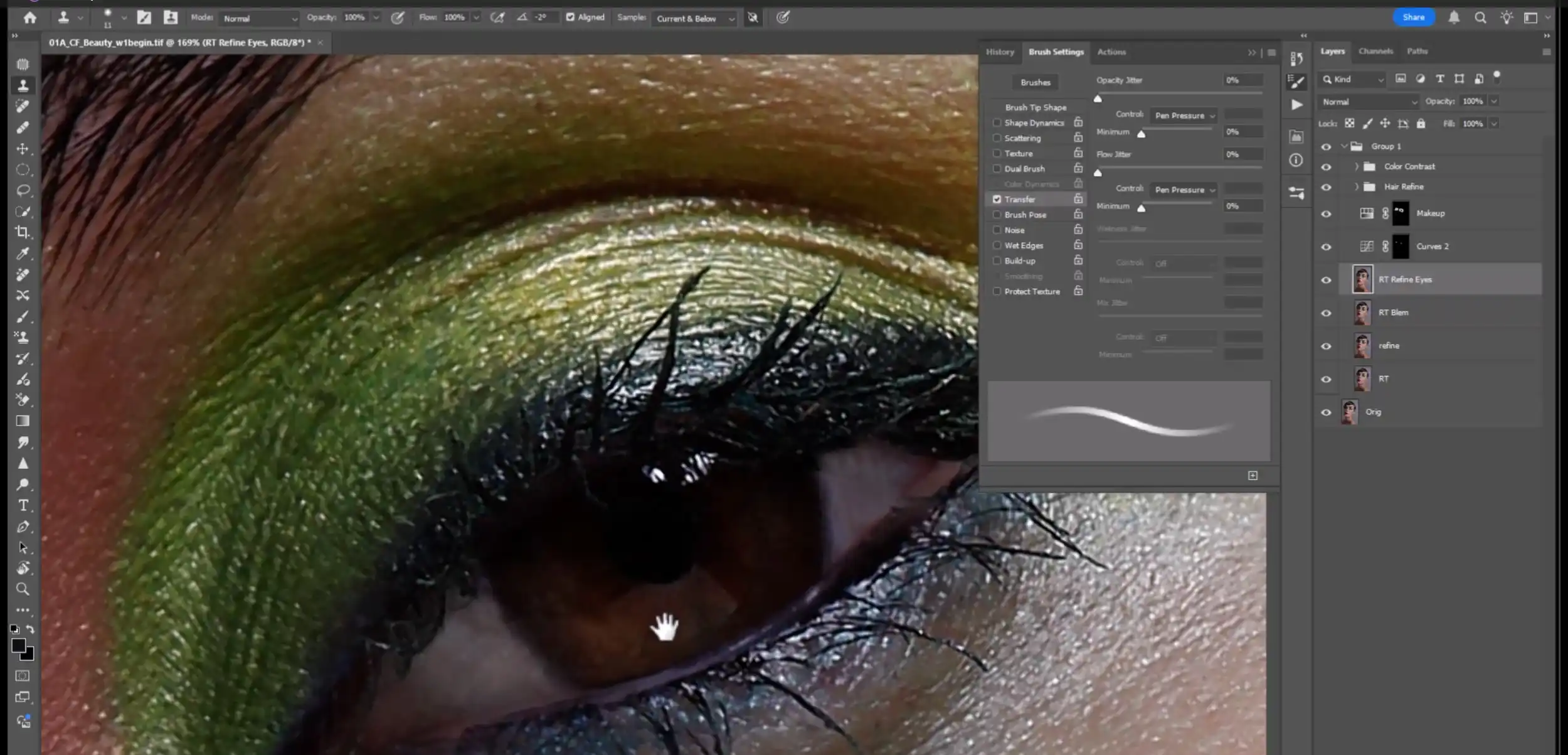
Every photograph begins with truth. The kind that is unfiltered and unedited. However, in the world of beauty photography, truth alone is not enough.
It needs refinement. This refinement is not to erase imperfections but to bring out the quiet poetry within them. That is where high-end retouching steps in.
It comes in not as a disguise, but as a dialogue between honesty and refinement.
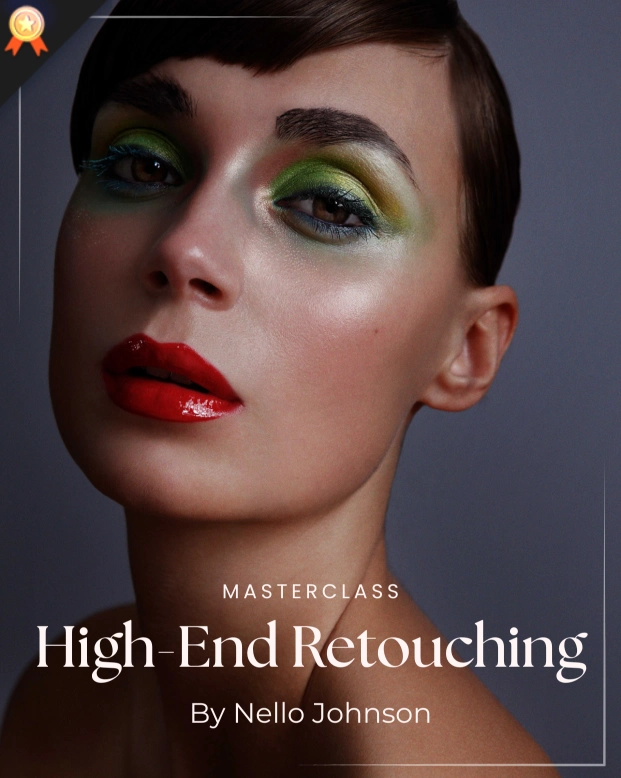
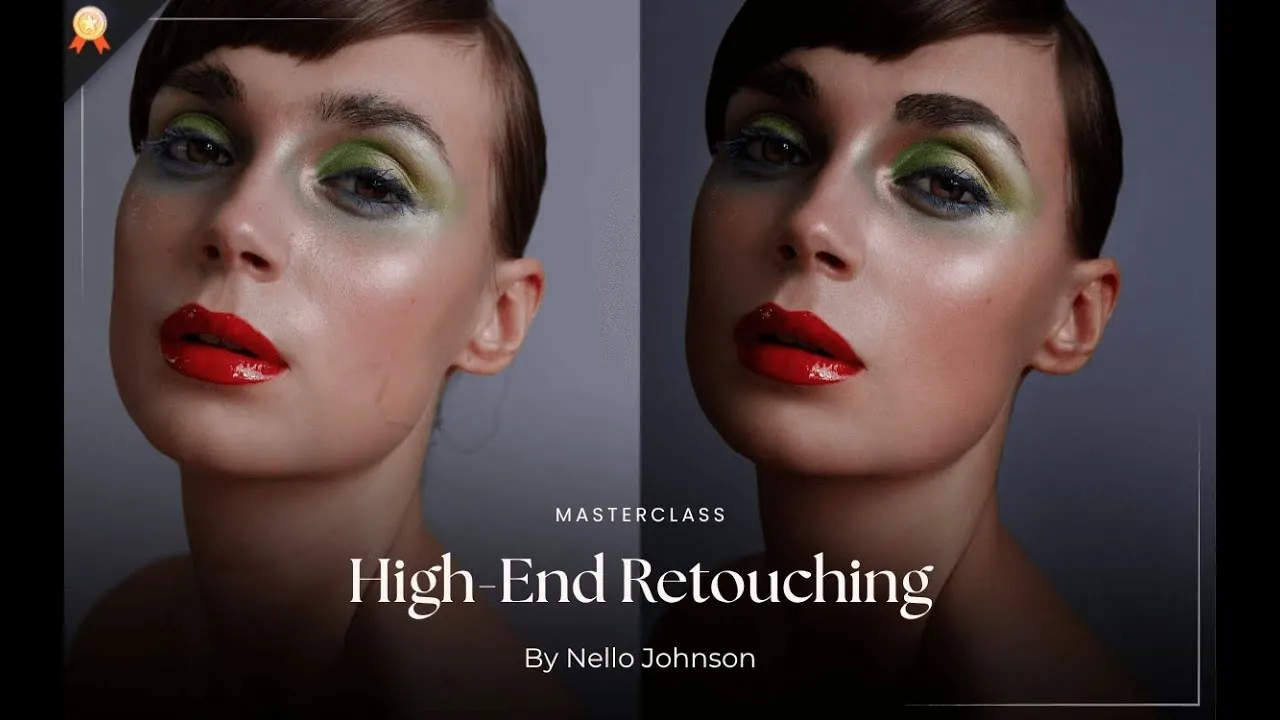
This tutorial, therefore, invites you into that delicate process, where precision meets purpose, and where every edit brings an image closer to the elegance it was always meant to hold.
This high-end beauty retouching tutorial is crafted for artists who see beyond surface-level edits. It is for those who crave intention in every stroke and want their work to feel alive, not artificial.
Therefore, if you crave the satisfaction of creating clean, editorial-level portraits that preserve authenticity and depth, this is your space.
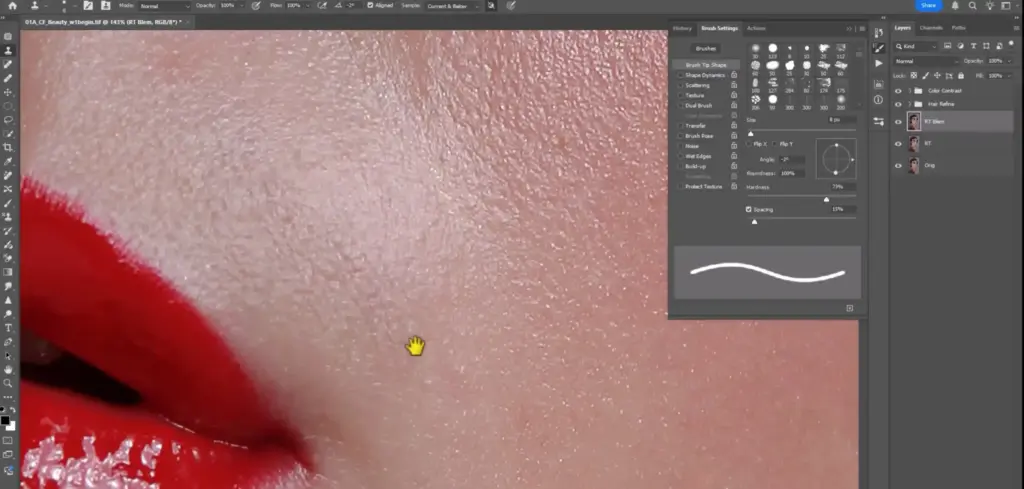
Here, your patience becomes power, and your precision becomes your signature. High-end beauty retouching is often reserved for those with access to expensive, exclusive training. However, this tutorial changes that narrative. This is a rare chance to access industry-level techniques without the industry-level price tag.
You’ll learn how to retouch like the pros, refining skin, enhancing features, and preserving natural textures with the exact tools and techniques used in top beauty campaigns.
No fluff, no shortcuts – just a complete breakdown of the process from start to flawless finish.
Who Is This Masterclass For?
• Photographers who want to learn high-end beauty retouching
• Creatives interested in professional skin retouching in Photoshop
• Portrait photographers aiming for clean, editorial-level images
• Retouchers wanting to master Dodge & Burn techniques
• Artists looking to enhance eyes, lips, and facial features naturally
• Beginners and intermediate users learning beauty photo editing workflows
Frequently Asked Questions
What is beauty retouching in Photoshop?
Beauty retouching is the process of enhancing portraits by refining skin, correcting tones, and improving facial features while maintaining natural texture. In Photoshop, this is typically done using tools like the Healing Brush, Clone Stamp, and Dodge & Burn techniques.
What will I learn in High-End Beauty Retouching?
You’ll master professional retouching techniques for skin, facial features, hair, and color grading to create polished, editorial portraits.
How long is High-End Beauty Retouching?
This masterclass contains 7 hours and 15 minutes of lessons across 9 focused video tutorials.
Will I learn to keep skin looking natural?
Yes. Techniques preserve natural skin texture while improving clarity, tone, and highlights.
How does High-End Beauty Retouching differ from other tutorials?
High-End Beauty Retouching teaches professional editorial techniques, blending precision, artistic vision, and efficient workflows to create polished, magazine-quality portraits.
How do professionals retouch skin in Photoshop?
Professional retouchers usually combine techniques such as frequency separation, Healing Brush cleanup, texture cloning, and manual Dodge & Burn to smooth skin while preserving natural texture. This method ensures the image looks polished but not artificial.
Is this beauty retouching course suitable for beginners?
Yes. This tutorial is suitable for beginners and intermediate photographers who want to learn professional retouching techniques. The lessons explain each step of the workflow clearly so you can follow along even if you are new to beauty retouching.
Do I need Photoshop to follow this beauty retouching tutorial?
Yes. This tutorial is designed for Adobe Photoshop, as the techniques demonstrated—such as Healing Brush cleanup, Clone Stamp texture recovery, and Dodge & Burn retouching—are performed using Photoshop tools.
Can this course help improve my portrait retouching skills?
Yes. The techniques taught in this masterclass can significantly improve portrait retouching, especially when working with beauty, fashion, and glamour photography.
How do you keep skin texture while retouching?
To preserve skin texture, professionals avoid excessive blur and instead use tools like the Healing Brush, Clone Stamp, and manual Dodge & Burn to correct imperfections while maintaining natural detail.