


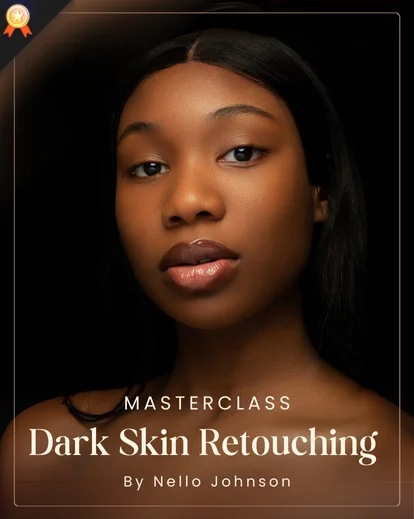
Master the Art of Dark Skin Retouching
Photographers and retouchers constantly hit the same walls when working with dark skin tones.
Subtle undertones get lost, highlights clip or blow out, over-smoothing kills natural texture, and standard “one-size-fits-all” presets produce ashy or orange results.
That leads to extra editing hours, frustrated clients, re-shoots, and a reputation hit, especially for commercial, beauty, or editorial work where color fidelity and texture matter.
If you want professional skin retouching in Photoshop that respects tone, texture, and the unique beauty of dark skin, this masterclass is built precisely for that.
This course doesn’t just show tricks, it gives you a repeatable, high-end workflow used in beauty, fashion, and editorial studios.
Dark Skin Retouching Masterclass is a professional, on-demand skin retouching course focused on teaching advanced photoshop skin retouching techniques for dark skin tones.
Format & Learning Style
It combines foundational techniques (image organization, cropping, exposure control) with studio-grade methods, frequency separation, dodge & burn, selective color correction, blemish removal, and finishing touches that preserve natural texture and melanin.
On-demand instruction (HD video).
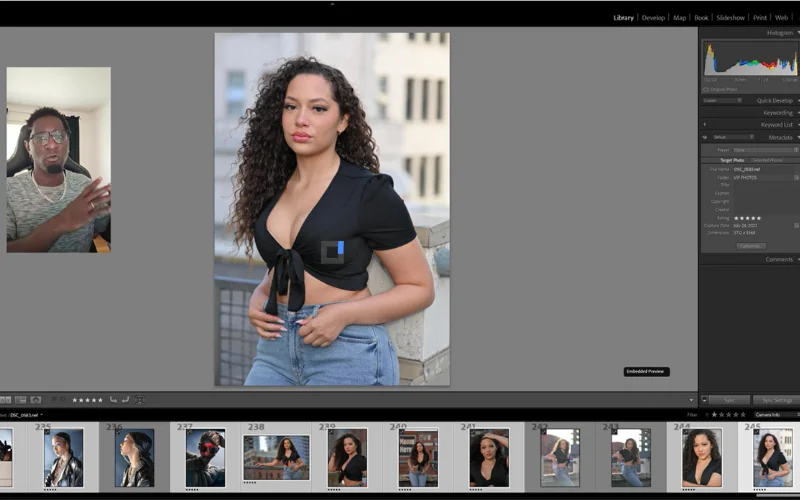
Follow-along practice using 70+ RAW files — including the exact files used during tutorials.
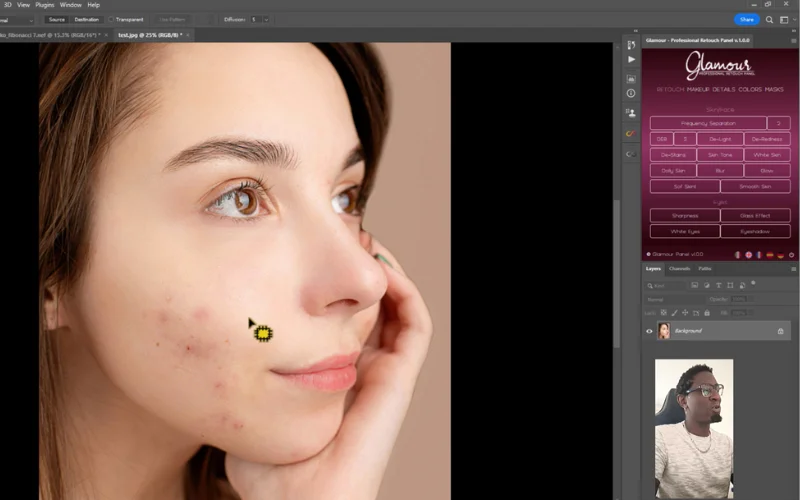
Demonstrations of custom panels and plugins, plus recommended settings.
Project-based modules so you can pause, practice, and return.
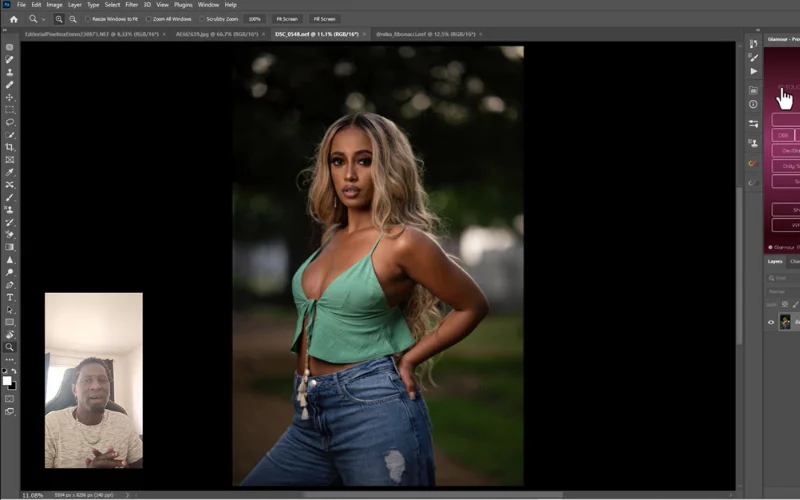
Highlights Of This High End Skin Retouching Course
- Targeted training for dark skin tones
- 180+ minutes of detailed Photoshop instruction
- 70+ RAW practice files: follow exactly as shown
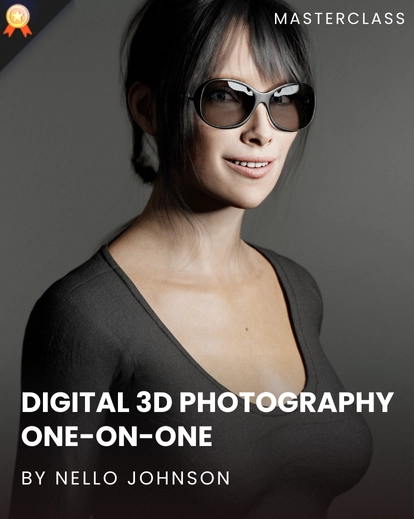
- Taught by Nello Johnson: industry pro and panel creator
- Workflow includes plugins/panels to speed production
- Teaches frequency separation, dodge & burn, color correction, blemish removal, and finishing
- Export & client-delivery best practices included
Who Is This Masterclass For?
- Beginner to intermediate Portrait photographers
- Creators learning Dodge & Burn
- Intermediate Photoshop users refining skills
- Creators wanting a clear Photoshop retouching workflow
- Mastering high-end retouching workflows
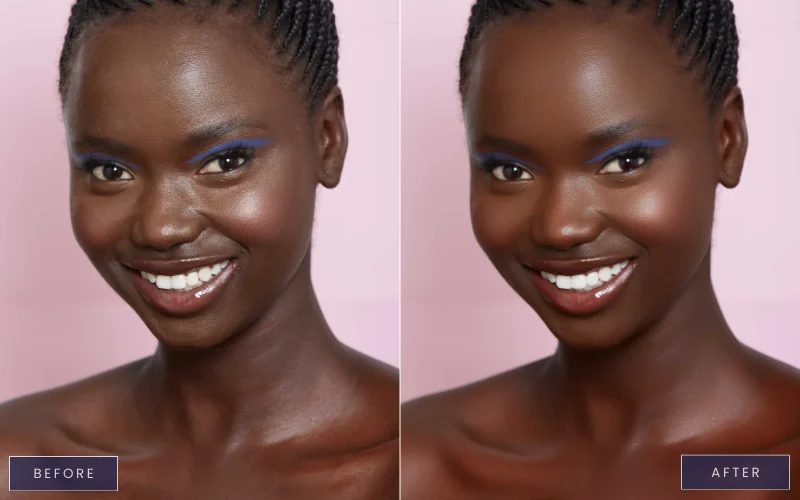
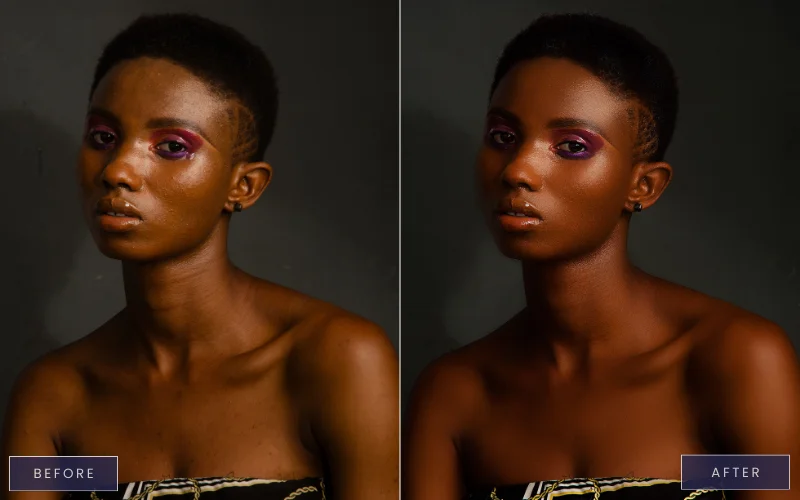
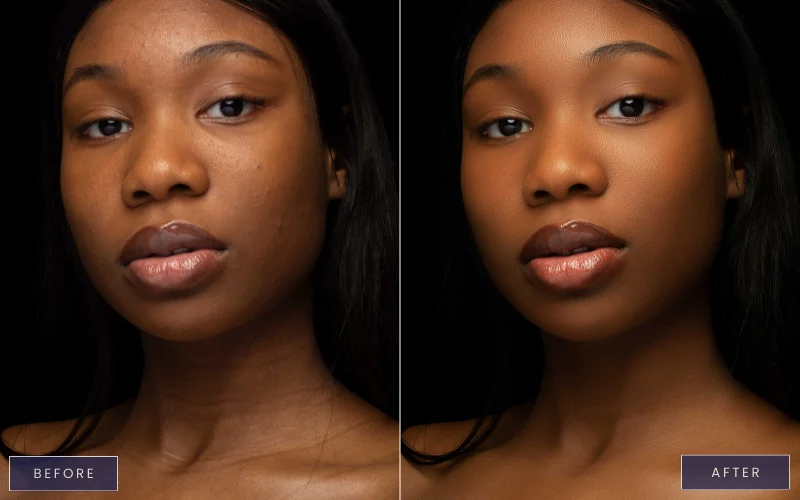
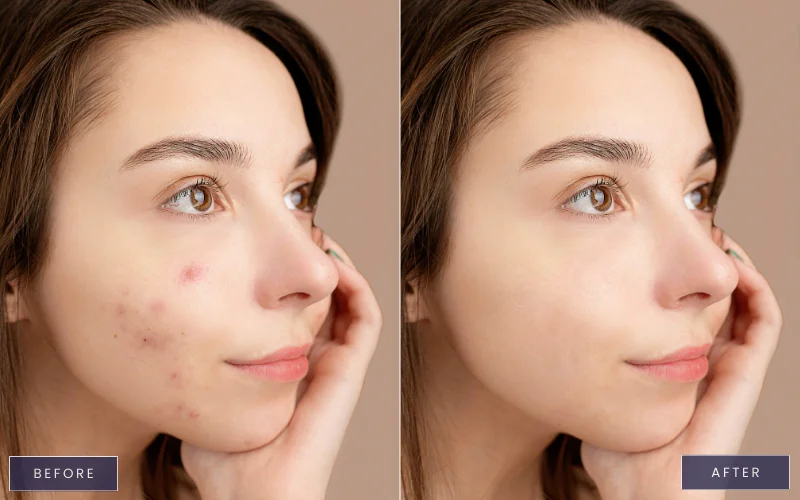
Retouch Dark Skin With Confidence, No Guesswork
Frequently Asked Questions
Is the Glamour Professional Retouch Panel included?
The panel is demonstrated in the course; installation and usage are shown. But no, the panel is not included in the masterclass.
What is the technique used in skin retouching?
Skin retouching in Photoshop uses techniques like frequency separation, dodge & burn, blemish removal, and color correction. These methods help preserve natural texture while correcting tones, removing imperfections, and achieving a polished, professional look.
How to retouch black skin in Photoshop?
To retouch black skin in Photoshop, focus on preserving undertones and natural texture. Use frequency separation to balance tone and texture, apply dodge & burn for subtle shaping, correct color casts, and avoid over-smoothing. Custom panels and plugins, like those shown in the Dark Skin Retouching Masterclass, speed up the process while keeping results realistic and professional.
Which version of Photoshop do I need for this course?
The course is designed for Adobe Photoshop CC (Creative Cloud). For best performance, use Photoshop CC 2019 or later, as the plugins and panels demonstrated work best with newer versions.
Do I need Photoshop experience to follow along?
Basic knowledge of Photoshop layers and tools is helpful, but not mandatory. The course starts with foundational modules (organizing and prepping images) and gradually moves to advanced techniques like frequency separation, dodge & burn, blemish removal, and color correction. Beginners can learn step by step, and advanced users will pick up new workflows and pro shortcuts.
What is the technique used in skin retouching?
Skin retouching in Photoshop combines several techniques to enhance skin while keeping it natural. The most common methods are frequency separation (to separate texture from tone), dodge & burn (to sculpt highlights and shadows), blemish removal (to clean imperfections), and color correction (to balance skin tones). Together, these techniques deliver professional, polished results without over-smoothing or losing natural texture.
How is photoshop skin retouching different for dark skin tones?
Photoshop skin retouching for dark skin requires careful handling of undertones, highlights, and texture to avoid ashy or unnatural results, which this course teaches in detail.
Can I achieve high end skin retouching results with this course?
Yes, by following the workflow taught in this course, you’ll be able to create high end skin retouching results suitable for professional and commercial use.
Will I get practice files in this skin retouching course?
Yes, the course includes RAW files so you can follow along with the skin retouching video and practice the exact techniques shown.
How will this course improve my portrait editing skills?
By mastering photoshop skin retouching and photoshop face retouching, you’ll be able to create clean, natural, and professional-quality portraits consistently.


Reviews
There are no reviews yet.