

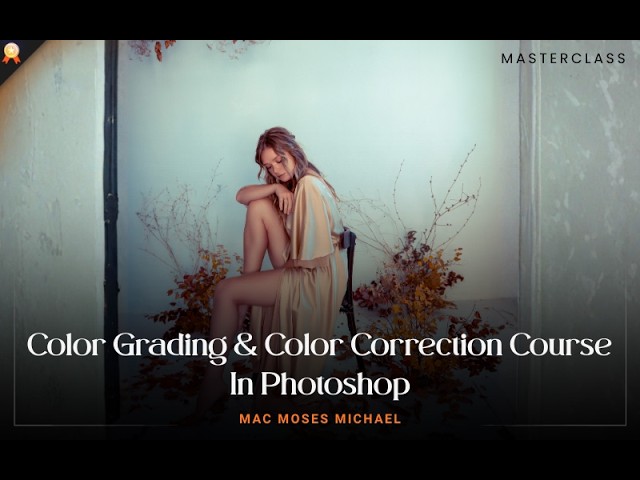


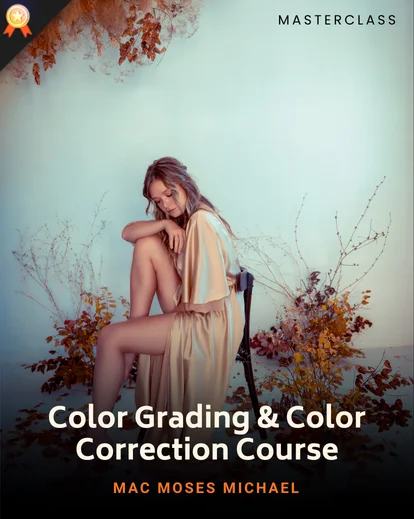
Turn Flat, Inconsistent Photos Into Professionally Graded Images
You can have perfect composition, great lighting, and a sharp image & yet the photo still doesn’t feel professional.
Most photographers and creatives struggle with:
Strange color casts and poor white balance
Skin tones that look unnatural
Images that don’t match each other in a set
Over-editing that destroys realism
Presets that look good on one photo but fail everywhere else
That’s exactly where this color grading class comes in.
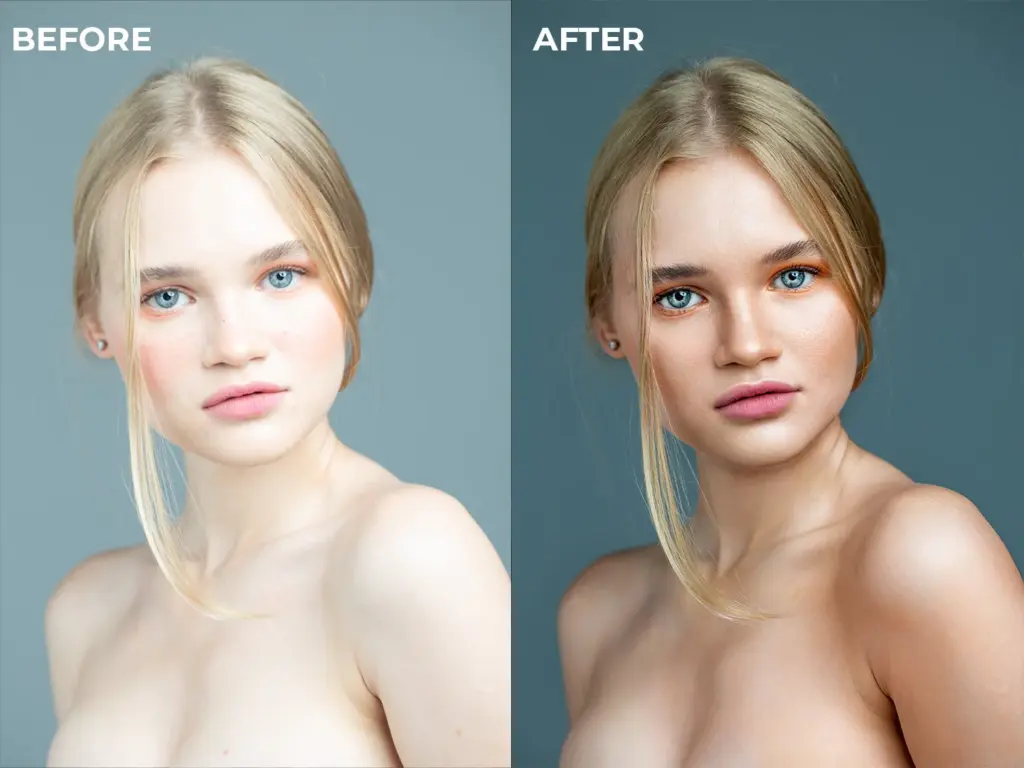
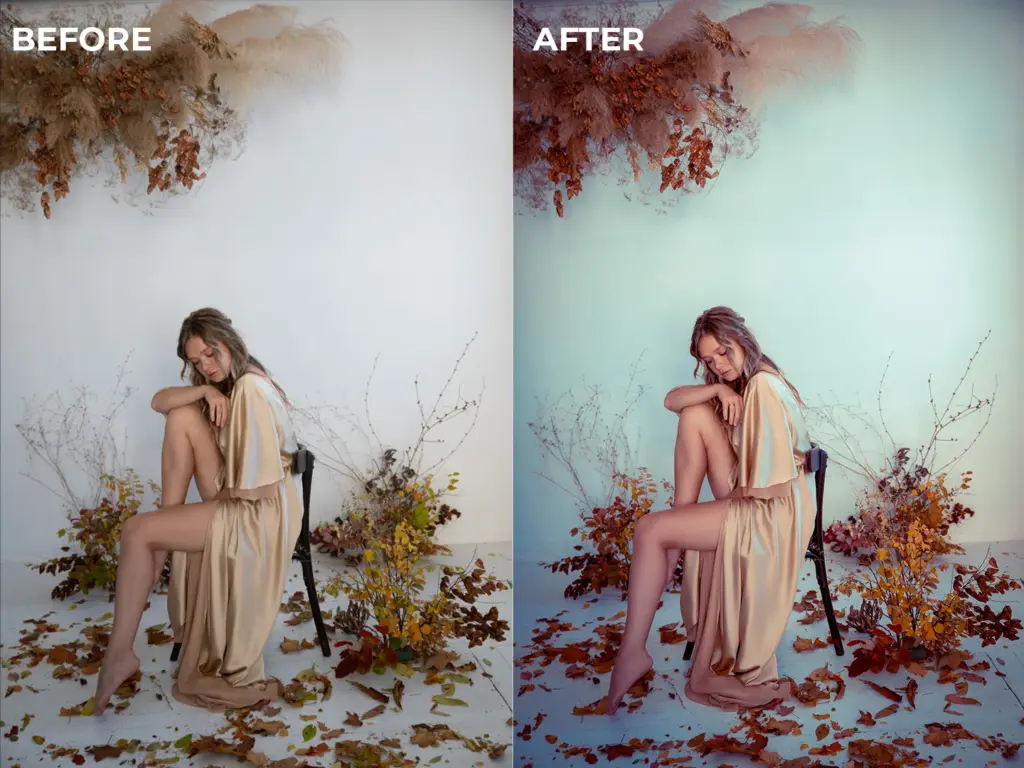
This is not just another color grading tutorial that shows you what buttons to click.
This masterclass color grading course teaches you:
Why colors behave the way they do
How professionals think about color
How to build your own repeatable, consistent workflow
How to create presets, LUTs, and actions that actually work
From Photoshop basic color correction to cinematic color grading, this course gives you a complete, real-world system you can apply to any photo.
Structure Of This Masterclass
You’ll start with the fundamentals:
Understanding color correction vs color grading
Fixing white balance and bad colors
Using Camera Raw and Adjustment Layers correctly
Then move into:
Portrait, wedding, and urban color grading workflows
Professional retouching-to-grade pipelines
Adjustment layer color grading techniques
AI-assisted workflows for faster editing
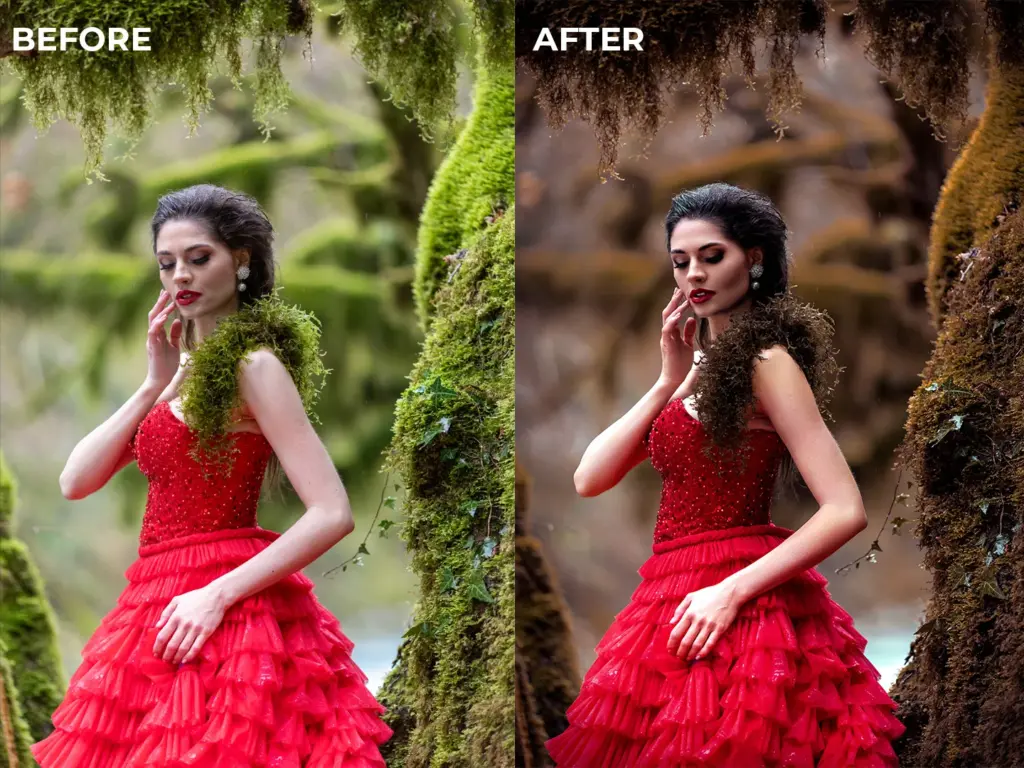
Specifications Of This Masterclass
- Bonus Videos Included – 1h 50m
- Adobe Photoshop (latest version recommended)
- Windows or macOS
- Covers both color correcting tutorials and creative grading
- Create reusable tools to save hours of editing time
Who This Color Grading Course Is For?
- Beginner photographers who want professional-looking images
- Photoshop users who want to understand color deeply
- Retouchers and designers needing consistent color workflows
- Creatives building a recognizable color style
- Anyone who wants to create presets and speed up editing
Confidently Correct And Grade Any Photo
Color Grading A Wedding Photo
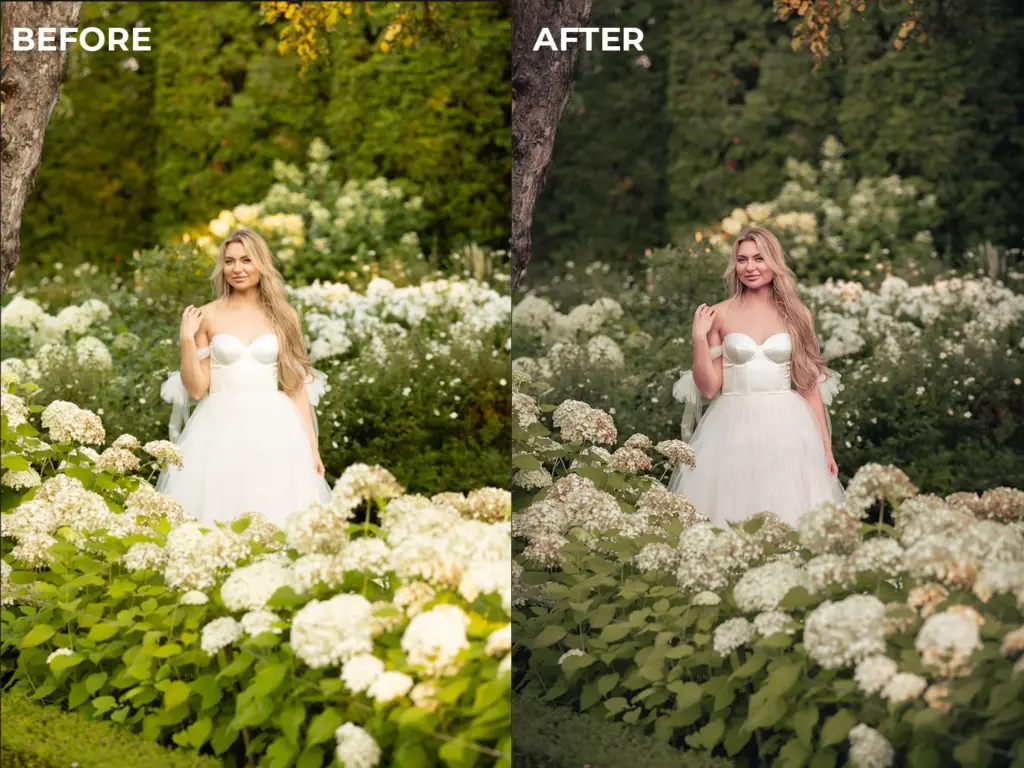
Creating Photoshop Actions
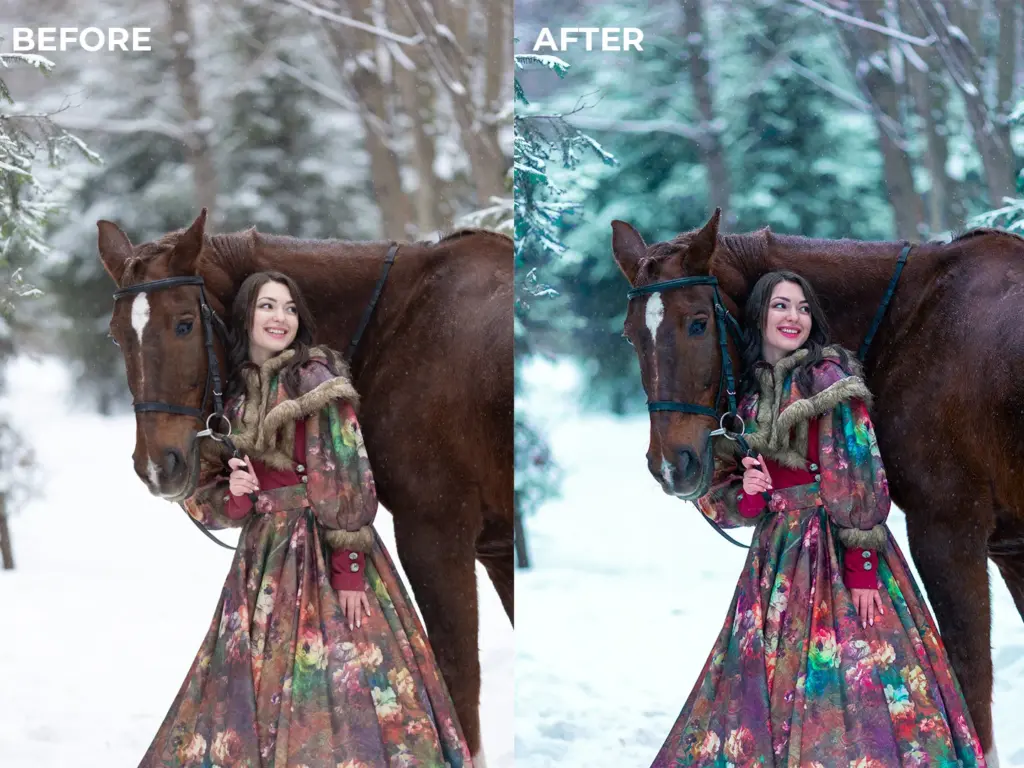
Photoshop Basic Color Correction
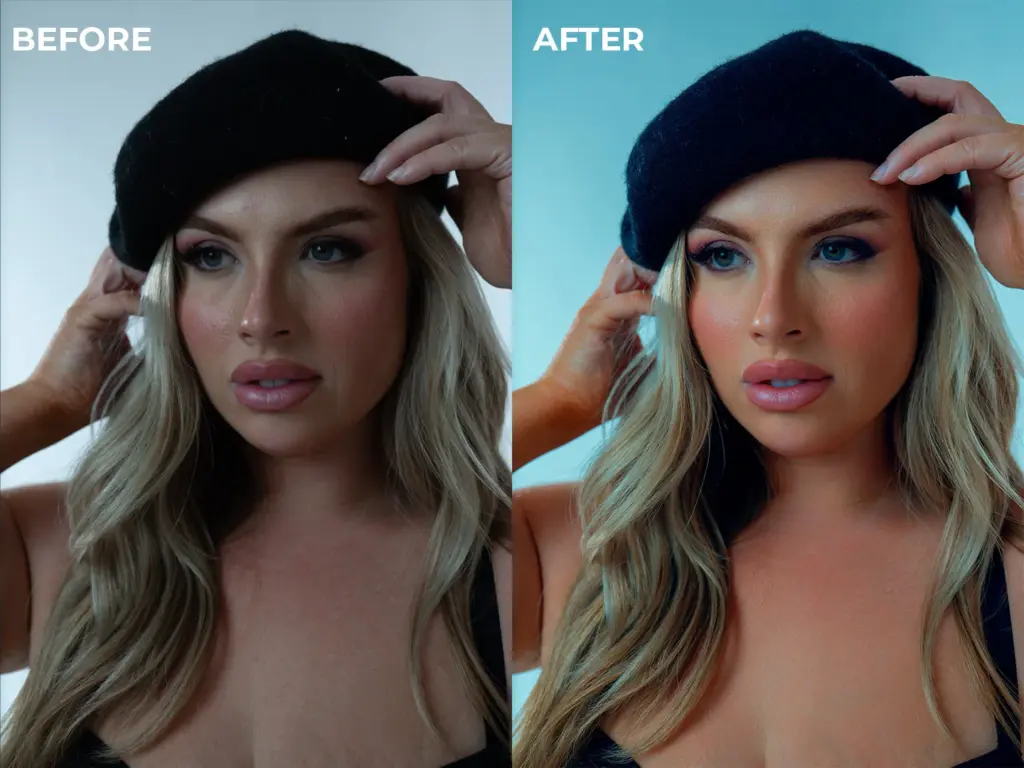
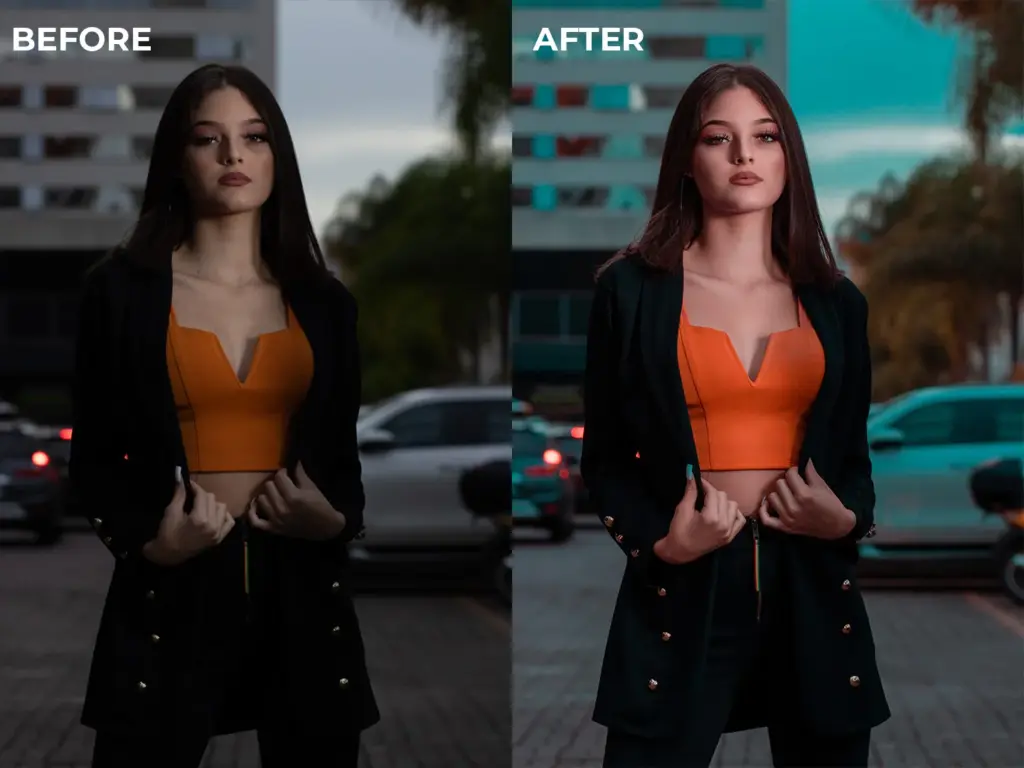
Teal & Orange Color Grading
Frequently Asked Questions
Yes. This course is designed specifically to take beginners from the fundamentals of color correction to advanced color grading techniques. No prior professional Photoshop experience is required — everything is explained step by step.
Color correction focuses on fixing white balance, exposure, and inaccurate colors to make an image look natural. Color grading is the creative process of enhancing colors to create a mood or style. This masterclass teaches both clearly, so you know when and how to use each approach.
Yes. This is a color grading Photoshop course, and all techniques are demonstrated using Adobe Photoshop, including Camera Raw, Adjustment Layers, and AI-based tools.
Yes. One of the core outcomes of this color grading class is learning how to create your own presets, LUTs, filters, and Photoshop actions so you can speed up your workflow and maintain consistency.
This is a color grading online course, allowing you to learn at your own pace. You can pause, rewind, and revisit lessons anytime as you practice.
Definitely. While the course is beginner-friendly, it also covers advanced, real-world workflows used by professionals who want consistency, efficiency, and a signature color style.
The course includes color grading lessons for portraits, wedding photography, and urban photography, making it suitable for a wide range of creative styles.

Reviews
There are no reviews yet.