

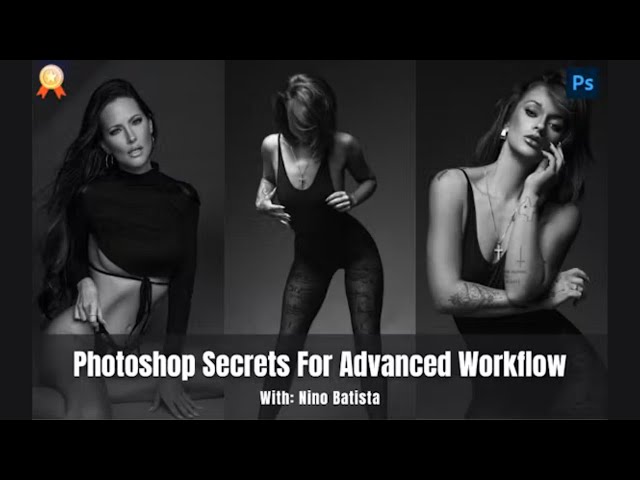

Transform Images with Online Photoshop Course
Take A Sneak Peak Into The Masterclass
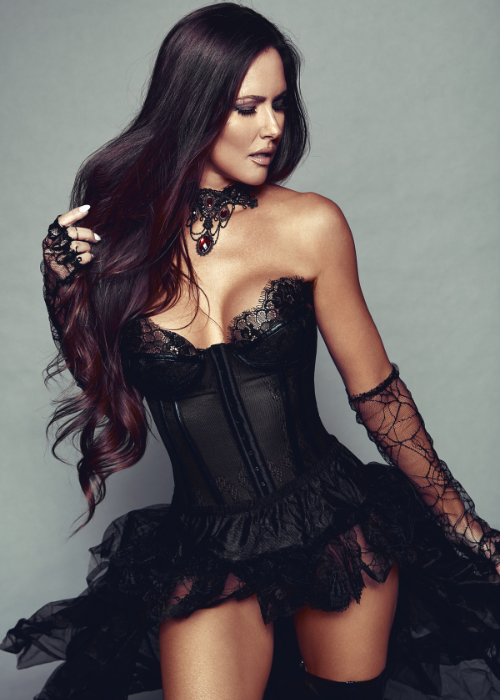
Photoshop Color Grading
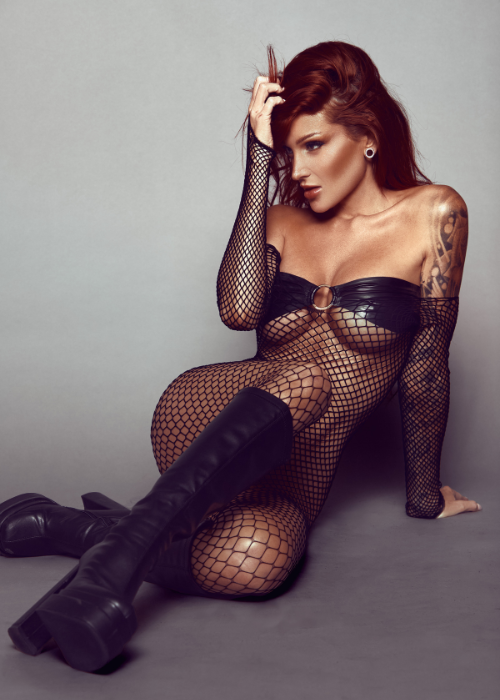
Color Correction Photoshop
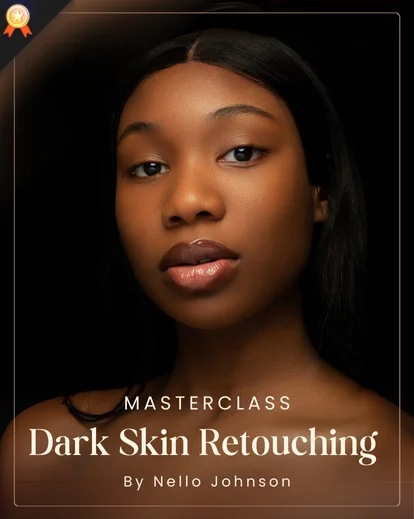
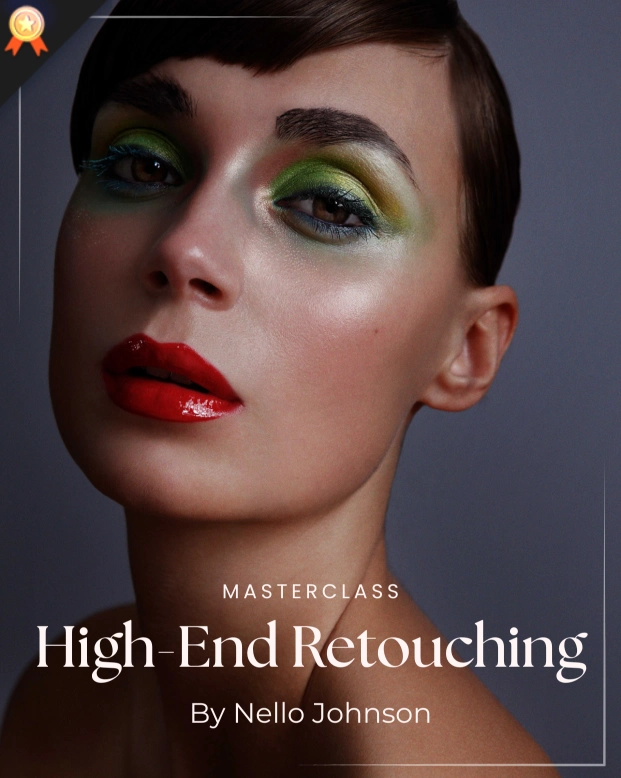
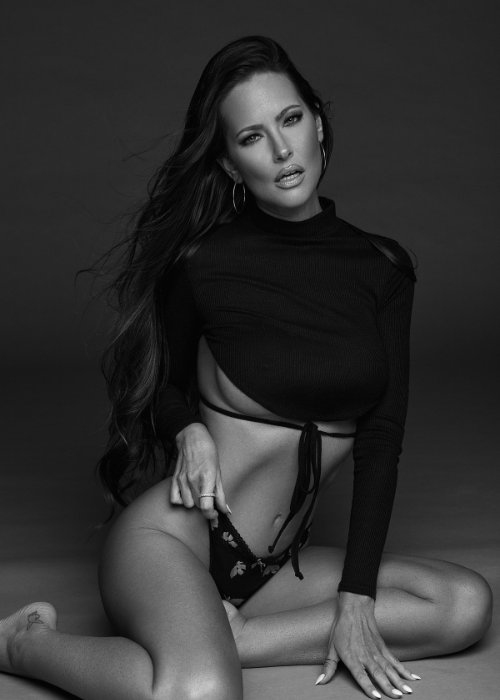
Photoshop Skin Retouching
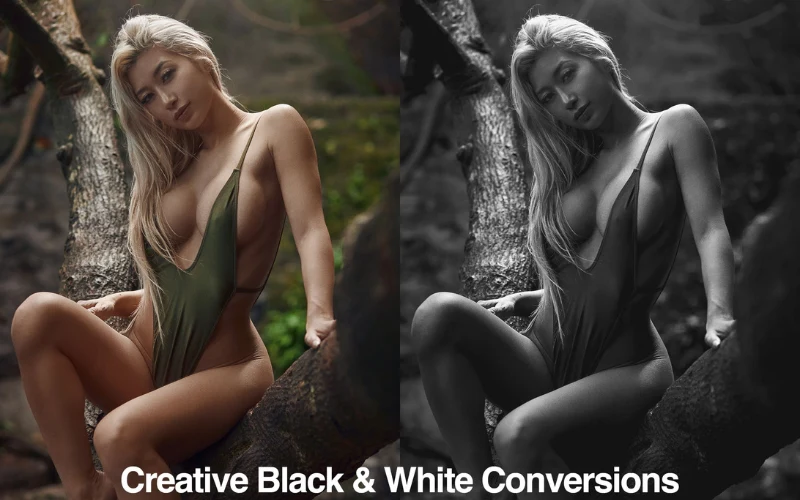
White Balance Adjustment
Enhance Your Editing Skills with Photoshop Course Online
If you are into photography, then you are surely aware that Photoshop is one of the most useful programs to improve your photos. It is even considered the most popular design program at present. It lets you repair, manipulate, and edit photos and create various projects.
If you Photoshop often, it would be a big help to familiarize yourself with its uses through this Photoshop online course. The good thing about Photoshop is that it is highly flexible. In addition to image retouching, it can be used for digital painting and graphic design projects. Such as brochures, banners, and photography business cards.
With its many uses, you will definitely thank yourself if you take an online course about it and learn how to apply it for personal and professional purposes.
Consider taking this online course with the help of an expert, Nino Batista. After taking this course, you can elevate your photo retouching skills and image editing skills.
You can now rely on Photoshop, a great program that you can use to create images with depth, finesse, and detail, which can truly bring out your skills.
This online Photoshop course that tackles everything about Adobe Photoshop takes only around 75 minutes but the learnings will be vast.
This masterclass will teach you the vital aspects of Adobe Photoshop, which can harness your skills in the field and transform you from a newbie or beginner to a professional.
With all the topics covered in the course, this will surely turn out to be an effective ticket to mastering Photoshop. You will even learn advanced retouching workflows that will help make your work stand out.
Frequently Asked Questions
Photoshop Secrets For Advanced Workflow focuses on advanced Photoshop workflows for faster, cleaner, and more professional image editing.
Yes. It highlights situations where blend modes provide faster, cleaner, and more precise control than traditional adjustments.
Yes. The workflow demonstrates isolating luminosity changes so contrast can be adjusted without altering color balance.
It demonstrates controlled use of blend modes to enhance color intensity while keeping skin tones and natural colors realistic.
It teaches using blend modes and tonal isolation to adjust brightness while preserving depth and texture.
Yes. The workflows provide manual alternatives that reduce reliance on plugins while maintaining full tonal control.


Reviews
There are no reviews yet.