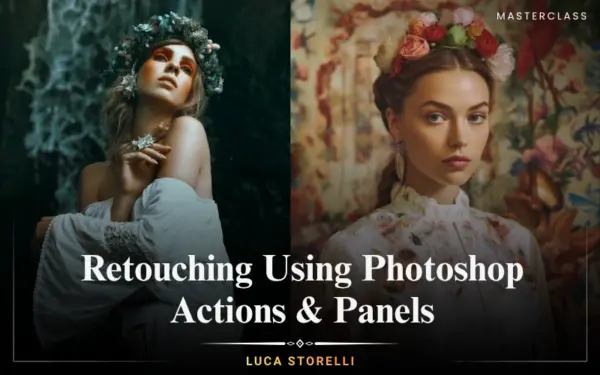
Retouching Using Photoshop Actions & Panels
Photography Masterclasses

Retouching Using Photoshop Actions & Panels

Stop over-editing and learn how professionals approach retouching from start to finish.
3 hours
11 Lessons
Practice Files

Access ALL masterclasses with PhotoWhoa PLUS

What You'll Be Able To Create

Learn how to create clean, professional edits using powerful tools in this hands-on Photoshop retouching course.

High-End Portrait Edits

Create polished images with professional advanced retouching workflows

Clean & Natural Skin Retouching

Achieve smooth, realistic results using techniques

Consistent Color & Tone

Fix colors and balance tones using editing tools
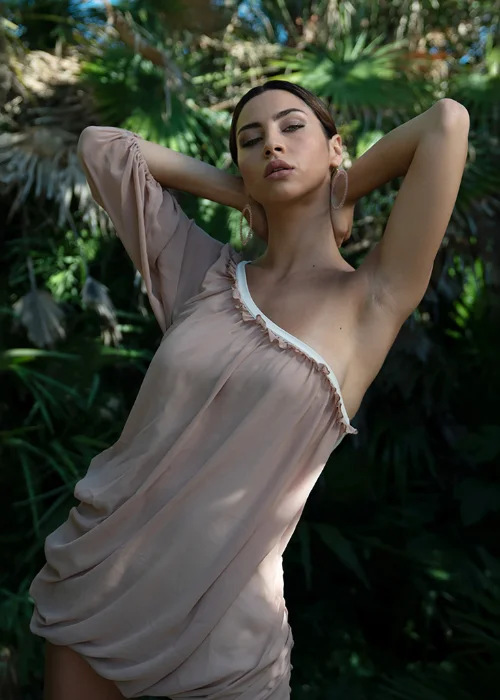
This Is What Your Edits Could Look Like

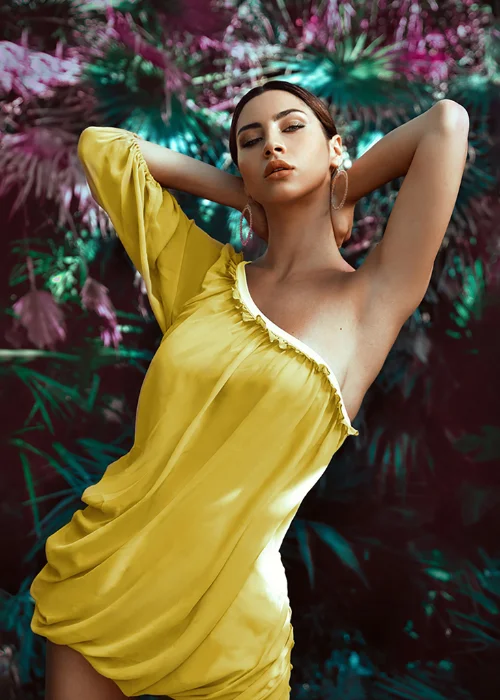
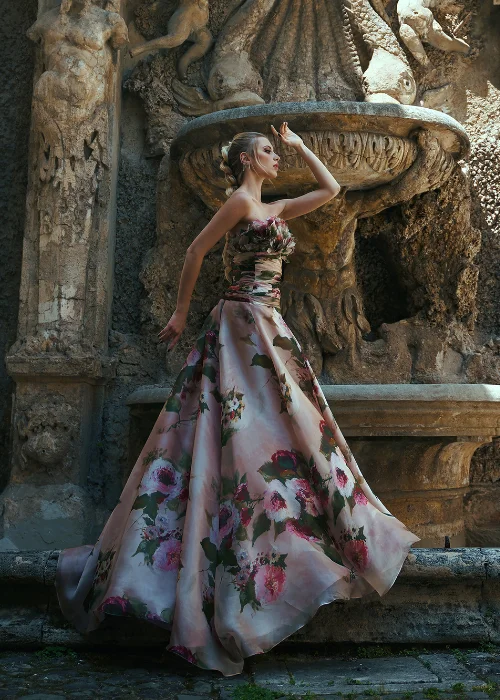
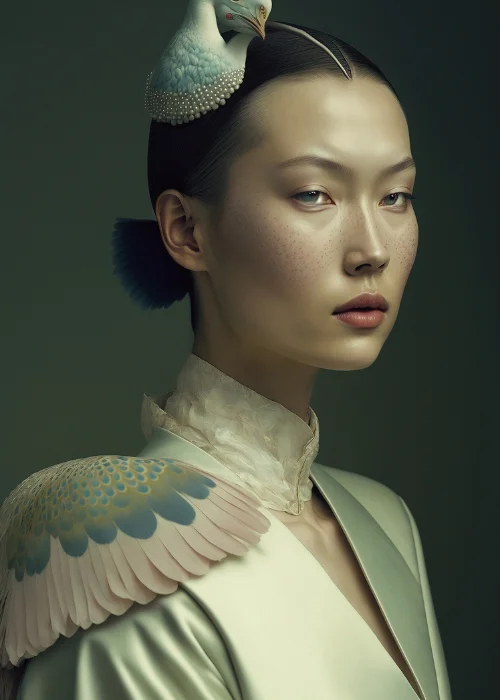
Correct uneven skin tones and transform flat images into clean, high-end results, while keeping every detail natural and realistic.
photoshop retouching course demo with smooth skin and color correction
portrait retouched using panels in a retouching masterclass workflow
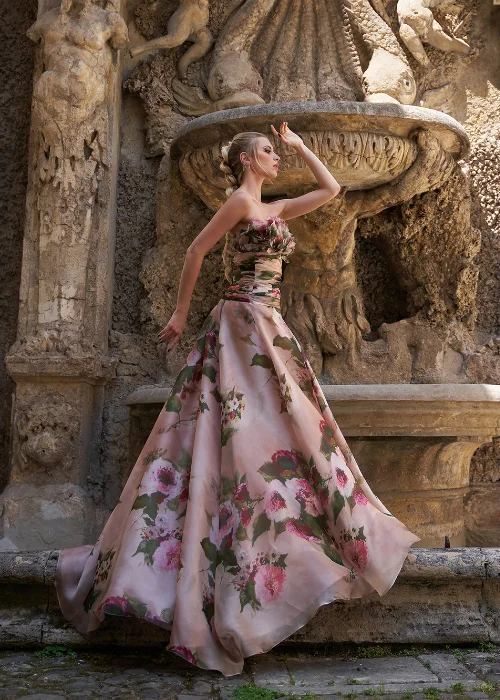
high-end beauty retouching example from a photo retouching course
close-up facial retouching showing advanced retouching techniques
professional portrait enhanced using a photoshop retouching course workflow
beauty retouching course example with natural skin texture and soft highlights

What This Photo Retouching Masterclass Is About

Editing shouldn’t feel slow, confusing, or inconsistent. The real difference between average and high-end images isn’t just skill. It’s having a clear, efficient workflow. This masterclass shows you how to streamline your retouching process using tools that do the heavy lifting for you. Instead of spending hours figuring things out, you’ll learn how to:
  • Speed up your editing using ready-made panels and actions
  • Get clean, natural-looking skin without overdoing it
  • Fix tones, colors, and details with more control
  • Handle complex edits with a simple, structured approach
  • Build a workflow you can reuse across every shoot
By the end, you won’t just know more—you’ll edit with clarity, consistency, and confidence.
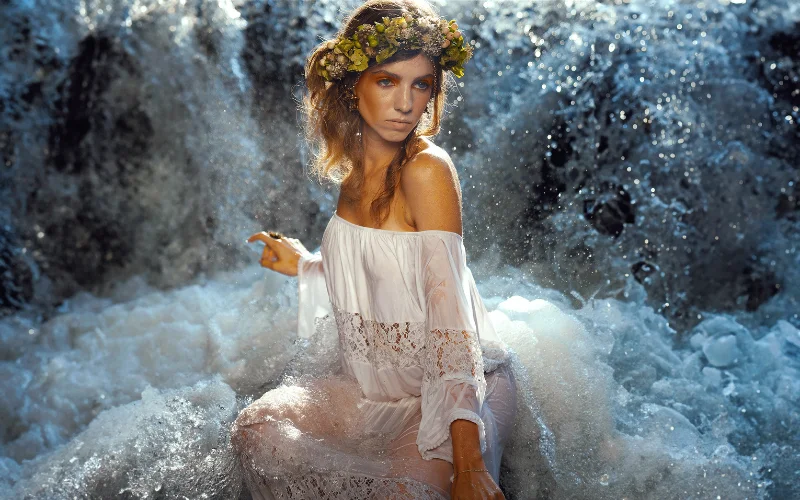
What You'll Learn In This Online Photo Retouching Class

Stop over-editing and learn how to keep your photos natural and refined
beauty portrait edited using techniques from a beauty retouching course
Introduction to beauty retouching panels
Retouching with the skin panels & Infinite guide
FC3 frequency Separation Panel
Retouching with Infinite Retouch & Infinite Unify
Coloring with CMX 2, Infinite color panel and Onlythecurious actions

Lessons Breakdown

focused lessons designed for practical application. Each lesson builds on the previous, taking you from fundamentals to advanced techniques.

lesson 1

Masterclass: Retouching Using The Best Actions & Panels for Photoshop Lesson 1

13m 1s
lesson 2

Masterclass: Retouching Using The Best Actions & Panels for Photoshop Lesson 2

7m 3s
lesson 3

Masterclass: Retouching Using The Best Actions & Panels for Photoshop Lesson 3

17m 4s
lesson 4

Masterclass: Retouching Using The Best Actions & Panels for Photoshop Lesson 4

15m 15s
lesson 5

Masterclass: Retouching Using The Best Actions & Panels for Photoshop Lesson 5

28m 45s
lesson 6

Masterclass: Retouching Using The Best Actions & Panels for Photoshop Lesson 6

21m 17s
lesson 7

Masterclass: Retouching Using The Best Actions & Panels for Photoshop Lesson 7

11m 45s
lesson 8

Masterclass: Retouching Using The Best Actions & Panels for Photoshop Lesson 8

11m 10s
lesson 9

Masterclass: Retouching Using The Best Actions & Panels for Photoshop Lesson 9

22m 13s
lesson 10

Masterclass: Retouching Using The Best Actions & Panels for Photoshop Lesson 10

21m 28s
lesson 11

Masterclass: Retouching Using The Best Actions & Panels for Photoshop Lesson 11

11m 51s

Who Is This Masterclass For?

  • Portrait Photographers — Improve your workflow with this photo retouching course
  • Fashion & Beauty Photographers — Learn professional beauty retouching techniques
  • Photoshop Users — Master tools and panels in a few hours
  • Editors & Retouchers — Build faster, more efficient editing workflows
Luca Storelli
Expert Instructor

Luca Storelli

Luca Storelli is an internationally published fine art and fashion photographer, expert retoucher, and educator based in Rome. His work has been feated in renowned publications such as 7Hues, Solis Magazine, Style Cruze, 365 ART + Japan, Dark Beauty, Moevir Paris, Feroce, Elegant, and Assure’ Magazine. Specializing in fashion, fine art, and portrait photography, Luca has built a strong reputation for creating visually compelling imagery. His expertise spans across fashion lookbooks, brand identity, commercial wedding photography, editorial work, and high-end advertising campaigns.

View instructor’s classes

Frequently Asked Questions

Photoshop actions and panels help automate repetitive tasks, speed up workflows, and maintain consistency in retouching. This course shows how to use them effectively for advanced beauty retouching and professional image editing.

Absolutely. This course is highly relevant for beauty retouching, making it especially useful for photographers and creators working in fashion, beauty, and fine art photography.

The course is best suited for intermediate to professional users, but beginners can also benefit if they are willing to learn and practice. You do not need to be a professional photographer to join.

Yes. The course is highly practical, allowing you to follow along with real examples, illustrations, and demonstrations so you can practice as you learn.

This retouching masterclass focuses on using panels and automation tools, helping you achieve faster and more consistent results compared to traditional manual editing methods.

Absolutely. This photoshop retouching course is ideal for beauty and fashion photographers looking to enhance their images with professional advanced retouching techniques.

The course introduces various panels and tools, but most techniques in this photoshop retouching course can be applied using standard Photoshop features along with recommended panels.

This beauty retouching course teaches you how to refine skin tones, improve textures, and enhance overall image quality to achieve polished, professional-level edits.

Yes. You’ll learn how to avoid over-editing and keep skin tones and textures realistic.

Yes. Better, faster edits mean you can deliver higher-quality work and handle more projects confidently.

Get PhotoWhoa PLUS

Unlock this masterclass and 70+ more for one low annual price

What's included:

$99

/year

Price locked once you subscribe. Cancel anytime.

Get instant access to ALL masterclasses with PhotoWhoa PLUS

In-Depth Classes
1 +
Hours of Practical Training
1 +
Expert Instructors
1 +

Join photographers worldwide improving their skills with PhotoWhoa PLUS

Become a PhotoWhoa Charter Plus Member

Access With Plus