Uncover the Essentials of Wedding Photography Retouching
Are you looking to make your wedding photos unforgettable? With wedding photography retouching in Photoshop, you can turn ordinary images into stunning visual stories.
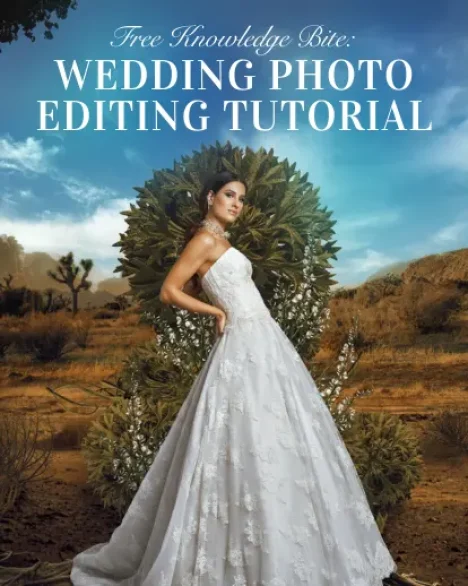
This free wedding photo editing tutorial offers a sneak peek into the powerful techniques used in professional wedding photo editing, showing how even minor adjustments can create dramatic results.
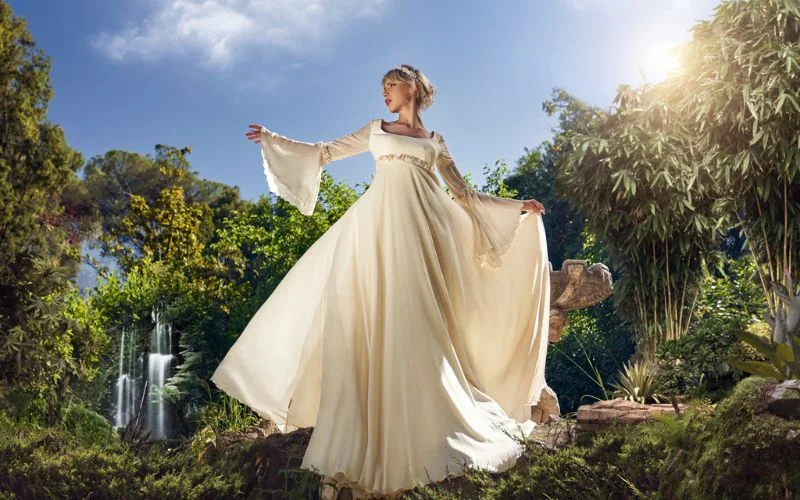
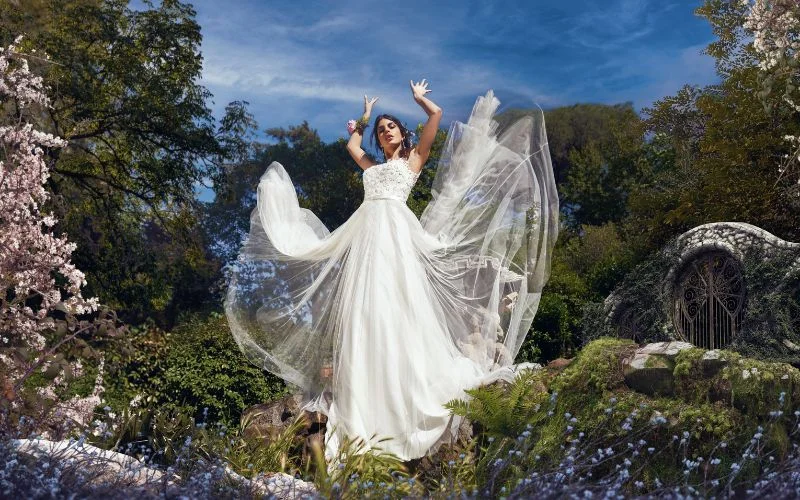
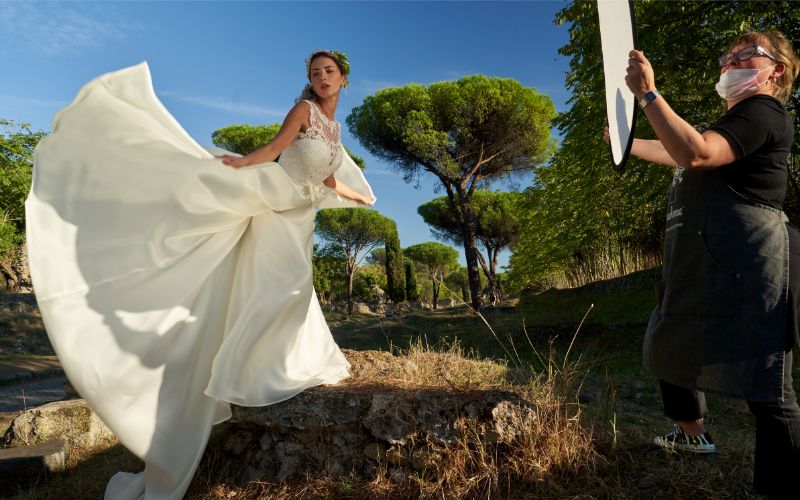
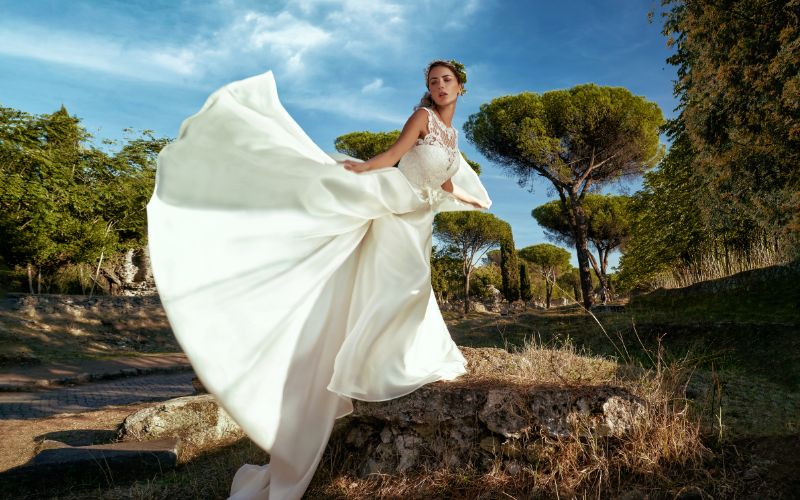
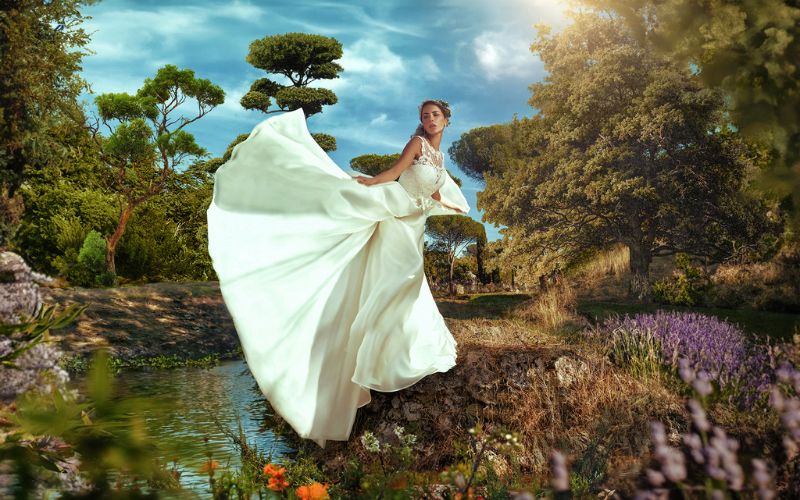
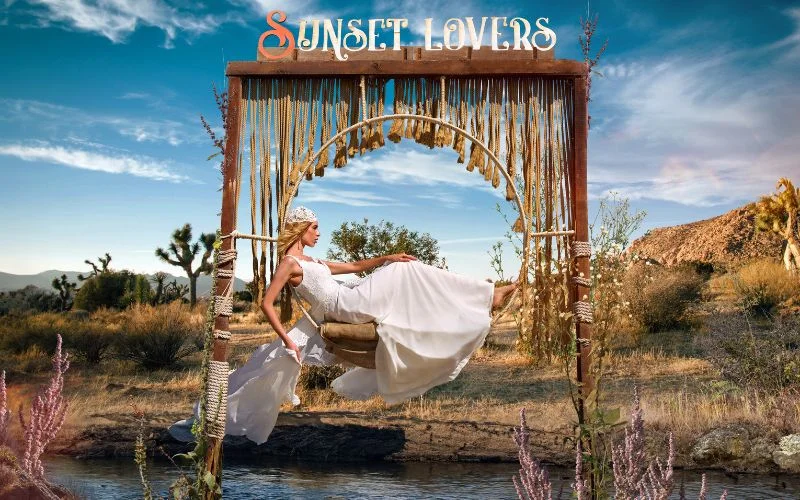
The wedding photo editing tutorial will start with a few before-and-after examples to illustrate the transformation from simple edits like skin smoothing, color correction, and background enhancement.
You’ll see firsthand how these wedding photo editing Photoshop techniques bring out the beauty and emotion in every shot.
We’ll dive into creative retouching, where the magic happens. This is where your artistic vision comes to life, allowing you to enhance details, play with colors, and create unique effects that make your photos stand out.
Creative retouching gives you the tools to elevate your work, whether you want to add a dreamy glow, highlight intricate details, or remove distractions.
• The impact of Photoshop retouching on image quality
• Examples of before/after transformations
• Process Of Creative Retouching
Glimpse Of The Wedding Photo Editing Photoshop
Orignal Image
Wedding Photography Retouching
Wedding Photo Retouching + Variant
A Free Overview of Photoshop Retouching
Finally, the tutor will walk through the retouching process, giving you an understanding of how professionals approach editing.
From initial adjustments to the final polish, you’ll learn the essential steps to make your wedding photos look polished and professional in this wedding photo editing tutorial.
This is just a taste of what’s possible with Photoshop.
If you’re serious about mastering wedding photo retouching, our complete masterclass offers in-depth training to equip you with the skills to take your photos to the next level.
What is this Wedding Photo Editing Tutorial about?
This free tutorial teaches wedding photo retouching techniques in Adobe Photoshop, including color correction, skin smoothing, creative retouching, and image enhancement.
What will I learn in this wedding retouching tutorial?
You’ll learn wedding photography retouching, Photoshop editing workflow, color correction, creative retouching, skin retouching, and before-and-after transformation techniques.
Is this tutorial suitable for beginners?
Yes, the tutorial is beginner-friendly and also useful for photographers wanting to improve their wedding editing skills.
What software is used in this wedding editing tutorial?
The tutorial focuses on wedding photo editing using Adobe Photoshop.
Ready to Transform Your Photos? Enroll In This Masterclass Today!
Reviews
There are no reviews yet.
Be the first to review “Free Knowledge Bite: Wedding Photo Editing Tutorial” Cancel reply











Reviews
There are no reviews yet.