
LEARNING PATH

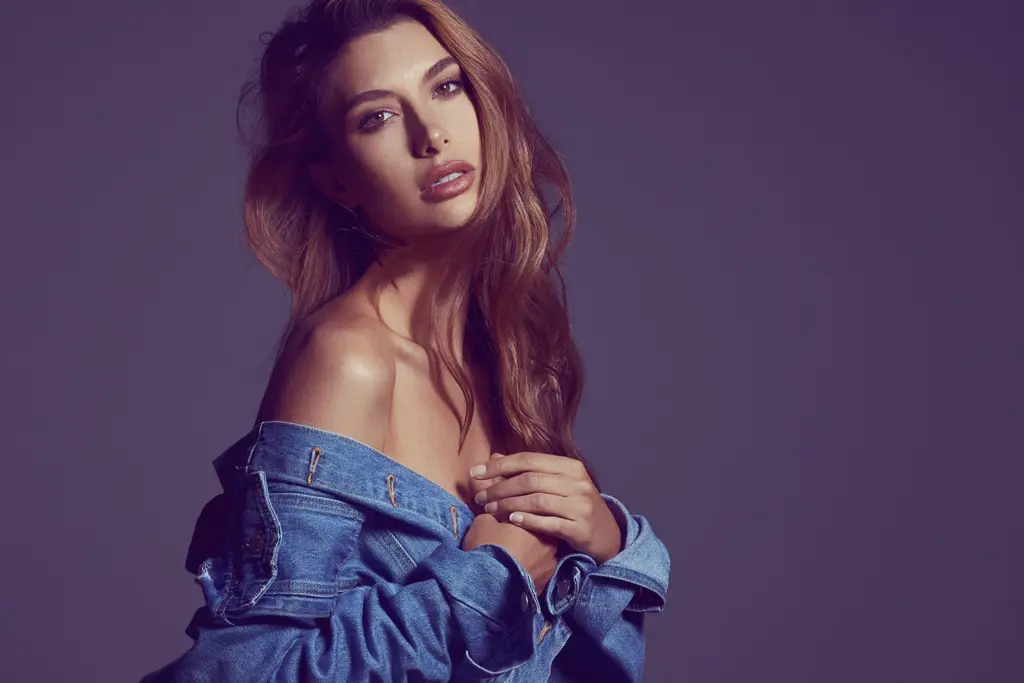
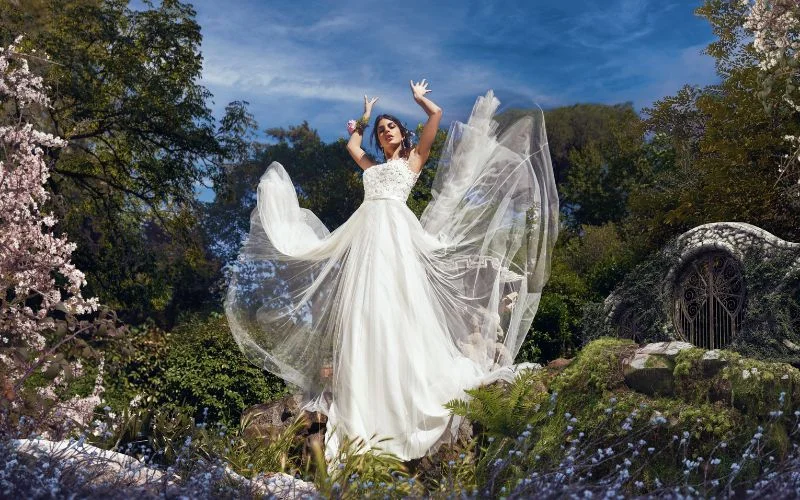
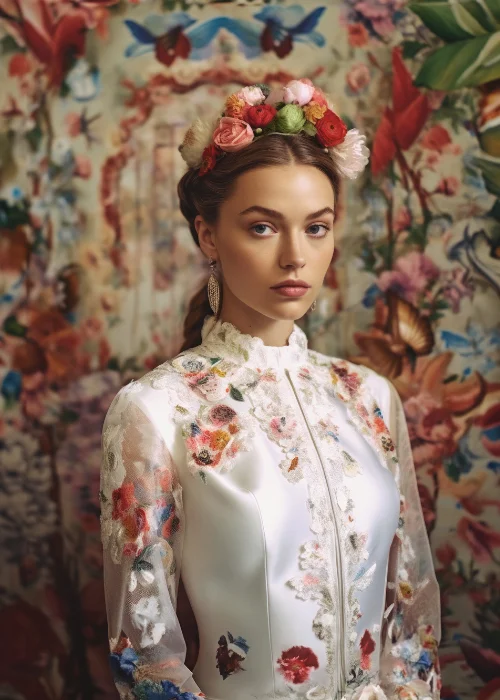
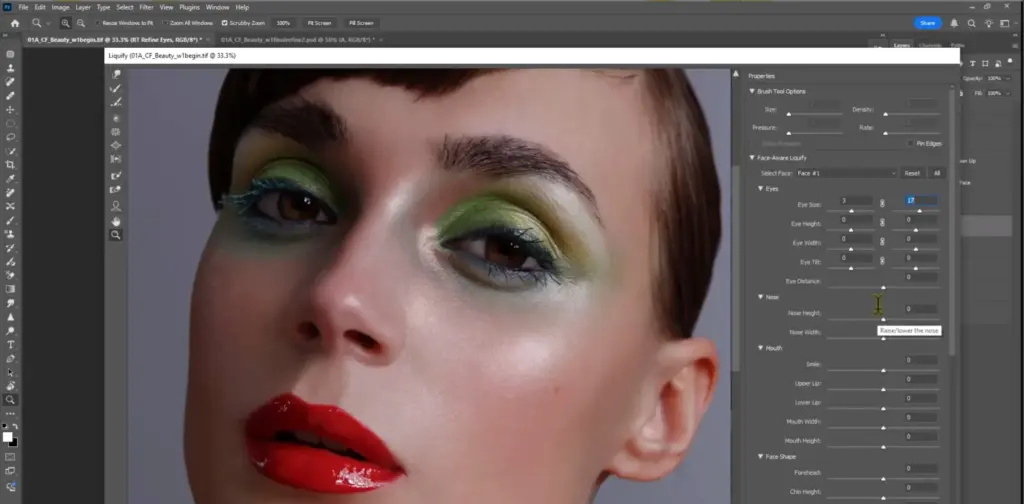
Master Photo Retouching & Editing

Learn how to edit, retouch, and enhance your photos using professional workflows in Photoshop and Lightroom.

  • Retouch skin naturally and professionally
  • Master color grading and image correction
  • Create polished, high-end final images
13

Courses

27

Hours

What You'll Be Able To Create

By the end of this learning path, you’ll be able to:

Edit photos using efficient professional workflows

Retouch skin without over-processing

Master color grading and tonal balance

Create advanced composites and visual effects

Follow A Clear Path To Improve

Structured curriculum from foundations to mastery

1

Foundations — Professional Retouching Tools

Secrets & Features of Lightroom & Photoshop By Dan Hecho

Retouching Using Photoshop Actions & Panels
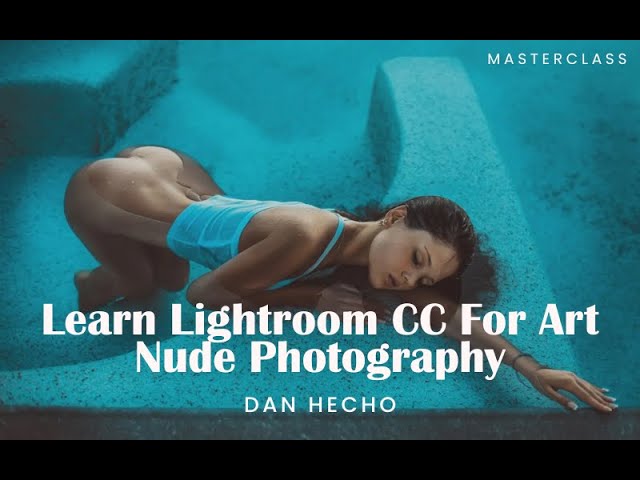
Art Nude & Boudoir Photography For Lightroom CC By Dan Hecho
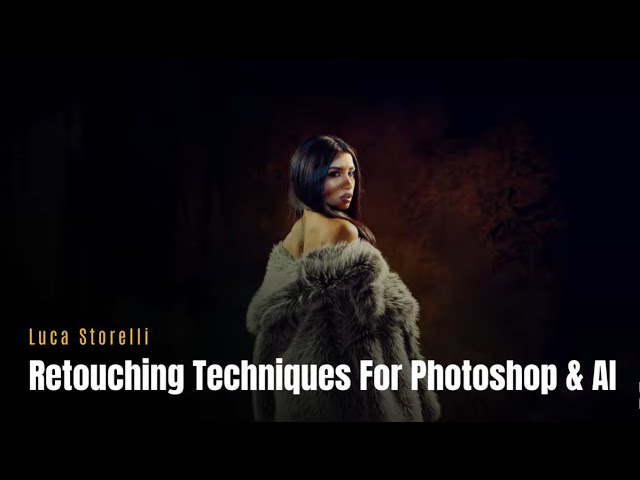
New Retouching Techniques With Photoshop & AI
2

Core Techniques — Skin Retouching Workflows
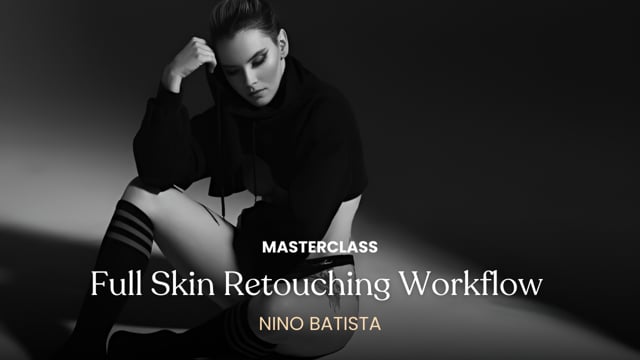
Full Skin Retouching Workflow By Nino Batista
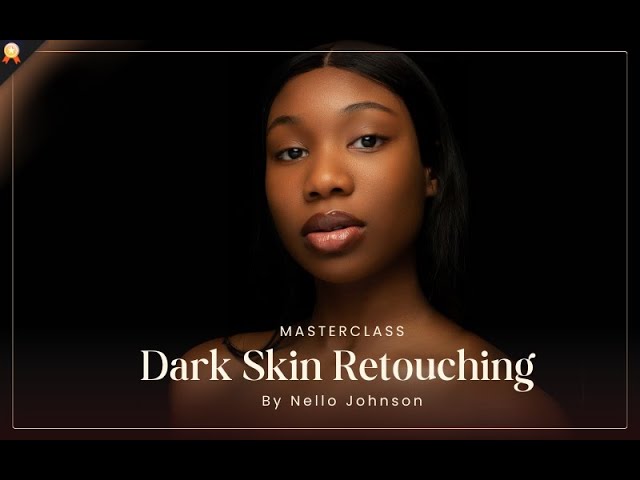
Dark Skin Retouching In PhotoShop
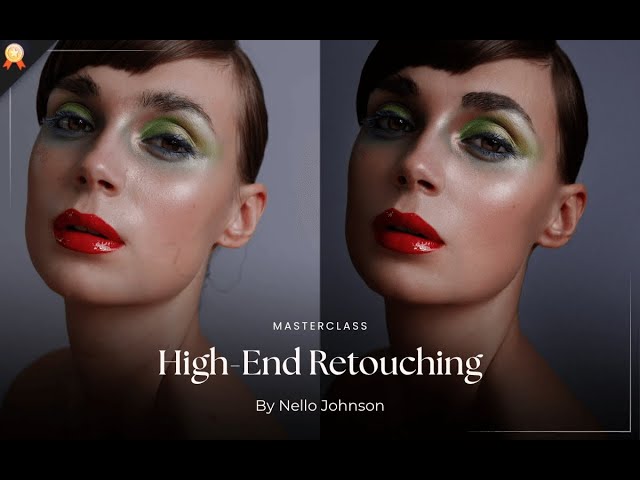
High-End Beauty Retouching
3

Creative Mastery — Color Grading & Compositing
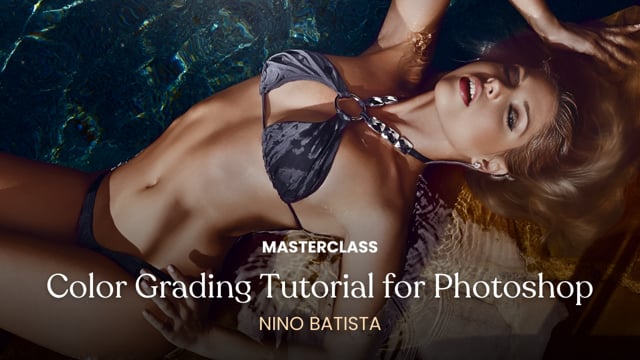
Color Grading Tutorial for Photoshop By Nino Batista
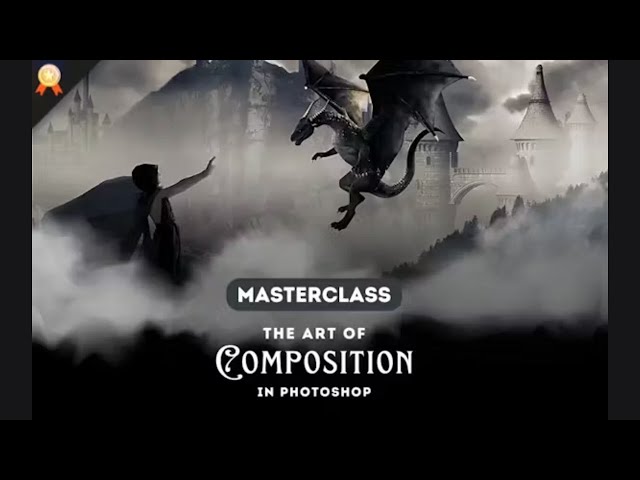
The Art Of Compositing In Photoshop
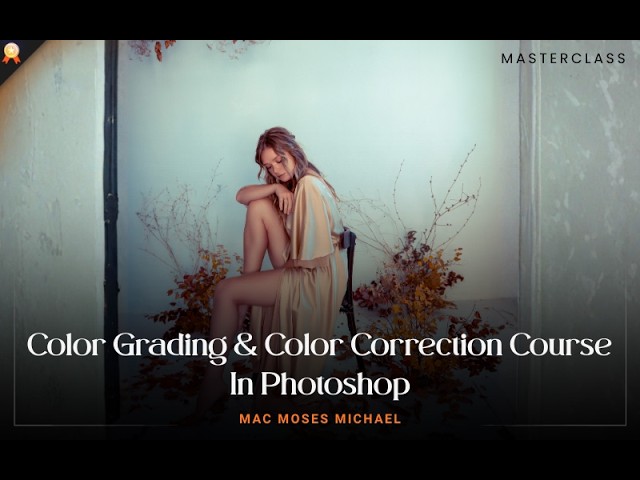
Color Grading & Color Correction Course In Photoshop
4

Advanced Workflows — Genre-Specific Retouching

Commercial Wedding Retouching
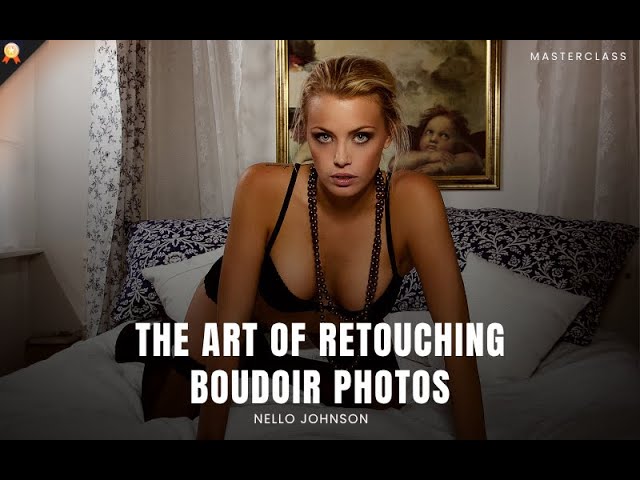
The Art Of Retouching Boudoir Photos
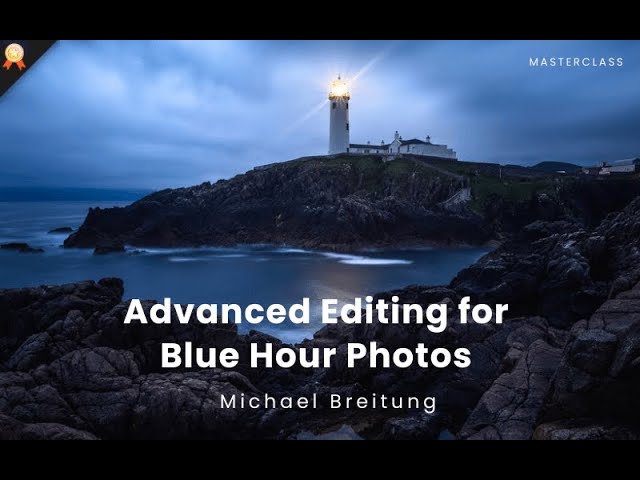
Advanced Editing Masterclass For Dramatic Blue Hour Photos

Don’t Just Edit Photos — Build Professional Workflows

Learn → Practice → Improve

Most Photographers:

With PhotoWhoa:

Start Creating Better Edits Today

Get access to this learning path + everything inside PhotoWhoa:

All masterclasses

All learning paths

Weekly challenges

Private community

Become a Charter Member at $99/year • Cancel anytime

Become a PhotoWhoa Charter Plus Member

Become a PhotoWhoa Charter Plus Member