

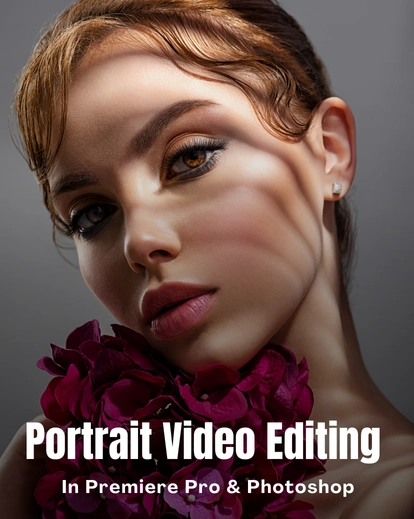



Premiere Pro Color Grading Tutorials: Create Polished, High-End Videos
Shooting good clips but struggling to make them look premium? These Premiere Pro color grading tutorials help turn everyday videos into high-end results.
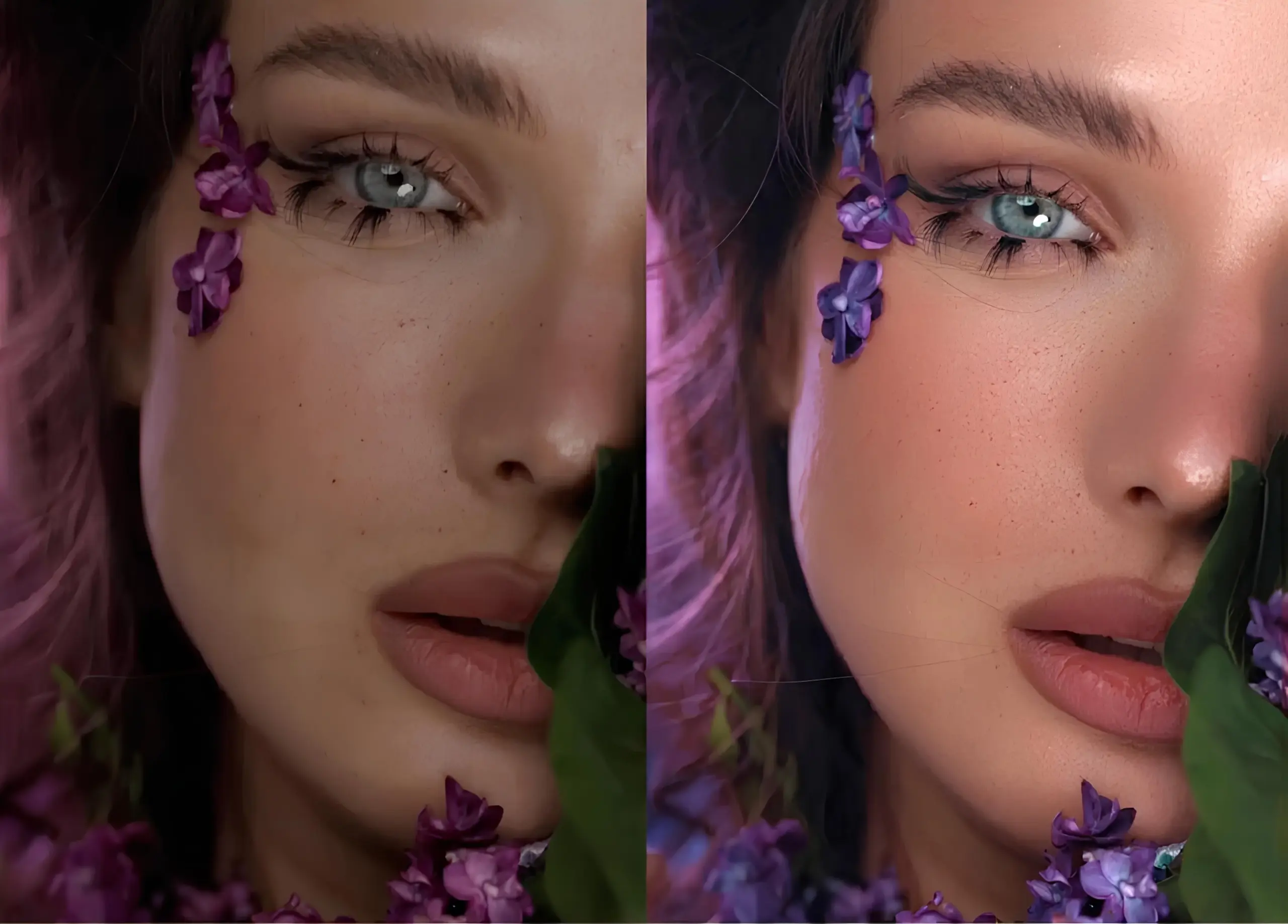
You’ll learn to shape color, preserve natural skin, and enhance details without overprocessing.
Every adjustment is intentional and demonstrated through real projects.
With 17 step-by-step lessons and 6+ hours of hands-on training, you’ll build a repeatable workflow for polished, professional videos.
What You’ll Learn in This Premiere Pro Color Grading Course
- Build a repeatable workflow for high-end video editing
- Get flattering skin tones with natural texture (no plastic look)
- Master color grading for LOG and non-LOG footage on all platforms
- Remove blemishes quickly while keeping skin natural
- Balance exposure, contrast, and remove unwanted hues
- Sharpen videos to pop on mobile without noise
- Adapt the workflow for iPhone or camera footage
- Edit faster with efficient steps and batch techniques
- Deliver consistent, professional results every time
Sneak Peak Into Premiere Pro Colour Grading Tutorials
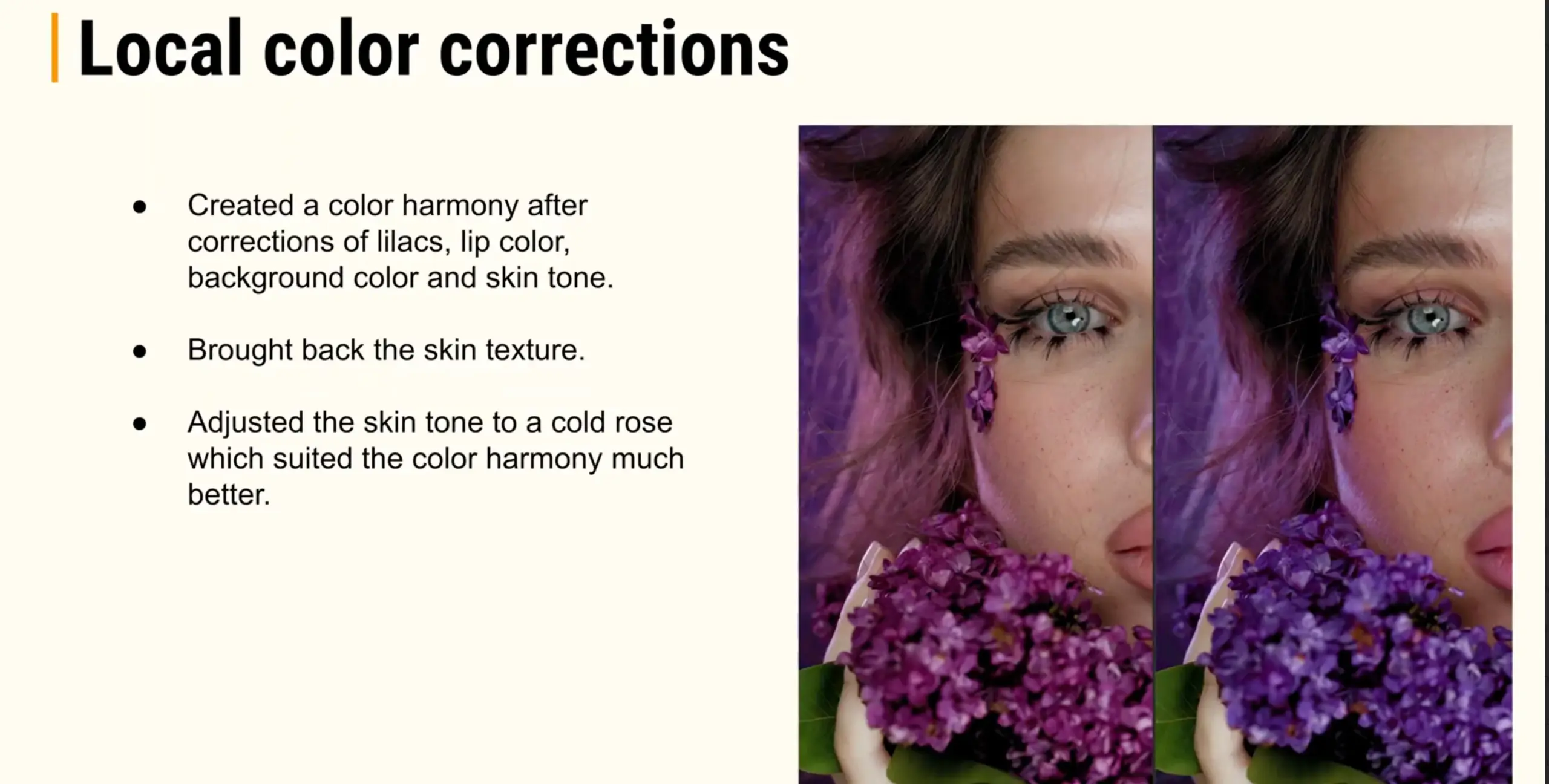
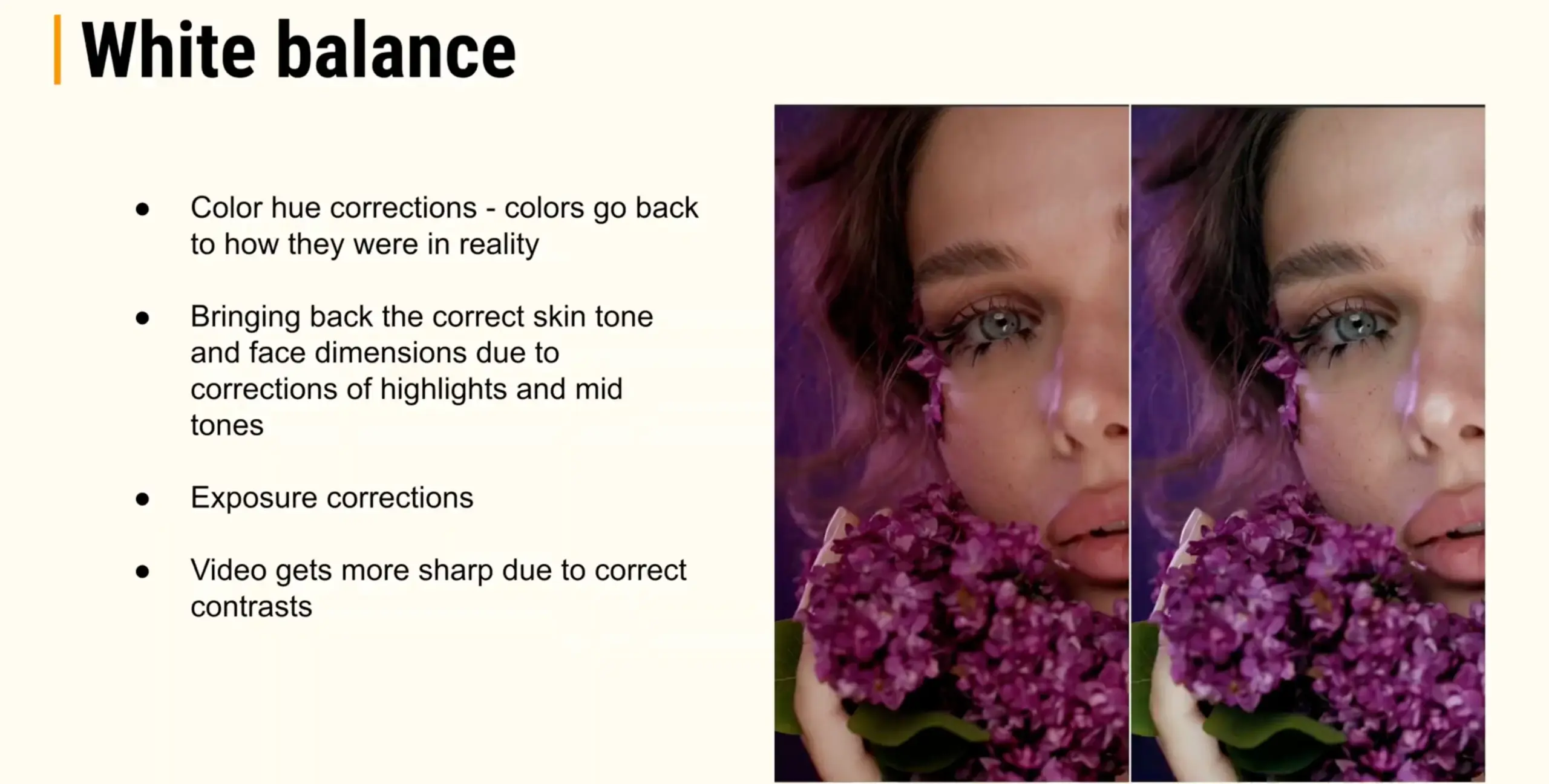
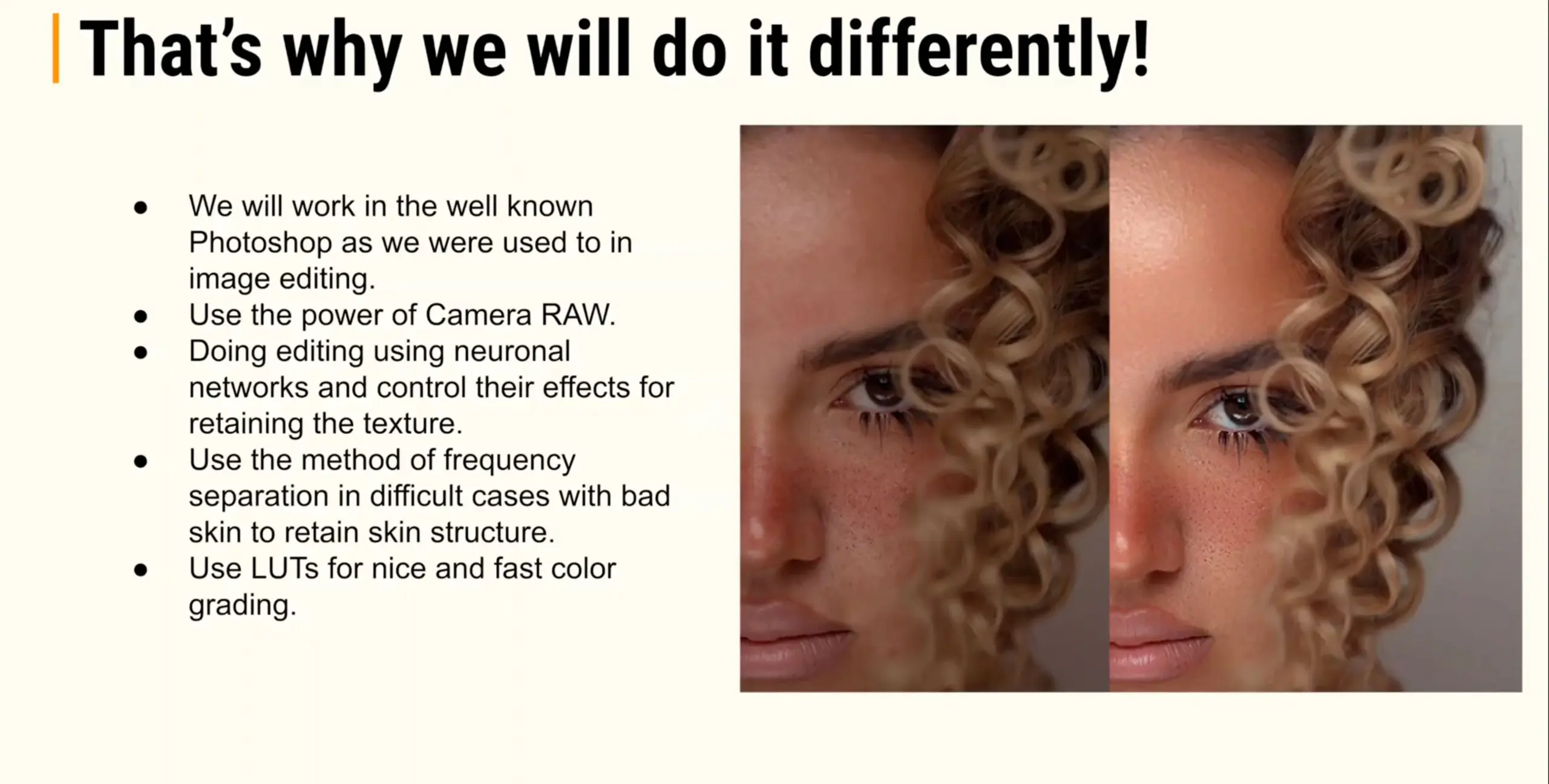
Premiere Pro Color Grading Tutorials – Course Highlights
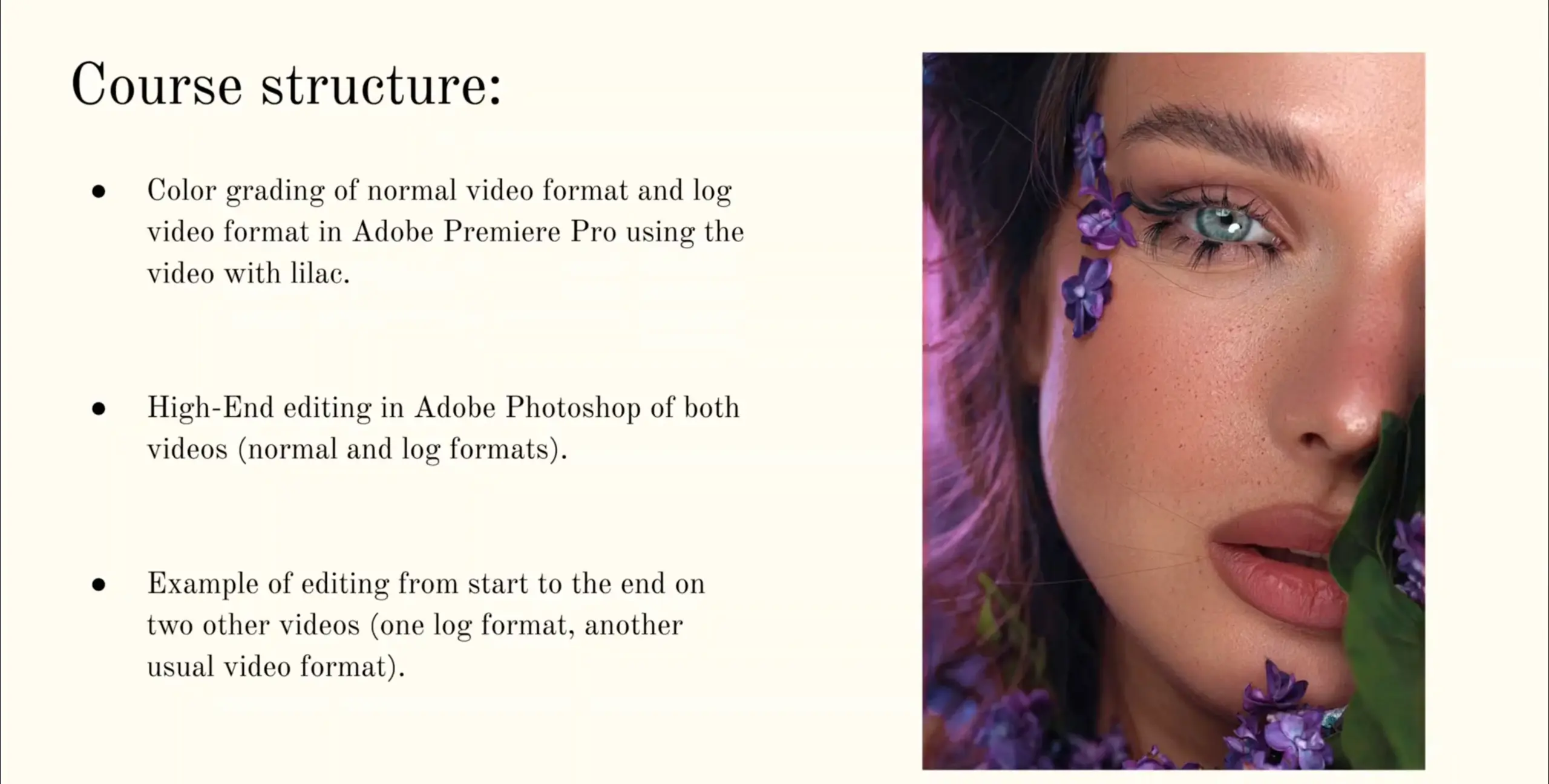
- 17 step-by-step lessons with real projects
- 6+ hours of hands-on instruction
- Edit the same footage used in class
- Adobe Premiere Pro, optional Photoshop
- Master color grading for LOG and non-LOG footage
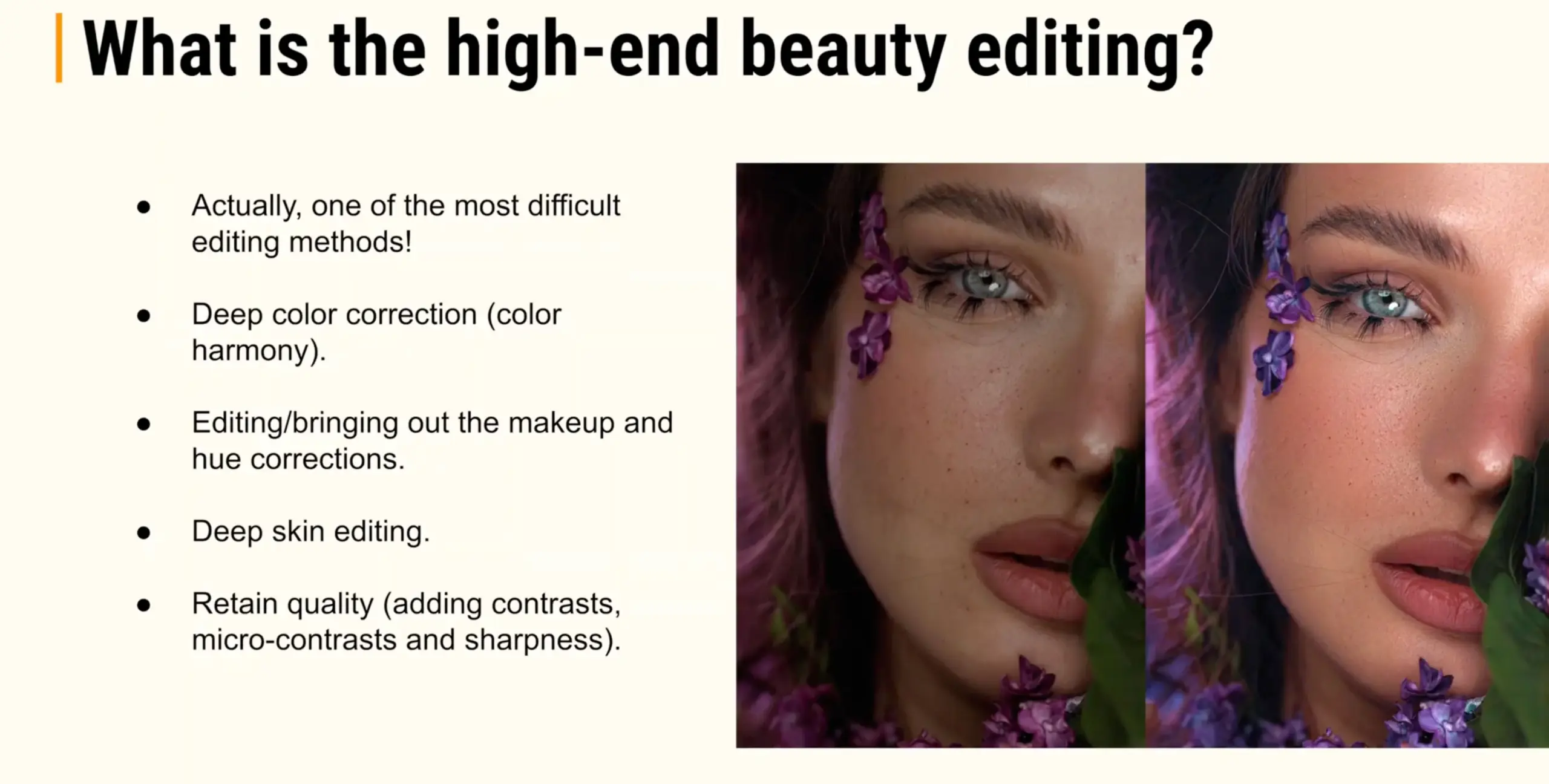
- Preserve natural skin tones and textures
- Sharpen details that pop on mobile
- Workflow adaptable to iPhone and camera footage
- Optimize videos for social platforms and clients
Is This Course Right For You?
This course is designed for professional photographers who want to create high-end, polished videos with confidence. It’s perfect for those who:
- Work with video alongside their photography
- Want natural, clean skin tones in every clip
- Need consistent color for portraits and client projects
- Prefer a practical, repeatable editing workflow
- Want every video to look professional and refined
The lessons focus on portrait and beauty photography, with simple retouching techniques that protect skin texture.
By the end, you’ll deliver polished, client-ready videos that elevate your portfolio and strengthen your visual style.
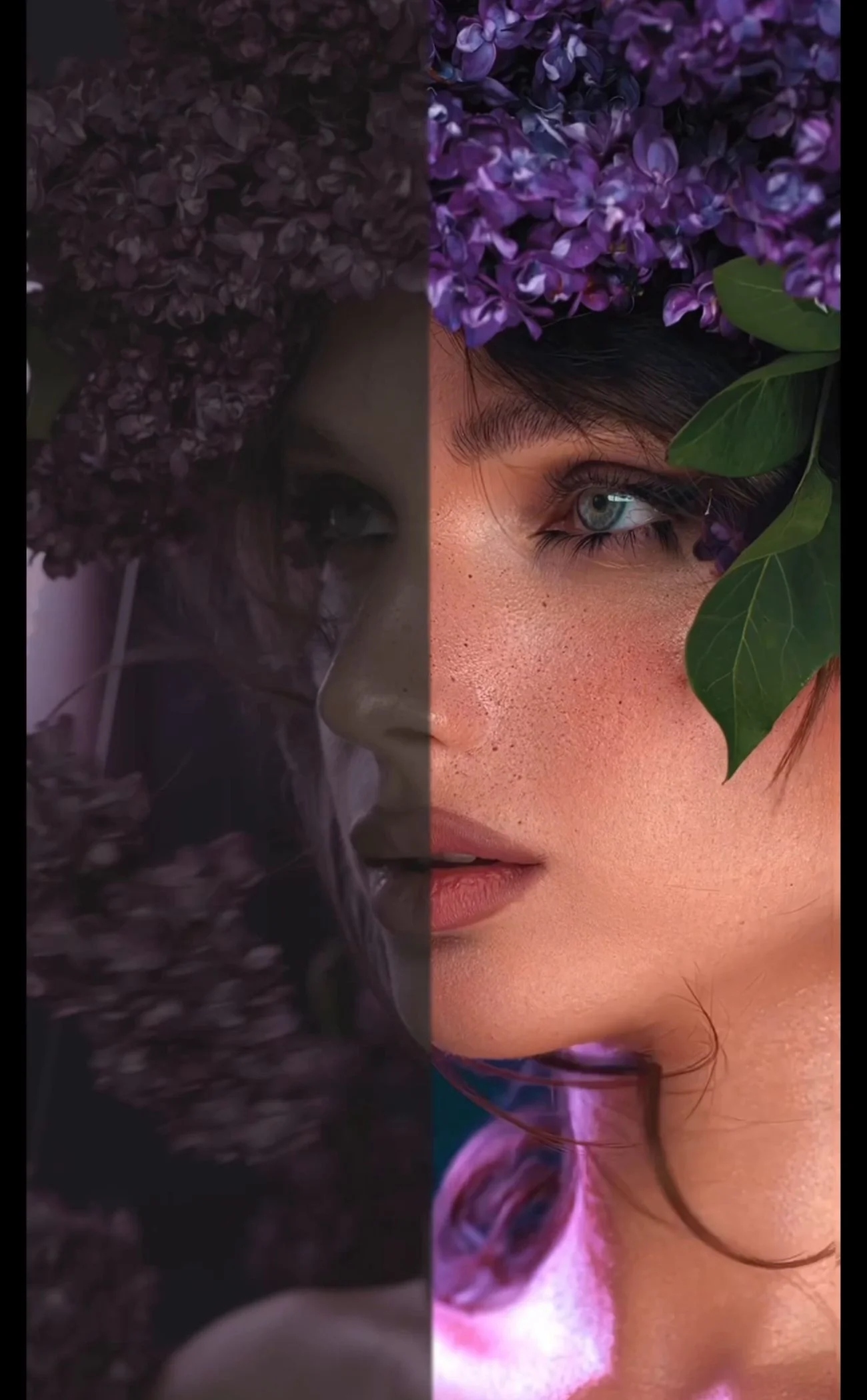
Frequently Asked Questions
This course teaches photographers to create high-end videos with natural skin, color grading, and a repeatable workflow using real project examples.
This course works with professional camera recordings in LOG or standard profiles. iPhone clips can also be used, but DSLR/mirrorless videos will give the best results.
Basic familiarity with Premiere Pro is helpful, but each lesson covers essential tools. The course is designed to take photographers from raw clips to polished, high-end videos.
Adobe Premiere Pro is required. Adobe Photoshop is optional for targeted video retouching, like skin cleanup and texture enhancement.
Absolutely. The course demonstrates how to handle various lighting setups, making your workflow flexible for studio, natural light, or mixed-light environments.
The course includes step-by-step techniques for blemish removal and texture preservation, perfect for portrait and beauty work.
Yes. The course provides all the same videos used in the lessons so you can practice step by step.
This tutorial focus on a complete, repeatable workflow instead of isolated tips. Each lesson builds on the last, using real projects and practical decisions you can apply to every video, not just copy a single look.
This course clearly explains which tools and plugins are required before you start. It uses Premiere Pro as the core workflow and introduces one essential plugin, with an optional add-on shown only for efficiency, not quality.
Yes. The course works on both Mac and Windows systems, as long as you’re running Adobe Premiere Pro and Photoshop with the recommended hardware.
Yes. This course teaches photographers how to achieve photo-style grading aesthetics while applying professional video workflows, so your videos retain natural skin, clean color, and polished textures.
Yes. The course includes all project files and sample videos used in the lessons, so you can follow along step by step and practice the exact techniques demonstrated.
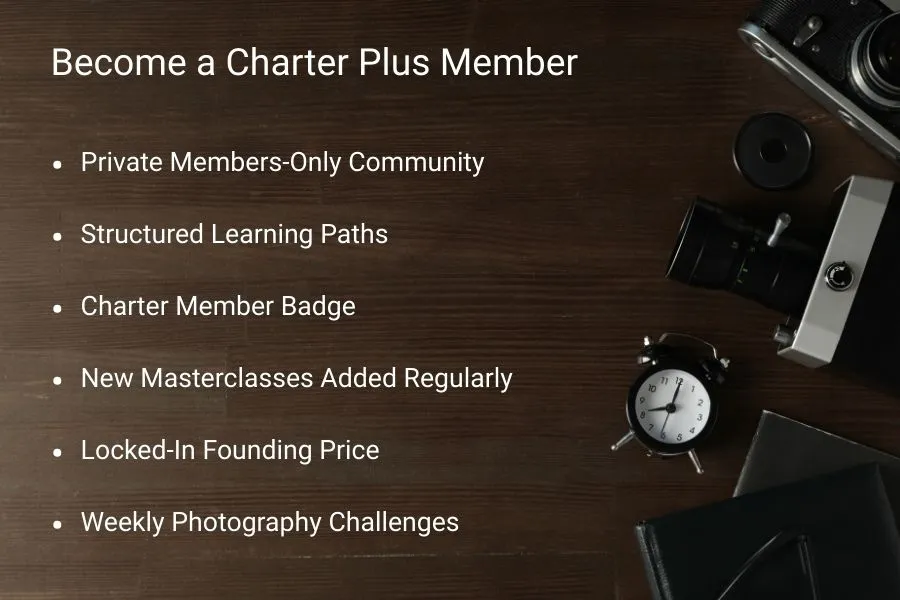
This is a standalone course. Masterclasses are included in memberships, but this course is sold separately.

Reviews
There are no reviews yet.