⚡ Revolutionize Your Edits with Aiarty’s Speed & Precision ⚡
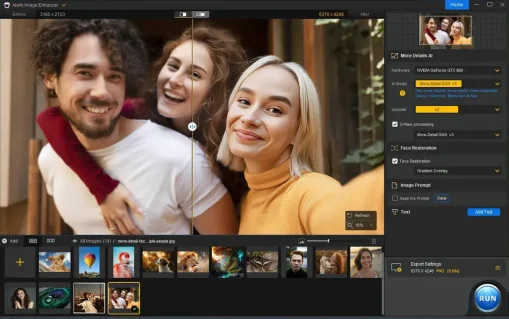
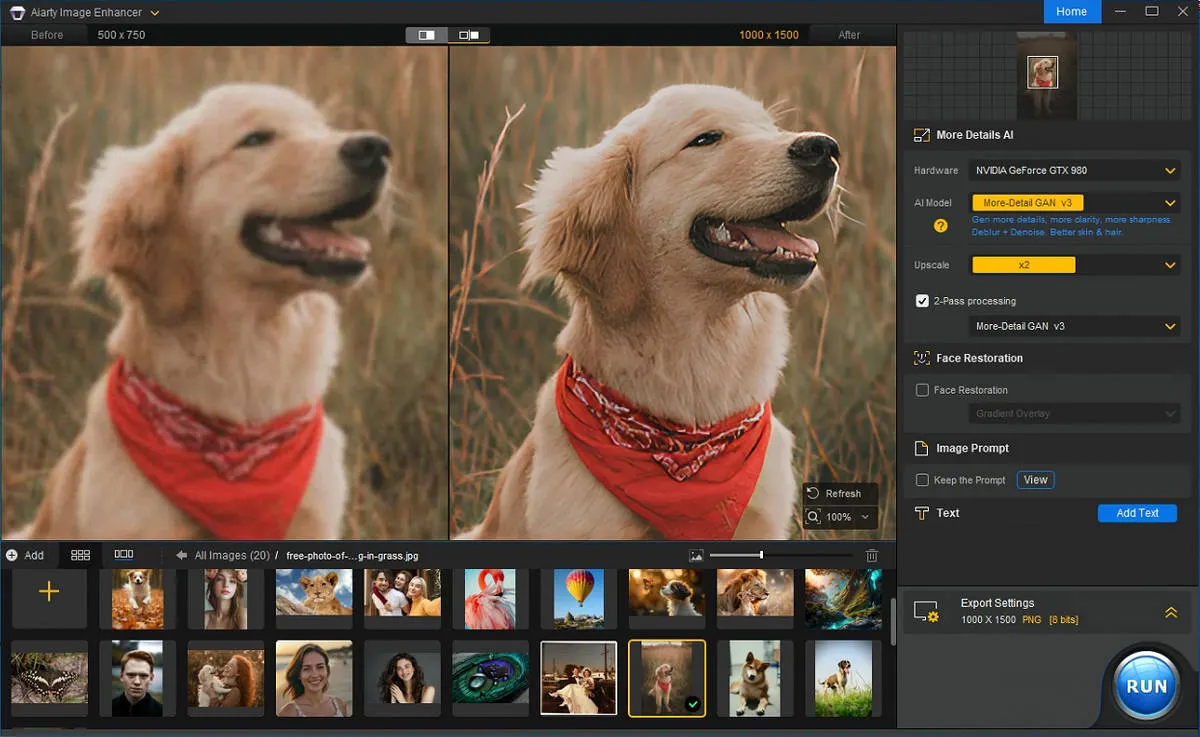
Aiarty Image Enhancer for PC & Mac is an advanced AI-powered image enhancement software that helps you upscale, sharpen, and restore photos with exceptional clarity and detail.
Whether you’re working with low-resolution images, blurry photos, old family pictures, or pixelated graphics, Aiarty uses powerful AI models to intelligently analyze and enhance every image while preserving natural textures and details.
Designed for photographers, designers, marketers, and content creators, it simplifies the image enhancement process by automating complex tasks that would otherwise require hours of manual editing.
Why Choose Aiarty Image Enhancer?
Easy-to-use interface for both beginners and professionals
Advanced AI algorithms deliver high-quality image enhancements
Batch processing lets you enhance multiple images at once
Compatible with integrated graphics and optimized for NVIDIA and AMD GPUs
This tool is ideal for anyone looking to improve image quality, restore photo details, and create sharper visuals with AI-powered precision.
Powerful AI Features of Aiarty Image Enhancer 🔧
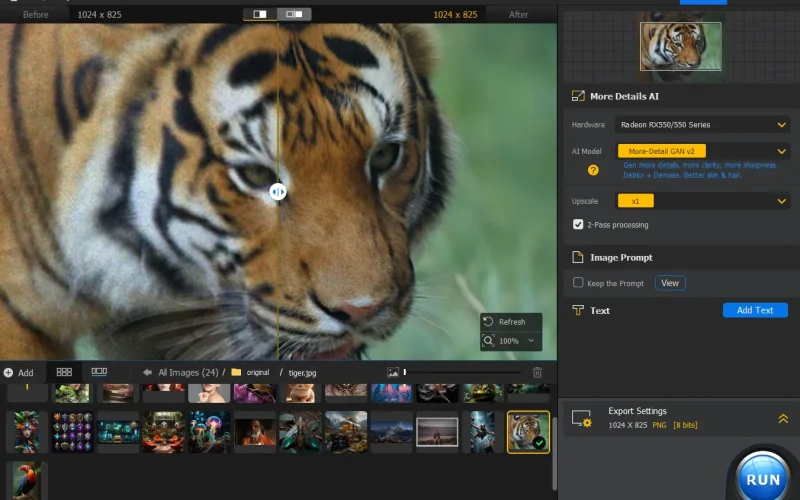
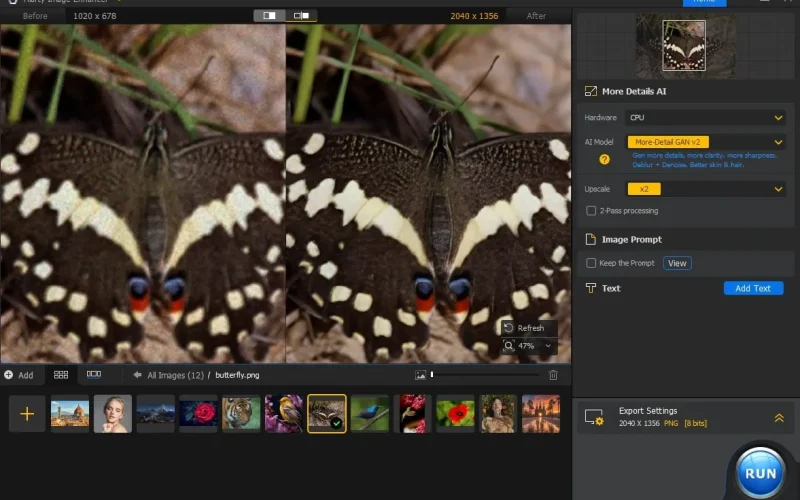
• Denoise – Removes noise from images while preserving fine details
• Deblur – Fixes motion, lens, and focus blur for sharper images
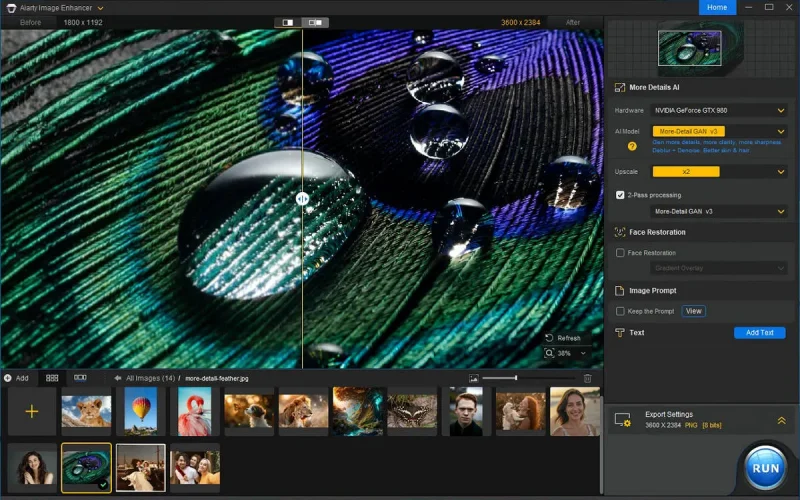
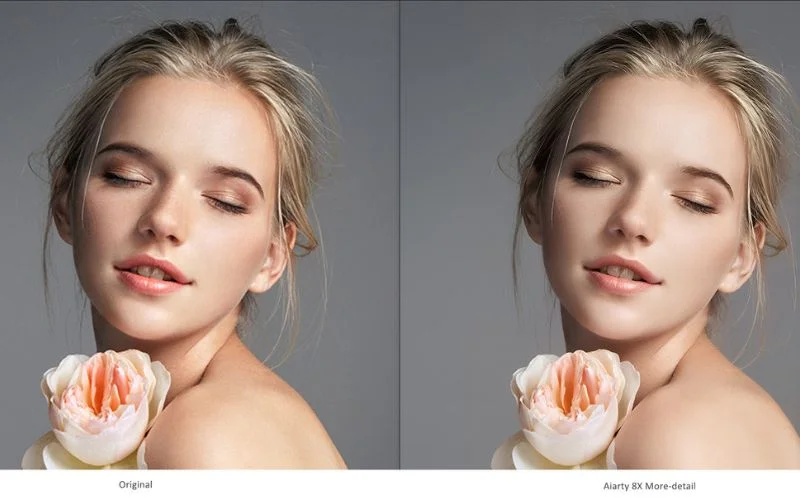
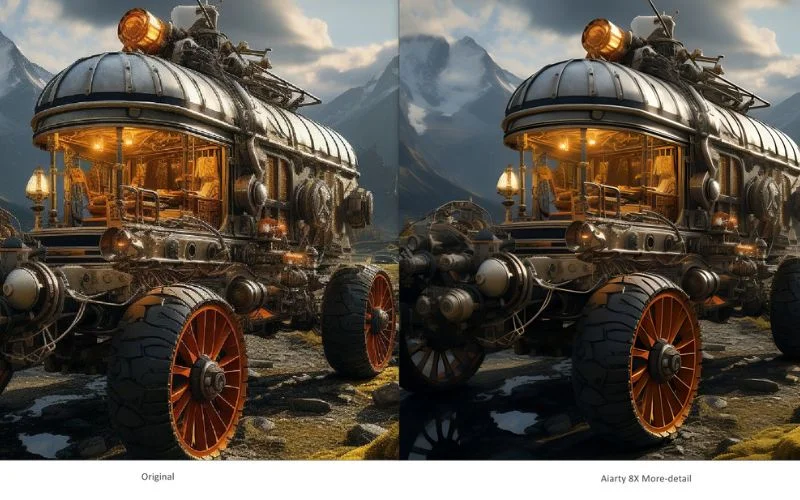
• Precision Detailing – Enhances and recreates skin, hair, and textures during upscaling
• Upscale – Upscales images to 4K, 8K, or 32K without losing clarity
• AI Models – Uses three AI models tailored for photos, AI art, and detail enhancement
• Speed – Processes 100 images in 16 minutes with optimized performance
• AI-generated Images – Specially designed to enhance AI art from tools like Midjourney
Introducing AI Models with Advanced Architecture Upgrades
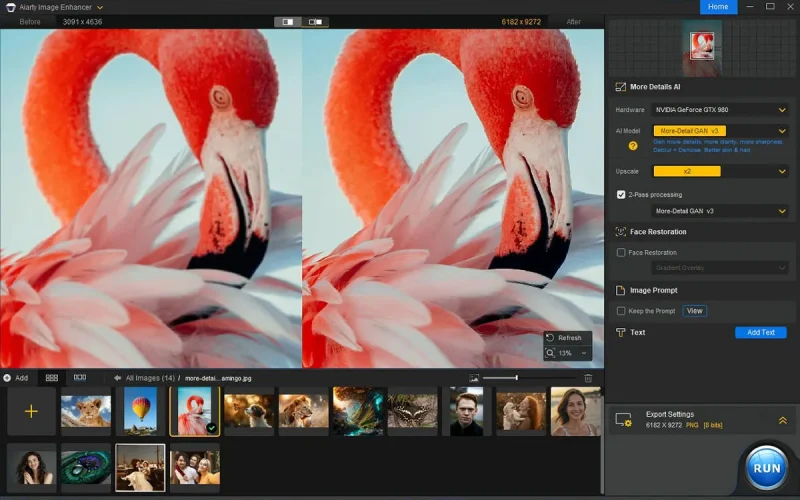
More-detail GAN v3
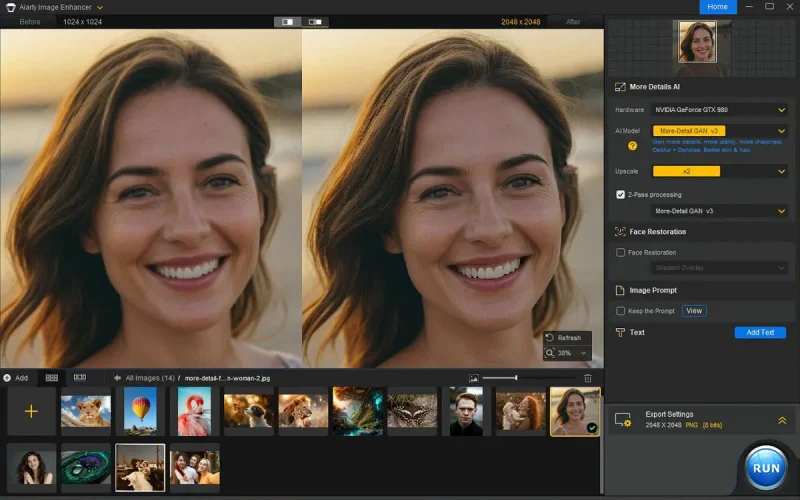
Generate more details, more clarity & sharpness. Better skin, hair, and overall perceptual quality.
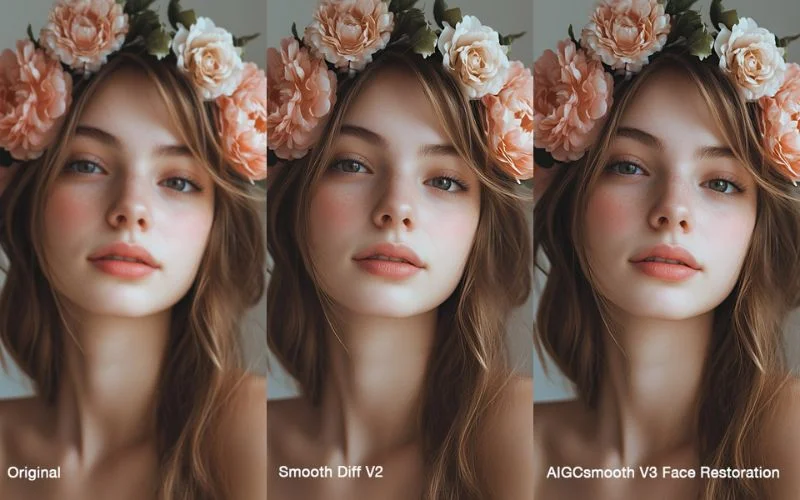
AIGCsmooth v3
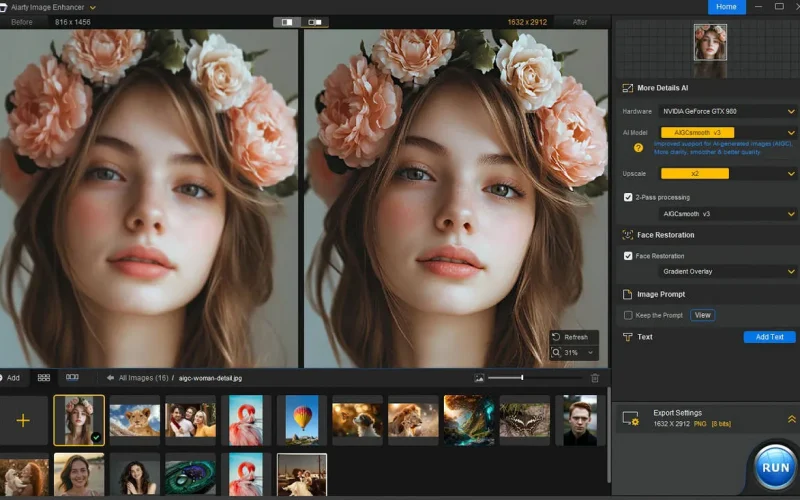
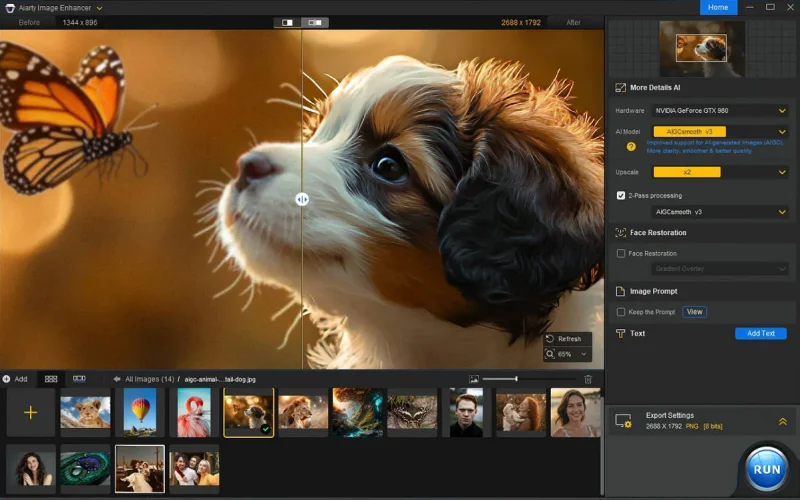
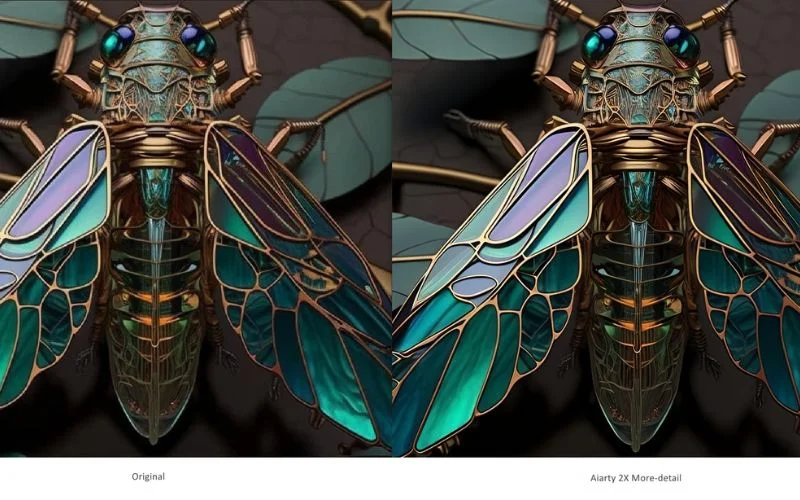
Provide improved support for AI-generated images. More clarity, smoother & better quality.
Real-photo v3
Enhance real photo and restore original. Better fidelity, photorealistic details. For high-resolution photos.
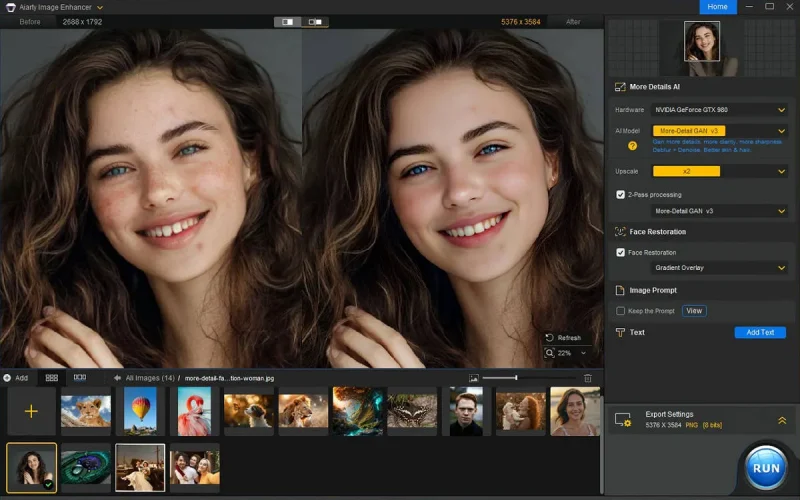
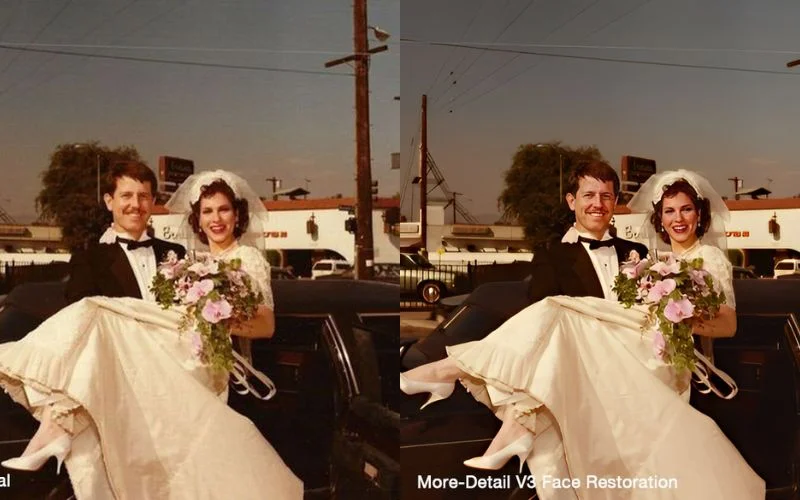
Face Restoration
Restore faces to achieve superior clarity, precise facial features and smoothed imperfections.
Aiarty Image Enhancer vs. Traditional Editing Tools
While traditional photo editing software offers manual tools for improving images, Aiarty Image Enhancer takes it a step further. Instead of manually adjusting each detail, the AI-powered technology analyzes your image and optimizes it automatically.
This delivers quicker results with improved precision. Hence, making it a preferred option for those who want to enhance images without spending hours editing.
To ensure smooth performance, Aiarty Image Enhancer has specific system requirements.
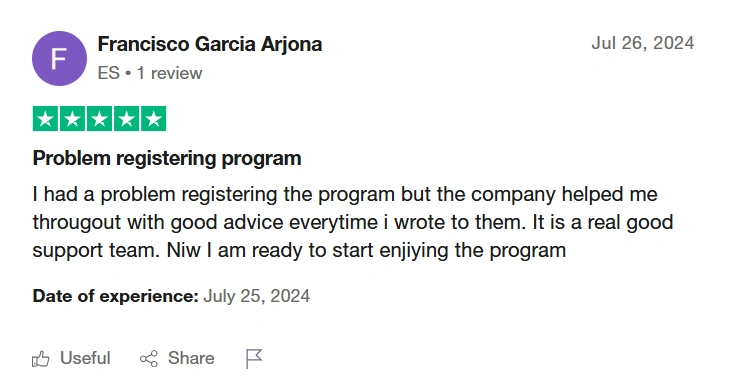
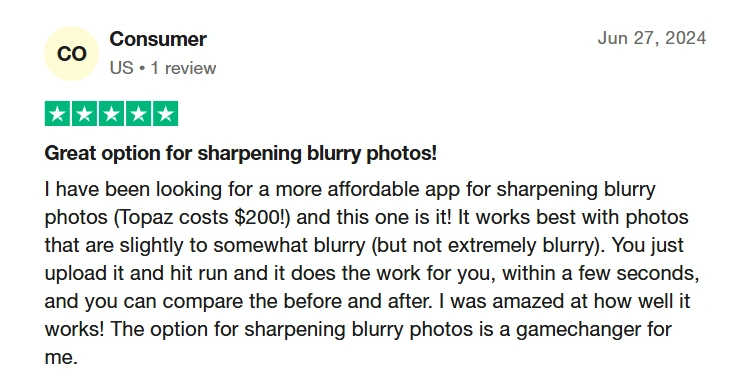
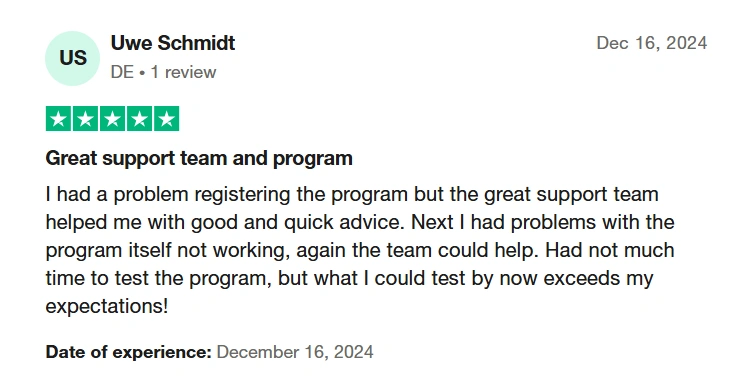
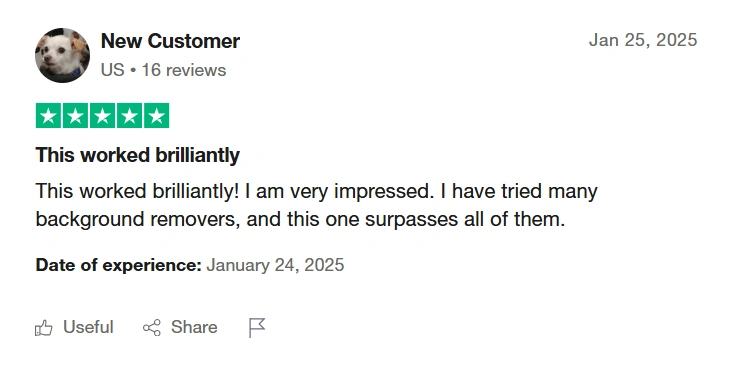
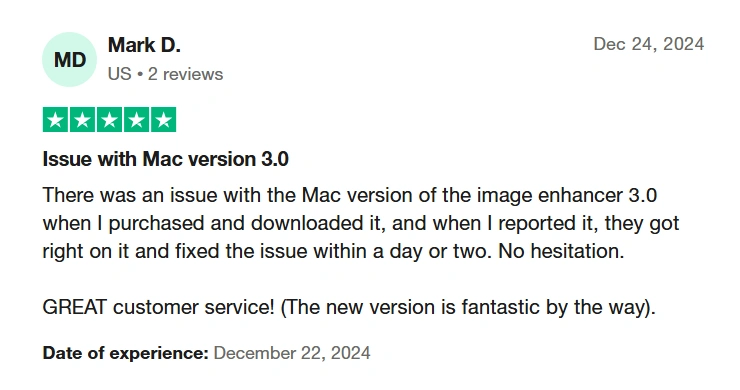
⭐ Aiarty Image Enhancer User Reviews ⭐
Frequently Asked Questions
What is Aiarty?
AIArty is an AI-powered image enhancement tool that upscales, denoises, and sharpens photos with just a few clicks.
How does the Aiarty license work?
With a one-time purchase, you get lifetime access to Aiarty and can install it on up to 3 devices; no subscriptions or recurring fees required.
Is AI image enhancement better than traditional methods?
Yes. AIArty uses advanced algorithms to intelligently remove noise, sharpen images, and add realistic details, something traditional methods often can’t achieve without manual effort or quality loss.
Can Aiarty enlarge low-resolution images to high resolution?
Yes, AIArty can upscale low-resolution images by up to 8x, delivering high-resolution results with enhanced details and clarity—even up to 32K resolution.
Can I enhance multiple images at once?
Yes! AIArty supports batch processing so you can upload and edit multiple images in one go.
Is there a limit to how much I can upscale an image?
You can upscale images by up to 8x, or to resolutions like 4K, 8K, or even 32K depending on the input.
How many devices can I use Aiarty Image Enhancer on?
You can install and use Aiarty Image Enhancer on up to 3 devices with a single license, making it ideal for users who work across multiple computers.
Does Aiarty Image Enhancer include lifetime access?
Yes. Your purchase includes lifetime access to Aiarty Image Enhancer with a one-time payment, so there are no recurring subscription fees.
Enhance Smarter, Faster, and Sharper – Lifetime Access To Aiarty Awaits
Reviews
There are no reviews yet.
Be the first to review “Aiarty Image Enhancer: Turn Every Photo Into a Masterpiece” Cancel reply











Reviews
There are no reviews yet.