Create Perfect Images With The Photoshop Portrait Actions Bundle
If you’re unfamiliar with Photoshop portrait action, they are a series of pre-recorded commands repeatedly applied to several images simultaneously.
They are convenient when you edit photos in Adobe Photoshop, helping you achieve the right look.
For example, after taking pictures, you have to resize them, adjust saturation, use certain elements and effects, and increase contrasts, among other things. This can be time-consuming and frustrating, especially if your image doesn’t get the desired look.
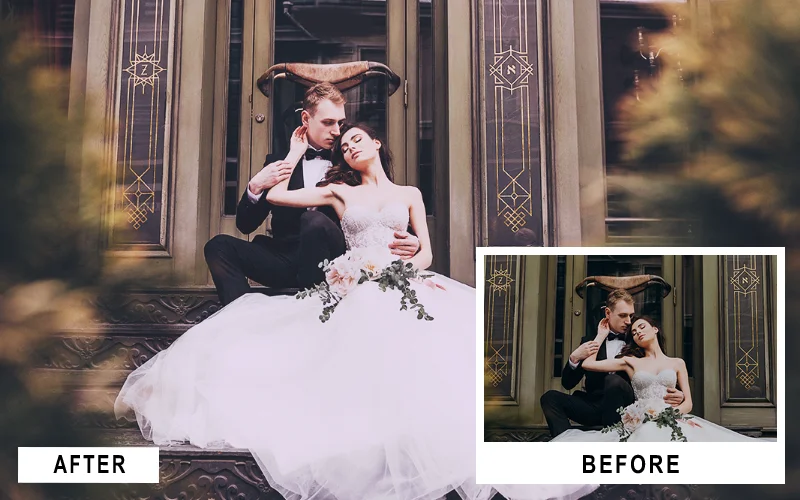
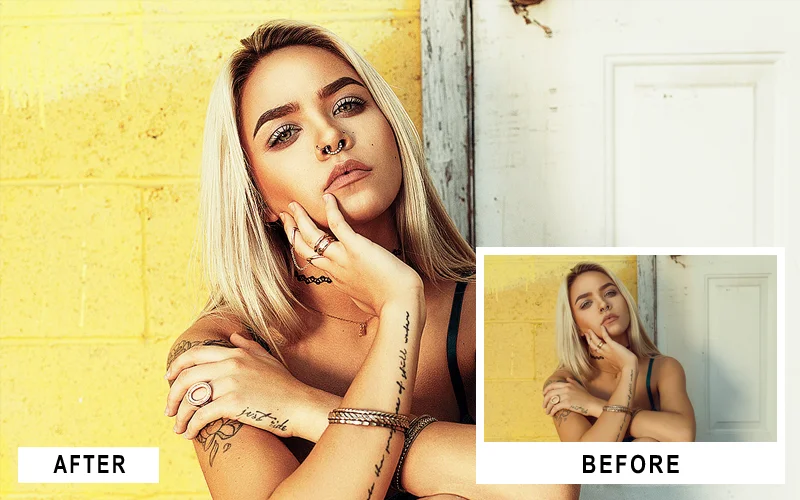
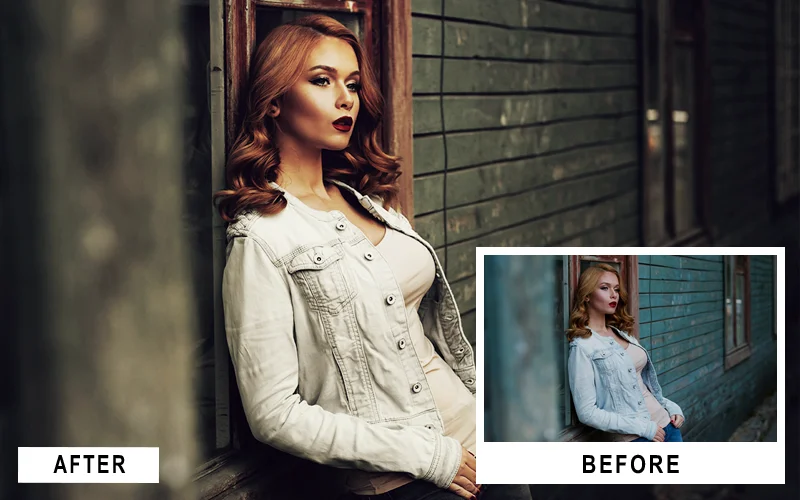
That is what PS portrait action are for—to simplify and streamline the editing process of many pictures simultaneously. Photoshop Action helps you edit pictures quickly with a single click and get fantastic photo effects.
Understanding the importance of Actions in editing in Photoshop, professionals have compiled several in one place, creating this ultimate Collection.
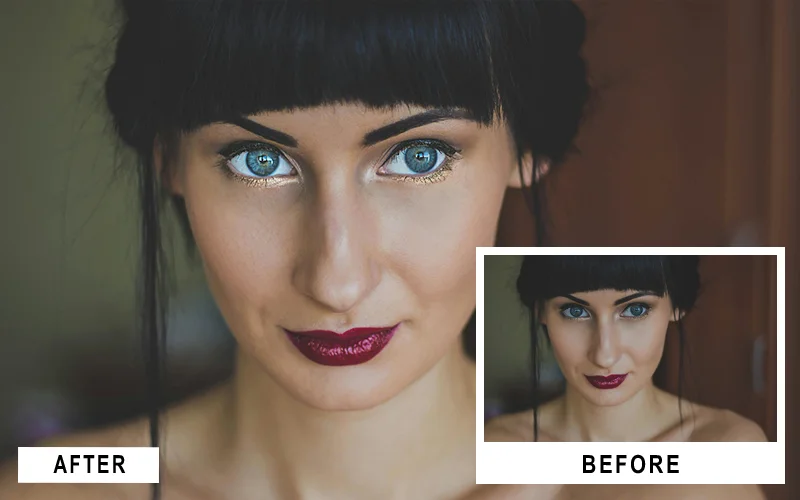
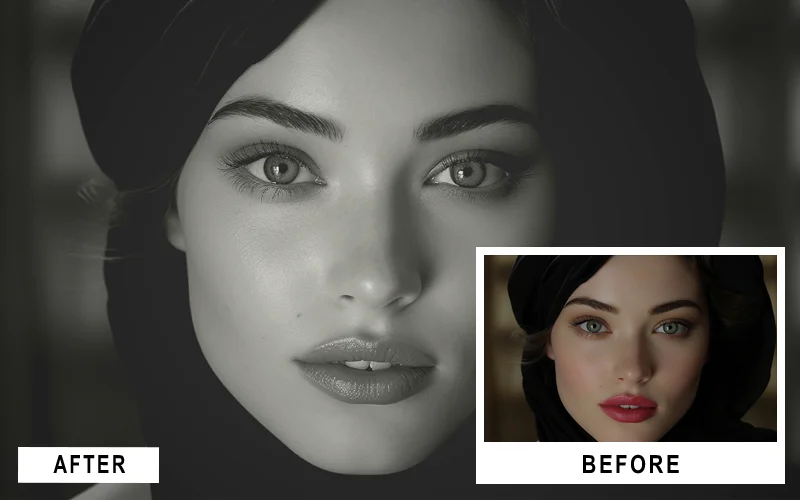
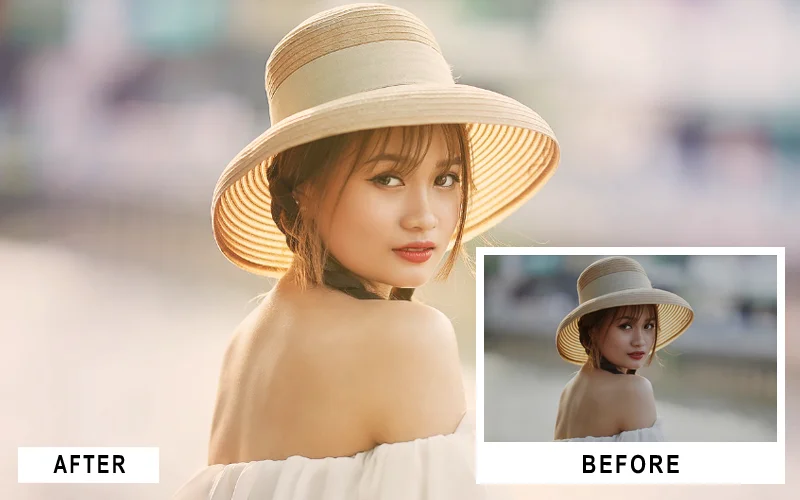
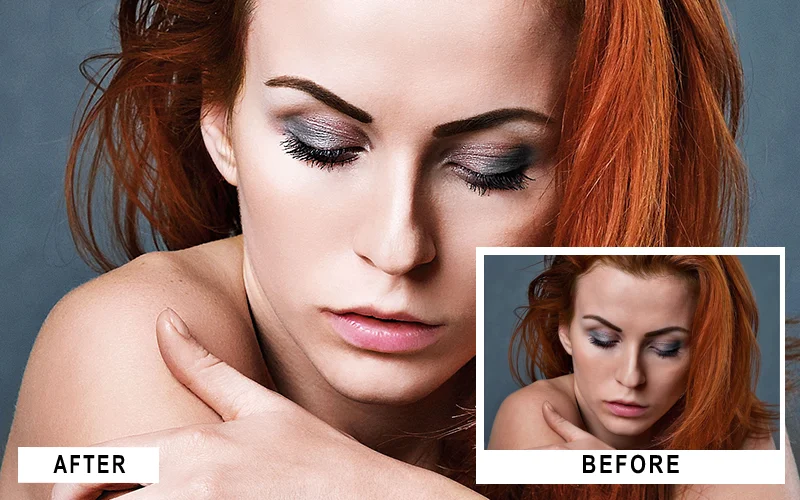
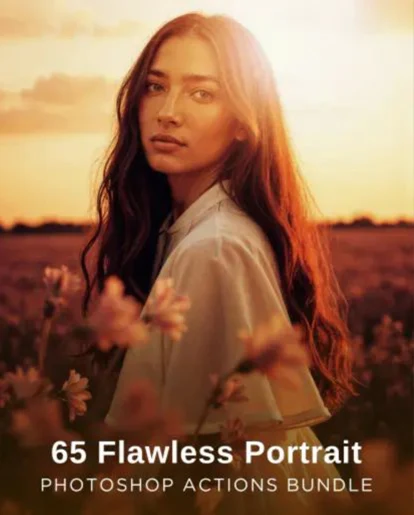
In this collection, you can unlock over 60 PS Effects, consisting of filters for retouching different parts of the picture.
Streamline Your Editing with Powerful and Efficient PS Effects
These actions exist for several purposes, including making your picture editing process easier, faster, and with better results.
The actions ensure your editing workflow is optimized, fluid, and organized. It also helps to reduce how much interaction you have with the structured Photoshop interface.
Applying several edits to several pictures within seconds saves time in post-production. With the Portrait Action Bundle, editing your portraits has never been easier.
Frequently Asked Questions
What are portrait retouching Photoshop actions?
Portrait retouching Photoshop actions are pre-recorded edits that help you enhance portraits instantly, saving time while maintaining professional results.
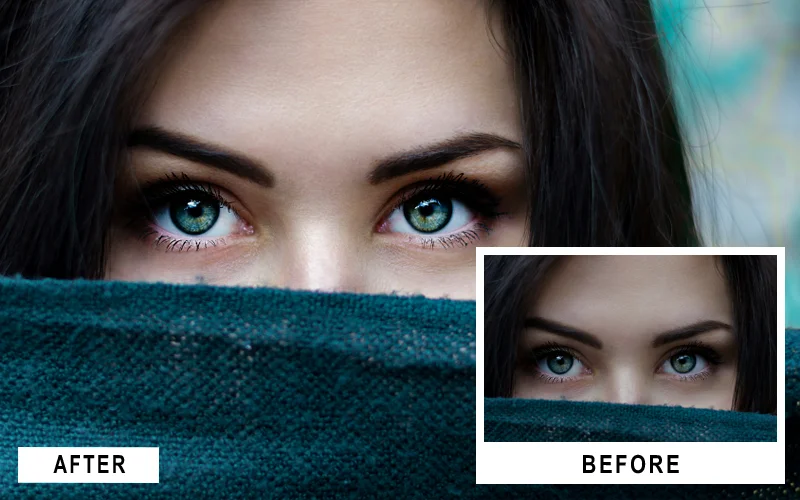
How do eye enhancing Photoshop actions work?
Eye enhancing Photoshop actions automatically improve brightness, sharpness, and clarity to make eyes stand out naturally in portraits.
Can I use photoshop actions for eyes on all types of photos?
Yes, photoshop actions for eyes work on most portrait images and can be adjusted to suit different lighting and skin tones.
Are these photoshop actions beginner-friendly?
Yes, all actions are easy to use and work with a single click, making them perfect for beginners and professionals alike.
Do these Photoshop actions work on all Photoshop versions?
Yes, they are compatible with most versions of Adobe Photoshop on both Windows and Mac.
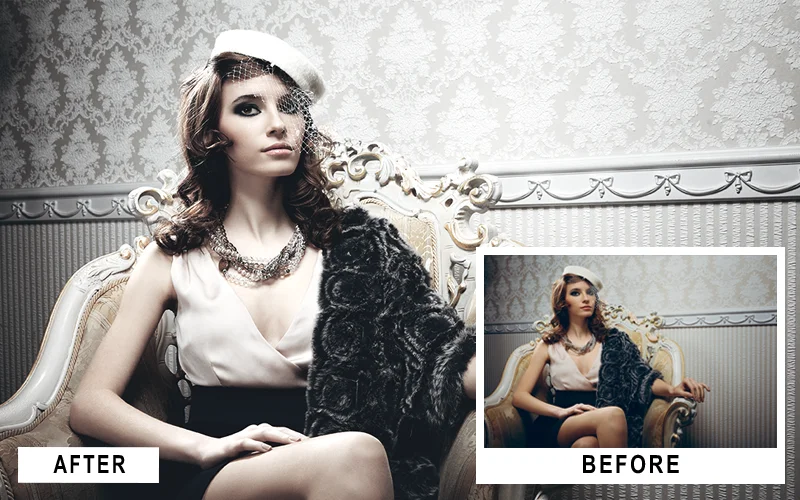
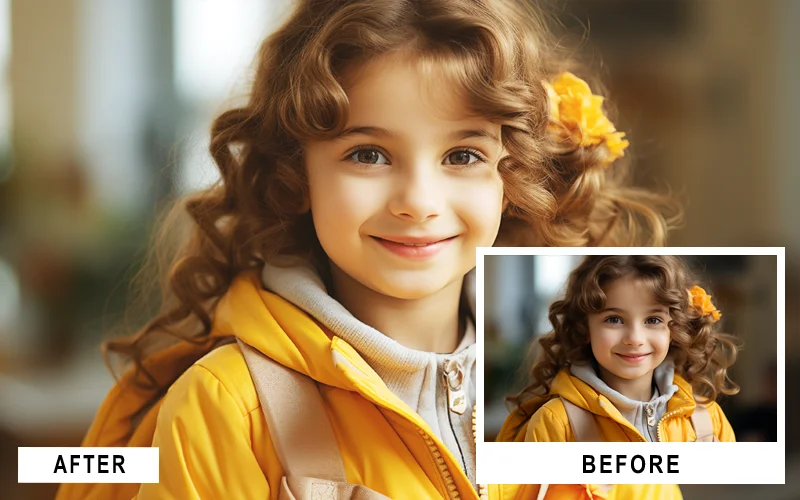
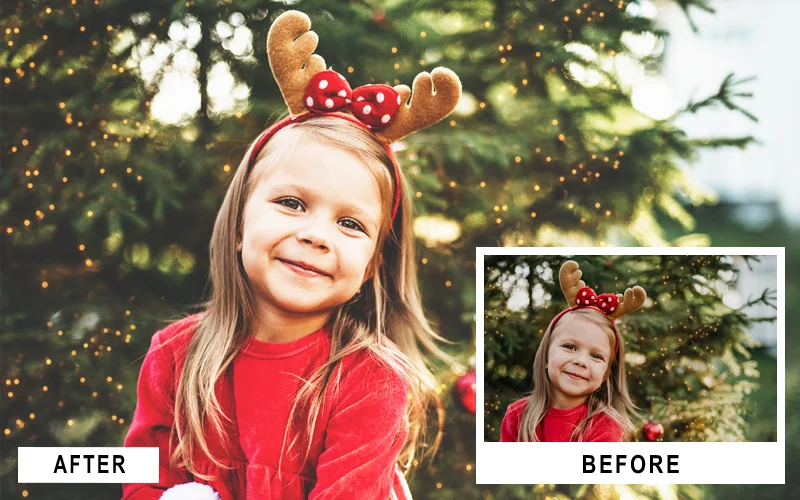
Enhance Your Portraits Instantly With Powerful Photoshop Actions
Reviews
There are no reviews yet.
Be the first to review “65 Flawless Portrait Photoshop Actions Bundle” Cancel reply









Reviews
There are no reviews yet.