




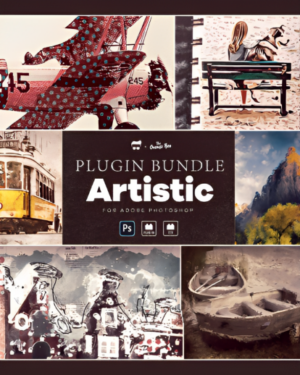


Create Stunning Oil Paint Effects In Photoshop
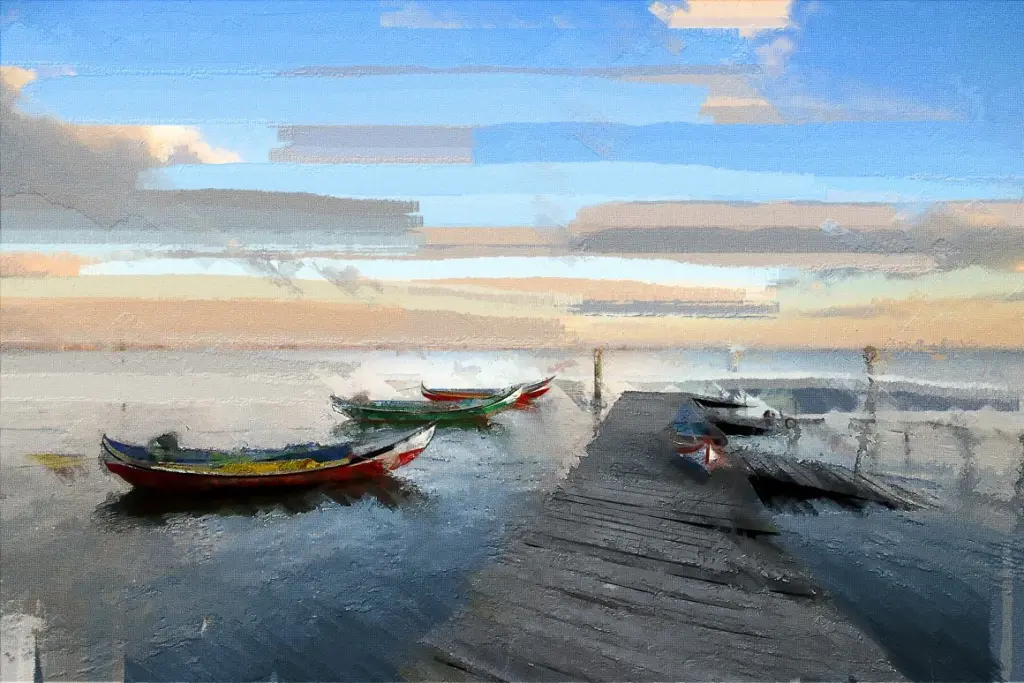
Oil painting effects add a timeless and artistic look to photos.
With this 5-in-1 Photoshop bundle, you can create realistic paint-style artwork without spending hours editing manually.
Each plugin is built using real painting styles and artistic textures to deliver authentic results.
The effects work perfectly on portraits, landscapes, fashion photos, creative edits, and digital artwork.
Whether you are a photographer, content creator, or graphic designer, these plugins can instantly improve your creative workflow.
These powerful Photoshop plugins are made by studying different art styles and patterns to make a bunch of cool and versatile effects.
You can even change parts of the effects to make your own unique art.
There are lots of options to choose from, so you can make something different every time.
The amazing tool is very easy to use and works with the most recent version of Photoshop CC in any language for MAC & PC.
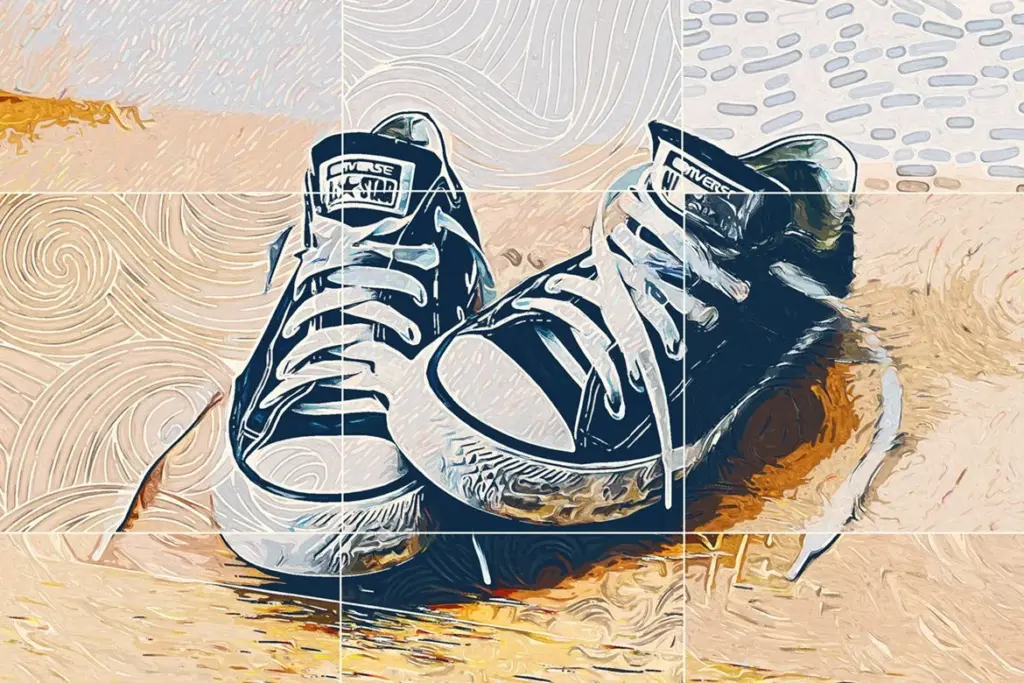
What's Included In These Oil Paint FX Photoshop Plugin
This Bundle Includes The Following Plugins:
- Oil Paint FX
- Abstract Paint FX
- Impressionism FX
- Mixed Media FX
- Bitmap Halftone FX
Each Plugin Contains:
- Javascript .jsx file
- UXP Plugin
- Installation Instructions
- Video Tutorials and Demos
- Free Support and Assistance
Compatibility Of This 5-In-1 Oil Paint Effects Bundle
- Adobe Photoshop CC
- Supports Mac & PC Platforms
- Supports all languages
Check Out These Plugins In Action
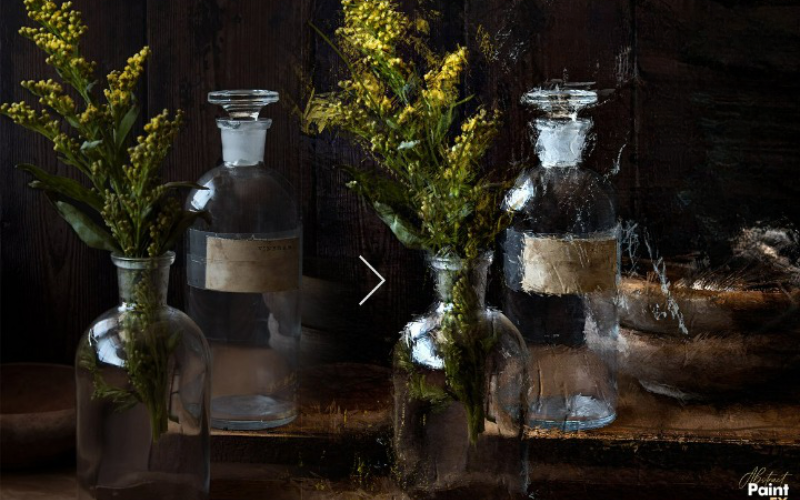
Spectacular Before/After Results You Can Achieve
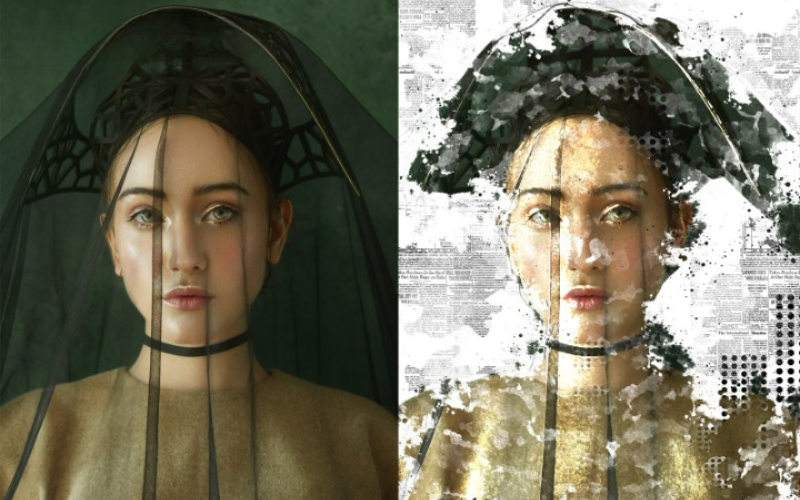
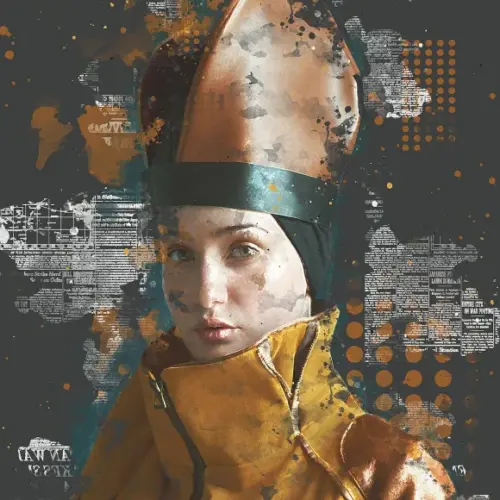
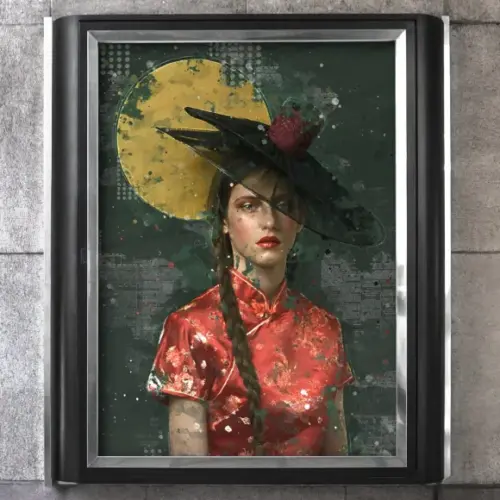
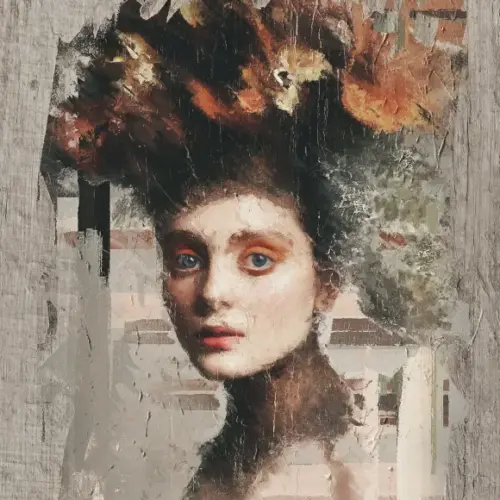
Images You Can Create With These Effects

Frequently Asked Questions
Are these Photoshop oil paint plugins beginner-friendly?
Yes. These plugins are designed for both beginners and professionals. You do not need advanced Photoshop skills to use them. Simply install the plugin, open your image, and apply the effect.
Can I use these plugins for professional photography projects?
Absolutely. These plugins are perfect for professional photography, client work, creative campaigns, posters, album covers, and digital artwork.
Do these plugins work on portrait photos?
Yes. The plugins work beautifully on portraits, fashion photography, beauty shots, lifestyle images, and creative edits.
Can I customize the oil painting effects?
Yes. You can modify textures, colors, blending, and artistic details to create your own unique painting style.
What is the difference between Photoshop actions and Photoshop plugins?
Photoshop actions automate editing steps, while plugins provide advanced features and more flexibility. This bundle includes both plugin functionality and ActionScript support for easier workflows.
Do these plugins support all Photoshop languages?
Yes. The plugins work with all Photoshop language versions.
What types of artistic effects are included in this bundle?
This bundle includes oil paint effects, impressionist styles, abstract painting effects, mixed media looks, and bitmap halftone textures.
Do these plugins reduce image quality?
No. The plugins are designed to maintain high image quality while applying realistic artistic effects.
Why should photographers use oil painting effects in Photoshop?
Oil painting effects help photographers create unique artistic images that stand out from regular edits. They add creativity, emotion, and a fine art look to photos.


Arianna F –
This bundle is simply outstanding! The intuitive interface, wide range of tools, and incredible results make them a must-have for any photography and design enthusiast. With these plugins, transforming your images becomes a breeze. Highly recommended!