Make Every Pixel Count, Enlarge and Enhance Your Photos Instantly
Ever wished you could enlarge and enhance photo without losing a single detail or color? Imagine transforming a small snapshot into a stunning, wall-sized print that stays sharp, vibrant, and true to life.
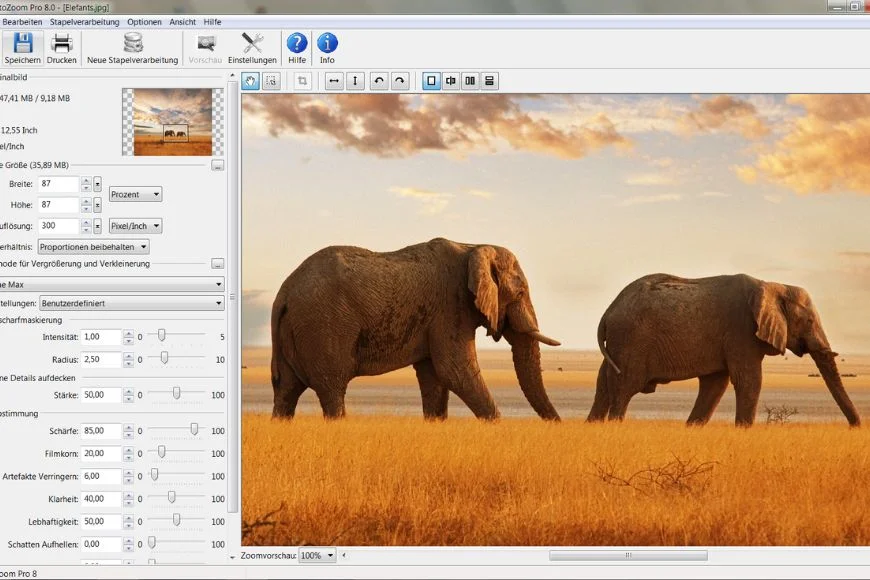
Bring it to life with PhotoZoom 8 Professional. This powerful software allows you to enlarge or reduce digital images with stunning precision.
Whether you’re working on professional prints, web images, medical scans, or industrial projects, every detail, color, and texture is preserved. The result is consistently high-quality, stunning visuals every time.
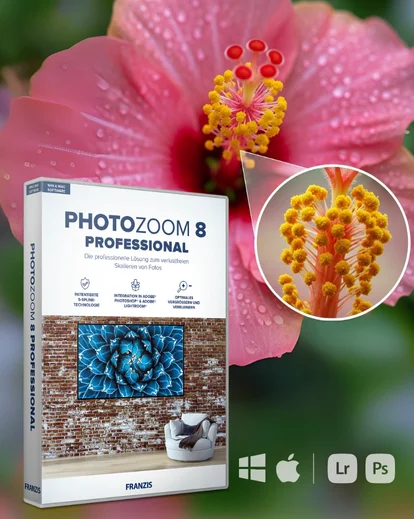
PhotoZoom 8 Professional is an advanced image enlargement and resizing software that helps you enlarge and enhance photos without losing quality.
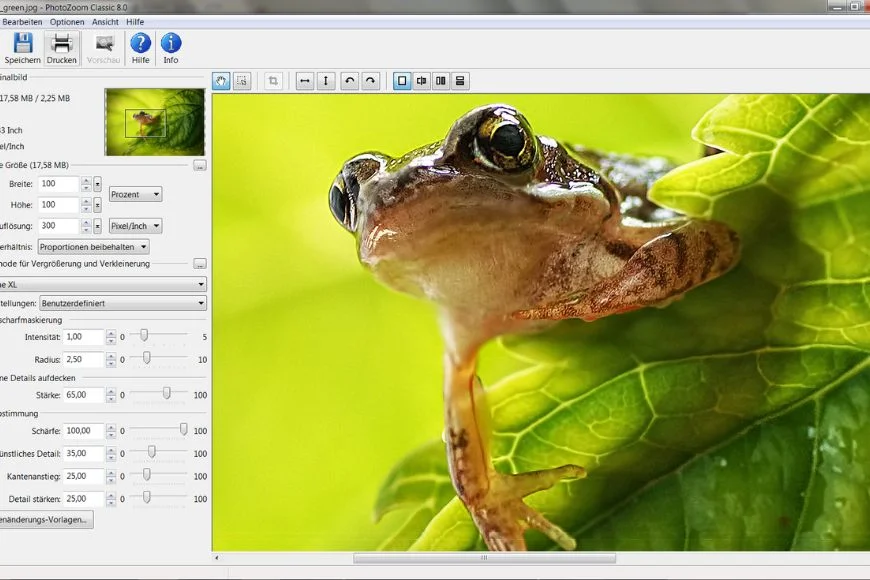
Whether you are creating large-format prints or working with low-resolution photos, it preserves sharpness, colors, and fine details.
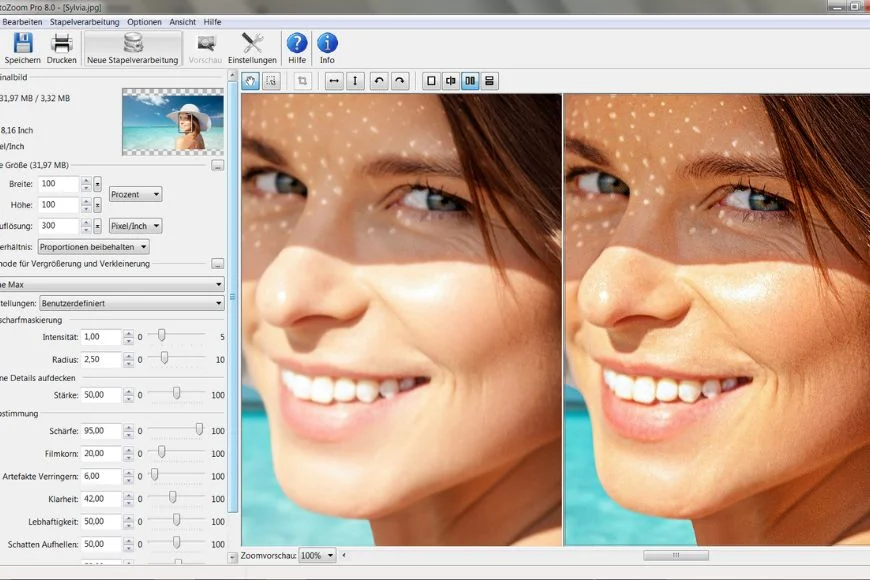
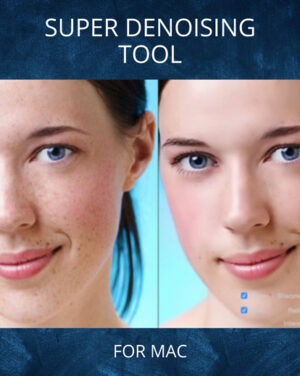
It upscales images with precision while reducing blur, noise, and compression artifacts.
This tool is an ideal solution for photographers and designers who need high-quality image enlargements.
Why Choose PhotoZoom 8 Professional?
Enlarge photos without losing quality or detail
Upscale photo resolution for print and digital projects
Preserve image sharpness, colors, and textures
Reduce blur and JPEG compression artifacts
Resize pictures for web, print, and professional use
Downsize images while maintaining visual quality
Create crisp, high-resolution images and prints with confidence using PhotoZoom 8 Professional.
What makes this software truly extraordinary is how it transforms ordinary photos into breathtaking, large-scale masterpieces.
Its advanced algorithms handle even the most challenging enlargements. So you can focus on bringing your creative vision to life without worrying about quality loss.
Say goodbye to blurry edges and lost details. Now every photo stays crisp, vibrant, and full of depth, no matter how large you enlarge it. Turn your favorite shots into stunning, high-quality prints that truly capture every moment in striking clarity.
Powerful Features Of The Best Image Upscaling Software
- Award-winning S-Spline Max technology
- Enlarge up to 1,000,000 x 1,000,000 pixels
- Batch processing with speed optimization
- Adobe Photoshop & Lightroom integration
- Precision cropping & editing tools
- High-quality resizing & downsizing
- Reduce JPEG artifacts and noise
- GPU & multi-processor support
- Presets for photos & graphics
- Works on Windows & Mac
Make Every Shot A High-Resolution Art Work
System Requirements For Flawless Image Enlargement
Now you can effortlessly enlarge and enhance photos while preserving every detail, color, and edge. Whether for large-format prints, digital projects, or portfolios.
Built to enhance your creative process, the software transforms images into crisp, high-resolution shots with ease and reliability. Empower your creativity and bring every image to life with unmatched clarity and detail.
Frequently Asked Questions
What is PhotoZoom 8 Professional?
PhotoZoom 8 Professional is advanced photo editing software designed to enlarge, reduce, and enhance digital images while preserving maximum quality.
Does it work with professional photo editing software?
You can use PhotoZoom 8 Professional independently or integrate it as a plugin with programs such as Photoshop.
How is this software different from other photo enlargers?
It uses patented S-Spline Max technology to enlarge and enhance images with minimal quality loss, unlike standard resizing tools.
Why S-Spline Max Technology Is Unique?
S-Spline Max maintains image sharpness and smoothness while enlarging, reducing the pixelation and artifacts typical in regular resizing.
Is PhotoZoom 8 Professional beginner friendly?
Anyone who wants to resize or improve their photos, from beginners to professionals.
Transform Your Photos With Professional-Quality Results
Reviews
There are no reviews yet.
Be the first to review “PhotoZoom 8 Pro: Enlarge and Enhance Photos Effortlessly” Cancel reply




















Reviews
There are no reviews yet.