
Photography Masterclass
Learn channel masking, luminosity masks, and precision techniques, luminance masks used in professional workflows.
1 hour
9 Lessons
Access ALL masterclasses with PhotoWhoa PLUS
Create clean, precise, and professional edits by mastering masking techniques used in real Photoshop workflows.
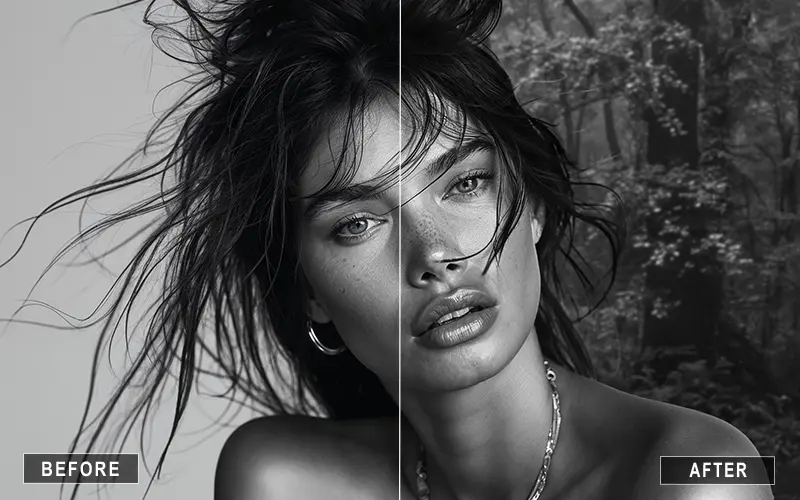
Isolate subjects with precision — even with complex edges like hair, shadows, and textured backgrounds.
Remove, replace, or refine backgrounds without harsh edges or unnatural transitions.
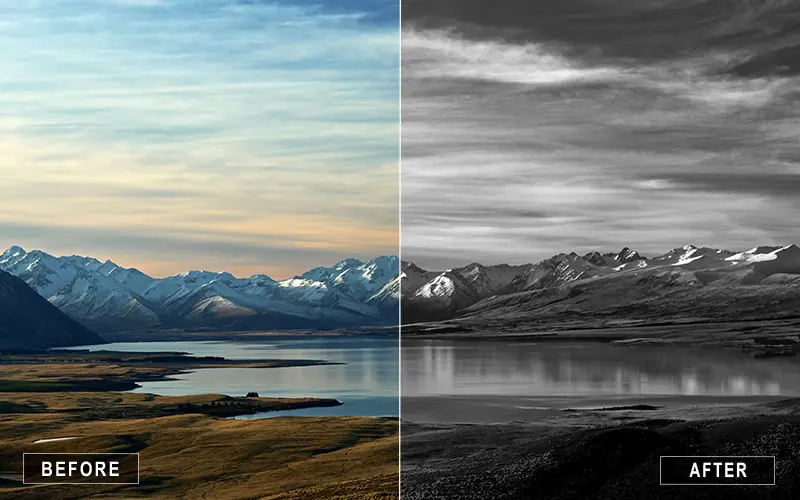
Adjust highlights, shadows, and tones in specific areas using luminosity masks for refined, professional results.
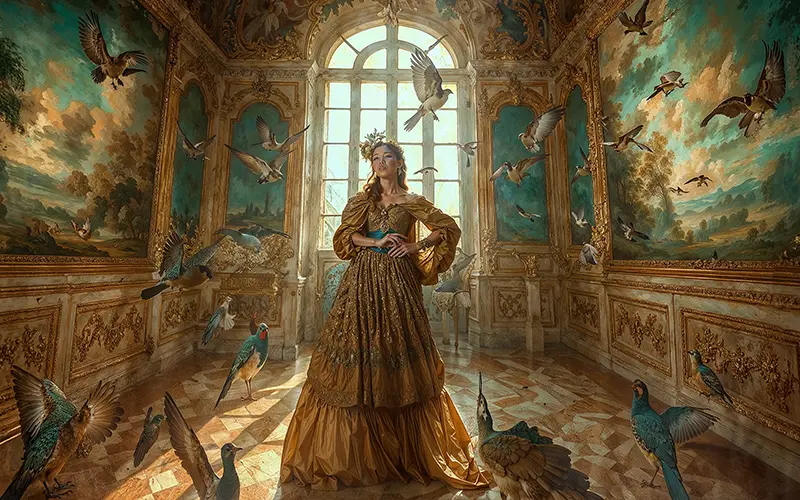
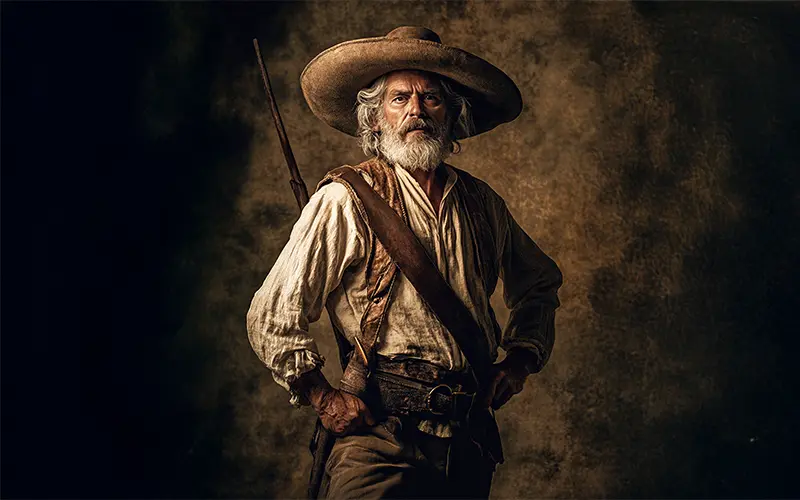
Real examples from the masterclass showing how professional masking techniques are used to refine edits
Photoshop masking is one of the most important skills for creating clean, professional-quality edits — but it’s also one of the most misunderstood.
In this masterclass, you’ll learn how masking actually works and how to use it in real editing scenarios.
Instead of relying on quick fixes or automated tools, you’ll understand how to:
This masterclass focuses on practical techniques used in professional workflows — so you can edit with more control, flexibility, and confidence.
Comprehensive Photoshop masking techniques designed for practical application in your photography workflow.
9 focused lessons designed for practical application. Each lesson builds on the previous, taking you from fundamentals to advanced techniques.
lesson 1
8:24
lesson 2
8:24
lesson 3
8:24
lesson 4
8:24
lesson 5
8:24
lesson 6
8:24
lesson 7
8:24
lesson 8
8:24
lesson 9
8:24
Class Material Included
Expert Instructor
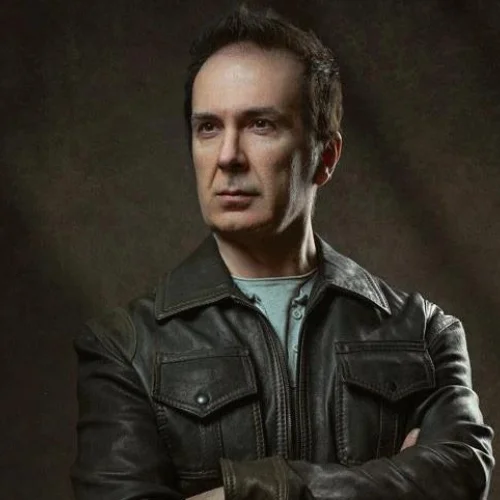
Professional Portrait Photographer & Educator
Luca Storelli is a photographer who lives in Rome and focuses on capturing images in the realms of Fashion, Fine Art, Surrealism, and Portraits.
View instructor’s classes
Real feedback from photographers applying these techniques to improve their editing and workflow.
It’s a 60-minute video masterclass with 9 lessons, and you get instant access right after purchase. You can simply log in to your PhotoWhoa account and watch the videos online anytime, at your own pace.
You’ll be able to create and refine complex masks, perform non-destructive edits, make selective adjustments (e.g. on specific areas), blend images, clean up backgrounds, color-grade with precision, and overall produce professional-level edits.
Yes, the masterclass includes raw/practice image files so you can follow along with the lessons and try the masking techniques yourself. This makes learning more hands-on and practical.
Portraits, retouching, compositing, fine-art photography, color grading, background removal/clean-up, creative edits. Basically, any photo-based work where you want precision, non-destructive edits, and professional-level control over tonal and masked regions.
The course begins with fundamentals (what a mask is, why it’s useful) and builds up to advanced techniques. Many users with only basic Photoshop knowledge find the masterclass very helpful and clear.
You can start by adding a layer mask to any layer, then using a soft brush with black and white to hide or reveal areas gradually for smooth edits.
Luminosity masks are advanced Photoshop masking techniques that select areas based on brightness, helping you make highly targeted adjustments to highlights, midtones, and shadows.
Channel masking uses color channels (RGB) to create detailed selections, making it ideal for complex subjects like hair, sky replacements, and backgrounds.
Masking in Photoshop enables non-destructive editing, faster revisions, and precise control, making your workflow more efficient and professional.
Yes, masking is essential for selective color grading, allowing you to apply adjustments to specific areas using luminance masks and layer masks.
Unlock this masterclass and 70+ more for one low annual price
/year
Price locked once you subscribe. Cancel anytime.
Get instant access to ALL masterclasses with PhotoWhoa PLUS
Join photographers worldwide improving their skills with PhotoWhoa PLUS