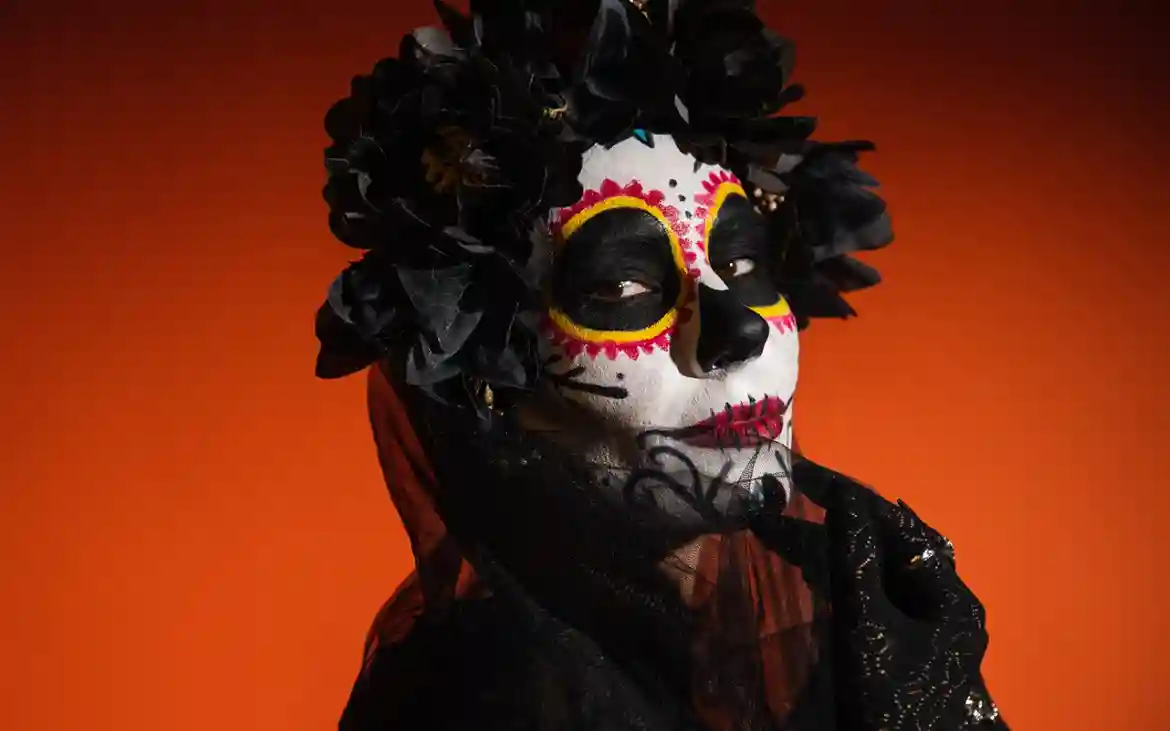
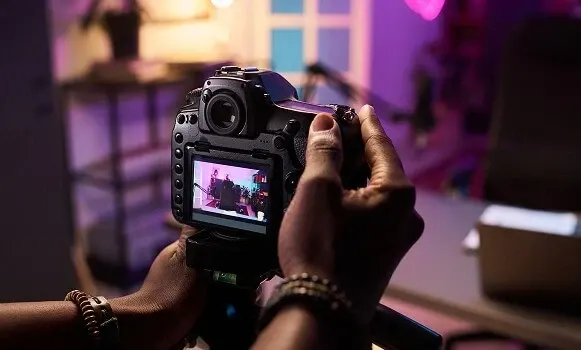
Give Your Images a Complete Makeover with The Best Lightroom Presets Pack
Imagine having every editing style you’ll ever need in one powerful bundle. This best Lightroom presets pack includes 20,000 presets across 27 categories.
It works seamlessly with all desktop versions of Lightroom and includes both .XMP & .lrtemplate files.
With easy usage instructions included and instant download access, you can start transforming your photos in minutes. No guesswork, just breathtaking edits.
Highlights Of The Bundle
- 20,000+ Total LR Presets
- Works With All Types Of Desktop Lightroom
- .XMP & .lrtemplate Files
- Usage Instructions Included
- Works with Windows & Mac
- Instant Download
Categories Included
- 1008 Animals Lightroom presets
- 760 Black and White Lightroom Presets
- 487 Blogger Lightroom Presets
- 400 Change The Color Lightroom Presets
- 1000 Children Lightroom Presets
- 859 City Lightroom Presets
- 439 Couples Lightroom Presets
- 1000 Dark Lightroom Presets
- 887 Film Lightroom Presets
- 287 Food Lightroom Presets
- 689 Freedom Lightroom Presets
- 537 Indoor Lightroom Presets
- 498 Instagram Lightroom Presets
- 984 Landscape Lightroom Presets
- 698 Matte Lightroom Presets
- 400 Natural Touch Lightroom Presets
- 970 Newborn Lightroom Presets
- 700 Night Lightroom Presets
- 436 Pastel Lightroom Presets
- 1002 Portrait Lightroom Presets
- 640 Shooter Lightroom Presets
- 915 Sport Lightroom Presets
- 903 Studio Lightroom Presets
- 1002 Sunset Lightroom Presets
- 947 Urban Lightroom Presets
- 865 Vintage Lightroom Presets
- 985 Wedding Lightroom Presets
Extended Commercial License Included
Best Lightroom Presets Pack For Amazing Transformations
Animal Lightroom Presets

Black And White Lightroom Presets

Sunset Lightroom Presets

Vintage Lightroom Presets

Landscape Lightroom Presets

City Lightroom Presets

Children Lightroom Presets

Food Lightroom Presets

A Sneak Peek Into The 27 Wonderful Categories Included


Your All-In-One Editing Powerhouse
If you’re looking for a smarter, faster way to elevate your editing, this bundle makes it effortless.
Instead of spending hours tweaking sliders or searching for the perfect look, you get a ready-made creative toolkit that helps you stay consistent and professional across every shoot.
Simple, powerful, and built to save you time, this best Lightroom presets pack helps you focus less on editing stress and more on creating images you’re proud to share.
Check out more photography Addons
Frequently Asked Questions
Yes. Presets are fully customizable. After applying one, you can tweak exposure, contrast, temperature, or any other setting to match your photo perfectly.or incididunt ut labore et dolore magna aliqua.
You’ll get instant access via download right after purchase. Simply download, install, and start editing.
Yes, absolutely. This bundle comes with an extended commercial license, which means you can confidently use the presets for paid client projects, professional shoots, social media content, and commercial assignments. You’re free to apply them to your work and deliver polished, professional results to your clients without any additional licensing fees.
After downloading the bundle, you’ll find clear step-by-step installation instructions included. The process is simple and takes only a few minutes inside Lightroom.
Yes. This is a one-time purchase with lifetime access to the downloaded files.
Lightroom presets cannot be directly used inside Photoshop. However, you can apply the preset in Lightroom first and then open the edited image in Photoshop for further adjustments if needed.
Yes, Lightroom presets can save a lot of time and help you achieve professional-looking edits quickly. They provide a strong starting point for your edits and help maintain a consistent style across your photos.
Lightroom allows you to apply a preset to multiple photos at once using the Sync feature. Simply edit one photo with a preset, select the other photos, and click Sync to apply the same settings to all selected images.
Yes, you can apply multiple presets to the same image. Each preset adjusts different settings, and you can tweak them manually afterward to create a custom look that fits your photo perfectly.
Lightroom presets can be shared by exporting the preset files (.XMP or .lrtemplate). You can send these files to others, and they can import them directly into their Lightroom software.
The exact location may vary depending on your operating system and Lightroom version, but you can access it from the Preferences > Presets section in Lightroom.
To transfer presets, simply copy the preset files from your current Lightroom preset folder and move them to the new computer. After that, import them into Lightroom to start using them.


Reviews
There are no reviews yet.