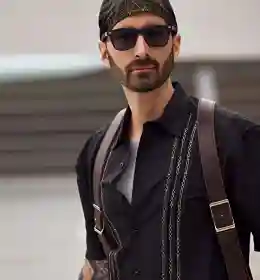
Edit Your Images Flawlessly With These Portrait Photoshop Actions
Eye Editing Photoshop Actions
Hair Enhancing Photoshop Actions
Dodge And Burn Action
Lips Enhancer Photoshop Actions
Clothes Color Changing Photoshop Actions
Skin Retouching Actions
Portrait Retouching Actions Categories Included
• Eye Editing Photoshop Actions
• Hair Enhancing Photoshop Actions
• Dodge And Burn Action
• Lips Enhancer Photoshop Actions
• Clothes Color Changing Photoshop Actions
• Skin Retouching Actions
Compatibility
- Works with all types of Photoshop
- Pdf instructions & links to video instructions are included.
Achieve Flawless Edits With These Portrait Retouching Actions
Are you a photographer who wants to enjoy a more straightforward, quicker workflow with impressive results? Or are you a photography enthusiast trying to improve your skills in enhancing and beautifying images?
If you answered yes, this Photoshop Portrait Retouching Actions Bundle is your weapon. This bundle lets you access Photoshop actions that are suitable for editing portrait photos.
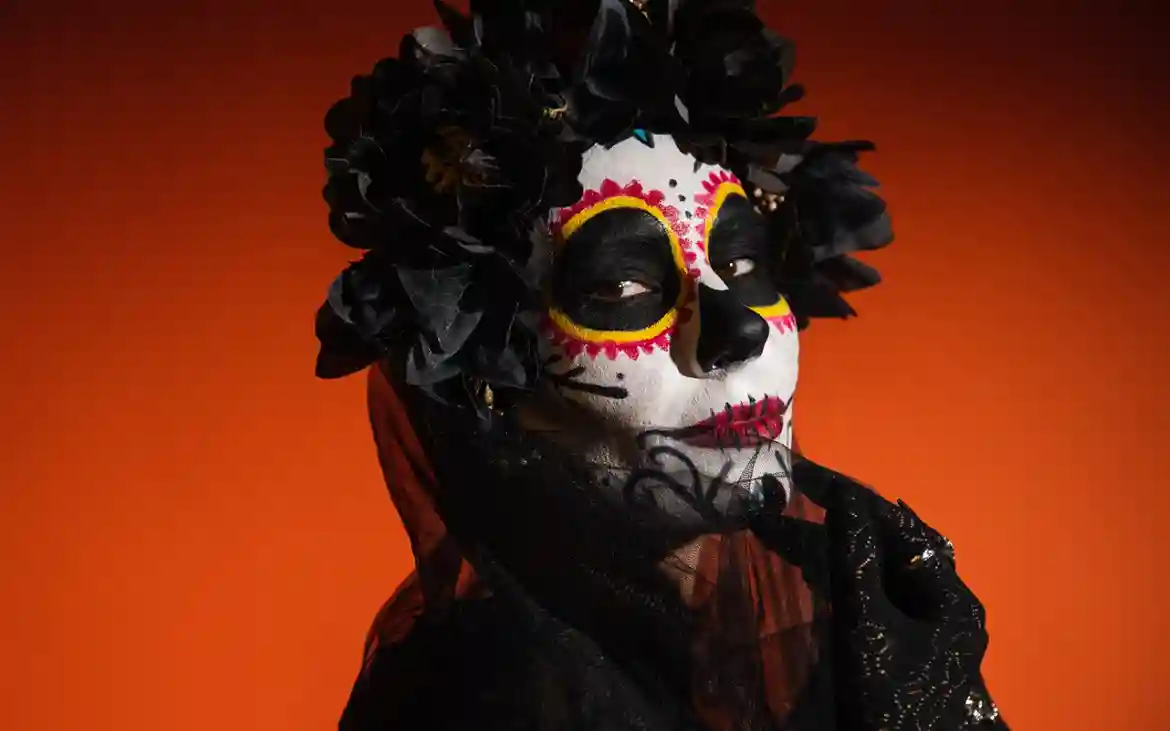
It lets you add makeup and effects, improve colors, and adjust tones in portraits with just one or two clicks. These portrait Photoshop actions enhance your eyes, hair, skin, and lips.
The bundle offers tools like eye color changing, hair enhancers, and dodge and burn to improve hair and the overall aesthetics of the portrait.
The bundle also includes actions for enhancing clothes and fine-tuning details for a polished finish.
Retouching photos, like the skin, is a complex process. It is even impossible to finish it in just a single Photoshop action.
Fortunately, this collection includes several retouching Photoshop actions to choose from. It lets you access almost all portrait Photoshop actions you need, including airbrushing, lip enhancement, skin toning, etc.
This bundle is complete, especially if you want to focus on portrait photography. It is a must-have if you want to become a portrait photo editor, as it will significantly improve your retouching workflow.
You can also use it for all levels of photo retouching. Your chosen actions will give the picture a more vibrant and brighter look. These are optimized to improve your portrait’s colors and exposures in a click.
Check Out The Bundle In Action
Grab These Photoshop Portrait Retouching Actions Today!
What are portrait Photoshop actions?
Portrait Photoshop actions are pre-recorded editing steps that automate retouching tasks like skin smoothing, eye enhancement, and color correction with a single click.
How do these Photoshop actions help in portrait retouching?
These portrait retouching actions speed up your workflow by instantly enhancing skin, eyes, lips, hair, and overall tones, helping you achieve professional results quickly.
What types of retouching actions are included in this bundle?
This bundle includes skin retouching actions, eye editing Photoshop actions, hair enhancing actions, dodge and burn action, lips enhancer, and clothes color changing actions.
What is the dodge and burn action in Photoshop?
Dodge and burn action is used to adjust light and shadow in portraits, helping enhance depth, highlight features, and create a more polished and professional look.
Can I enhance eyes, hair, and lips using this bundle?
Yes, the bundle includes dedicated actions for eye editing, hair enhancement, and lip retouching to refine every detail of your portrait.
Is this bundle suitable for all levels of photographers?
Yes, whether you’re a beginner or a professional, these Photoshop actions are designed to improve your portrait editing results.


Reviews
There are no reviews yet.