Do you need sharper color, clearer contrast, more intuitive lighting?
If so, don’t despair. There’s always more magic to do in the portrait editing process!
Do you want to bring your subject out of the shadows and into the light? You can do it. Do you want to bring attention to small beautiful details in your image? That’s easy too. Do you want to make the colors in your image more dramatic? It just takes a few clicks.
But you have to have the right knowledge. The right skills. And the right tools.
If you have a full repertoire of tricks up your sleeve, the portrait editing process is a breeze.
There are so many tools available in Lightroom and Photoshop that almost anything is possible.
You just have to know how to use them! And of course, you can’t learn the skills you need from just anyone.
You need a real master to take the time necessary. After all, there’s so much to learn!
What if you could learn the ins and outs of portrait editing from the most successful photographers in the world?
Global Expertise In One Simple Package
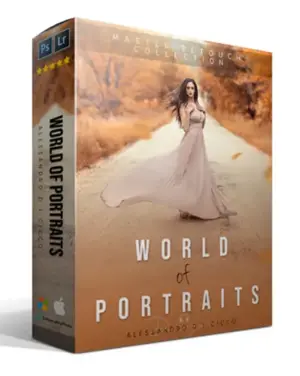
This package includes:
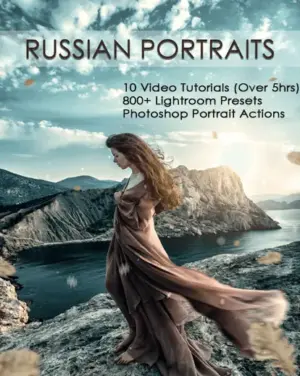
• Over 5 hours of easy-to-follow video tutorials, completely in English
• More than 20 photos to use as examples
• Detailed instruction on portrait editing in Lightroom and Photoshop
• More than 800 Lightroom presets
• Professional actions made especially for portraits
• Beautiful color Actions
Highlights from the Editing Tutorial
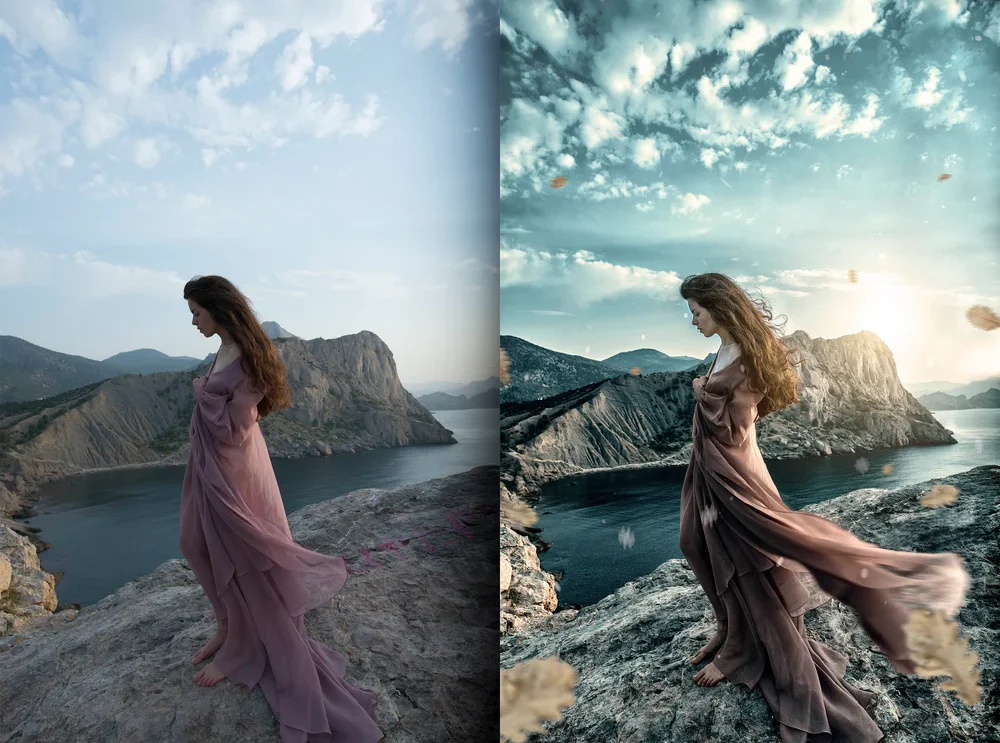
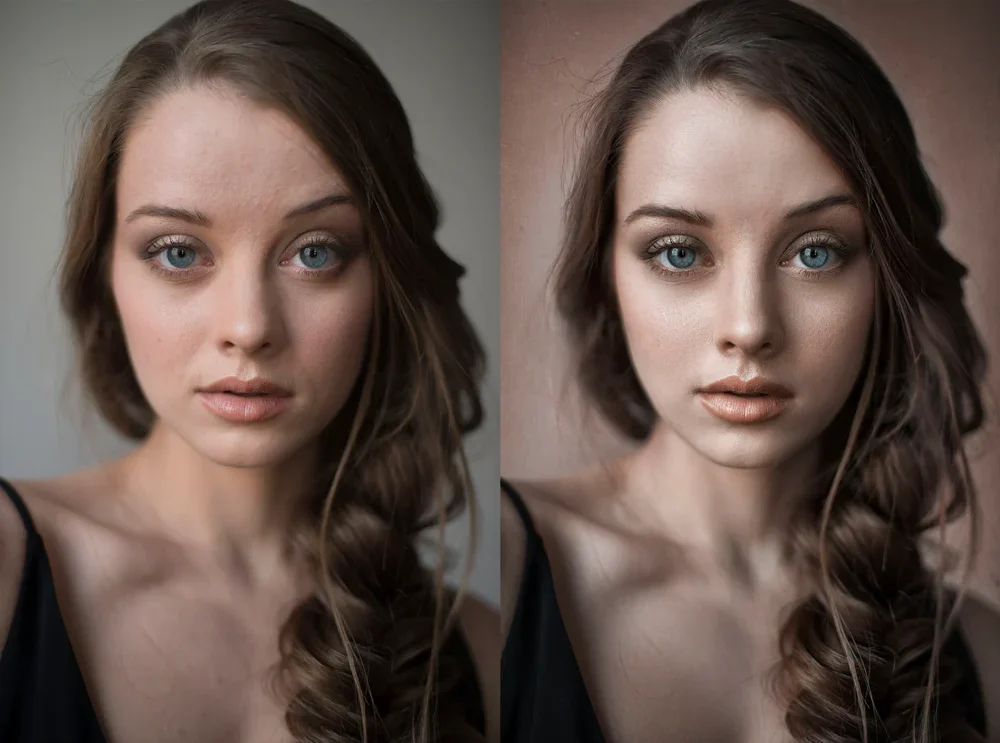
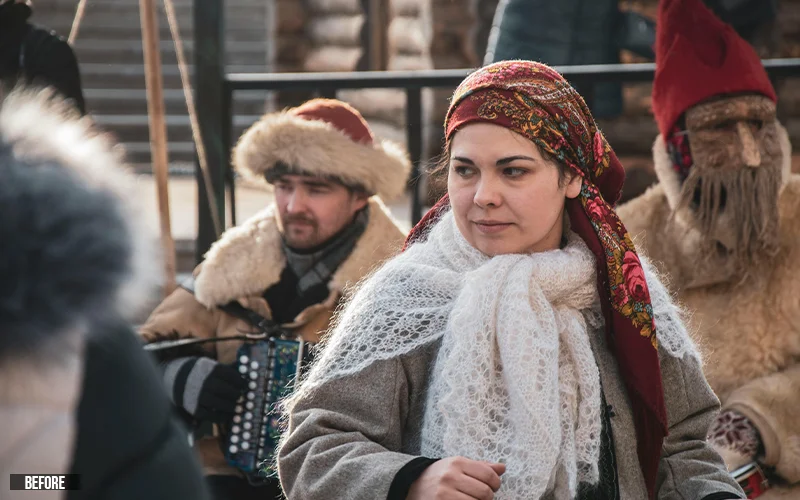
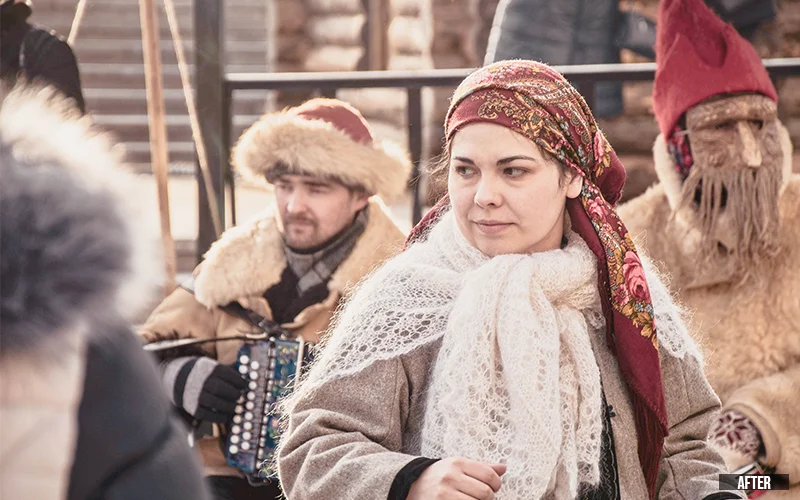
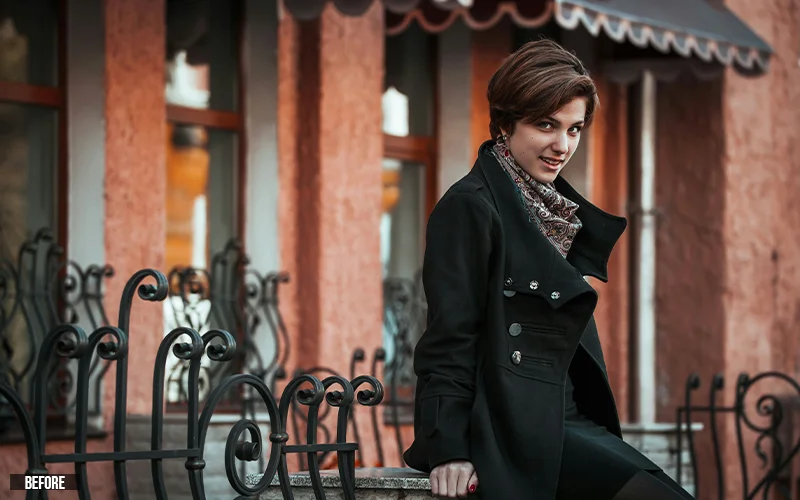
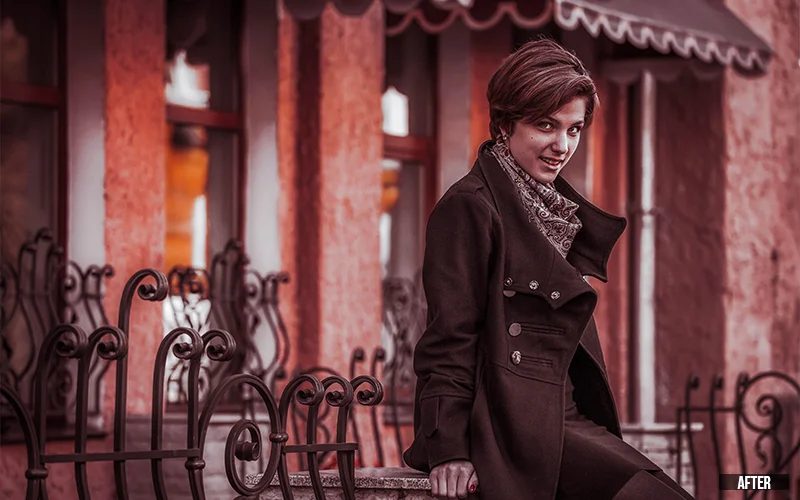
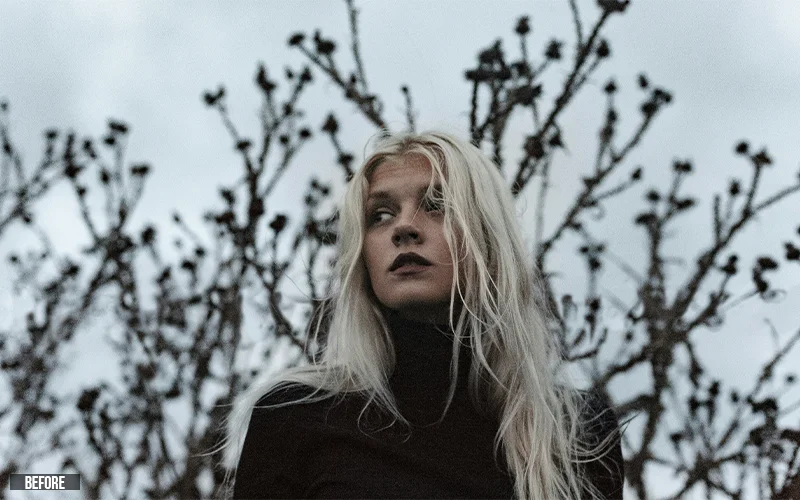
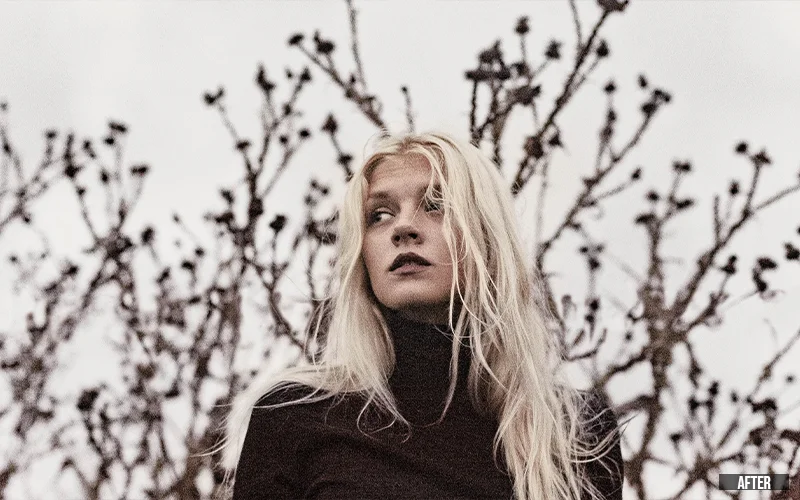
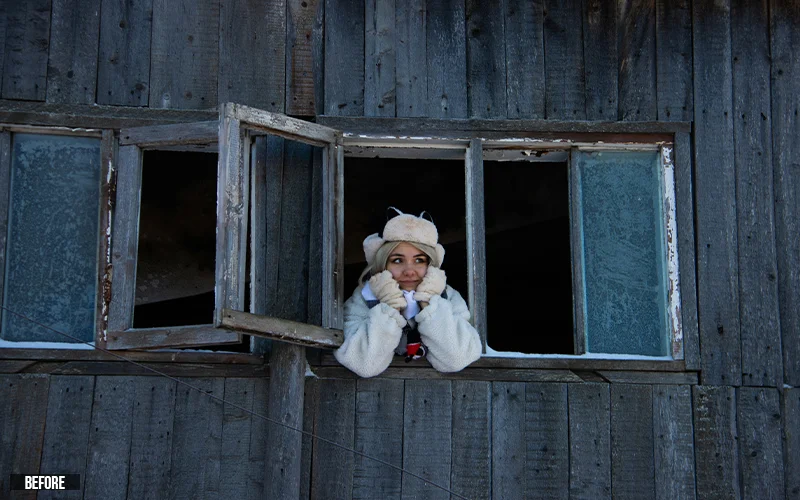
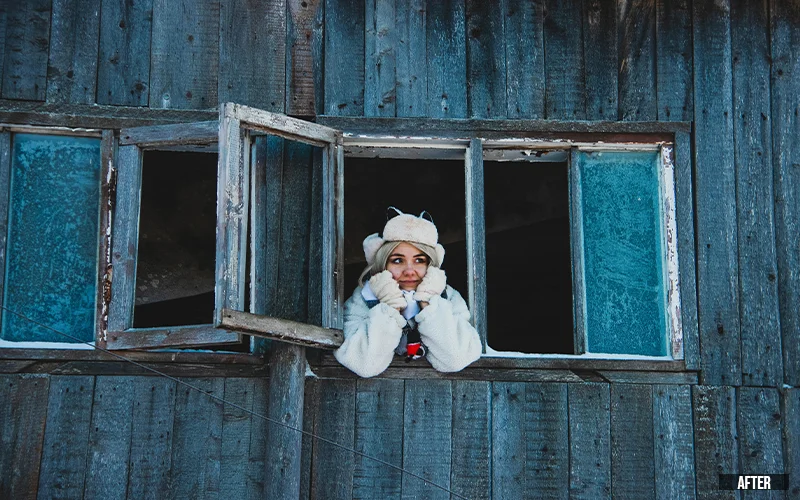
Check Out Some Beautiful Before/After Portraits
Features Of This Editing Bundle
• Direct download after purchase via website or email
• Compatibility with Mac & Windows machines
• Compatibility with all versions of Photoshop and Lightroom
• Lifetime use after download
• Access to all future updates at no extra cost
Frequently Asked Questions
What is included in this portrait editing bundle?
This bundle includes 5+ hours of video tutorials, 800+ Lightroom presets, professional Photoshop actions, sample images, and step-by-step guidance for portrait editing.
Is this portrait editing course suitable for beginners?
Yes, this bundle is beginner-friendly and teaches portrait editing in Lightroom and Photoshop from basic to advanced techniques.
Will I learn both Lightroom and Photoshop portrait editing?
Yes, the tutorials cover portrait editing in Lightroom for color correction and Photoshop for detailed retouching and enhancements.
How do Lightroom presets help in portrait editing?
Lightroom presets speed up your workflow by applying pre-made adjustments for color, lighting, and tones, helping you achieve professional results quickly.
What are Photoshop actions and how are they useful?
Photoshop actions automate repetitive editing steps like skin retouching, color grading, and sharpening, saving time and ensuring consistent results.
Can I use these presets and actions for different photography styles?
Yes, the presets and actions can be used for portraits, fashion photography, lifestyle images, and social media content.
Download This Bundle Of Portrait Editing Tips Today To Learn From The Russian Masters.
8 reviews for Russian Portraits: Professional Editing Bundle
Rated 5 out of 5
RAM CASTY –
Great Lr Presets and Video tutorials for composition.
Rated 4 out of 5
Mr koolvibes –
Very good I like style a bit different from mind. It’s always a joy to learn a New style to add to yours . And presets are the icing go with it.
Rated 5 out of 5
Alex Breugelmans –
Much video content, really learned a lot. Actions & presets are very welcome and good starting points.






RAM CASTY –
Great Lr Presets and Video tutorials for composition.
Mr koolvibes –
Very good I like style a bit different from mind. It’s always a joy to learn a New style to add to yours . And presets are the icing go with it.
Alex Breugelmans –
Much video content, really learned a lot. Actions & presets are very welcome and good starting points.
[email protected] –
Awesome <3
josem32000 –
I find it very useful to learn how to edit photos
Birger Buth –
have not seen all videos till now, but it is good and easy to understand, The Presets are greatr
Freddie –
Very happy with my purchase
Neil J Tandy –
great