Photography Masterclasses

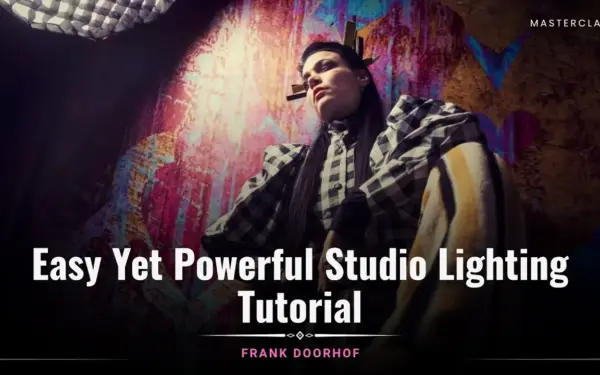
Easy Yet Powerful Studio Lighting Tutorial By Frank Doorhof

A practical studio lighting course that teaches you how to create powerful, professional images using simple setups.
1.3 hours
1 Lessons

Access ALL masterclasses with PhotoWhoa PLUS

What You'll Be Able To Create

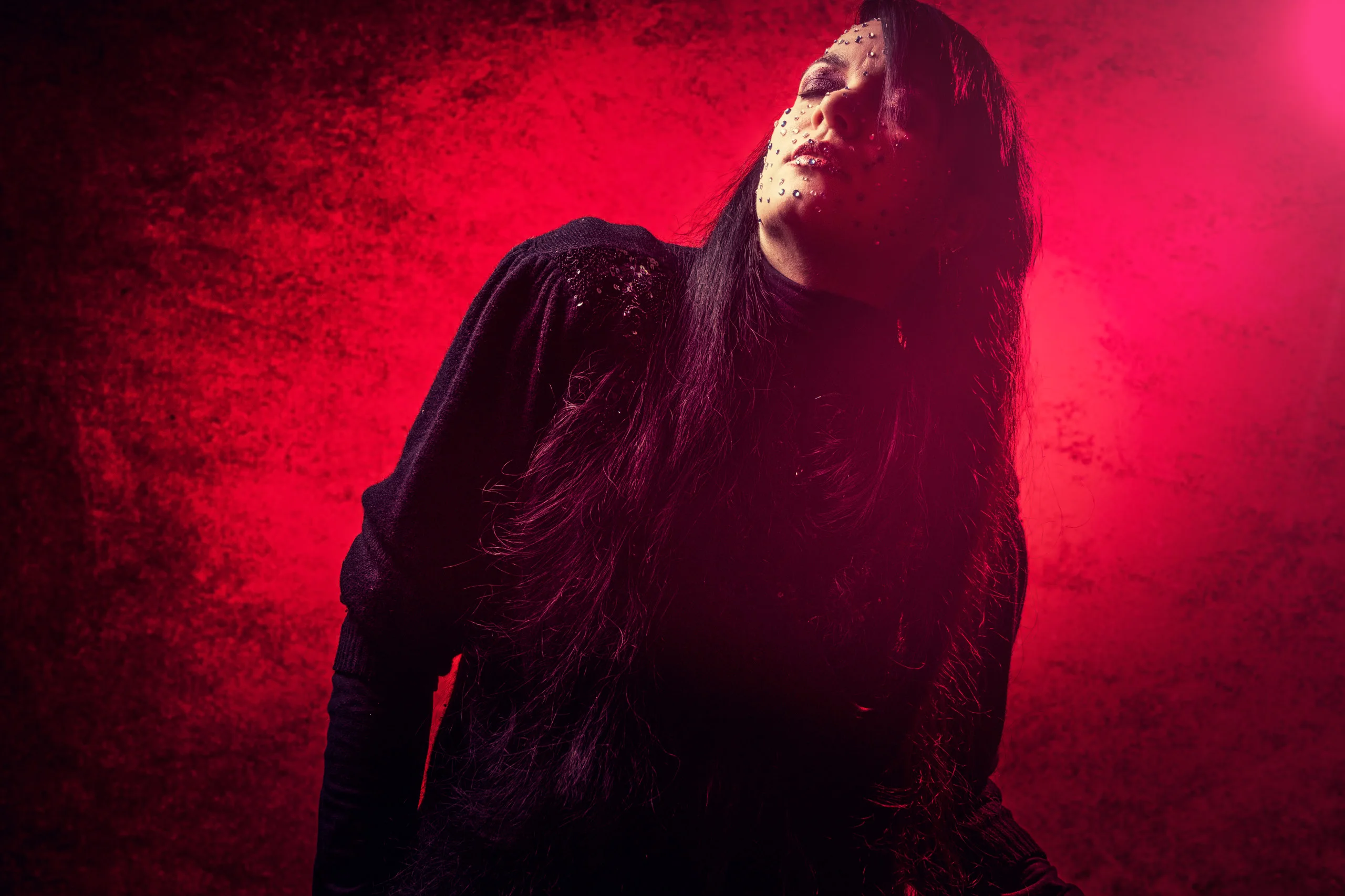
Create high-impact, professional portraits using simple but powerful lighting techniques.

Studio-Quality Portraits With One Light

Create stunning images using a simple studio lighting setup

Dramatic & Controlled Lighting Effects

Shape light precisely with a professional portrait lighting setup

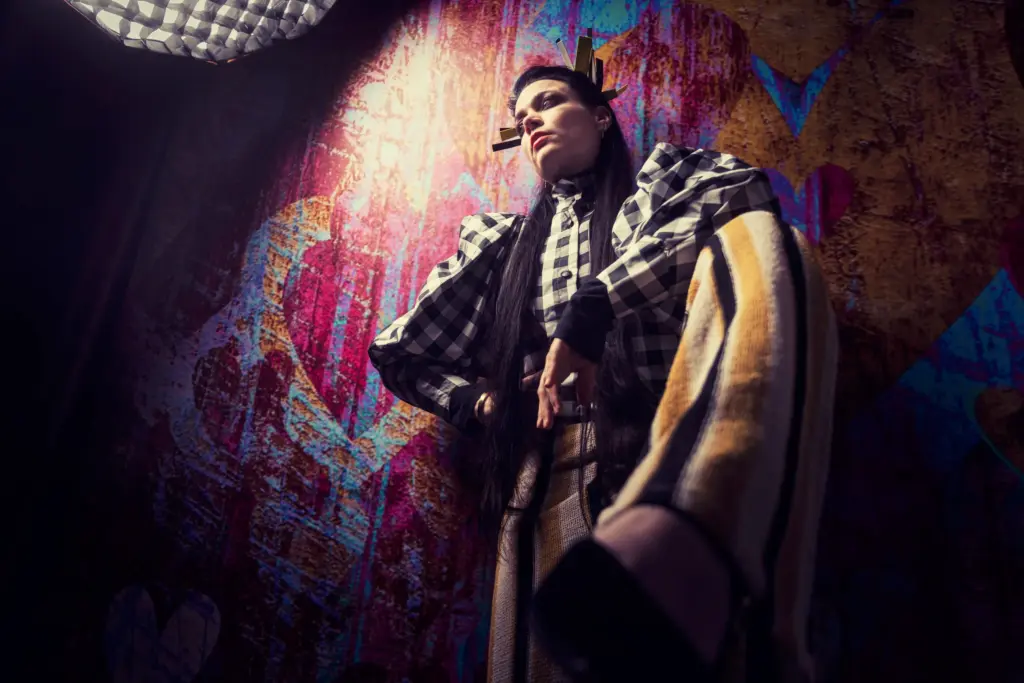
Modern Fashion-Style Portraits

Add color and mood using advanced photography lighting setup techniques

See What You’ll Learn To Create

From basic setups to striking results, this studio lighting course transforms how you shoot portraits.
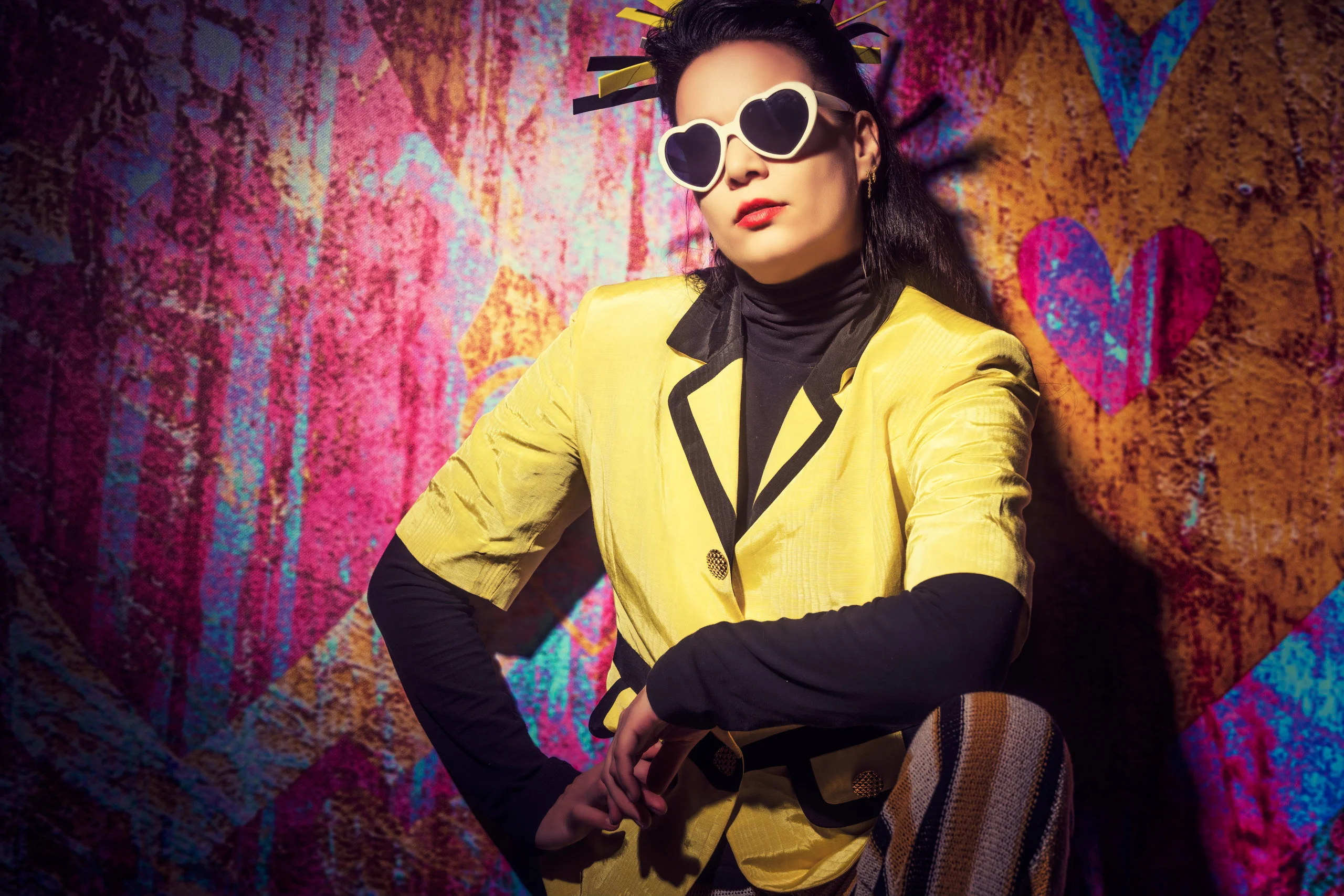
The photography lighting setup image illustrates how proper light placement enhances depth, contrast, and subject focus.
This portrait lighting setup visual explains how to shape facial features using controlled studio lighting techniques.
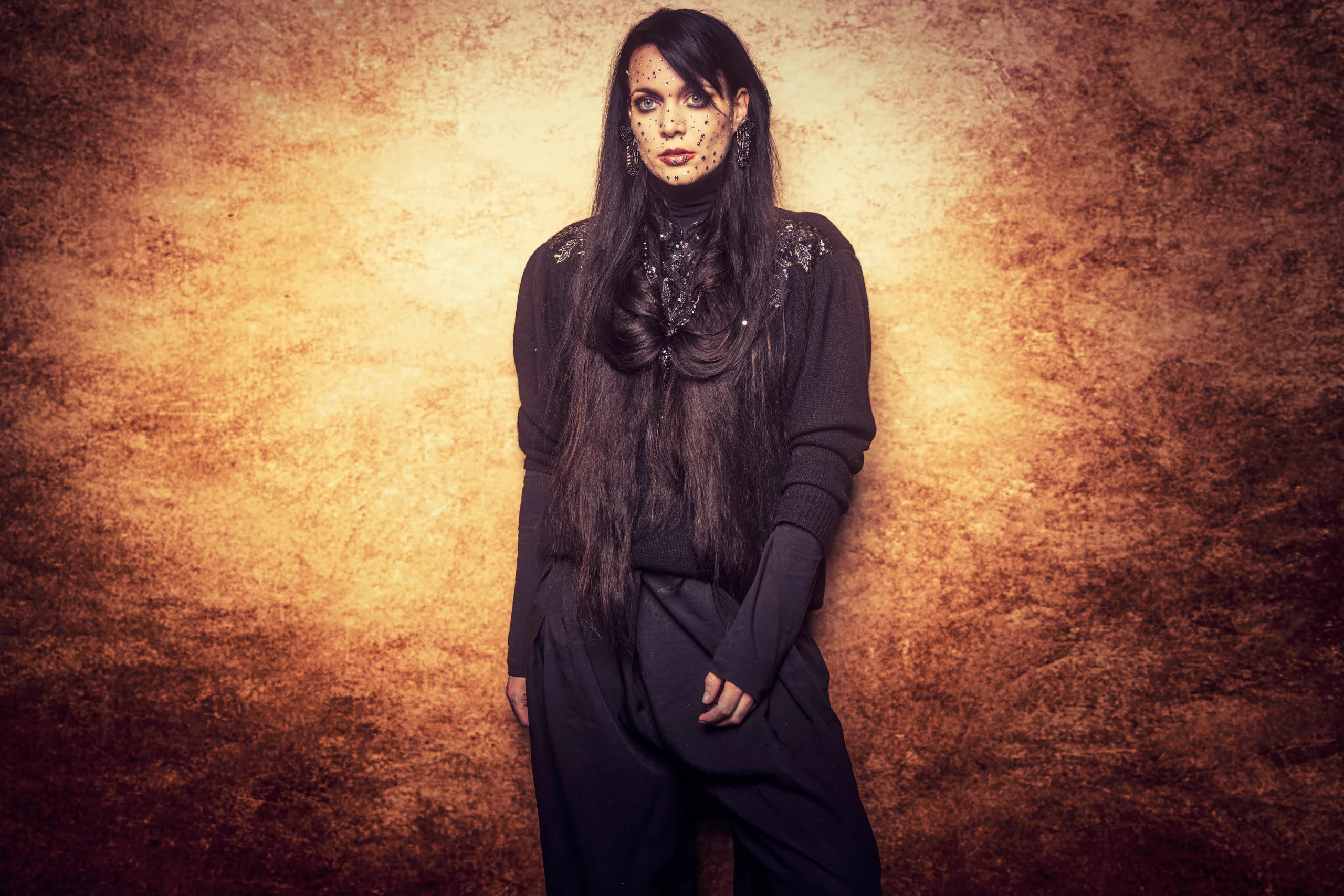
This studio lighting course image demonstrates how a simple studio lighting setup can create professional-quality portrait results.
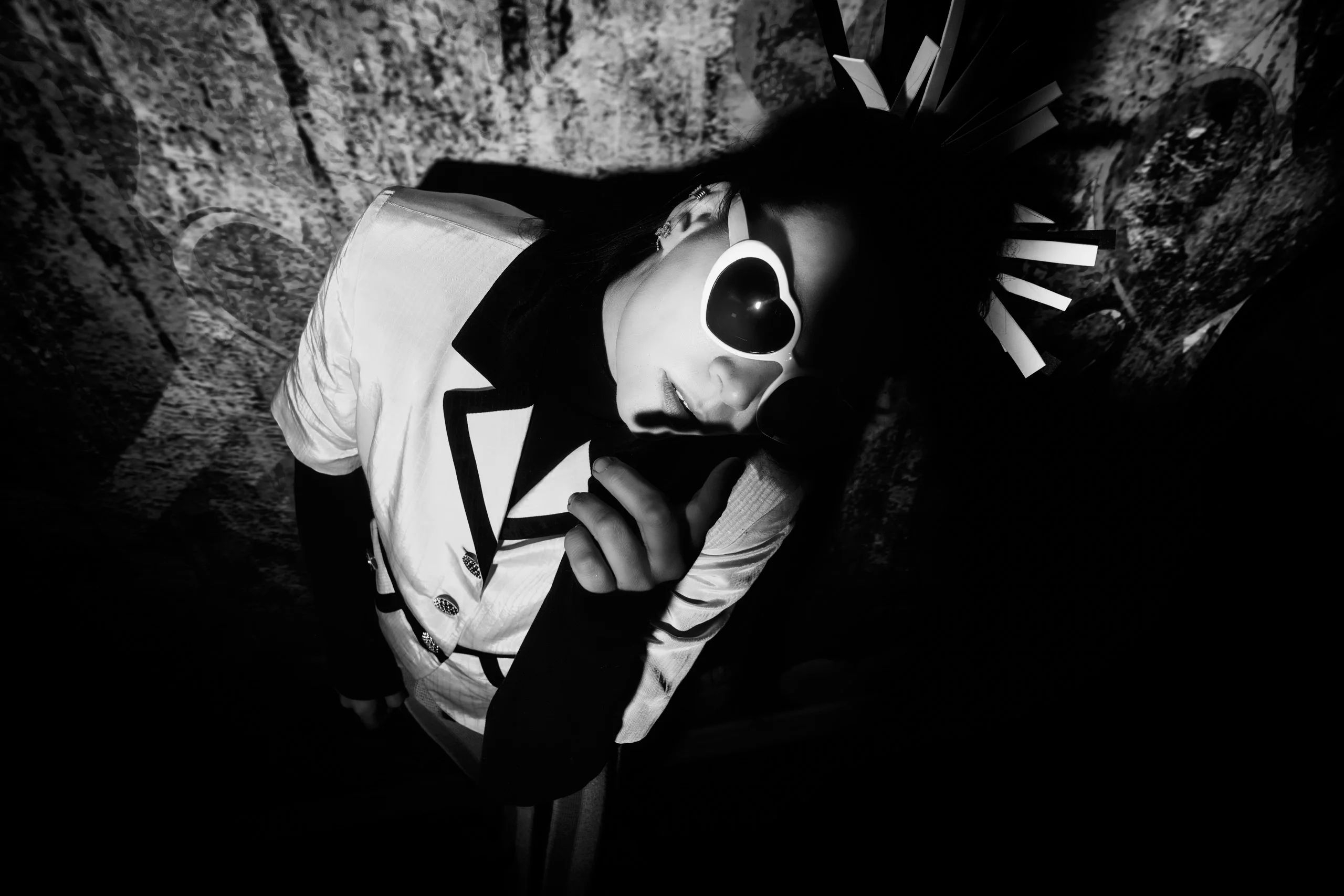
This studio lighting setup example highlights how photographers can achieve dramatic portraits using minimal equipment.

What This Studio Lighting Course Is All About

Great lighting is what separates average photos from professional work. In this studio lighting course, you’ll learn how to create powerful images without complicated setups.

You’ll discover how to:

  • Build a clean and effective studio photography lighting setup
  • Control shadows, highlights, and depth
  • Use light creatively for mood and storytelling

This isn’t about expensive gear, it’s about understanding light and using it with intention.

If your lighting feels flat, inconsistent, or confusing, this class will simplify everything.

What You’ll Learn In This Studio Lighting Course

Learn the core lighting techniques used in professional studio photography
The studio lighting tutorial visual shows how to position lights effectively for a clean and impactful portrait photography lighting setup.
Build a powerful studio lighting setup using minimal equipment for maximum impact
The fundamentals of a clean and effective portrait photography lighting setup
How to control shadows, highlights, and depth in your photography lighting setup
Step-by-step guidance on creating a professional studio photography lighting setup
Techniques to enhance your images with color adjustment in Photoshop
Methods to upgrade your studio lighting tutorial workflow for consistent results

Lessons Breakdown

focused lessons designed for practical application. Each lesson builds on the previous, taking you from fundamentals to advanced techniques.

lesson 1

Easy Yet Powerful Studio Lighting Tutorial By Frank Doorhof

1h 16m 48s

Continue Your Learning Journey With Guided Path

This masterclass is part of the Lighting & Studio Setup Learning Path — a guided journey created to help photographers master studio lighting techniques, understand light placement, and create dramatic, clean, and professional-quality images with confidence.

Foundations

Core Techniques

Creative Mastery

Advanced Workflows

Discover how to shape light creatively and produce studio portraits with a polished look.

Who Is This Studio Lighting Course For?

  • Beginner Photographers — Learn the foundations of a clean and effective studio lighting setup without feeling overwhelmed
  • Portrait Photographers — Master a professional portrait photography lighting setup to create flattering, high-impact images
  • Fashion Photographers — Build modern, stylized looks using advanced lighting setup techniques
  • Photographers Struggling With Lighting — Understand how to control light, shadows, and depth in your photography lighting setup
  • Creators Using Basic Setups — Upgrade your results using a smarter studio lighting tutorial approach with minimal gear
  • Intermediate Photographers — Refine your workflow and achieve consistent results with a repeatable portrait lighting setup
  • Editors & Retouchers — Learn how lighting connects with color adjustment in Photoshop for polished final images
Frank Doorhof

Expert Instructor

Frank Doorhof

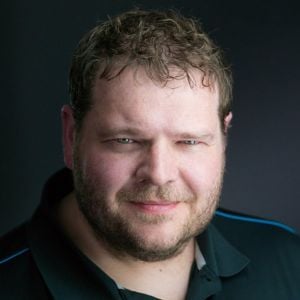
Frank Doorhof is a globally recognized fashion and glamour photographer based in Amsterdam, with over two decades of experience in the industry. Known for his precision in lighting, color, and calibration, his work reflects a deep understanding of how technical control enhances creative vision. As an active commercial photographer, Frank has worked extensively with fashion brands and musical artists, while continuing to pursue personal creative projects that push artistic boundaries. Beyond his work behind the camera, Frank is a highly respected educator. Through his masterclasses, courses, and ebooks, he has helped thousands of photographers worldwide simplify complex concepts and improve their skills with confidence.

View instructor’s classes

Frequently Asked Questions

Frank demonstrates a versatile single-light setup enhanced with accent lights, showing how to create depth, dimension, and impact in portraits without complicated gear.

It’s a simple but powerful way to create depth, highlight your subject, and add drama, even without complex equipment.

They provide visual guidance for light placement and editing, making it easy to replicate setups and practice techniques on your own.

Frank shows how to fine-tune colors, contrast, and tones in Photoshop to make skin look natural, enhance mood, and give your portraits a polished, professional finish.

Yes, the course teaches versatile setups that adapt easily to editorial fashion shoots or traditional portrait styles.

Using softboxes, umbrellas, reflectors, and proper positioning helps soften shadows while keeping portraits crisp and flattering.

A single-light setup is often the best starting point. This masterclass teaches how to use one light effectively to create professional-looking portraits without complex gear.

Basic tools include a light source (strobe or continuous), light modifiers (softbox or umbrella), and a reflector. The masterclass explains how to use these efficiently for strong results.

Shadow control depends on light direction, distance, and modifiers. This tutorial teaches how to soften, deepen, or eliminate shadows to match your creative vision.

Soft light creates smooth transitions and flattering skin tones, while hard light adds contrast and drama. This course demonstrates when and how to use each style effectively.

Get PhotoWhoa PLUS

Unlock this masterclass and 70+ more for one low annual price

What's included:

$99

/year

Price locked once you subscribe. Cancel anytime.

Get instant access to ALL masterclasses with PhotoWhoa PLUS

In-Depth Classes
1 +
Hours of Practical Training
1 +
Expert Instructors
1 +

Join photographers worldwide improving their skills with PhotoWhoa PLUS

Become a PhotoWhoa Charter Plus Member

Unlock Luca Storelli's
Free AI Workflow Lesson

Learn how photographers create cinematic AI imagery using Midjourney, Magnific AI, and Photoshop.

3-minute lesson • Instant access

No spam. Just world-class photography education.

Access With Plus


