Best Retouch Panel to Simplify and Speed Up Workflow
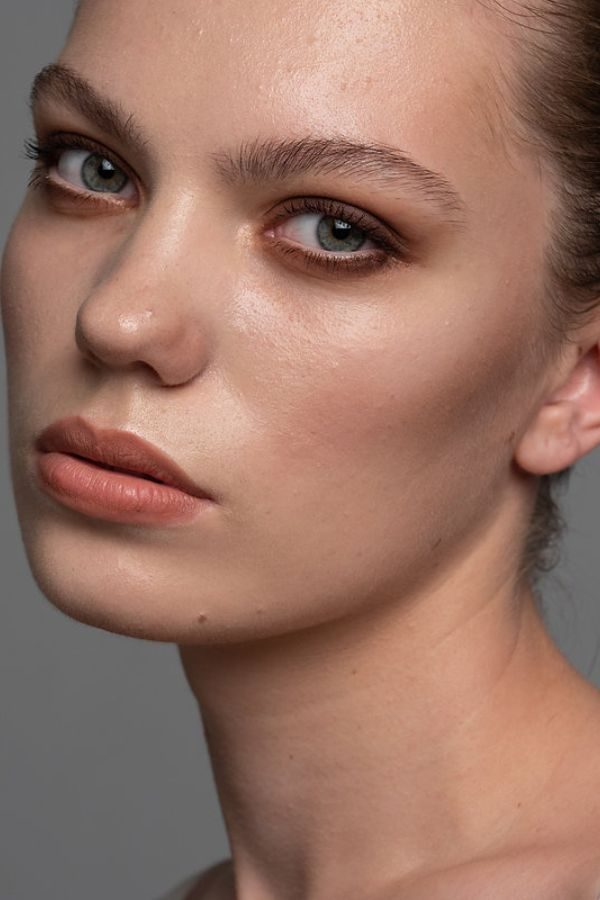
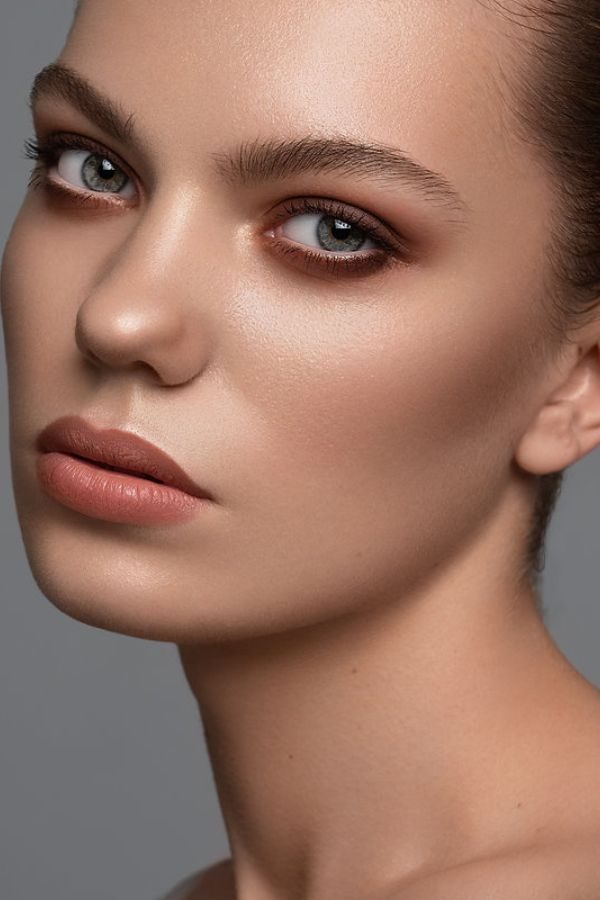
Retouching is an essential aspect of image production. It is an important finishing process that can greatly impact your final result.
It is easy to get this process wrong, so retouch PS panels should be your best friend as a professional photographer or a freelance retoucher.
A Photoshop retouch panel eases your retouching process, ensuring you get it right.
The beauty retouch panel ensures you spend less time on the process, allowing you to complete more jobs while delivering better quality.
They give room for customization (i.e., allowing you to add your custom user actions) and reduce the time it takes to complete your work.
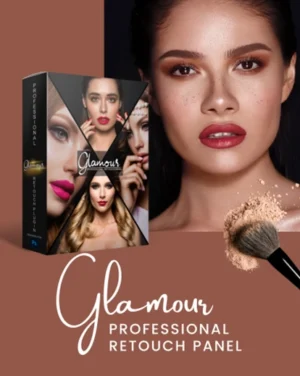
Look no further for a quality retouch panel; you’ve found the right one. This Photoshop retouching panel takes smart retouching to another level.
It’s designed to relieve stress as it performs the repetitive process and gives breathtaking results.
The beauty panel Photoshop is streamlined to detect faults in your images and correct them quickly, making it a must-have.
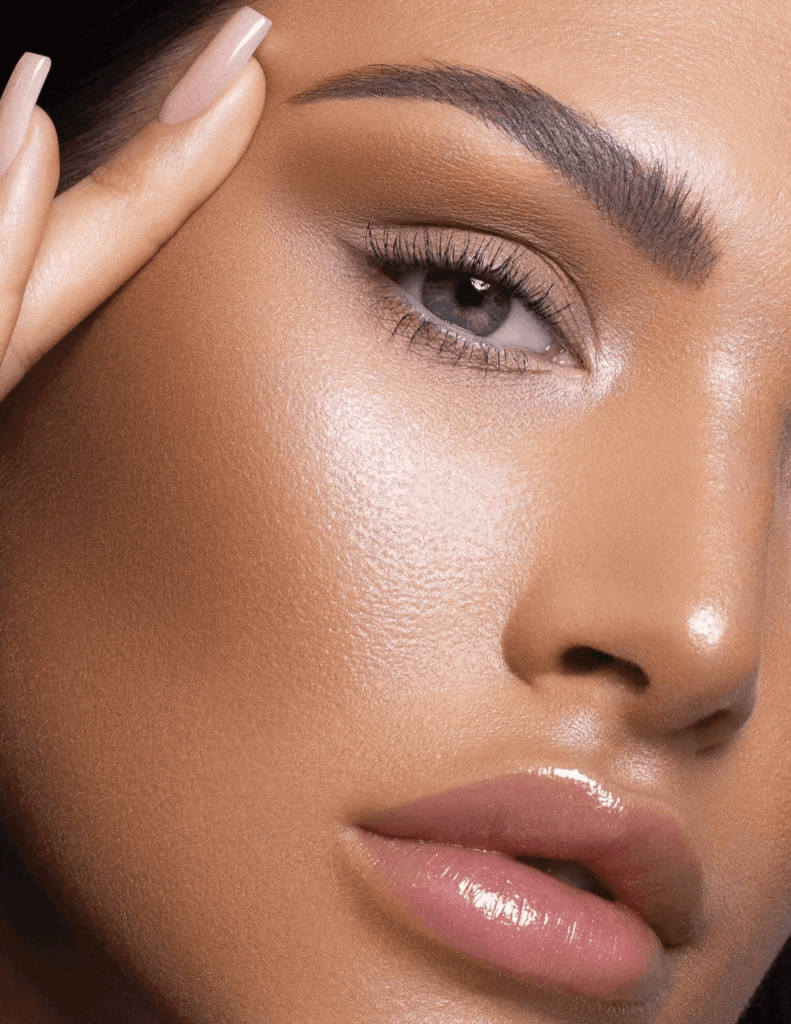
A Glimpse Of The Amazing Features Of This Retouching Panel
What's Included In This Retouching Panel Photoshop
• Video Tutorial: How To Use Galmour Panel
• Video Tutorial: How To Install Glamour Retouch Panel For Photoshop
• Guide: How To Install Beauty Retouch Photoshop Panel Guide in 5 Different Languages
Settings
• 200+ Features with full control levels and opacity.
• 18 Retouching features
• 18 Retouching enhancement features
• 10 Sharpening enhancement features
• 10 Color grading enhancement features
• 21 Luminosity Mask features
• 41 Tonality Mask features
• 100 Makeup Brushes
Standout Features
• Automatic frequency separation
• Manually frequency separation
• Advanced makeup frequency separation
• Advanced Skin Airbrushing
• Advanced makeup enhancement tools
• Dodging and burning
• Enhance sharpening options
• Simple to use interface
Compatibility Of This Beauty Retouch Panel
Photoshop CC
Windows and Mac-OS are both supported
What to Expect From this Retouch Panel
This retouch PS panel belongs to the category of top-quality ones.
It has advanced and helpful retouching scripts that can drastically improve your results. You’ll rarely go wrong with it.
The beauty retouch panel download can serve just about anyone, provided you have the need to retouch an image. It requires no special knowledge or skills, and it’s easy to operate. Here are some of the things to expect:
• Incredible Results
This beauty panel Photoshop is designed to take your images from below-par to top-notch. Thus, if you’re sceptical about how good your photos are, run them through this Photoshop retouch panel and see the results before you conclude. The process works like magic, it’s like waving a wand, and seeing your work get better than you imagine.
• Ease of Use
What use is a great beauty retouch Photoshop panel that’s technical enough to use? We thought so, too! This retouch panel stands out in this aspect also. It’s relatively easy to install and use. You can install, set, and start using it within 5 minutes.
The incredible retouching tool is currently selling on discount. This amazing offer is an opportunity to spend even less to get all the value the panel has to give. You can save yourself about 25% when you get this retouching PS panel now. Offer only lasts a few days, so you should hurry now!
Frequently Asked Questions
What is the Glamour Professional Retouch Panel used for?
The Glamour Professional Retouch Panel is designed to speed up beauty retouching in Photoshop with advanced skin retouching, color grading, sharpening, and makeup enhancement tools.
Is this Photoshop retouch panel beginner-friendly?
Yes, this beauty retouch panel is easy to install and use, even for beginners with basic Photoshop knowledge.
What version of Photoshop is compatible with this retouch panel?
This retouching panel works with Adobe Photoshop CC on both Windows and Mac.
How many retouching tools are included in the panel?
The panel includes 200+ retouching features, including frequency separation, dodge & burn, luminosity masks, tonality masks, sharpening tools, and makeup brushes.
Does this beauty retouch panel support frequency separation?
Yes, the panel includes automatic frequency separation, manual frequency separation, and advanced makeup frequency separation tools.
Can I use this retouch panel for portrait photography?
Absolutely! This Photoshop retouch panel is perfect for beauty portraits, fashion photography, wedding photos, and professional skin retouching.
Enjoy The Goodness Of Retouching With Less Than $20, Get Yours Now!
Reviews
There are no reviews yet.
Be the first to review “Glamour Professional Retouch Panel” Cancel reply















Reviews
There are no reviews yet.