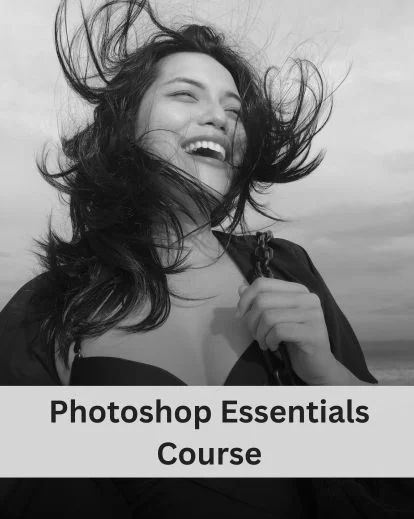

Photoshop Beginners Course: From First Click To Confident Edits
This Photoshop beginners course guides you step by step to enhance your photos with ease.
In this course, you’ll learn how to:
- Fix dull, flat photos and improve colors
- Edit confidently without damaging original images
- Use layers, masks, and selections in Photoshop
By the end, you’ll be able to retouch portraits, enhance and polish every photo with real professional techniques.
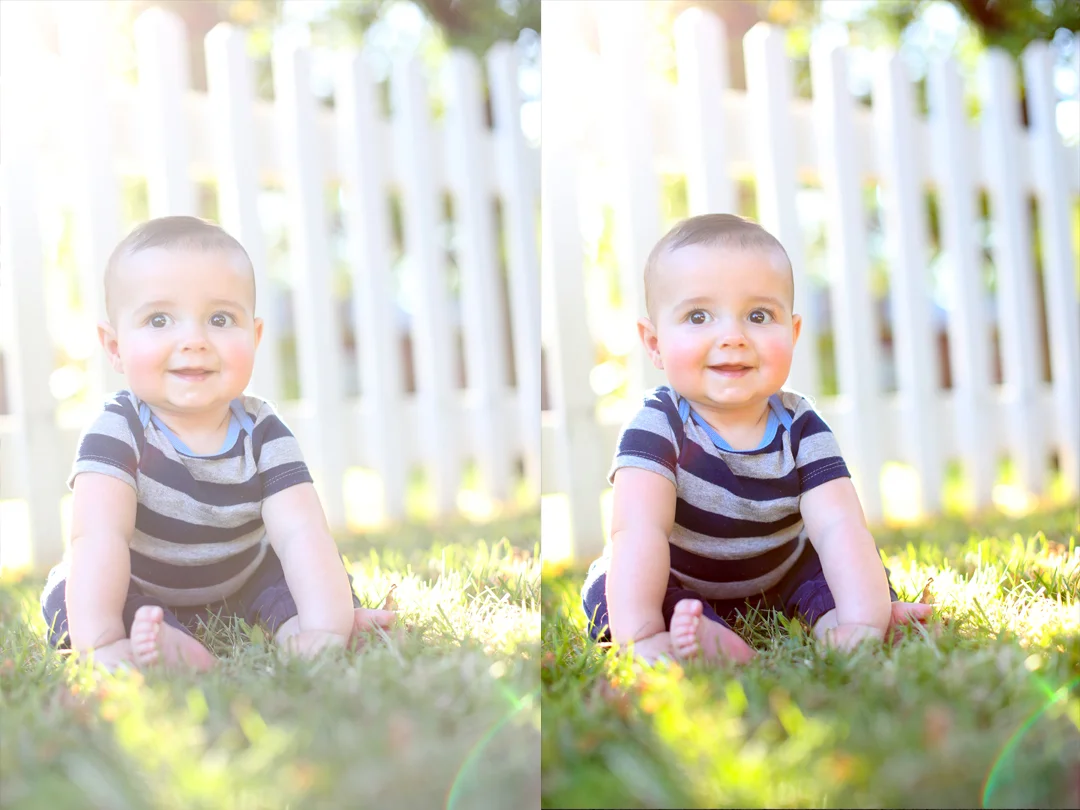
What You'll Learn In This Photoshop Essentials Course
- Workspace basics with Photoshop essentials tutorial
- Speed up edits using Photoshop shortcut keys
- Basics of making selections in Photoshop
- Master layering in Photoshop
- How to make layers in Photoshop
- Work with Photoshop adjustment layer
- Master essential keyboard shortcuts in Photoshop
- Learn the power of brushes through Photoshop essentials training
- Portrait retouching in Photoshop
- Make precise selections in Photoshop
- Learn masking in Photoshop for precise edits
- Add clean, professional text to your images
- How to use smart objects in Photoshop
- Resize, reformat, and save your work
Transform Your Shots Into Stunning Visuals With Ease
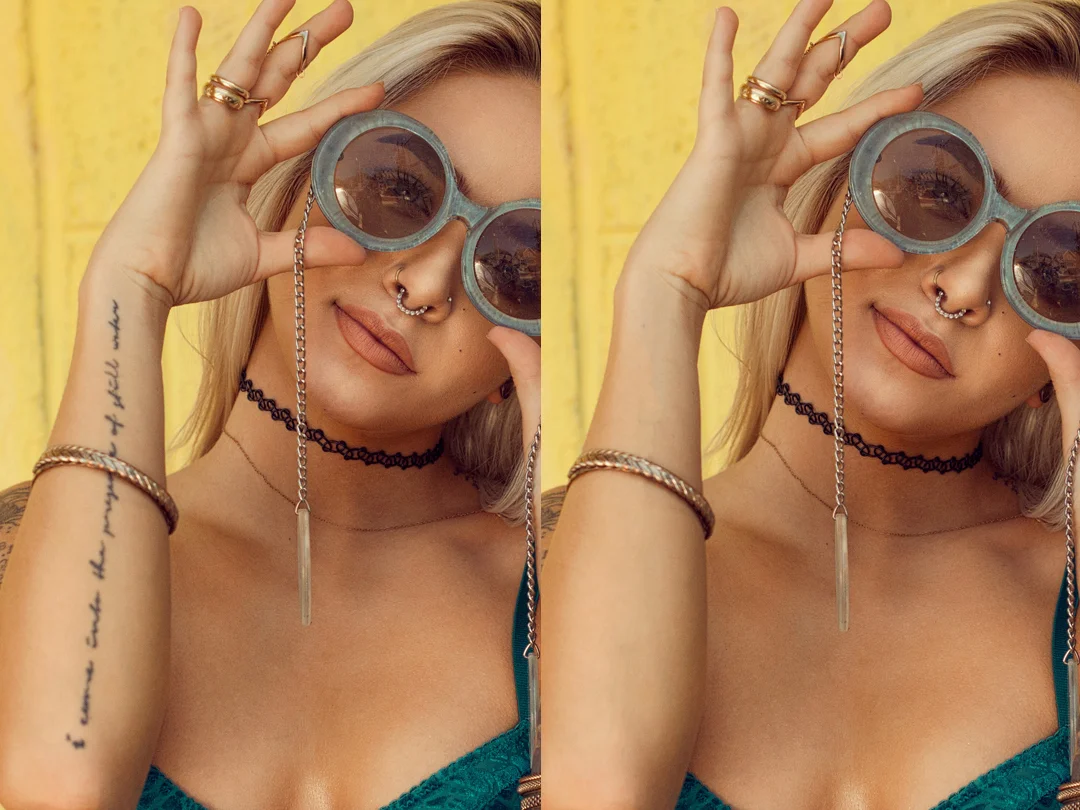
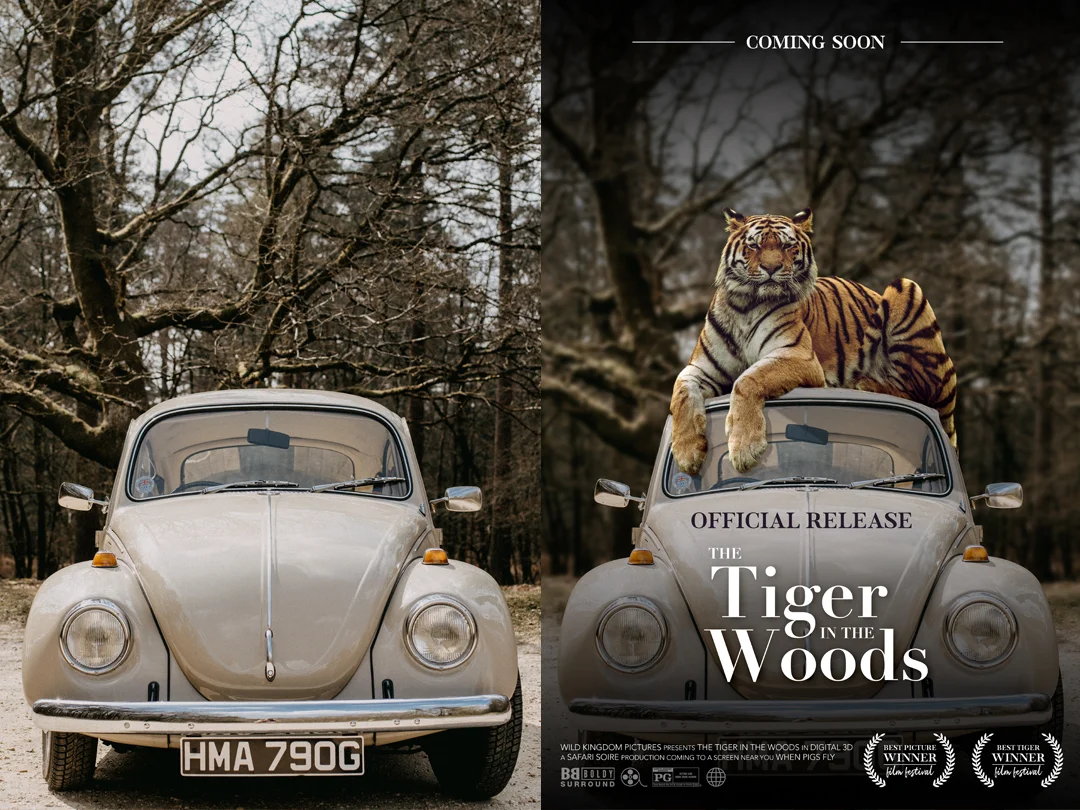
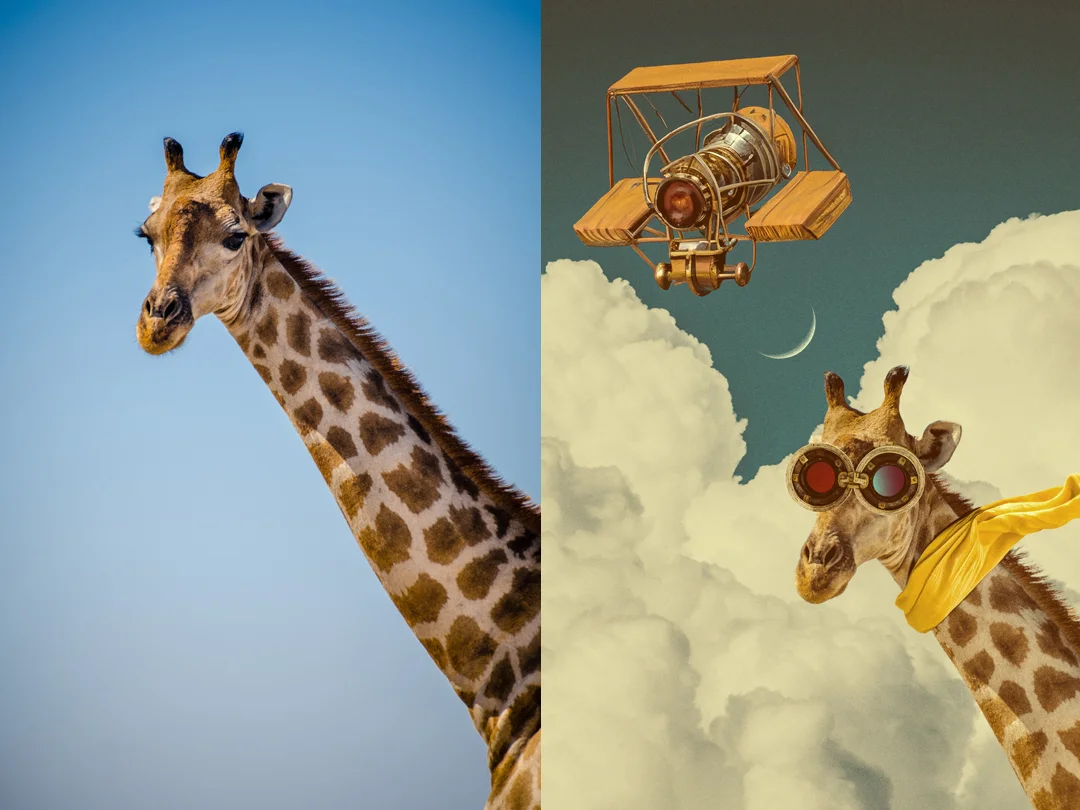
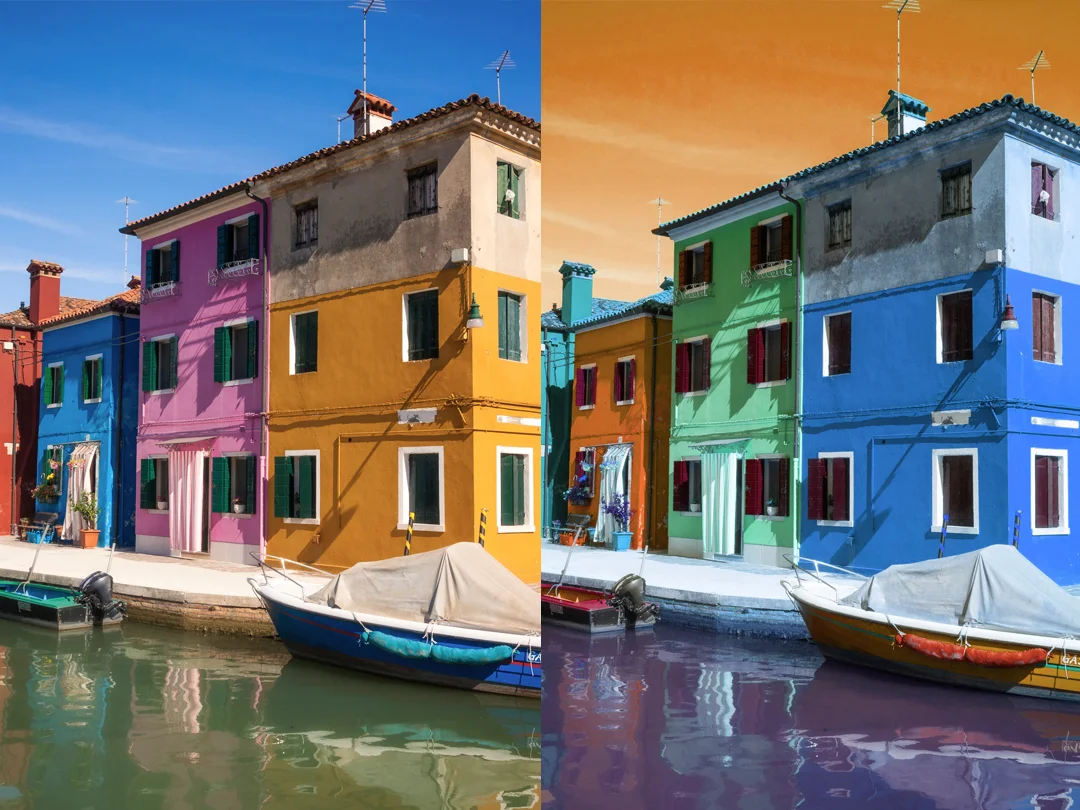
What's Included In This Photoshop Essential Tutorial
- 2.5 hrs of structed videos training
- 14 step-by-step lessons
- 14 PSD practice files
- JPG reference images
- Keyboard shortcuts cheat sheet
Video Lessons Included in This Course
1. Introduction to Photoshop and Setup
2. Image Adjustments & Corrections
3. Making Clean Selections
4. Working with Layers
5. Creative Effects & Enhancements
6. Using the Brush Tool
7. Retouching Photos Basics
8. Adding & Editing Text
9. Masking for Precise Edits
10. Working with Smart Objects
11. Image Size & Resolution
12. File Formats & Exporting Images
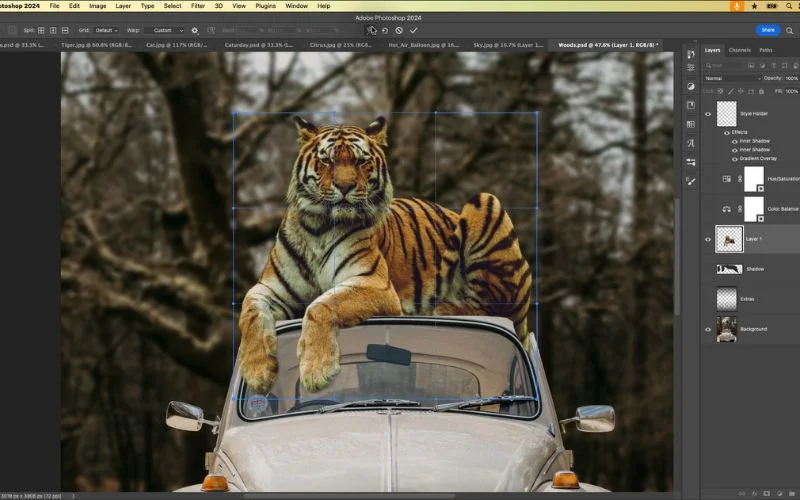
13. Creating Photo Composites
14. Final Review & Conclusion
Who This Course Is For?
This Photoshop essential course is perfect for anyone who wants to start editing photos and learn step by step.
It’s ideal for people who want to learn and practice Photoshop easily:
- Beginners who want to learn Photoshop basics
- Photographers who want to improve their photos
- Creators who want practical skills
- Anyone learning layers, masking, and creative edits
Frequently Asked Questions
In this course, you’ll learn essential Photoshop skills step by step, including layers, masking, retouching, and practice with PSD files and before & after images.
You’ll learn techniques like retouching, adjustments, layers, masking, and smart objects, and apply them to portraits, landscapes, and everyday photos.
This course includes 2.5 hours of video tutorials, 14 lessons, 14 PSD practice files, JPG reference images, and a keyboard shortcuts cheat sheet.
Yes. You’ll learn how layers work, why they matter, and how to use them confidently for safe, flexible edits.
Absolutely. This course explains selections and masks step by step, with simple examples.
Absolutely. The skills taught are practical for personal projects, social media content, and freelance work.
Yes. This course is designed specifically step by step for beginners without prior experience.
Yes. The techniques taught in this course work with current versions of Adobe Photoshop.
You’ll be able to edit photos confidently, work with layers and masks, retouch images naturally, and export your work properly.
The course includes around 2.5 hours of video lessons. You can complete it at your own pace and revisit lessons anytime.