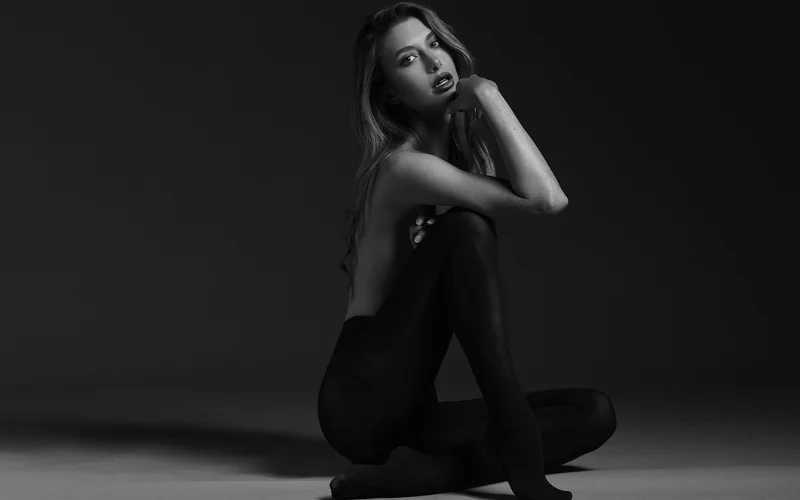
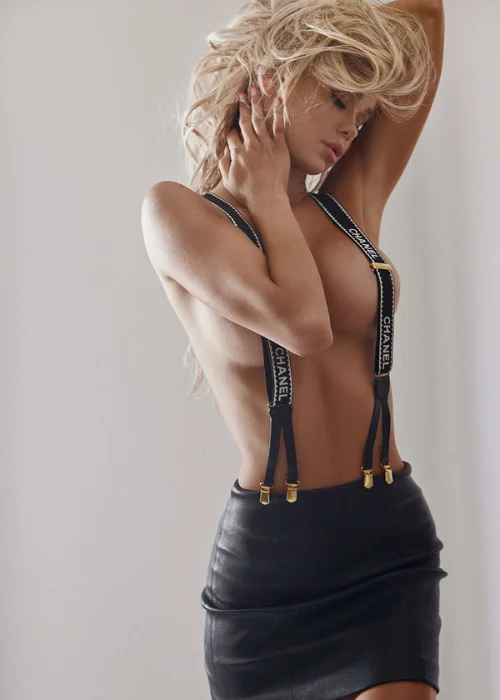
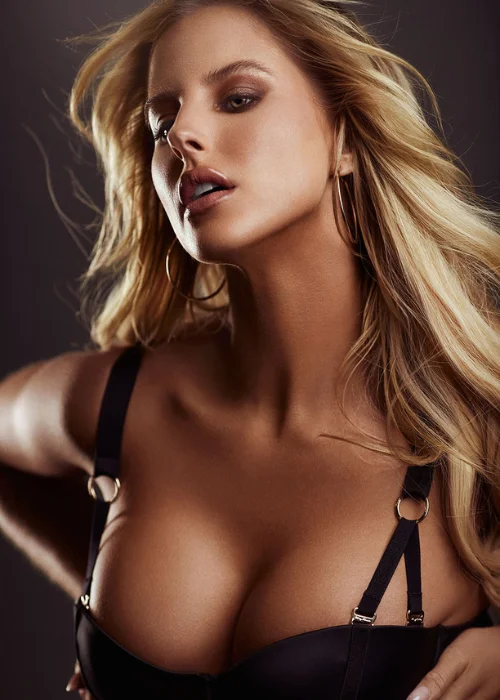
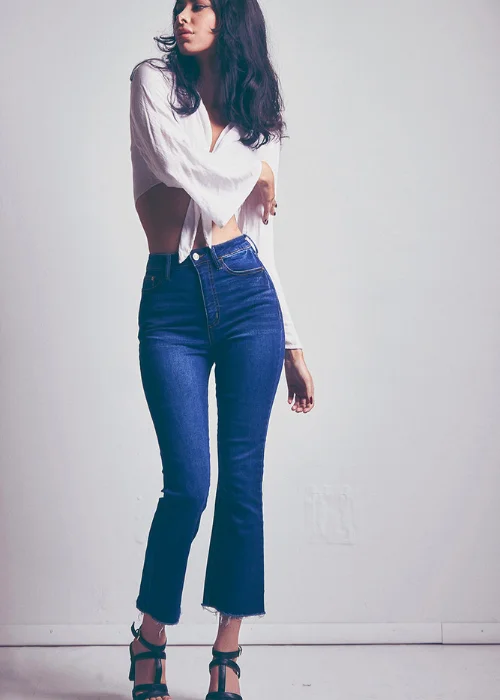
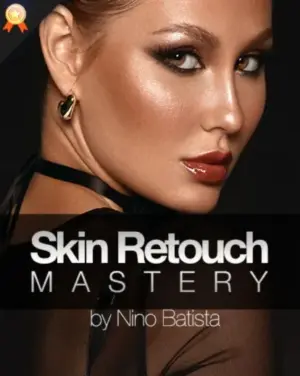
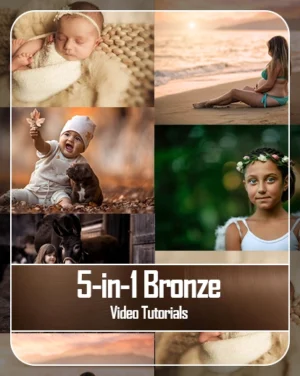
Comprehensive Photo Retouching Course With Numerous Workflow Samples
Image retouching is a key part of making perfect pictures. It involves using the best tools and skills to improve photos and make them look flawless.
This photo retouching course will guide you through the process, teaching you everything you need to know to master retouching.
By the end of the course, you will have a solid understanding of how to use different techniques to enhance your photos and make them look their best.
Topics You'll Cover In Photo Retouching Course
- Expert video on portrait photography tutorial
- Retouching techniques using Adobe Photoshop
- Covers essential raw processing with Capture One Pro
- Actionable insights and practical retouching tips
What's Included In This Photo Retouching Tutorial
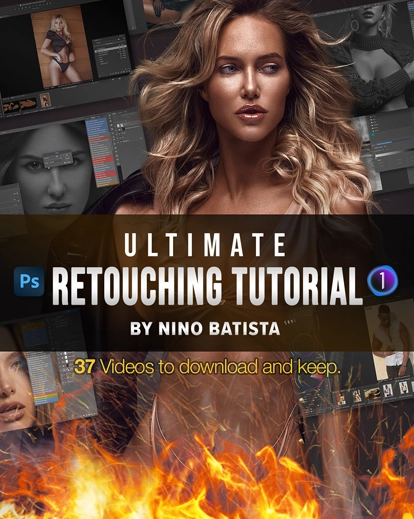
37 Comprehensive videos.
20 Hours of detailed instruction.
Various videos with lessons and workflow.
30+ Photoshop action files.
40+ Capture One Pro styles
Features Of This Photo Retouching Tutorial
A key to unlocking impressive retouching skills.
Lessons are taught using simple language and clear illustrations.
Easy to understand and practice independently.
Learn different retouching techniques.
Easier to bring images to life and ensure they are flawless.
Designed to teach from beginner to expert level.
No prior experience or knowledge is required in the field.
Perfect for portrait photographers of all genres.
Results With This Photoshop Retouching Course
Perfect Your Retouching Skills — Beginner to Professional
Whether you’re just starting out or already experienced in photo retouching, the Ultimate Retouching Tutorial is designed to meet you at your skill level.
Beginners will build a strong foundation with clear, step-by-step lessons, while experienced photographers and retouchers can refine advanced techniques.
This course helps you achieve consistent, high-end results and confidently retouch images to a professional standard.
Frequently Asked Questions
Who is this photo retouching course for?
This course is ideal for beginner to advanced photographers, portrait retouchers, and creatives who want to improve their Photoshop and Capture One Pro retouching skills.
Do I need prior experience in Photoshop or Capture One Pro?
No prior experience is required. The lessons start from the basics and gradually move to advanced, high-end retouching techniques.
What software is required for this course?
You will need Adobe Photoshop and Capture One Pro to fully follow the tutorials and practice the workflows.
How long is the course content?
The course includes 37 in-depth videos with over 20 hours of detailed instruction.
Are practice files included?
Yes, the course includes 30+ Photoshop action files and 40+ Capture One Pro styles to help you practice and speed up your workflow.
Uncover the Secrets to Perfecting Your Images With This Course Today!