







Step-by-Step Guide to Advanced Compositing in Photoshop
Composite photography is a creative process of combining multiple images to create a unique and striking composition. While it may seem simple, achieving seamless results often requires practice and patience.
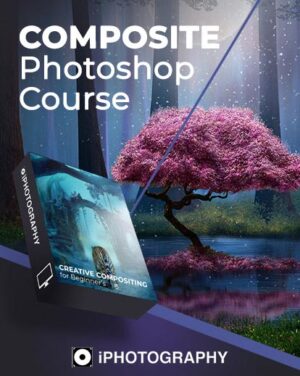
This Composite Photography Course is designed to simplify the process. It will help you learn composite photography and create dreamlike visuals through effective compositing techniques.
In this beginner-friendly course, even if you’re new to Photoshop, you’ll gain the skills to master Adobe Photoshop for beginners. It starts with the basics and progresses to advanced techniques.
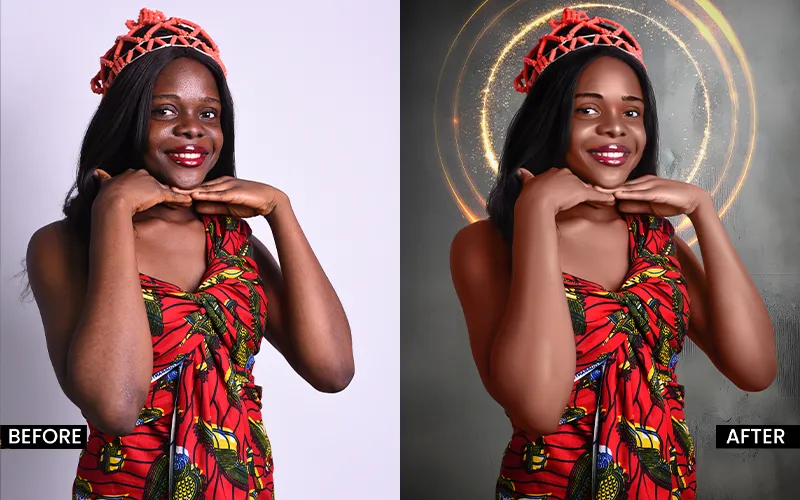
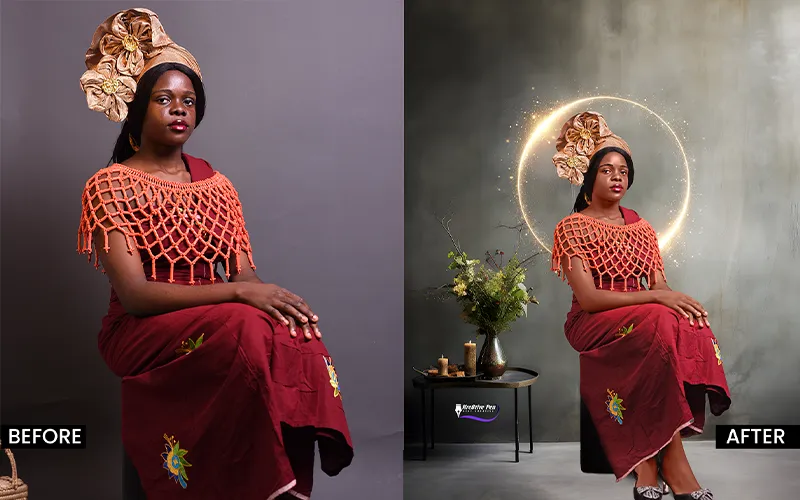
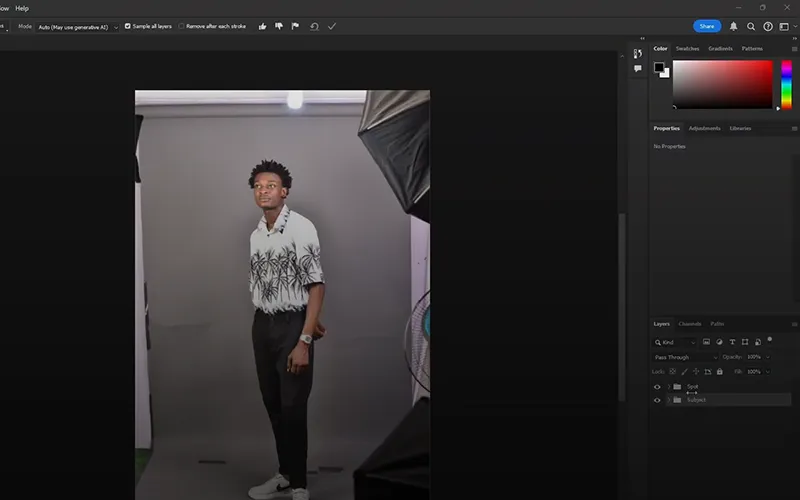
You’ll explore Photoshop layers for beginners and understand non-destructive editing principles, enabling you to edit confidently without altering your original images.
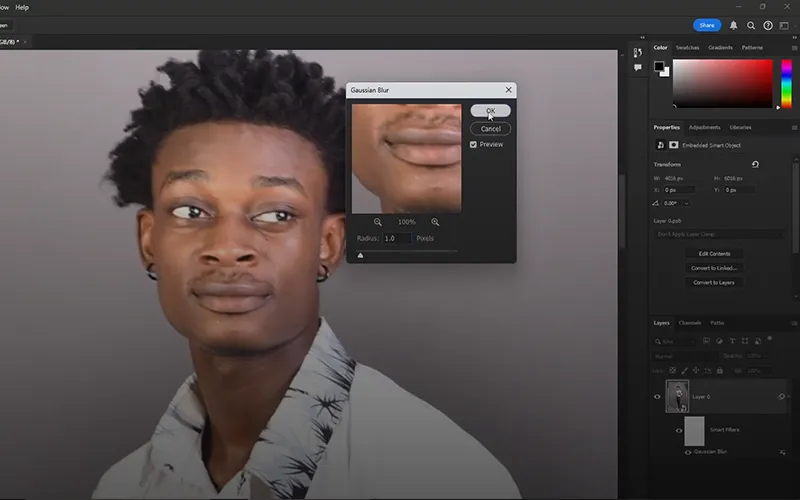
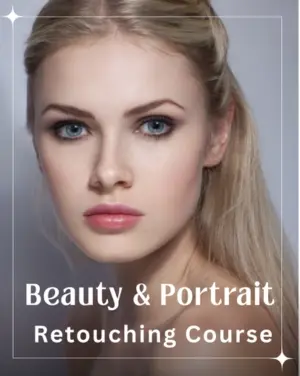
Through step-by-step lessons, you’ll learn Photoshop skin retouching to correct blemishes, adjust colors, and enhance lighting for professional-grade results.
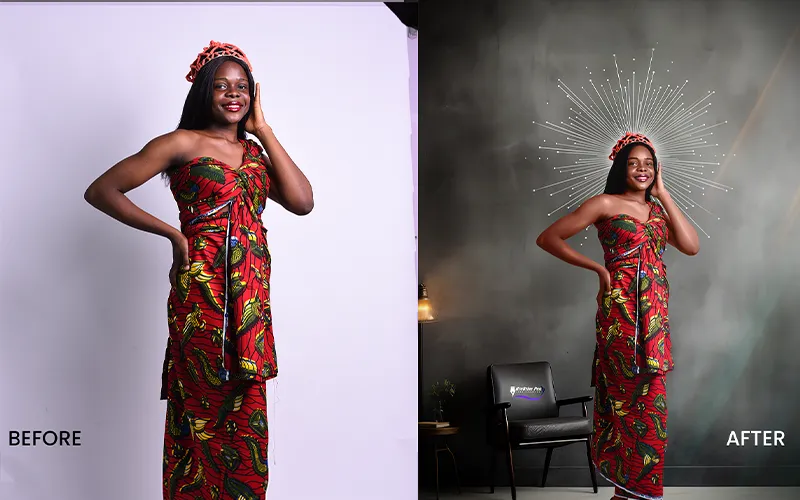
The course also delves into professional retouching in Photoshop, teaching you how to blend multiple images into seamless composites.
By the end, you’ll master creating fantastical and realistic scenes, turning your creative ideas into visually stunning realities. Whether you’re a photography enthusiast or a beginner in digital art, this course equips you with the tools and techniques to transform and enhance your images confidently.
Topics You'll Learn In This Video Tutorial
• Overview of course & the tool interface, ideal for Photoshop for beginners
• Learn about file formats & their uses in professional retouching in Photoshop
• Master basic PS tools for editing & adjustments
• Understand Photoshop layers for beginners & what is non-destructive editing
• Use tools like Spot Healing Brush and Clone Stamp for professional retouching in Photoshop
• Learn Photoshop skin retouching techniques to enhance and smooth skin naturally
• Make accurate selections using Select Subject and layer masks with image composition
• Apply Photoshop layers for beginners to create seamless edits using layer masks
• Combine images with compositing techniques to craft dynamic photo compositions
• Apply composition skills with color matching and lighting adjustments
• Practice skills with exercises & a final project showcasing image retouch
What's Included
- 12 Video Lessons
- 1 Project Tutorial Video
- 4 Backdrops
- 8 Reference Images & Sample Photos
- 1 PSD File
Check Out the Magic of Image Composition in Action
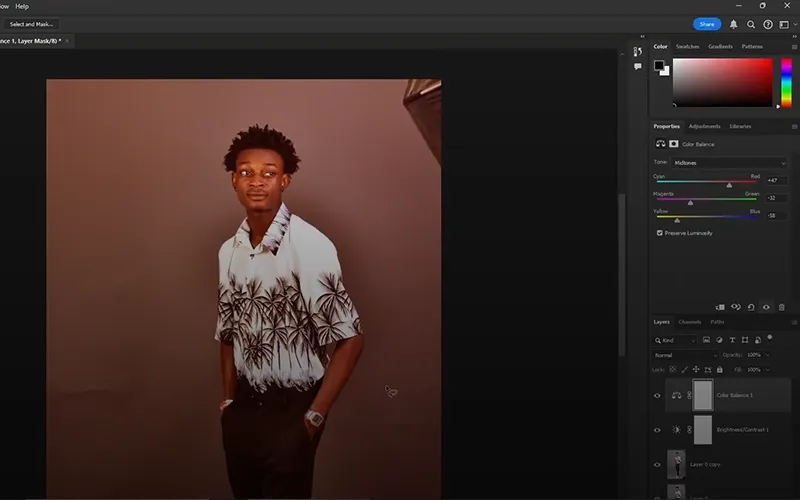
Basic Compositing In Photoshop
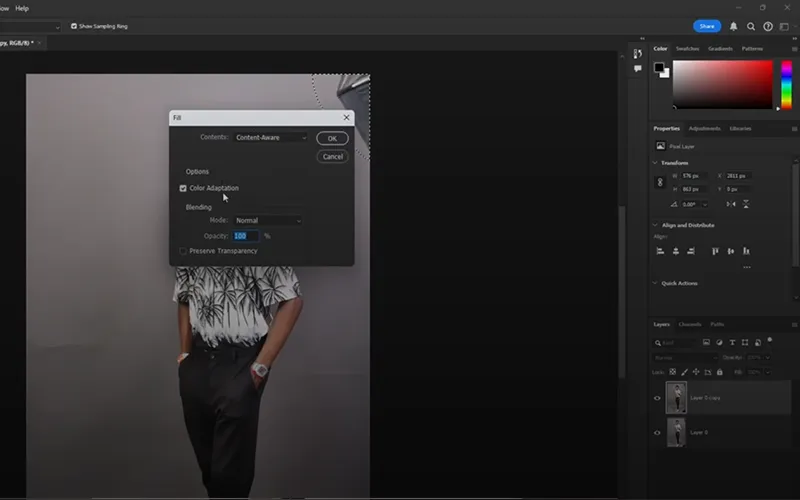
Apply Layers In Photoshop
Photoshop Skin Retouching
Non Destructive Editing
Why You Should Consider This Photography Editing Course
The Composite Photography Course goes beyond technical skills, focusing on artistic photo manipulation like composition and storytelling. Here’s what you’ll learn:
• Photoshop Basics: Navigate the interface, workspace, tools, panels, and shortcuts.
• Photo Retouching: Use tools like Spot Healing Brush and Clone Stamp to remove imperfections, smooth skin, and adjust colors, brightness, and contrast.
• Image Compositing: Combine images using layers and masking, add shadows and highlights, and master blending techniques for seamless results.
• Advanced Editing: Use adjustment layers for non-destructive edits and creatively apply blending modes.
• Creative Projects: Practice by creating dynamic photo collages, applying effects, and finalizing images for your portfolio or social media.
By the end of the course, you’ll have the skills to enhance your photography and craft stunning, unique composites that tell your story.
Frequently Asked Questions
What will I learn in this composite photography course?
This composite photography course teaches you how to combine multiple images, use Photoshop layers, apply non-destructive editing, and create seamless, professional-looking compositions from scratch.
Is this Photoshop course suitable for beginners?
Yes, this course is designed as a Photoshop for beginners program. It starts with basic tools, interface navigation, and gradually moves to advanced compositing in Photoshop.
What is compositing in Photoshop, and why is it important?
Compositing in Photoshop involves blending multiple images into one cohesive scene. It’s essential for creating creative, surreal, and professional photo manipulations.
Will I learn Photoshop skin retouching in this course?
Yes, the course includes Photoshop skin retouching techniques like blemish removal, skin smoothing, and color correction for natural-looking results.
Will I learn advanced compositing techniques in Photoshop?
Yes, after covering the basics, the course moves into advanced compositing in Photoshop, including color matching, lighting adjustments, and realistic blending.
What is included in this Photoshop compositing course?
The course includes 12 video lessons, 1 project tutorial, PSD files, backdrops, and reference images to help you practice image compositing effectively.
Can I use these compositing techniques for social media content?
Definitely. The techniques taught in this course can be used to create eye-catching visuals for Instagram, portfolios, and other digital platforms.

Reviews
There are no reviews yet.