




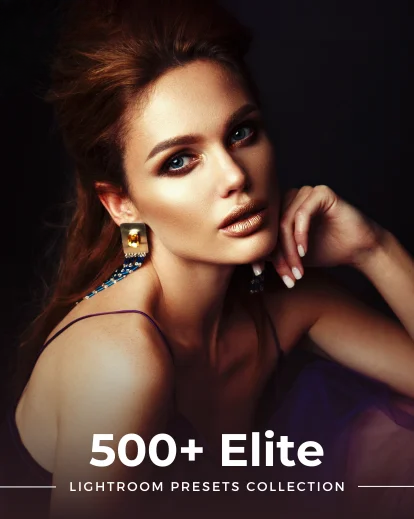
What's Included
Preset Categories - Vol 1
- 90+ Vintage Lightroom Presets
- 80+ Urban Lightroom Presets
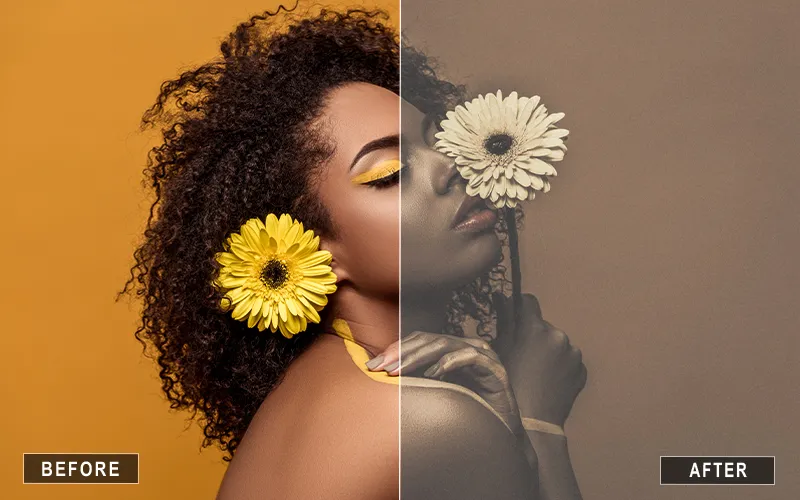
- 60+ Portrait Presets
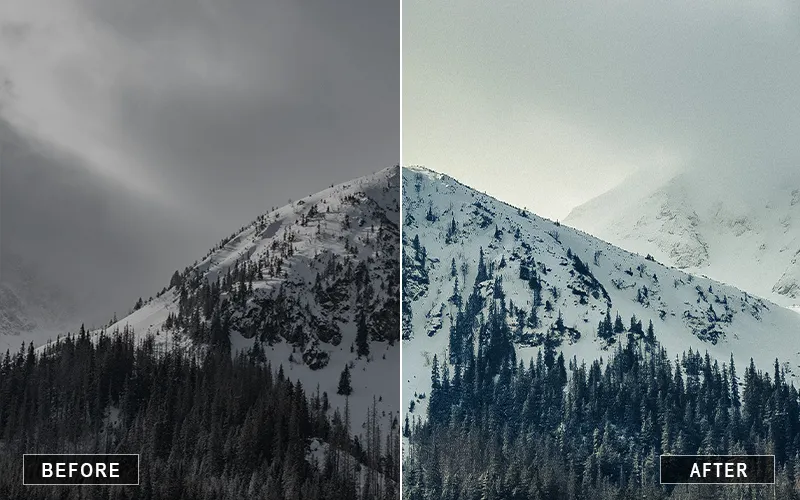
- 60+ Landscape Lightroom Presets
- 100+ Aesthetic Lightroom Presets
- 20 Simple Lightroom Presets
- 1 Natural Preset
Preset Categories - Vol 2
- 70+ Wedding Lightroom Presets For Mobile
- 100+ Magical Lightroom Presets
- 1 Snowy Lightroom Preset
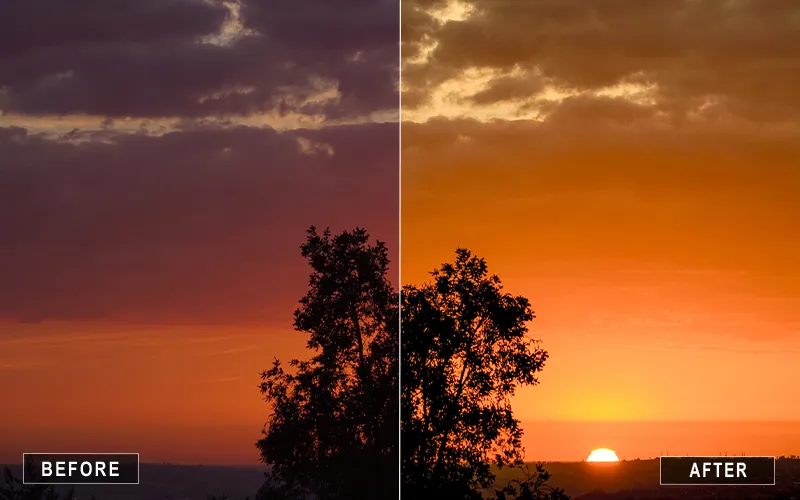
- 20 Sunset Lightroom Presets
- 20+ Black & White Mobile Presets
- 90+ Fabulous Lightroom Presets
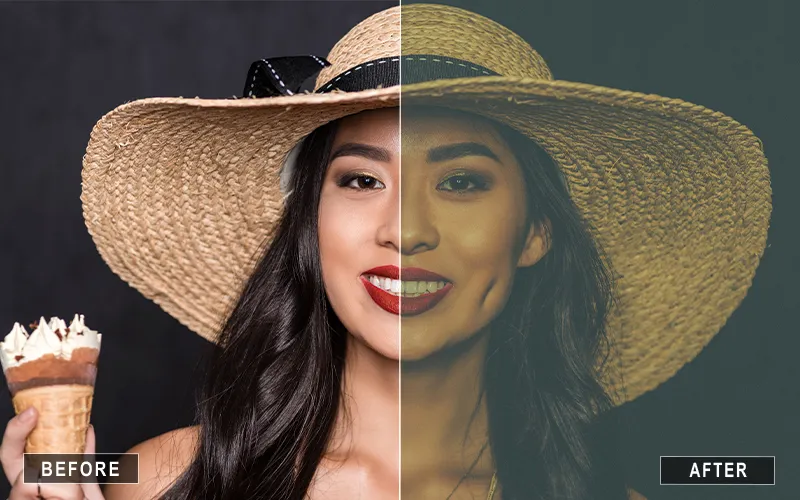
See It In Action
Watch how easy it is to transform your photos in seconds and get professional results.
- Apply in just one click
- Non-destructive workflow
- Fully adjustable to your style
- Works on any photo
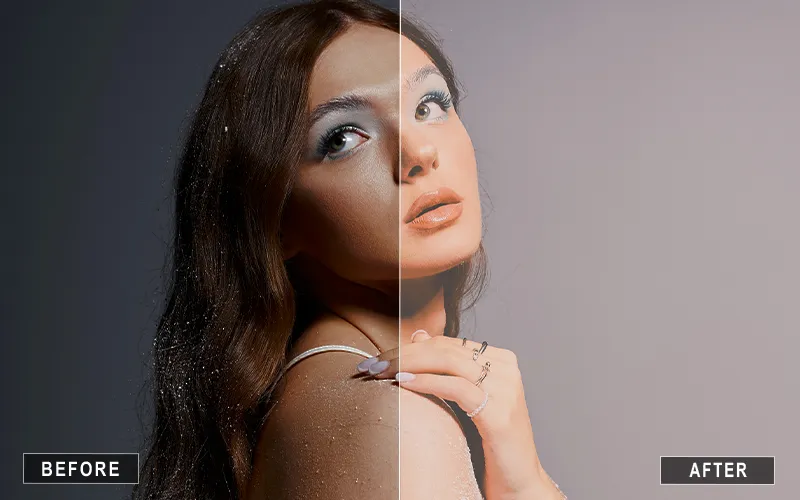
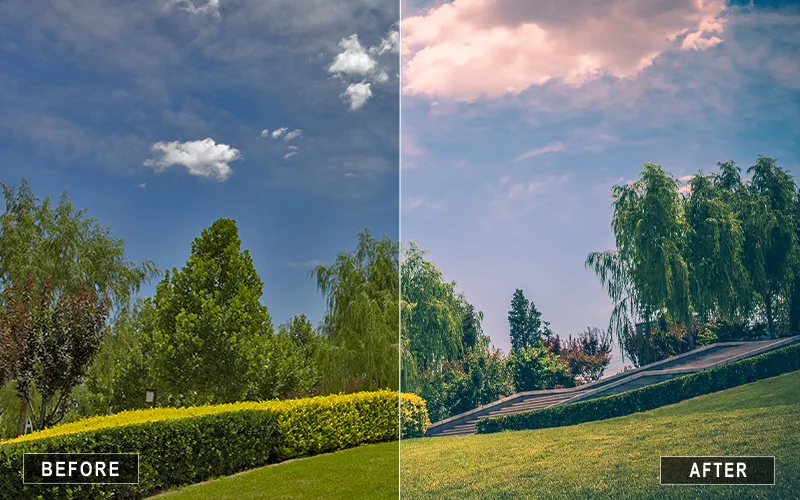
A Glimpse of the Results You Can Achieve
See how these presets can instantly transform your photos with just one click.
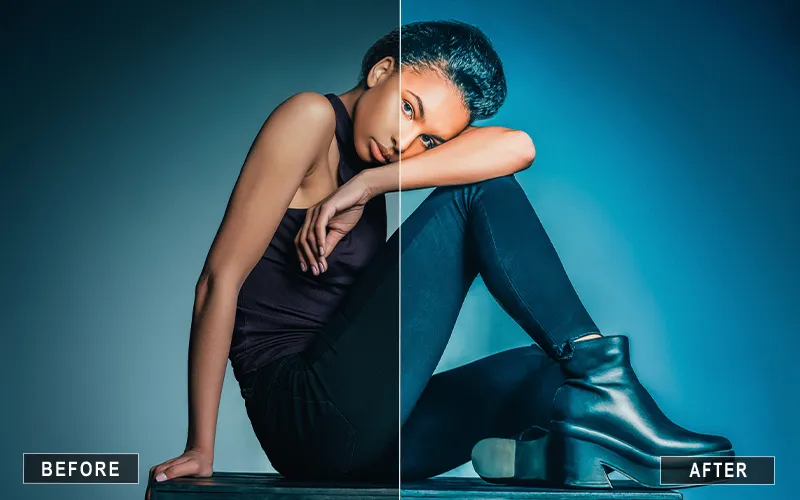
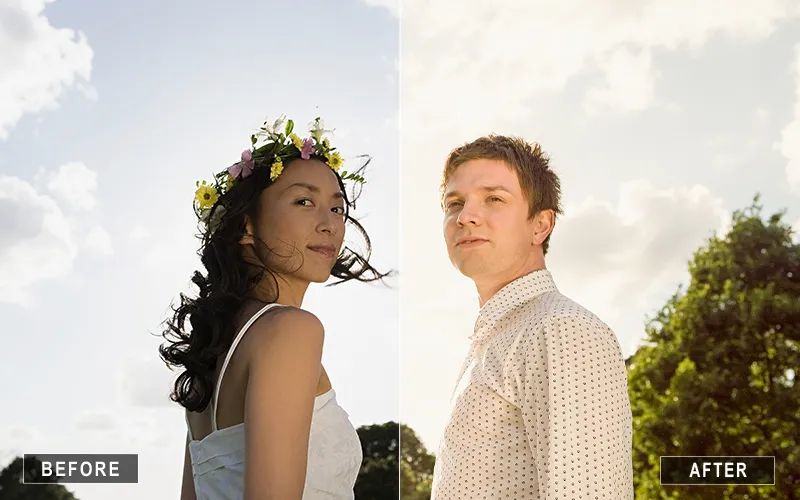
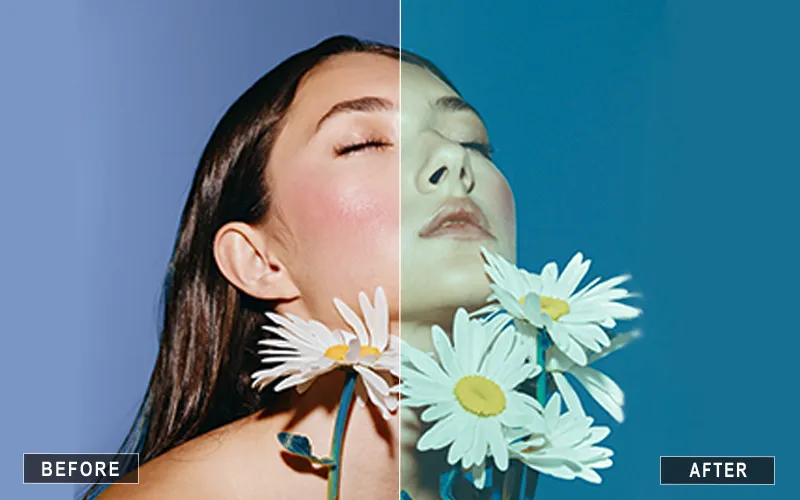
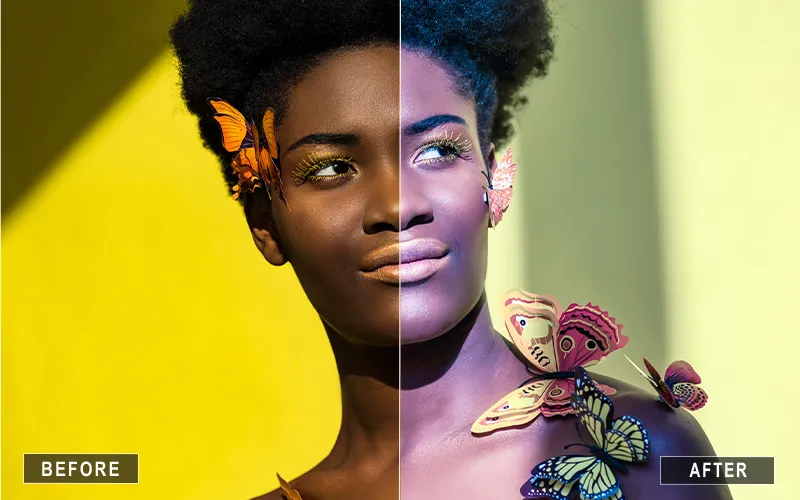
About this product
Transform your photos in seconds with this collection of 500+ Lightroom Mobile Presets. Whether you’re editing portraits, landscapes, travel photos, food, or social media content, these presets help you achieve professional-looking results with just a few taps.
Designed for beginners and professionals alike, the presets are easy to use and fully customizable, so you can create a look that matches your style. Save time on editing while giving your photos a polished, consistent finish.
Key Highlights
- 500+ presets in 13 different categories
- One-tap editing for quick, beautiful results
- Works with the free Lightroom Mobile app
- Fully customizable to match your editing style
- Compatible with both iOS and Android
- Suitable for beginners and professional photographers
- Create a consistent, eye-catching feed with ease
- Save hours of editing time
- Instant digital download
Works With

Lightroom Mobile
License & Usage
Photoshop masking is one of the most important skills for creating clean, professional-quality edits — but it’s also one of the most misunderstood.
In this masterclass, you’ll learn how masking actually works and how to use it in real editing scenarios.
Instead of relying on quick fixes or automated tools, you’ll understand how to:
- Isolate subjects with precision
- Clean up backgrounds without harsh edges
- Control light and color in specific areas of your image
- Learn how to use layer masks in Photoshop for precise, non-destructive editing
- Understand what a layer mask does and how it improves your workflow
This masterclass focuses on practical techniques used in professional workflows — so you can edit with more control, flexibility, and confidence.
Who It's For
Photoshop masking is one of the most important skills for creating clean, professional-quality edits — but it’s also one of the most misunderstood.
In this masterclass, you’ll learn how masking actually works and how to use it in real editing scenarios.
Instead of relying on quick fixes or automated tools, you’ll understand how to:
- Isolate subjects with precision
- Clean up backgrounds without harsh edges
- Control light and color in specific areas of your image
- Learn how to use layer masks in Photoshop for precise, non-destructive editing
- Understand what a layer mask does and how it improves your workflow
This masterclass focuses on practical techniques used in professional workflows — so you can edit with more control, flexibility, and confidence.
Frequently Asked Questions
Lightroom Mobile Presets are pre-made editing settings that instantly enhance your photos with just one tap.
No. These presets work with the free Lightroom Mobile app, though some features may require a premium subscription.
Yes. They work seamlessly on both iOS and Android devices.
Yes. Every preset is fully customizable. After applying a preset, you can fine-tune settings like exposure, contrast, highlights, shadows, saturation, and color balance to create a look that perfectly suits your photo.
These presets work well with a wide variety of images, including portraits, landscapes, travel, street photography, weddings, food, lifestyle, and social media content. The collection includes multiple categories to suit different photography styles.
Yes. You can use them to edit photos for both personal and client projects.
Not always. Lighting and camera settings vary, but you can easily fine-tune each preset for the best results.
Yes. You'll get instant access to download the presets immediately after purchase.
The bundle includes over 500 presets across 13 categories, featuring styles such as Vintage, Urban, Portrait, Landscape, Wedding, Aesthetic, Magical, Sunset, Black & White, Natural, and more, giving you plenty of creative options.
Yes. Using the same preset collection across your photos helps create a cohesive visual style, making your portfolio or social media feed look more professional and recognizable.

Reviews
There are no reviews yet.