


Photoshop Portrait Tutorials for Social Media Profiles
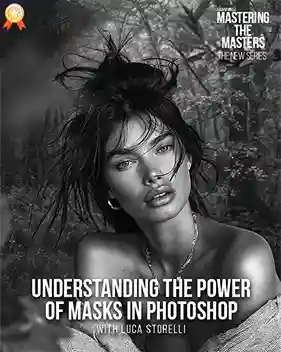
Sin City was a great movie. Everybody I knew in high school watched it. It was one of the most iconic films of the 2000s. In honor of the newest sequel, Phlearn has made a tutorial geared toward its most die-hard lovers. In it, you’ll learn how to make your portraits look like they belong in the film.
Now, before you start asking why you need to know this, let me tell you something about facebook. Everybody competes with everybody else on there. So if you want your friends and family to like you and comment on your statuses — or just generally pay attention to you — you need a better profile photo. This video, right here, is how you get that. Plus, you’ll learn a few tips about Photoshop you never knew about. But, seriously, it’s time to change your facebook profile with these photoshop portrait tutorials.
Enjoy!
Looking to improve your editing skills? This retouching learning path covers everything from basic enhancements to advanced editing workflows.
Via Phlearn.
Frequently Asked Questions
Q.1 How do you make a photo look like Sin City in Photoshop?
Ans. Start with a strong portrait and use Photoshop’s color, contrast, saturation, and tonal adjustment tools to create the distinctive dramatic look associated with the film. Selectively retaining or enhancing certain colors can make the effect more striking.
Q.2 How do you create a black-and-white portrait with selective color in Photoshop?
Ans. Convert the image to black and white, then use a layer mask or selection to reveal specific colors in chosen areas. This lets you create a mostly monochrome portrait with strategically highlighted colors.
Q.3 What Photoshop tools are useful for creating a cinematic portrait effect?
Ans. Adjustment layers, masks, selections, contrast controls, saturation adjustments, and color-correction tools are useful for building dramatic portrait effects. Combining these tools gives you greater control over which parts of the image stand out.
Q.4 Can beginners create a Sin City-style effect in Photoshop?
Ans. Yes. The effect is a useful Photoshop exercise for beginners because it introduces practical skills such as color manipulation, contrast adjustments, selections, and working with layers and masks.
Q.5 How do you make a portrait look more dramatic in Photoshop?
Ans. Increase tonal contrast, control the highlights and shadows, simplify distracting colors, and selectively emphasize important elements of the portrait. These adjustments can give an ordinary portrait a more dramatic, cinematic appearance.