Access ALL masterclasses with PhotoWhoa PLUS
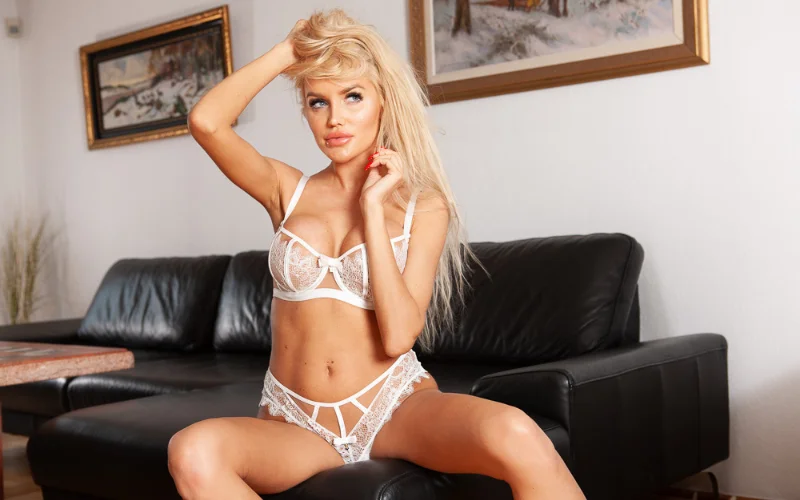
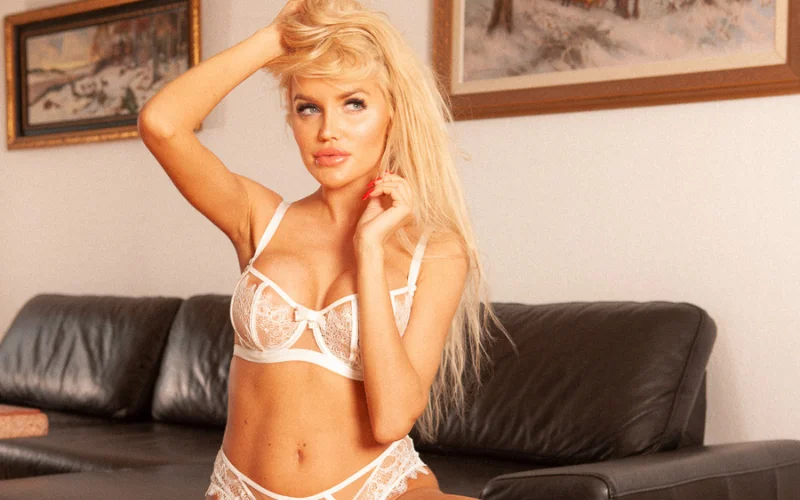
Remove imperfections without losing texture or looking over-edited.
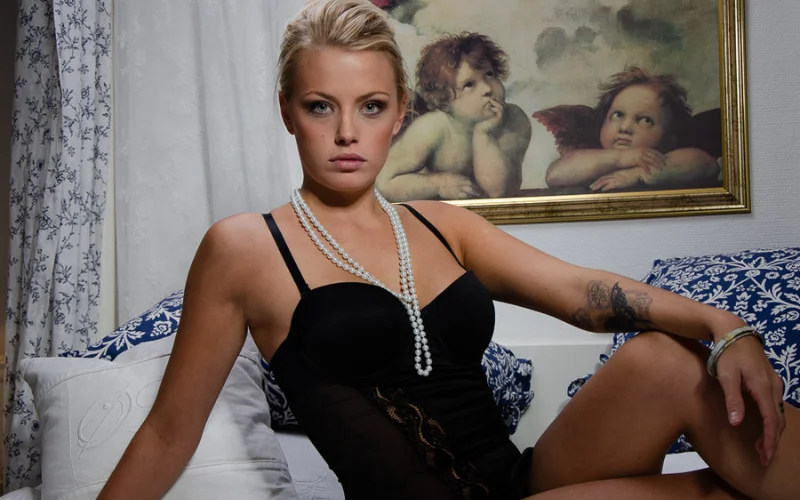
Correct and enhance highlights, shadows, and exposure to create sensual, beautifully lit boudoir images.
Apply custom presets and a repeatable workflow to deliver consistent, professional results for every client.
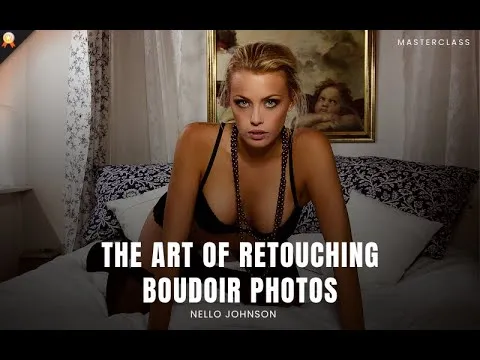
You won’t just learn how to retouch – you’ll build a complete boudoir photography editing system that saves time, raises your quality, and creates a style that’s unmistakably yours.

focused lessons designed for practical application. Each lesson builds on the previous, taking you from fundamentals to advanced techniques.
Class Material Included
Nello Johnson is a professional photographer who specializes in skin retouching photography. He also works in glamor photography. On PhotoWhoa, he is offering his product - Glamour Retouching Photoshop panel- at a discounted price.
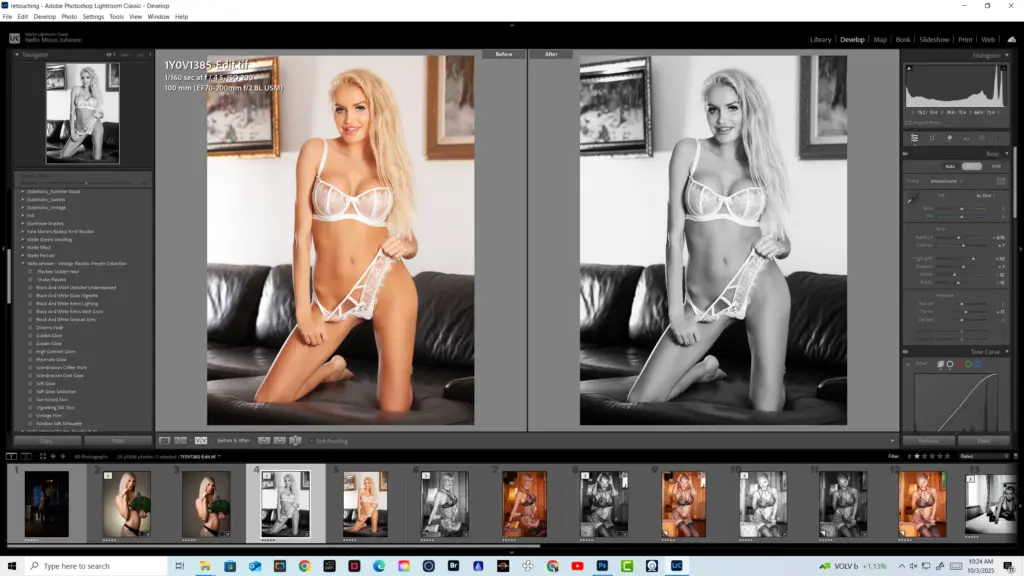
View instructor’s classesYou’ll need Adobe Lightroom and Adobe Photoshop: preferably the latest versions. The course also includes Lightroom presets, a Photoshop retouch panel, and 900+ practice images so you can follow along easily without needing additional software or plug-ins.
Boudoir retouching focuses on subtlety, mood, and artistry. It requires enhancing sensuality while maintaining natural beauty. Unlike standard portrait retouching, this style demands precise control over skin tones, lighting, and body contours.
Yes. You’ll get two exclusive preset collections, Playboy Boudoir Black & White and Vintage Playboy, plus the My Glamour Professional Retouch Panel for Photoshop. These tools help you achieve magazine-quality results in less time.
Yes. While designed for boudoir and glamour photography, these presets also work beautifully for portrait, lifestyle, and fashion shoots. You can customize them to match your creative vision and save them as your own style presets.
No, you don’t really need advanced Photoshop skills for this boudoir retouching course. However, it’s beneficial to familiarize yourself with basic Photoshop tools beforehand - this will help you catch on faster and get the most out of the course.
A professional workflow includes culling in Lightroom, basic adjustments (exposure, white balance), followed by detailed skin and body retouching in Photoshop. This course teaches a streamlined portrait retouching workflow from import to final export.
Use techniques like frequency separation and dodge & burn to smooth skin while preserving natural texture. The goal of retouching boudoir photos is enhancement.
Using presets, actions, and retouch panels can significantly reduce editing time. This course provides tools to optimize your boudoir editing workflow efficiently.
You can correct exposure, highlights, and shadows in Lightroom, then refine with dodge & burn in Photoshop for a polished image retouching result.
Basic edits can be done in Lightroom, but advanced boudoir photography editing like skin retouching and detailed corrections require Photoshop.
Unlock this masterclass and 70+ more for one low annual price
/year
Price locked once you subscribe. Cancel anytime.
Get instant access to ALL masterclasses with PhotoWhoa PLUS
Join photographers worldwide improving their skills with PhotoWhoa PLUS
