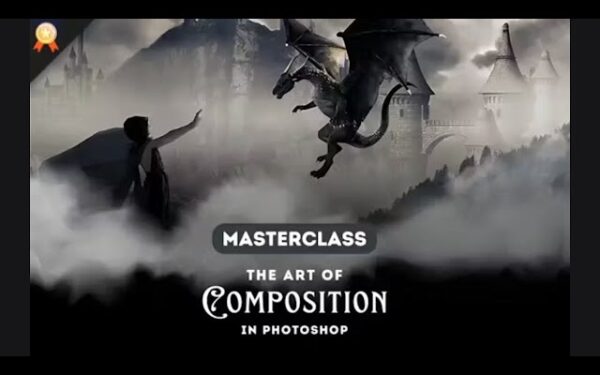
The Art Of Compositing In Photoshop
Photography Masterclasses

The Art Of Compositing In Photoshop

Turn simple images into cinematic, surreal visuals with clean, realistic photoshop photo composite techniques.
2.3 hours
15 Lessons
Practice Files

Access ALL masterclasses with PhotoWhoa PLUS

What You'll Be Able To Create

Push your creative boundaries through compositing and crafting compelling visual stories.

Cinematic Photo Composites

Combine multiple images into one seamless photoshop photo composite

Realistic Scene Blends

Match light and color using color grading in Photoshop techniques

Creative Digital Artwork

Turn ideas into visuals through these practical compositing techniques
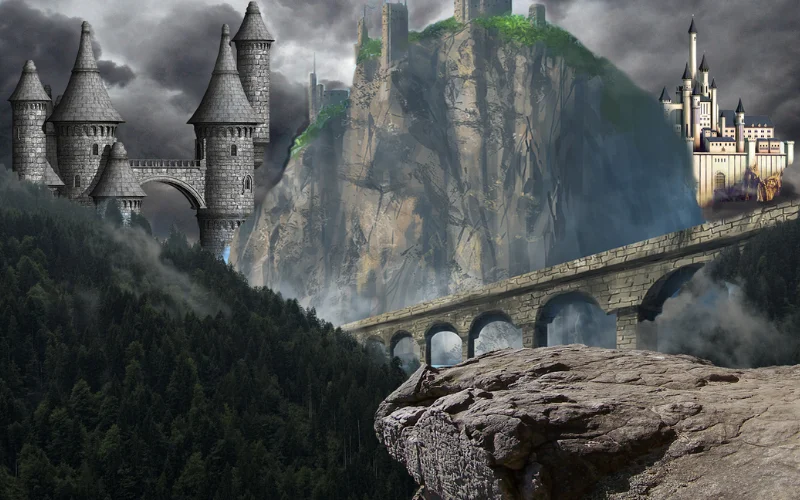
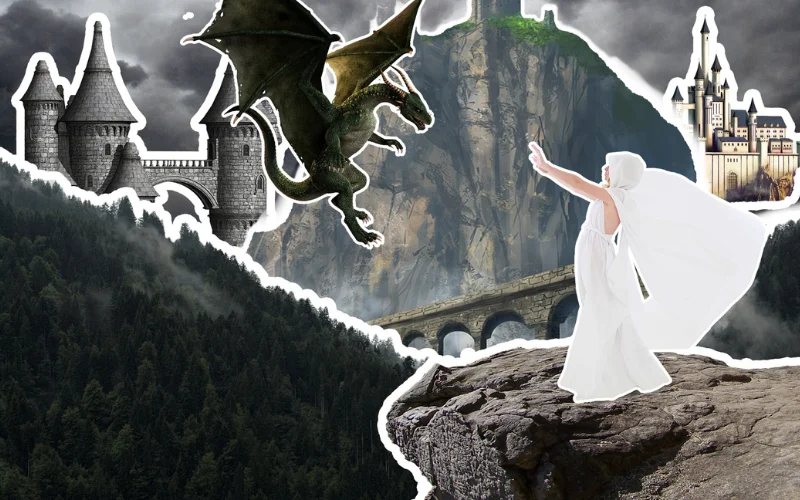
This Is What Your Compositions Could Look Like

Create striking, story-driven composites that blend multiple images into one seamless, realistic scene.
Before-and-after example showing how to make a composite photo using advanced techniques from a photo compositing tutorial.
A surreal photoshop photo composite demonstrating techniques from a photo compositing course to help you create visually striking images.
Creative scene blending multiple images seamlessly using skills taught in this photography composition class.

What This Photoshop Compositing Masterclass Is About

Compositing might look complex—but once you understand the process, it becomes one of the most powerful creative skills in Photoshop. This photo compositing tutorial breaks everything down into simple, practical steps. Instead of guessing how things work, you’ll learn a clear system you can follow every time.

Inside, you’ll learn how to:

  • Understand what is compositing and how to apply it
  • Combine multiple images into one seamless frame
  • Use selection tools for precise image extraction
  • Apply color grading techniques for consistency
  • Use blending modes to make your edits look natural

By the end, you’ll know exactly how to make a composite photo from start to finish.
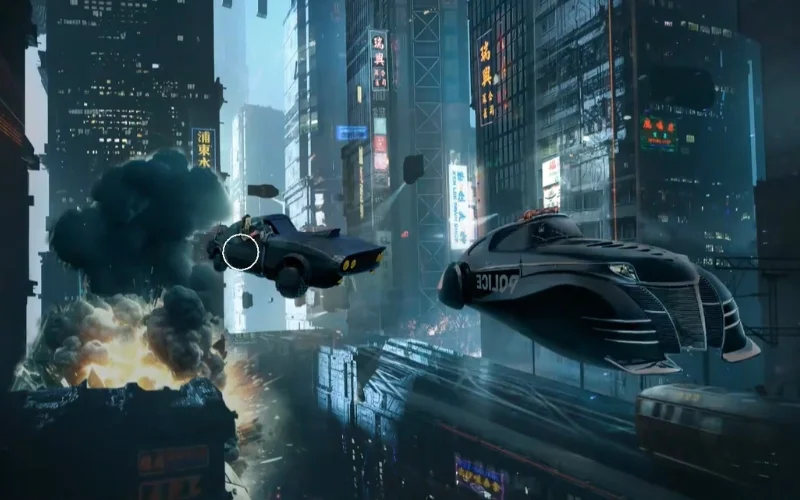
What You'll Learn In This Photo Compositing Tutorial

Combine, blend, and refine images with precision, so your composites look professionally crafted every time.
Step-by-step visual explaining what is compositing and how it transforms ordinary images into powerful digital art.
What is compositing and how it works in real projects
How to make a composite photo from multiple images
Advanced selection techniques for precise image extraction
How to use layer blending modes in Photoshop effectively
Color correction and matching for cohesive composites

Lessons Breakdown

focused lessons designed for practical application. Each lesson builds on the previous, taking you from fundamentals to advanced techniques.

lesson 1

Masterclass: The Art Of Compositing Introduction

2m 49s
lesson 2

Masterclass: The Art Of Compositing Lesson 1

2m 44s
lesson 3

Masterclass: The Art Of Compositing Lesson 2

2m 52s
lesson 4

Masterclass: The Art Of Compositing Lesson 3

4m 25s
lesson 5

Masterclass: The Art Of Compositing Lesson 4

6m 51s
lesson 6

Masterclass: The Art Of Compositing Lesson 5

3m 47s
lesson 7

Masterclass: The Art Of Compositing Lesson 6

14m 43s
lesson 8

Masterclass: The Art Of Compositing Lesson 7

27m 10s
lesson 9

Masterclass: The Art Of Compositing Lesson 8

17m 0s
lesson 10

Masterclass: The Art Of Compositing Lesson 9

20m 58s
lesson 11

Masterclass: The Art Of Compositing Lesson 10

7m 56s
lesson 12

Masterclass: The Art Of Compositing Lesson 11

13m 31s
lesson 13

Masterclass: The Art Of Compositing Lesson 12

6m 17s
lesson 14

Masterclass: The Art Of Compositing Lesson 13

8m 19s
lesson 15

Masterclass: The Art Of Compositing Lesson 14

1m 9s

Who Is This Compositing Masterclass For?

  • Beginner Photographers — Go beyond single images and start creating powerful, story-driven visuals
  • Photo Editors — Level up your skills with better masking, blending, and color control
  • Photoshop Users — Move past basic edits and learn how to create complete, polished composites
  • Digital Artists — Turn ideas into striking visuals using a clear, repeatable workflow
Mac Moses Michael
Expert Instructor

Mac Moses Michael

Mac Moses Michael is a dedicated, self-taught digital artist with a deep passion for creating art through technology. His work is inspired by portraiture, science fiction, and fantasy, aiming to transport viewers to imaginative new worlds. With years of experience and constant experimentation, Mac has honed his craft to push creative boundaries. Remembering the challenges he faced as a beginner, he now teaches aspiring artists, helping them overcome early struggles and guiding them toward success in their own artistic journeys.

View instructor’s classes

Frequently Asked Questions

The author provides a comprehensive explanation of photo compositing and offers step-by-step guidance on how to execute it.

In this masterclass, you'll learn how to perform color grading in Photoshop through a detailed, step-by-step guide.

Yes, after completing this course, you will be an expert at blending images together in any kind of picture editing program to composite images.

Blending images is a crucial aspect of photo compositing, allowing you to understanding the blending modes on Photoshop and use separate images into a cohesive final image.

In this masterclass, you'll learn how visual artist Mac Moses uses Photoshop to merge many pictures to create an image that pushes the imagination.

Beginners should start with basic selections, masking, and layer management. This photography composition class walks you through these fundamentals step by step, making it easy to get started.

Key tools include layer masks, selection tools (like Pen Tool and Quick Selection), blending modes, and adjustment layers. This course shows how to use Photoshop efficiently for compositing.

Color grading helps unify different elements into a single visual style. This course includes a color grading tutorial to ensure your composites look cohesive and professional.

Yes, this course is beginner-friendly and covers how to use Photoshop from scratch, making it accessible even if you’re new to editing.

You can create fantasy scenes, cinematic visuals, advertising images, and artistic compositions. This course shows how to transform creative ideas into reality.

Get PhotoWhoa PLUS

Unlock this masterclass and 70+ more for one low annual price

What's included:

$99

/year

Price locked once you subscribe. Cancel anytime.

Get instant access to ALL masterclasses with PhotoWhoa PLUS

In-Depth Classes
1 +
Hours of Practical Training
1 +
Expert Instructors
1 +

Join photographers worldwide improving their skills with PhotoWhoa PLUS

Become a PhotoWhoa Charter Plus Member

Access With Plus