Access ALL masterclasses with PhotoWhoa PLUS
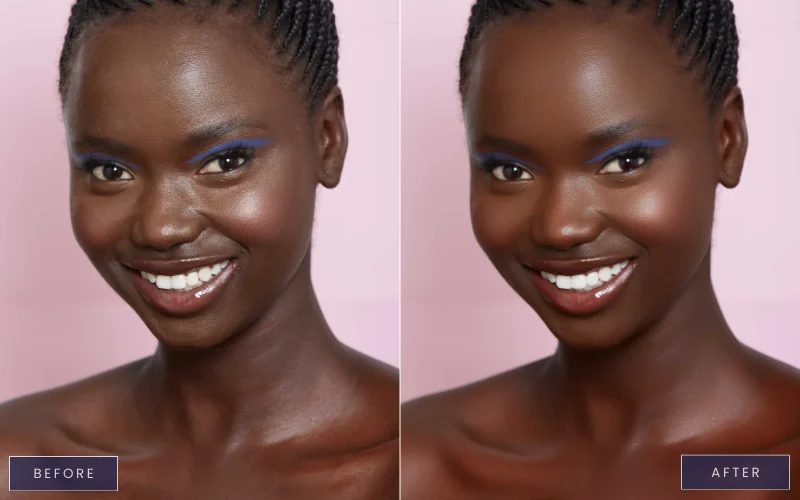
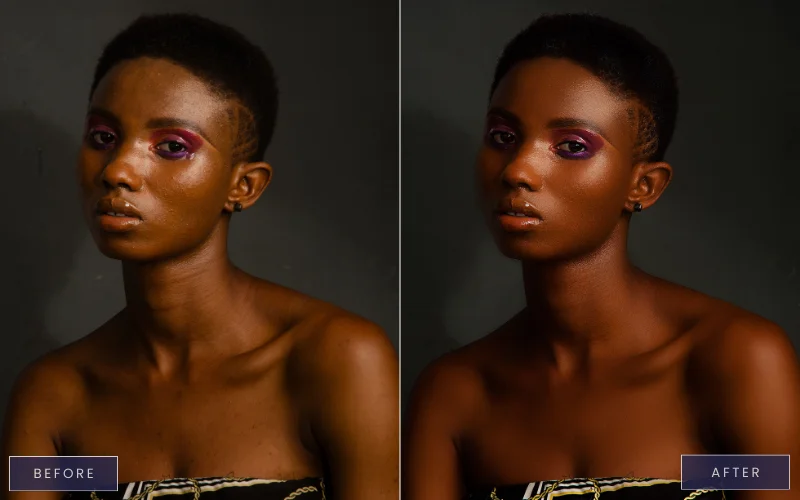
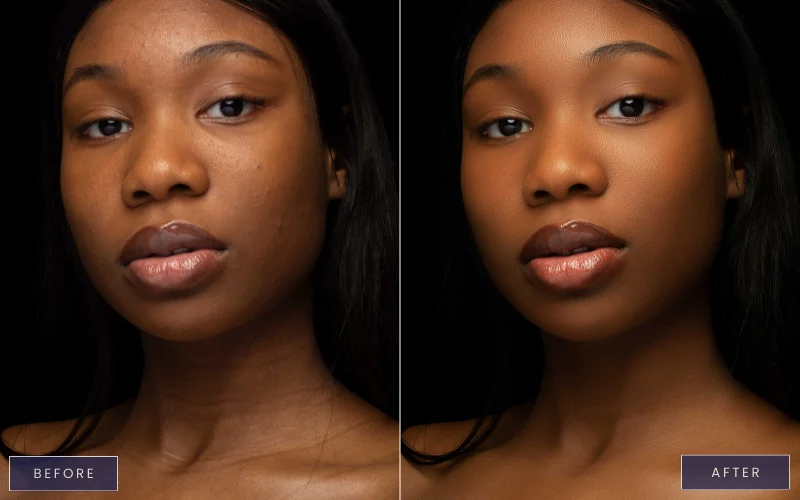
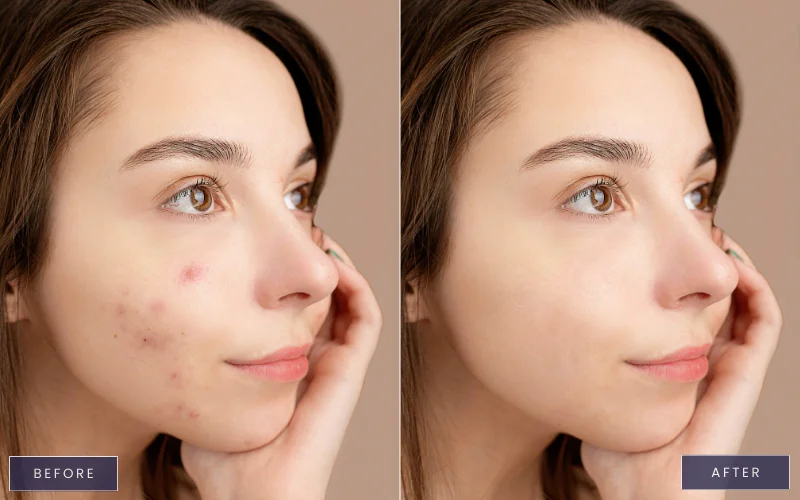
Smooth skin while preserving natural texture and depth
Correct highlights and undertones without making skin look ashy or over-processed
Enhance eyes, lips, and expressions with precision
Fix flyaways, shape eyebrows, and refine details naturally
Create polished, high-end images ready for clients or editorial use

focused lessons designed for practical application. Each lesson builds on the previous, taking you from fundamentals to advanced techniques.
Class Material Included
Nello Johnson is a professional photographer who specializes in skin retouching photography. He also works in glamor photography. On PhotoWhoa, he is offering his product - Glamour Retouching Photoshop panel- at a discounted price.
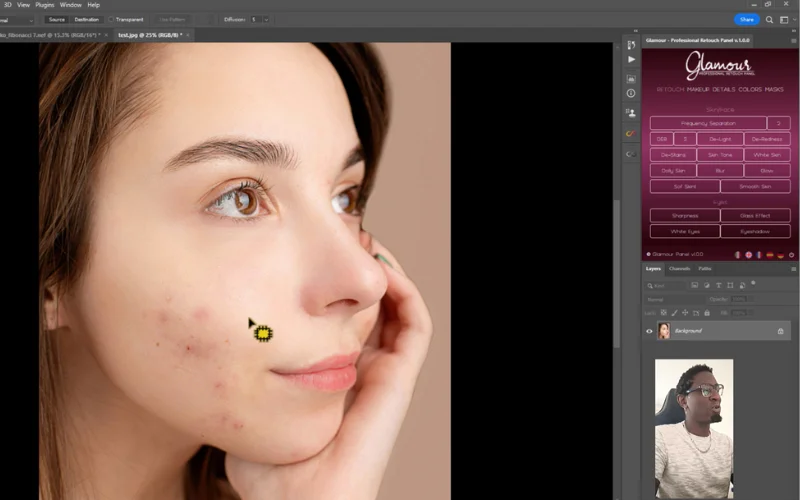
View instructor’s classesThe panel is demonstrated in the course; installation and usage are shown. But no, the panel is not included in the masterclass.
Skin retouching in Photoshop uses techniques like frequency separation, dodge & burn, blemish removal, and color correction. These methods help preserve natural texture while correcting tones, removing imperfections, and achieving a polished, professional look.
To retouch black skin in Photoshop, focus on preserving undertones and natural texture. Use frequency separation to balance tone and texture, apply dodge & burn for subtle shaping, correct color casts, and avoid over-smoothing. Custom panels and plugins, like those shown in the Dark Skin Retouching Masterclass, speed up the process while keeping results realistic and professional.
The course is designed for Adobe Photoshop CC (Creative Cloud). For best performance, use Photoshop CC 2019 or later, as the plugins and panels demonstrated work best with newer versions.
Basic knowledge of Photoshop layers and tools is helpful, but not mandatory. The course starts with foundational modules (organizing and prepping images) and gradually moves to advanced techniques like frequency separation, dodge & burn, blemish removal, and color correction. Beginners can learn step by step, and advanced users will pick up new workflows and pro shortcuts.
Photoshop skin retouching for dark skin requires careful handling of undertones, highlights, and texture to avoid ashy or unnatural results, which this course teaches in detail.
Yes, by following the workflow taught in this course, you’ll be able to create high end skin retouching results suitable for professional and commercial use.
Yes, the course includes RAW files so you can follow along with the skin retouching video and practice the exact techniques shown.
By mastering photoshop skin retouching and photoshop face retouching, you’ll be able to create clean, natural, and professional-quality portraits consistently.
Yes, it’s designed for beginners and intermediate users.
Unlock this masterclass and 70+ more for one low annual price
/year
Price locked once you subscribe. Cancel anytime.
Get instant access to ALL masterclasses with PhotoWhoa PLUS
Join photographers worldwide improving their skills with PhotoWhoa PLUS