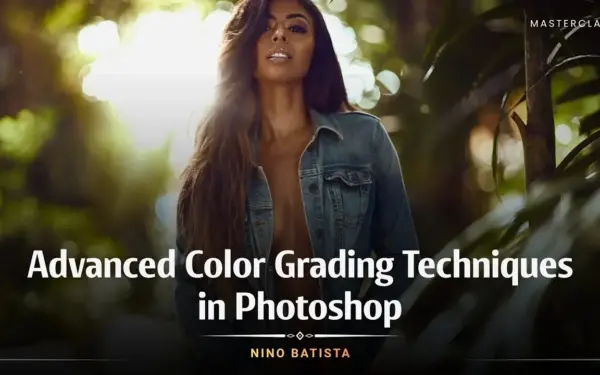
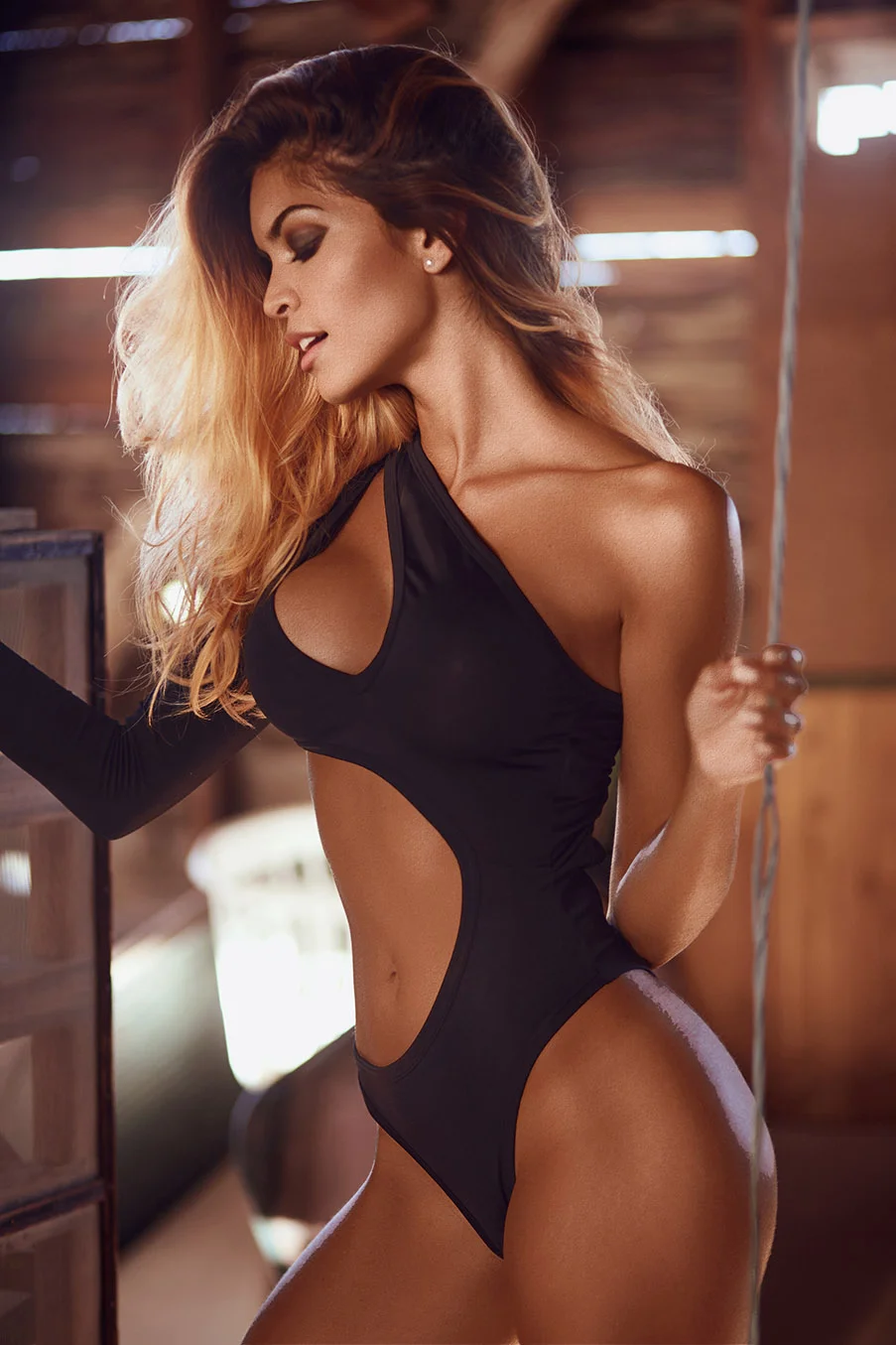
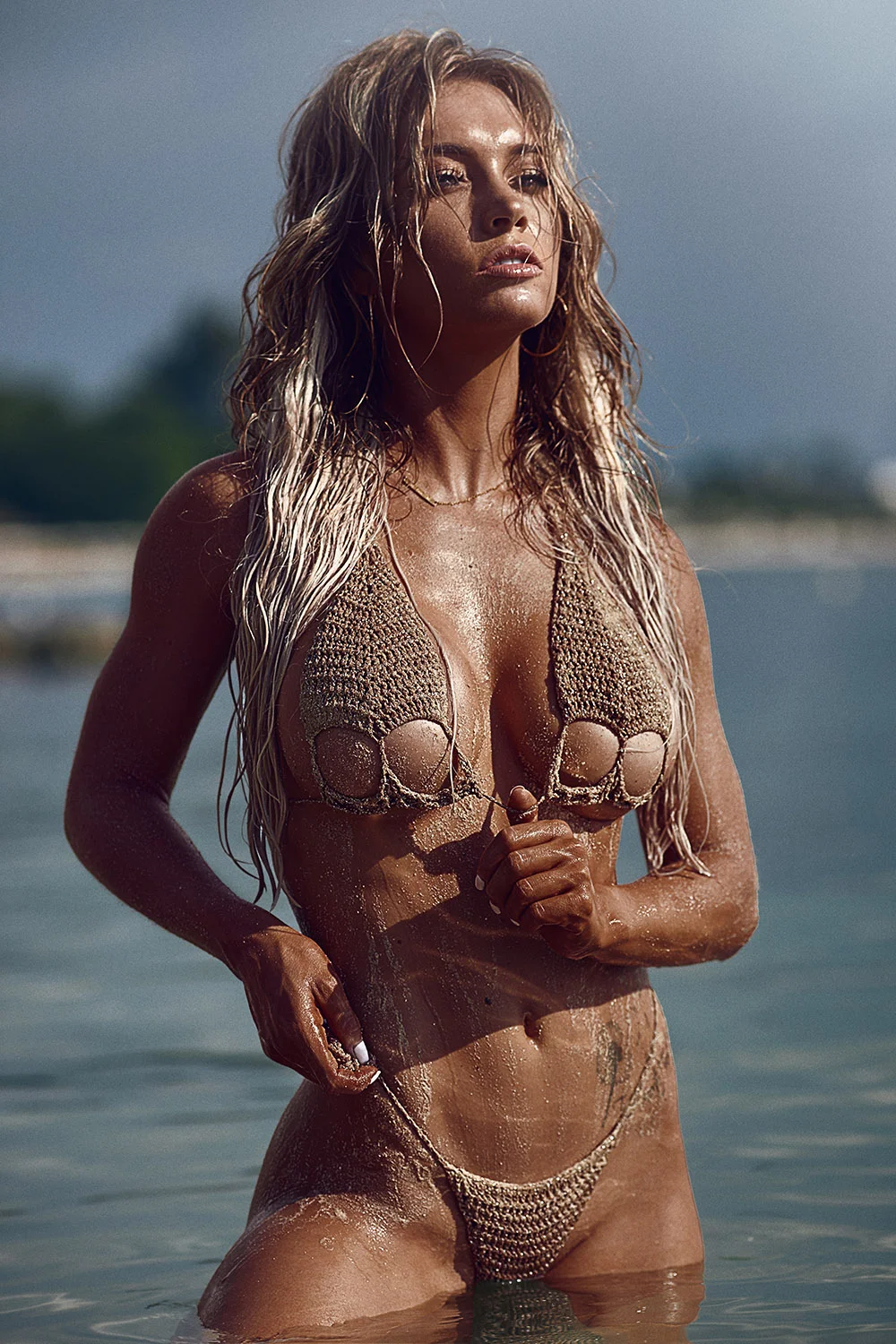
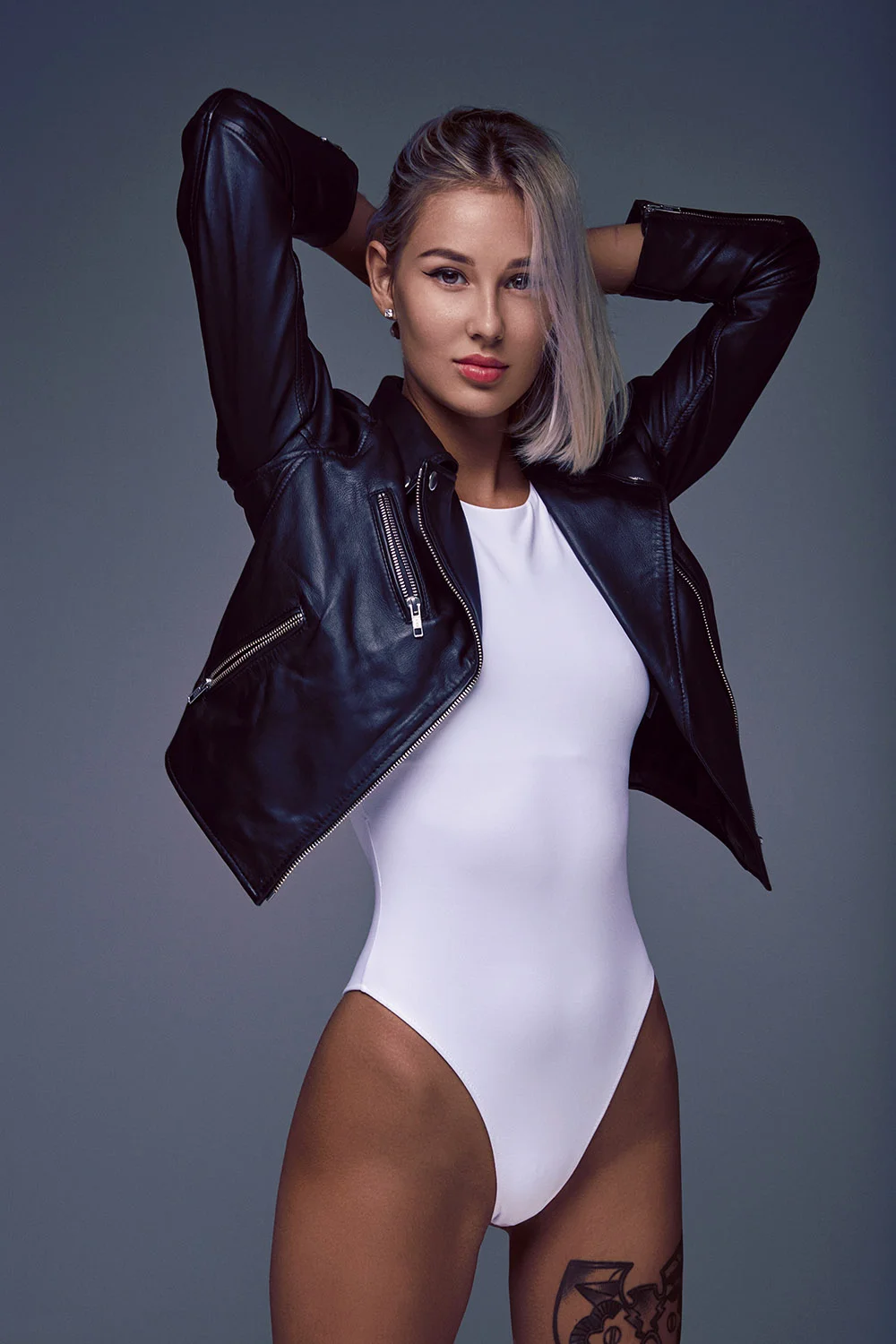

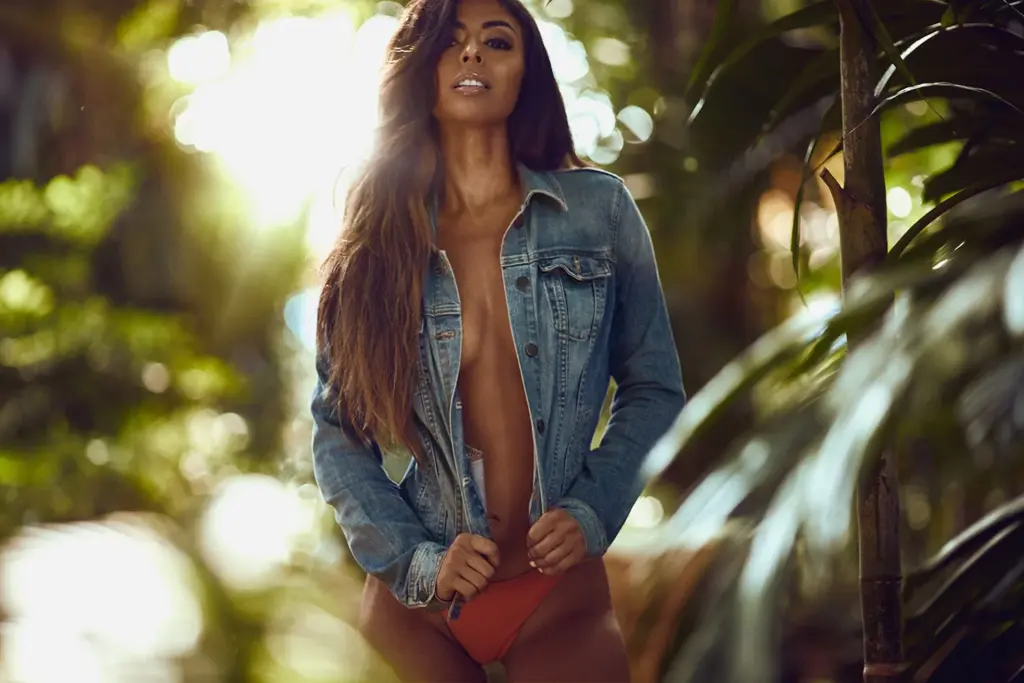

Enhance Your Work with An Exclusive Color Grading Tutorial
Color grading is one of the essential skill that every photographer must know and must invest in learning.
This colour grading course is a valuable opportunity to improve your colour grading skills and start producing more appealing and pleasing images for clients and other personal or commercial purposes.
In this great , the instructor shares his favourite techniques, exclusive colour grading philosophies, and unique methods you can leverage to get amazing results.
Under the guidance of Nino Batista, this color grading Photoshop class has everything you need about this skill. He ensures that the tutorial contains all the knowledge for seasoned and professional beginners.
According to Nino, “When the colors in your images do not complement, they look chaotic, like a disaster waiting to happen.” Thus, the tutor addresses the basic concept of color grading, which you can take and upskill yourself now.
Don’t wait anymore. Elevate your editing skills with this best color grading course by Nino Batista.
Create Such Beautiful Color Graded Images using Photoshop
Why Give This Color Grading Course A Try
This concise tutorial is by far one of the best. The color grading tutorial instructor is an expert with years of experience, and each tutorial section contains vital information that can help you improve.Â
The Photoshop color grading masterclass is designed in such a way that you can easily grasp the information in it and practice it on your own to get better.
This exclusive course’s value matches the effort you invest in improving your color grading skills
Frequently Asked Questions
Yes, color grading is easy to learn, especially with this course by Nino Batista as we explains all aspects of this editing technique.
Color correction fixes color issues to make an image look natural and balanced. Color grading is creative and changes the overall tone and feel of the image. This masterclass cover Color grading.
Â
Yes. You’ll learn techniques to create your own color grades that you can save and apply to future projects.
Absolutely. Whether it’s portraits, landscapes, fashion, or product photography, you can use these color grading techniques to enhance your images.
No. This course uses Photoshop’s built-in adjustment layers and tools, so no extra plugins are necessary.
Yes. Instructor Nino Batista will share smart tricks to apply consistent color grading across multiple images efficiently in this color grading course.


Reviews
There are no reviews yet.



